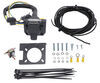
To see if this custom-fit item will work for you please tell us what vehicle you'll use it with.

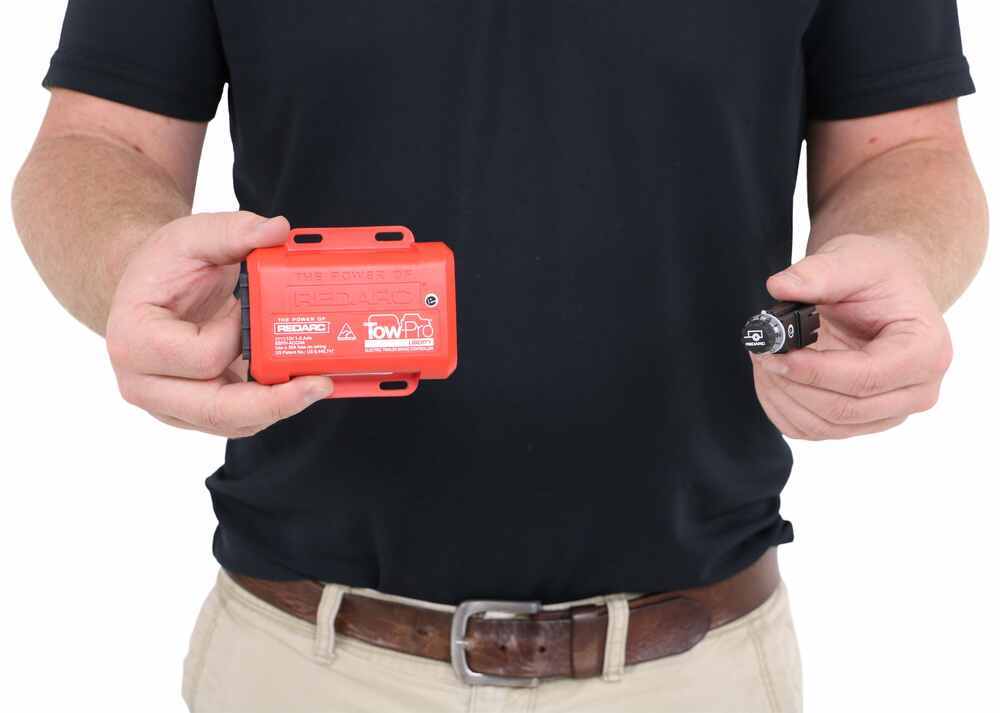
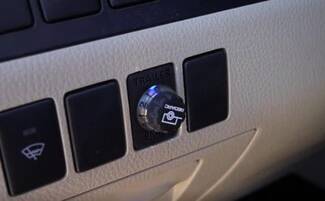
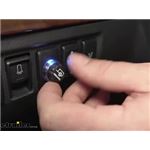
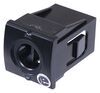
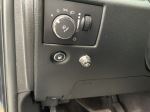
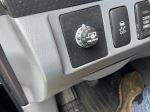
This is one of our favorite brake controllers, with flawless braking and a tiny dash knob that looks like it came straight from the factory. It's so easy to adjust your settings or activate manual override.
Features:
Specs:
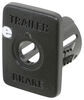
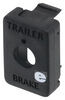
Note: Pick up a universal mounting panel to give your installation a professional look! 331-TPSI-001 - sold separately
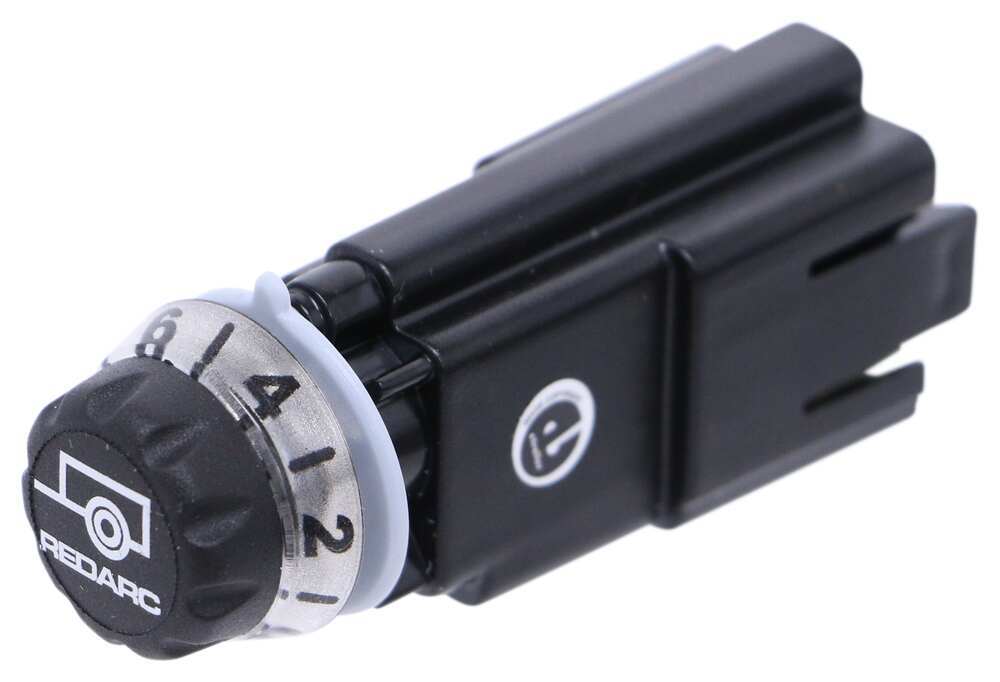
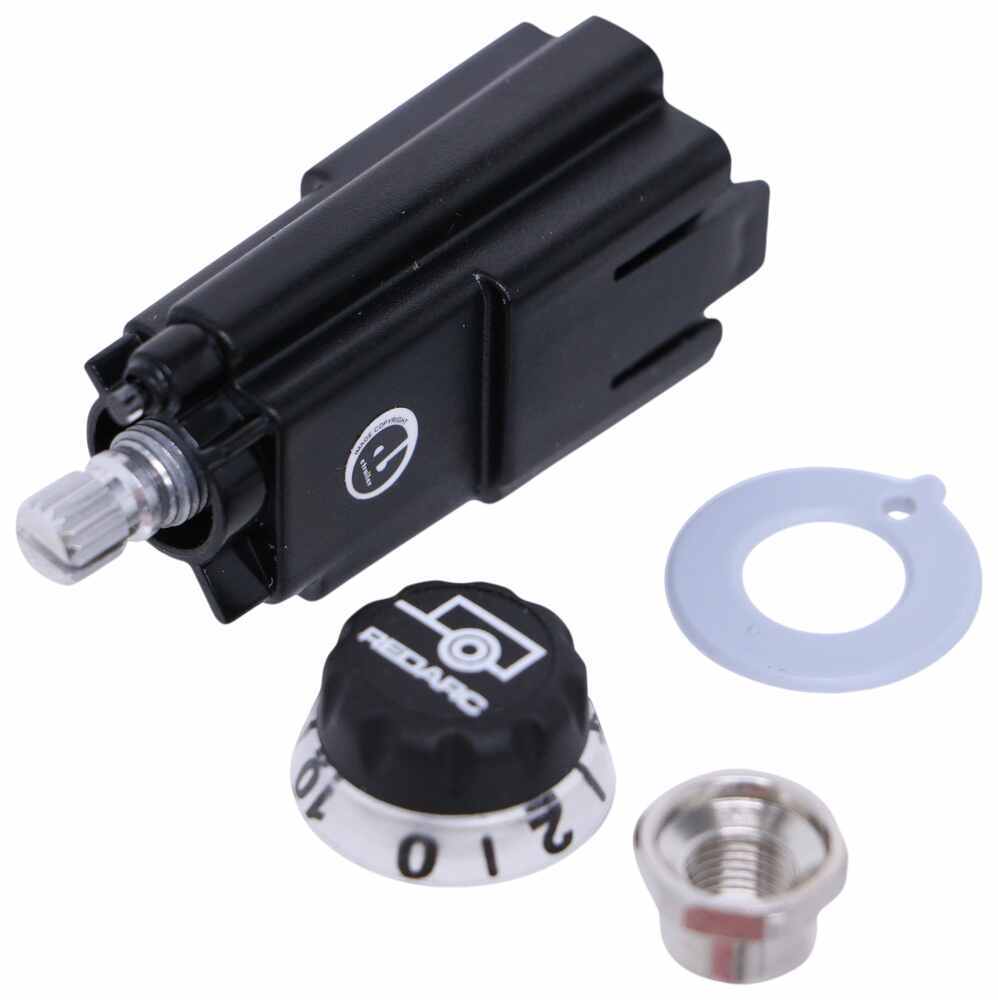
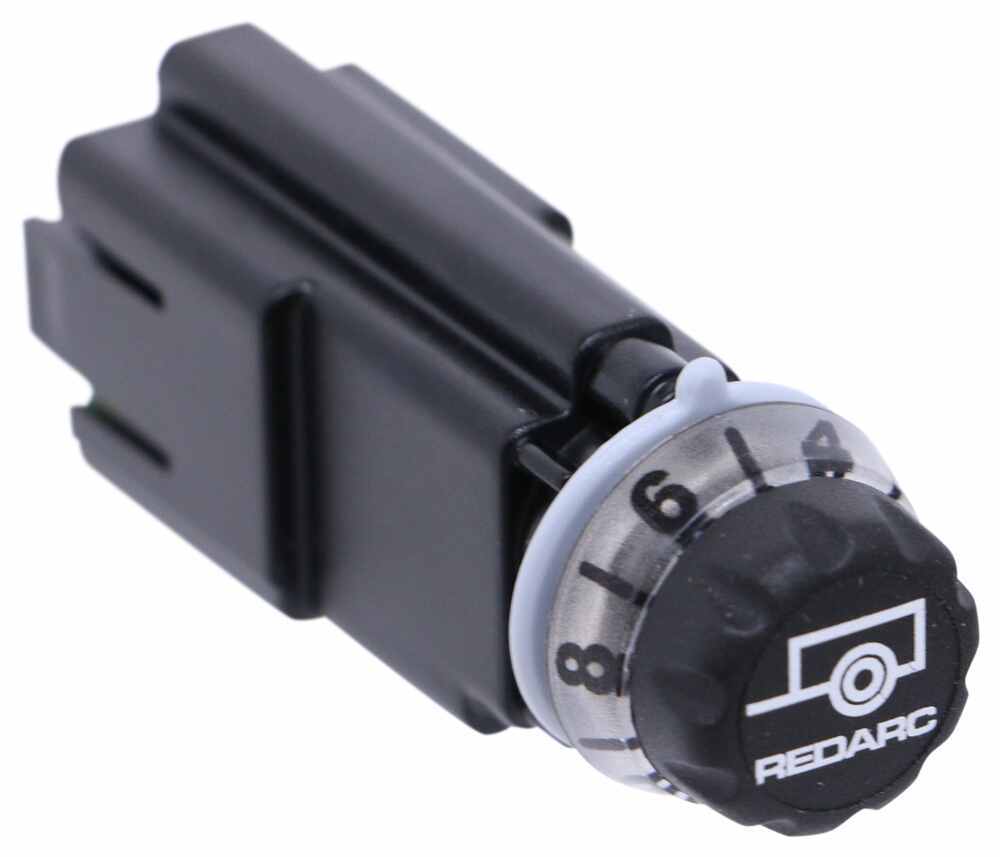
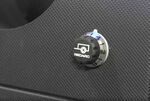
Adjusting the braking settings on the Tow-Pro Liberty is super simple. To get more power output - the maximum amount of power that will be applied to your trailer's brakes - rotate the knob clockwise toward 10. To decrease the power output, rotate it counterclockwise toward 0.
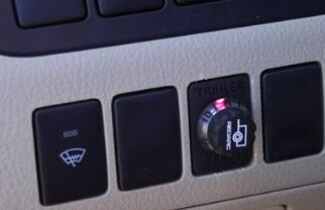
When you apply the tow vehicle's brakes, the knob will change from blue to red to signal that the trailer brakes are being activated. The higher the braking power output, the deeper the red that you will see.
To engage manual override, simply press the control knob. This will activate the trailer's brakes and brake lights independent of your tow vehicle, great for stopping sway or controlling your trailer's momentum in an emergency.
When you are calibrating the brake controller for the first time, the LED lights will signal your progress.
You'll start by braking 20 times or so to let the unit learn its orientation and the direction of travel. You don't need to have a trailer connected for it to calibrate; the only difference is that the knob won't illuminate at all. If your trailer is connected, the LED light will flash green/blue as it calibrates. When the display turns solid blue, initial calibration is complete.
Once done, the unit will remain calibrated. If recalibration is required, it will happen automatically and without LED indication.
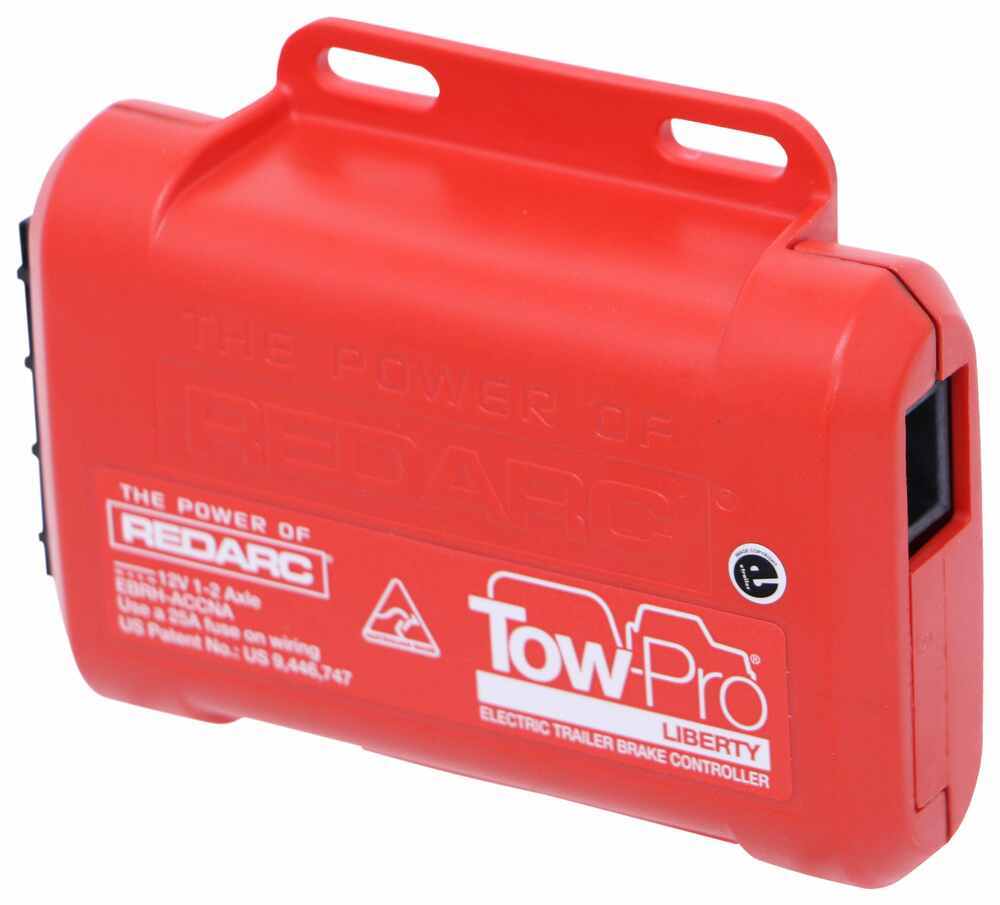
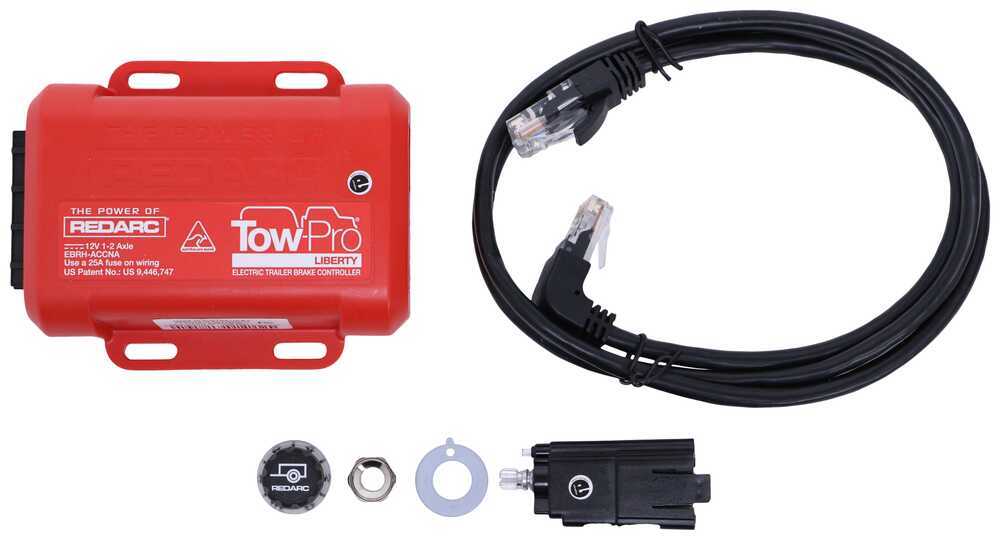
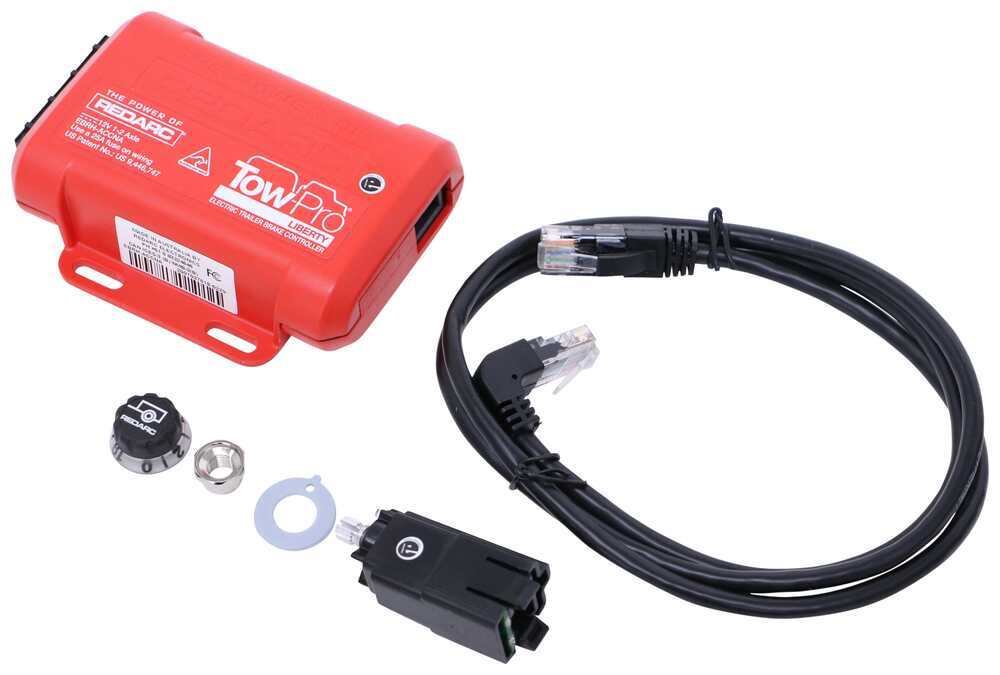
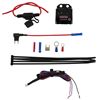
The Liberty has almost no mounting restrictions. It comes in 2 pieces: the main unit and the control knob. The main unit mounts out of sight and out of the way. You don't have to worry about dinging your knee on a bulky brake controller or interfering with your vehicle's airbags.
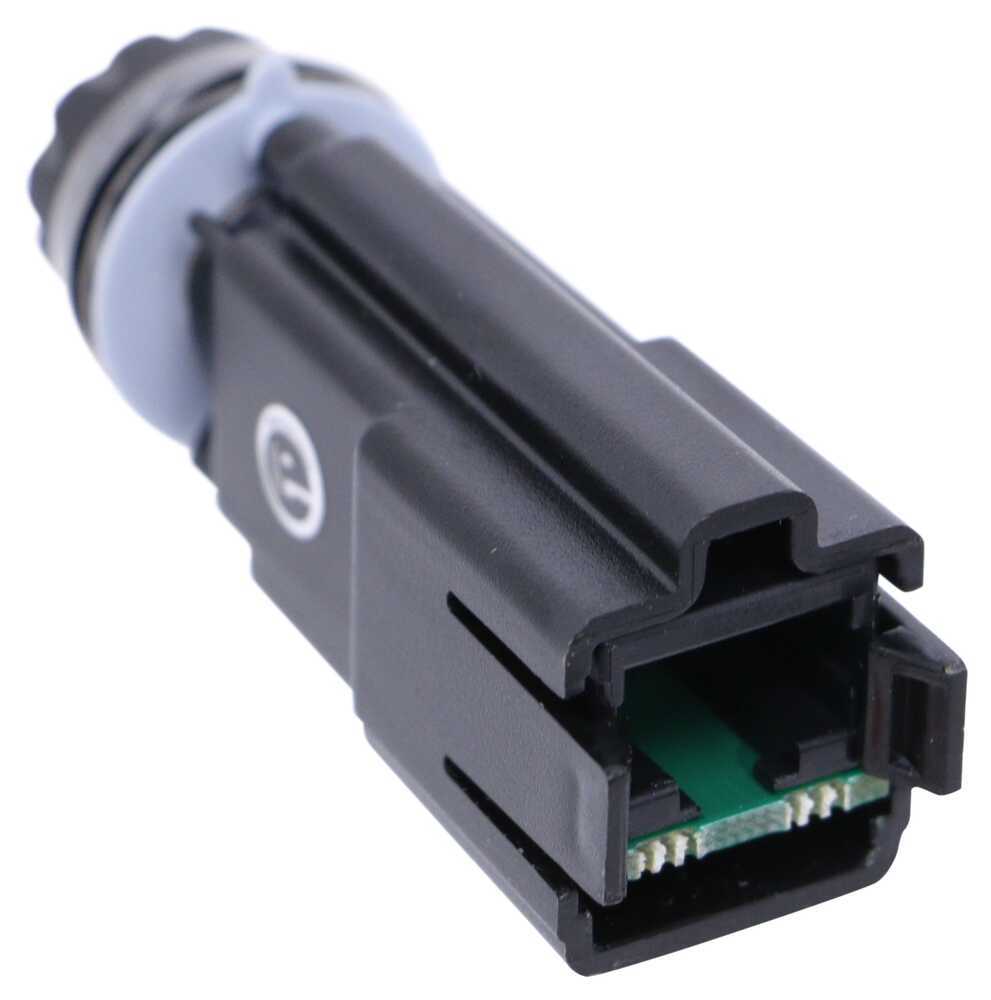
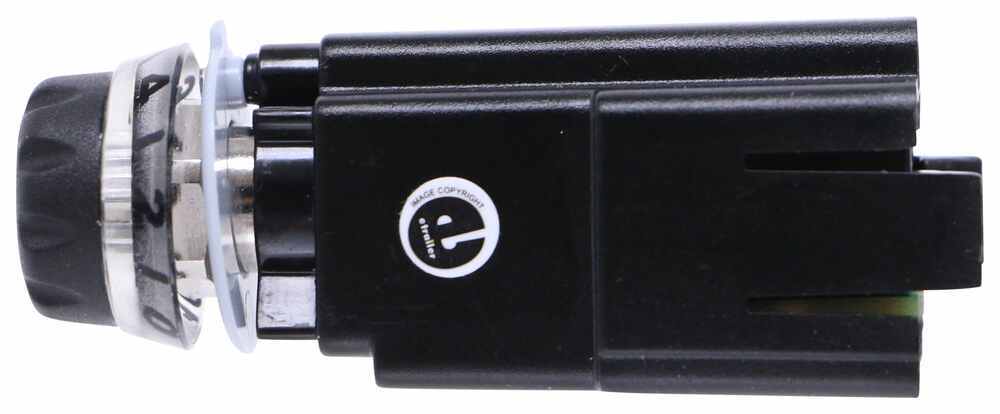
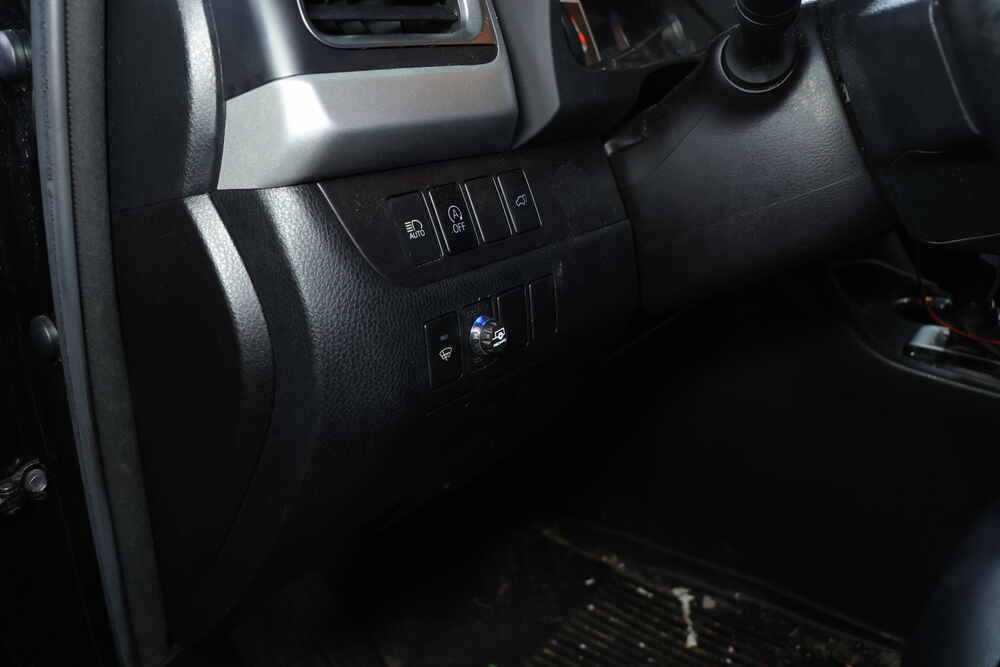
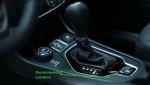
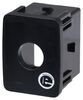
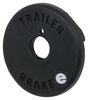
The control knob can be installed in any convenient spot that's easy for you to see and access. This can be a blank switch panel, an open spot on your center console, or wherever there's space on your dashboard. A universal mounting panel is included to ensure a clean, from-the-factory look. Custom-fit panels are available for certain vehicles as well. Before you do any drilling, be sure there's enough clearance behind the dash for the entire knob to install!
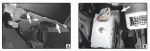
Once you've decided where you want to put the control knob, you'll need to find a good place to install the main unit. Your only restriction is the 3' cable connecting the main unit and the control knob. Securely mount the box using screws, double-sided tape, or zip-ties (not included). A mounting kit (RE67FR - sold separately) is also available for the Tow-Pro Liberty. Do not attach the module to wiring or cables that can shift as you drive!
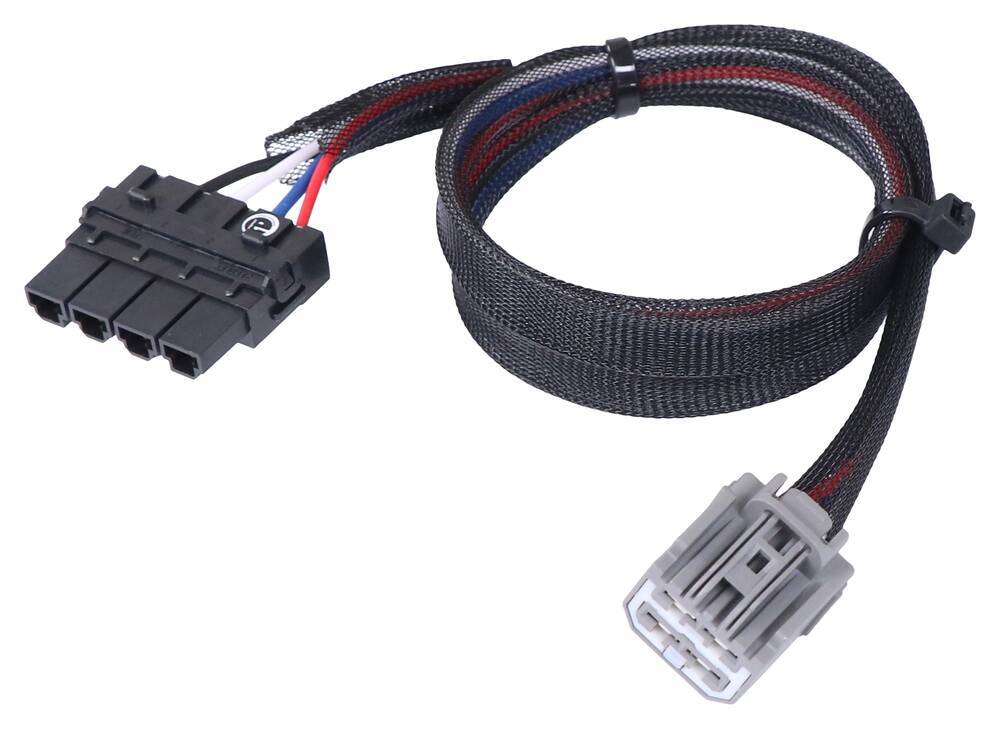
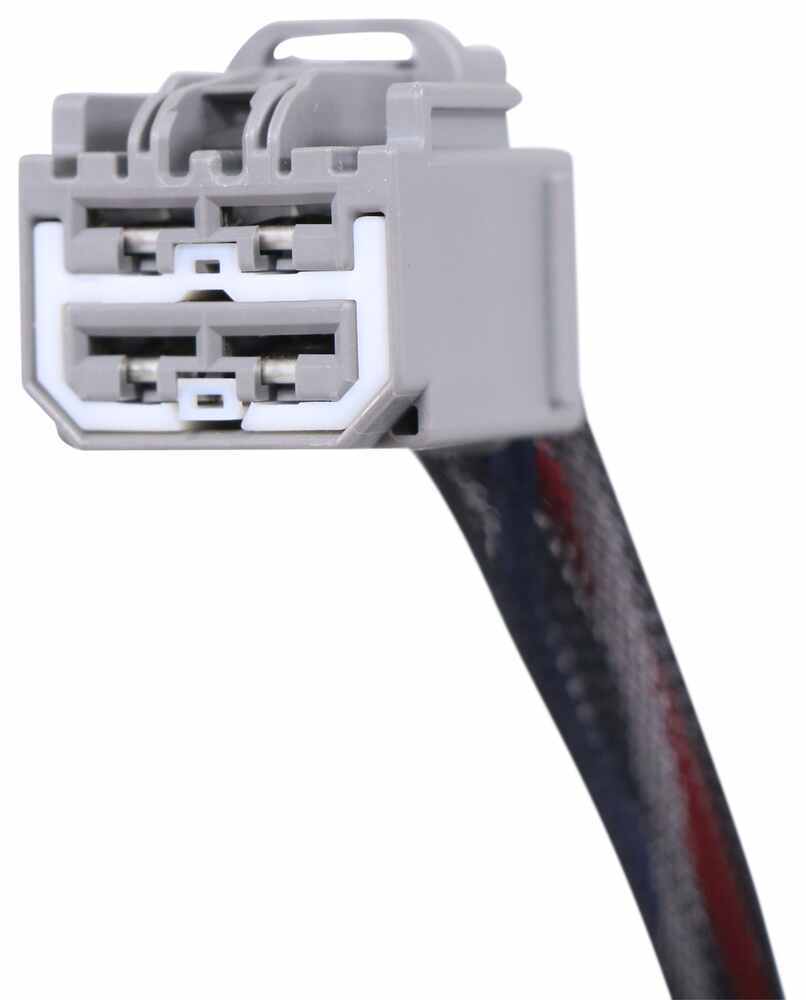
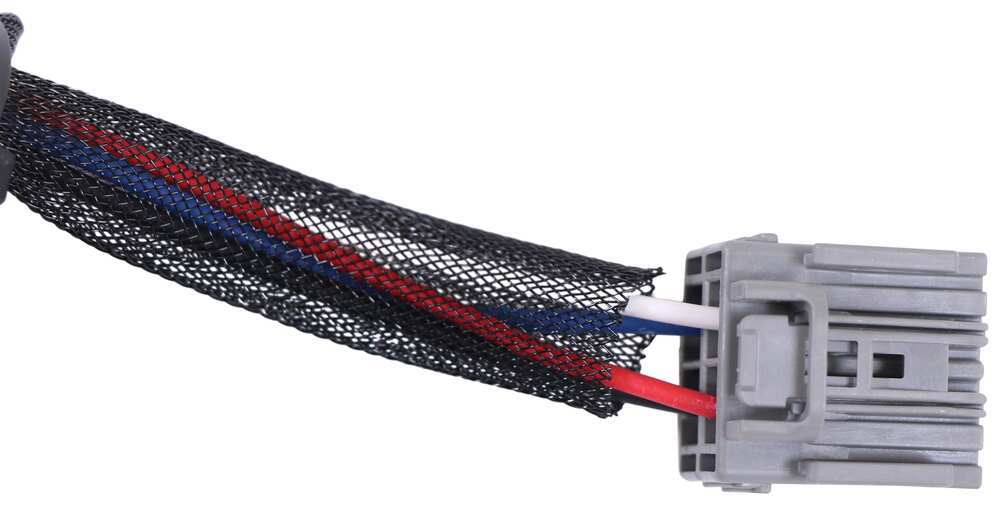
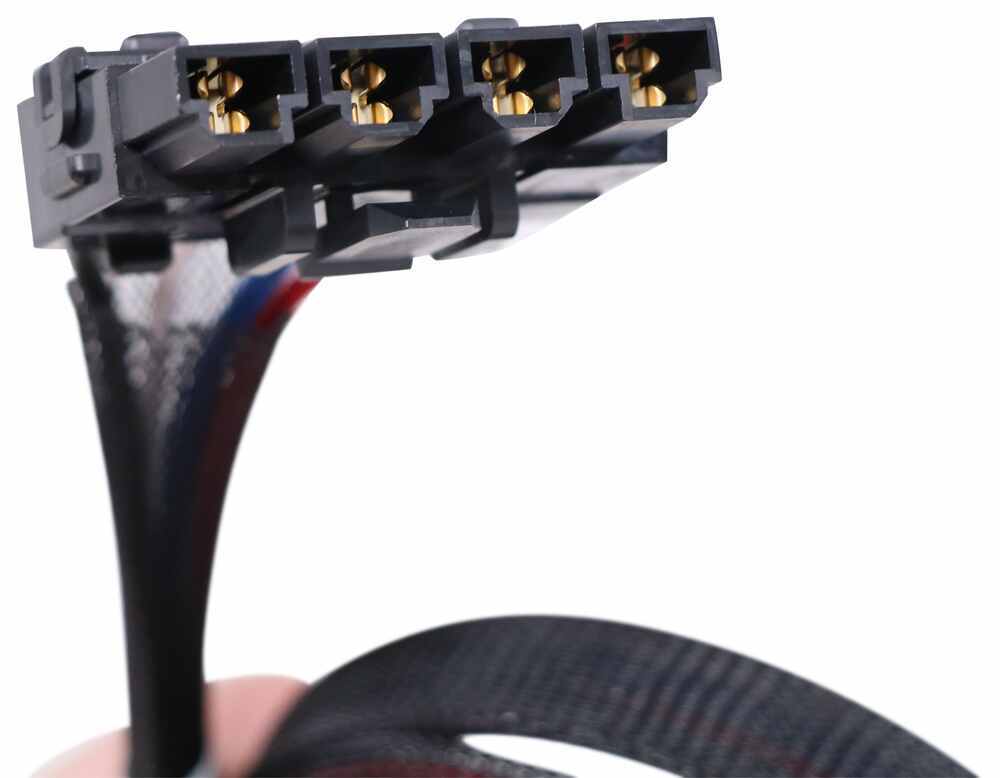
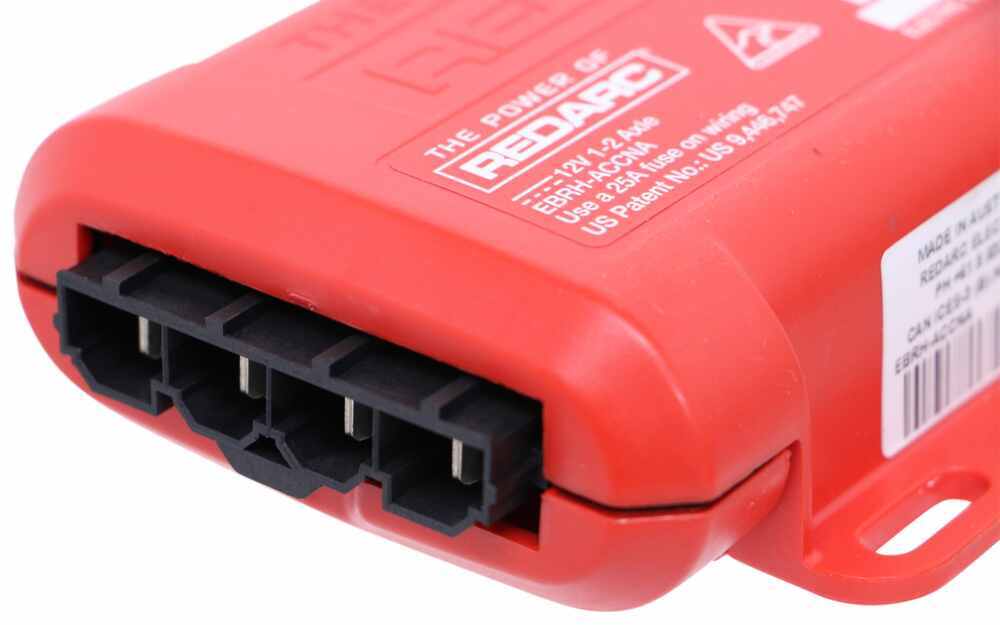
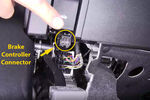
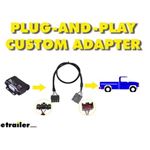
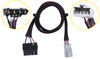
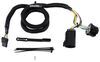
Then plug the custom-fit harness right into your vehicle and the brake controller and you're done!
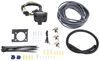
Note: If you don't already have a 7-way plug at the back of your vehicle, take a look at our exclusive 7- and 4-way brake controller installation kit (ETBC7 - sold separately).
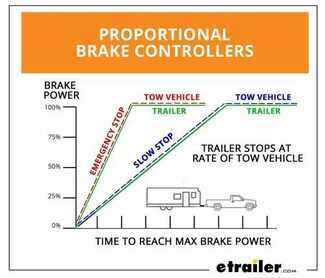
Proportional braking means that your trailer brakes mimic your tow vehicle's brakes. If you slam on the brakes in your vehicle, your trailer brakes will activate with the same intensity; if you brake lightly, your trailer brakes lightly too. The trailer's braking is in proportion to your vehicle's braking. This saves wear and tear on the tires and the brakes on both your vehicle and trailer.
The Tow-Pro Liberty uses an internal 3-axis accelerometer to sense how your vehicle is braking so it can send the right amount of braking power to your trailer. It measures the inertia of your tow vehicle and activates the trailer's brakes to slow at the same rate. The result is uniform braking across your towing setup. No push-pull action - just smooth, proportional braking every time.
California residents: click here
Videos are provided as a guide only. Refer to manufacturer installation instructions and specs for complete information.
Hey everybody, Ryan here at E Trailer. Today on our 2014 Ford E-Series van, we're gonna be showing you how to install the REDARC Tow-Pro Liberty Brake Controller. And, we're gonna be installing this in conjunction with the REDARC Adapter Plug, as well as the Etrailer.com, Universal Brake Controller Install Kit. But before we get to that, why don't we check this out, and make sure that this is gonna be a good brake controller for your situation. When it comes to these E-Series vans, really popular in the service industry, you know, a lot of people use these as work vans, and that, you know, entails usually pulling some trailers around, right You got other equipment or, you know, running from job site to job site, hauling stuff around. And so, you know, when you're pulling that trailer, a lot of 'em are gonna be big enough to have brakes on it.
And, when they have brakes, you're gonna need a way to apply them, and help bring you to a safe stop. And, I feel like, especially with these vans, I mean the factory brakes aren't, you know, this ain't a hot rod. Brakes aren't that great anyway, and then usually you're overloaded, and it's super heavy, and they can just use some help. And so, I feel like it's pretty important to use a brake controller, especially when you're towing. And that's where the REDARC is gonna come into play.
The way this is gonna work is, whenever you're hooked up to your trailer, and you apply the brakes in here, it's going to apply the brakes on the trailer. And what really separates this one from a lot of the others, I'm sure a lot of people have seen a brake controller before, right Kinda like a big box that's mounted on the dash. This one, the main body of it is hidden underneath the dash, out of the way, and all your controls and everything are just done by this button here. It's pretty cool, looks really factory, and clean. On something like this, is it a huge deal Probably not.
But, I do know how things are, you know, how things go. You have this big thing down here, and you got your invoices around, and, you know, stuff piled up all over the place. It's just one more thing that's in your way. And so, it does make sense here. I think it's a good fit for our van.
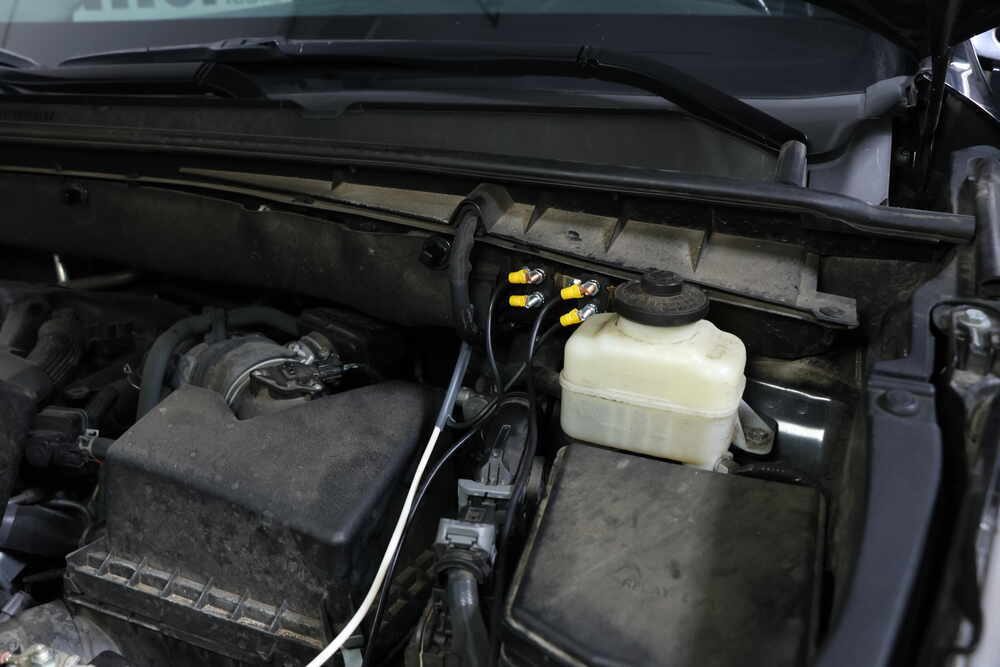
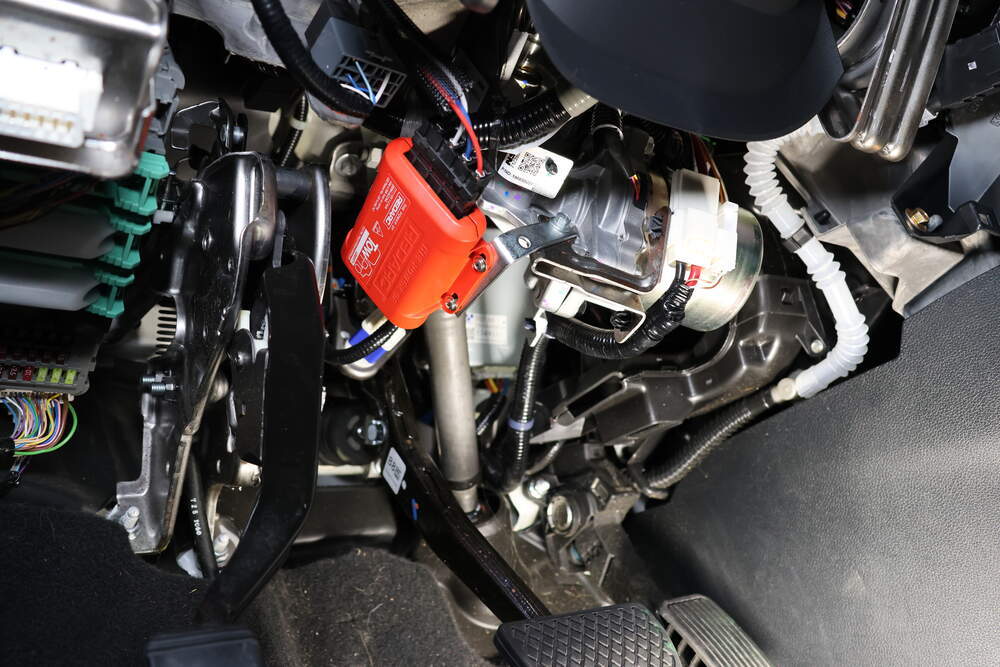
And, with these, this is a proportional type break controller as well. So, what that means is, it's gonna give us a smooth braking experience. So, the harder you hit the brake in here, the trailer's gonna match it. So, for example, let's say if you're just kind of cruising, hit the stop sign or something, you got your foot halfway on the brake, trailer breaks are gonna do the same thing, right On the other hand, let's say, maybe you're going down the highway, and some road work or something, you gotta come to a pretty quick stop, and you really gotta stand on that brake pedal. The trailer brakes are gonna do the same thing. So, you're gonna be stopping as a whole unit, I guess you could say, and, you know, it's just gonna make it more predictable, and provide you with a more pleasant braking experience. You're not gonna feel that trailer wanting to drag you back, or, you know, kind of push you around. So, anything that can give you a little bit more confidence, to me, is a no brainer. This brake controller is good. I gotta work with those trailers that have one to two axles. It's probably about perfect for this vehicle, I don't really see too many of these pulling a triple axle trailer around, but you're gonna be able to adjust the braking force. So, you have zero to ten, and you can kind of adjust this, you know, depending on your need. So, let's say if you have a smaller trailer with nothing on it, don't need a lot of force, right You can probably get away with like a one, or a two. But then, let's say, if you go to job site, or whatever, and you load it up, and it's super heavy, you know, you can crank it up to seven, eight, nine, ten, whatever. Five being in the middle. So, you know, it might be a good starting point to kind of roll with. But, you know, you do have some adjustability there, which is nice, and you also have a manual override. So, when you push this button down, it's going to apply just the trailer brakes. And, that is good in the event of a sway. So, let's say a trailer starts to kind of, get away from you a little bit, you can push that down, it's going to hit the brakes, and kind of straighten everything back out. Something that I do think is pretty cool, these have the park brake assist feature. So, say if you're at a stop light, and you know, you're sitting there at a red light in a bunch of traffic and stuff. After a little while the trailer brakes will release, it don't really take a ton of effort to hold something stationary, your van can do that without the help of the trailer brakes. And so, by doing that, it's going to help save the life of your trailer brakes as well. You're not gonna be using 'em when it's unnecessary. So, definitely something good to see. And, you know, if it can save you a couple bucks in the long run, definitely ain't gonna hurt anything. Other than that though, at the end of the day, it's a pretty good fit actually. I thought, you know, I really wasn't sure what to think, putting a REDARC in a vehicle like this. But, after seeing it, and seeing how it operates and everything, makes sense. I think think it's a pretty good choice. As far as getting this installed goes, not going to lie, it's a little bit of work, you know, it's just having to wire everything up and route everything. And, it's not really complicated, just time consuming. So, be prepared to spend a little bit of time to get this done. But, if you'd like to see how that's done, feel free to follow along. We'll go ahead and show you how to do it, how to get everything hooked up together now. To begin our installation, we're gonna be here at the back of our van. First thing we need to do, is mount up our 7-way connector, which is this here. And, with this I just used a neutral short bracket to play and put around our hitch, and then connect it to the included bracket, and 7-way connector plug here to it. And, once you got that screwed down, we can get the wires hooked up that come off the back of it. So, here's where the wires come off the back of it are. One of 'em is going to be a 4-way flat type connector, and that's gonna plug into your existing 4-way flat wiring so that'll just plug right into each other. And then, you're gonna have a black wire, a blue wire, and a yellow wire. Yellow wire, we're not gonna be using, that's for our reverse light circuit. So, I just tape that up, just in case we ever do want to use it, but I'm not gonna worry about that one. The blue wire's gonna be our electric brake output. Black wire's going to be our global auxiliary power. So, I took our duplex wiring here, the big roll of wire that we get, strip back the insulation on each end, and use buck connectors to pair the two wires together. Then that leaves a white wire coming out of our 7-way connector. That's gonna be a ground wire. And, with that one, we simply just use the provided self tapping screw to run that up into the frame rail, to provide us with the necessary ground there. So, once all that's done, you know, obviously you can come back, tape everything up, kind of secure it and whatnot, but once that's done, you can take your duplex wiring, and start to run this towards the front of our vehicle. So, I went ahead, got our wiring ran up towards the front of our van, and I just ran it along our frame rail here, doing your best to avoid any hot or moving parts. And, you can just secure it along the way using some of these zip ties. Well, essentially just a straight shot, more or less, all way up to the front. See kinda where it comes out there And, it goes just on top of that heat shield, obviously away from it, but above it. It comes up here, then goes up into the engine compartment. And, the way I got it up there, I dropped a piece of tubing down from the top, or you can use like a coat hanger, or something along them lines, tape your wire to it, go back up top, and pull it up into position. So now, in the engine compartment, power wire comes right up, and then I have it separated. So obviously, you cut back that gray sheathing, and you got a white and a black wire. White wire runs over towards the driver's side, we'll get to that in a moment. But, for now, the black wire, that's gonna get ran to a breaker, which I have mounted up right here. You'll have a 20 amp breaker, which is this one. And then, a 40 amp breaker, which is this one. The wire that's coming up from the bottom of our vehicle, that's going to go to the 40 amp breaker, the silver post. So, crimp on a small ring terminal over the silver post, tighten it up with a 10 millimeter. The 40 amp breaker's gold post you're just gonna take maybe eight inches of that wire, crimp on a small ring terminal, a large ring terminal on the other end, tighten it down on the breaker, and then this, eventually, is gonna get hooked up to a power supply right here, but I want to get everything else hooked up first. As far as the 20 amp breaker goes, the gold terminal, you're gonna do the same thing as the 40 amp. Small piece, large ring terminal, small ring terminal, this will go to power as well. Then, the wire coming off of the 20 amp breaker, coming off of the silver post, that's gonna need to get routed inside of our van, along with that white wire. So, let's go ahead and take a look at how we did that now. So, here's our wires running into the firewall inside of our van. If you move the coolant reservoir out of the way, there's just a few bolts holding in, pop them out, then it slides right on out of the way. You can drill a hole into the firewall, which obviously pay attention to where you're drilling. You don't want to drill through the backside of it, and drill into your computer, or harness, or something like that. So, pay attention what you're doing. And then, I used a rubber grommet to pop in there, to keep the wires from rubbing up on bare metal. And, once I had that complete, I was able to take our wires and simply fish 'em inside of the van. So, inside of the vehicle now, underneath the dash, this is where our wiring comes through. And, this is gonna get routed, essentially, to the center console, and up there's a small compartment, that's gonna be right above your radio. And so, if you just kind of feed the wires along here, and up towards the top of the dash, you can show you the little compartment, you can pull out to reach down in there and get your wires. So, this is the compartment I was talking about. And, with this, it just essentially pops out. Sometimes you can take a flathead, or a butter knife, or a sharp tail tool, pop behind there, release those clips. This'll pop out, and then you're gonna have this clip, or I'm sorry, this connector plug, which is our plug for our brake controller, which we will be using that in a moment. But, here's our two wires. So, like I said, I was able to reach down in here and grab them, pull 'em up. And, these are gonna get connected to, your brake controller plug, which at this point, you know, with the exception of hooking up our power wires, at this point, this is where, you know, the install more or less stops for the Universal Brake Controller Install Kit. But, with that said, obviously you're not gonna get to this point and then not finish hooking up your brake controller, right So from here, this is gonna be very similar regardless on what type of brake controller you plan on using. But, what you're gonna do, is take your brake controller adapter plug. So, they actually make 'em specific for our vehicle here. And, with this particular one, it just plugs in to that. And, the reason ETBC7 our kit there, was because from the factory, this is only providing us with a ground and a brake light, stop light switch, brake signal, more or less. We didn't have power, or brake controller output, that's why we had to run all these wires. Sometimes you can use, find at least power, which would be this black wire here. But, you can look in the fuse block, you might have to pop fuse in, sometimes it's not slotted. To be able to do that, and then if you're still gonna be running one wire anyway, you might as well just do 'em both. There's really no difference in labor. So, with that said, since obviously, these aren't getting plugged in to our other end there, I have the end there, our blue wire, and our black wire, from this end, hooked up to our brake controller install kit wire. So, black goes to black for power, and blue goes to white for electric brake output. The other wires coming off, the red and the white one, can utilize the factory plug there. Plug that in, white will be your ground, red will be the brake signal. So, with that all done now, what we can do is find a spot and start to set up our brake controller. So, what we did was mount up our brake controller box. It's a little tricky to see, but it's this red piece around here, and there's a big bracket. This is under the dash by the way, that the panel literally just pops out, you pop this off. But, the way this works is it went around this bracket, and around this big wire loom, and zip tied it up, and it is not going anywhere, that thing is solid. So, that leaves you with this phone. It's kinda like a phone, old phone cable, old phone cord. One end of it plugs into, you know, the side of your brake controller. And then, this end, it's gonna plug into the switch, or the knob that we gotta mount up. So, I feel like the knob, a good place to mount that is somewhere in this area. I'll figure that out and we'll kind of go from there. So, here's where I mounted up our button. I think it turned out really well. Behind here, there's actually quite a bit of space, especially with that lower panel down still. You just use the plastic trim ring as a guide more or less, you drill out a larger hole, drill out a smaller hole, put the trim ring on, tighten this down, and then just pop your button on there. And, you know, obviously you wanna line the button up accordingly. So that way, you know, in the middle is in the middle, halfway through. So, I've done that, but now that everything's hooked up, we'll go underneath the hood, connect our power wires, and then we can calibrate, and check everything. Under the hood, went ahead and got these wires hooked on up. And, I just use this power supply stud here, remove the nut with a 10 millimeter, put these on over it, and tighten it back down. So, I went ahead, hooked up to a test box, and that's just simulating a trailer. You can always just hook up to your trailer as well. But, we'll see if this is working. So, right now it's flashing, which means it needs calibrated. Not really a big deal, you just drive around, and apply the brakes as you normally would. I believe it's easy, you don't even have to have the trailer hooked up either, just drive around like normal. Once it turns solid you know it's calibrated, but for now we can still test at least, make sure it's working. So, what I'll do is apply the brake pedal, and we can look at our test box, and make sure that power is being sent back. So, whenever I'm pushing our brake pedal down, we can see that we do have a brake output, and our brake controller is functioning. And, that'll finish up our look at, and our installation of the REDARC Tow-Pro Liberty Brake Controller, on our 2014 Ford E-Series van..
The brake controller arrived on time. I installed it after watching a YouTube video. Picking up the trailer tomorrow. Plug and play cable fit perfectly.
Do you have a question about this Trailer Brake Controller?
Info for this part was:
At etrailer we provide the best information available about the products we sell. We take the quality of our information seriously so that you can get the right part the first time. Let us know if anything is missing or if you have any questions.


Thank you! Your comment has been submitted successfully. You should be able to view your question/comment here within a few days.
Error submitting comment. Please try again momentarily.