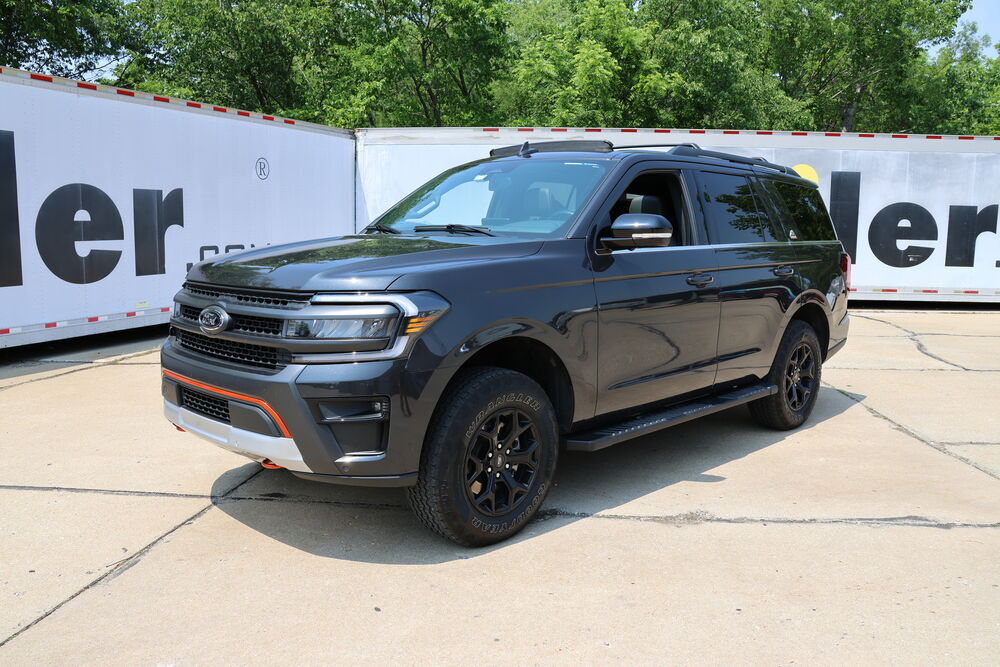
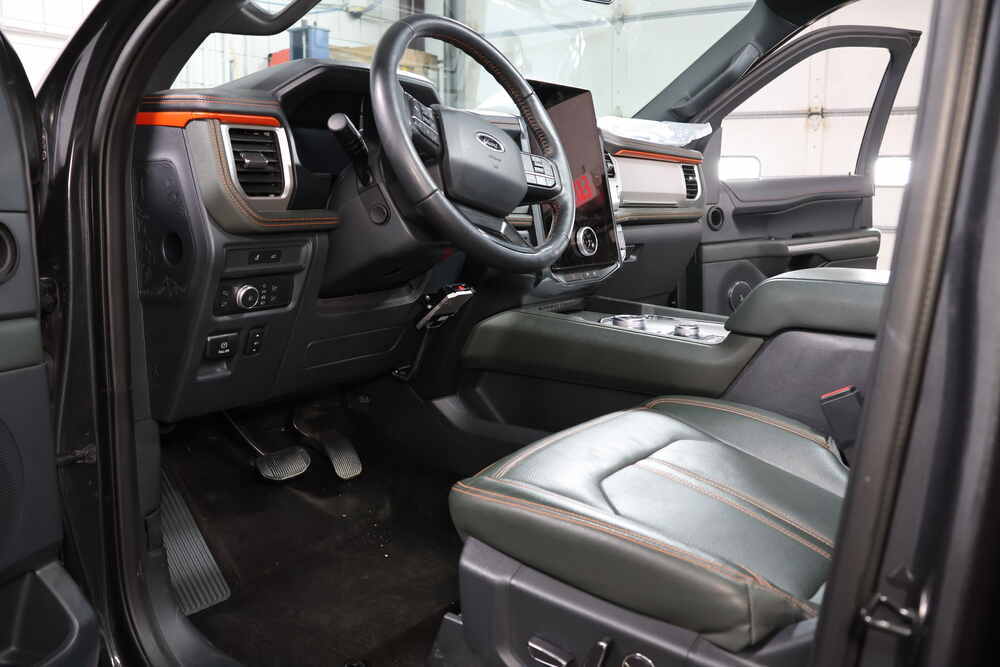
To see if this custom-fit item will work for you please tell us what vehicle you'll use it with.
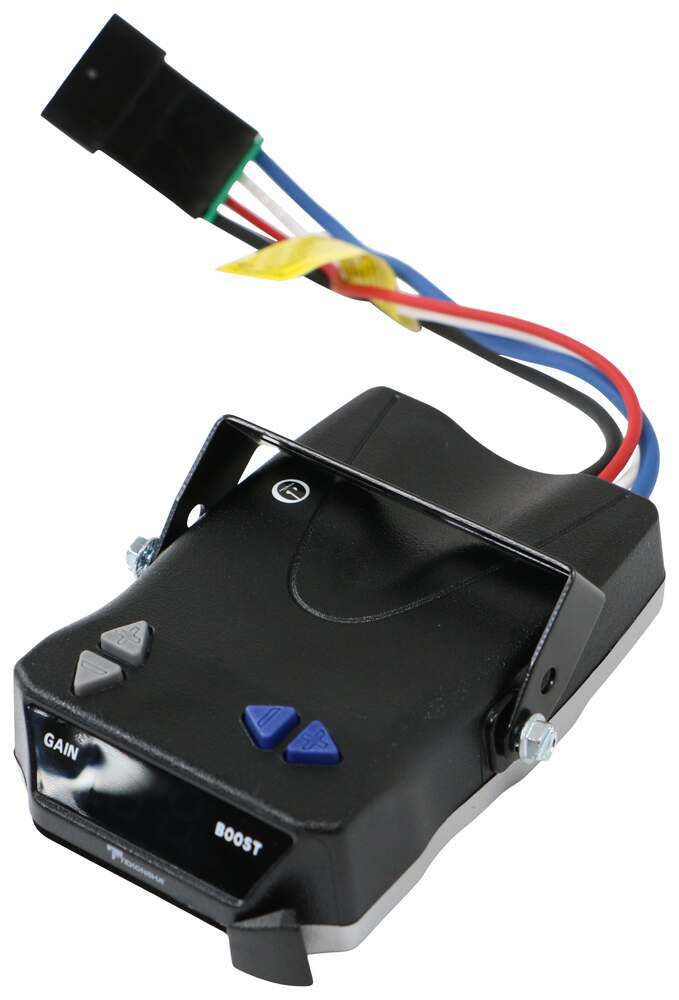
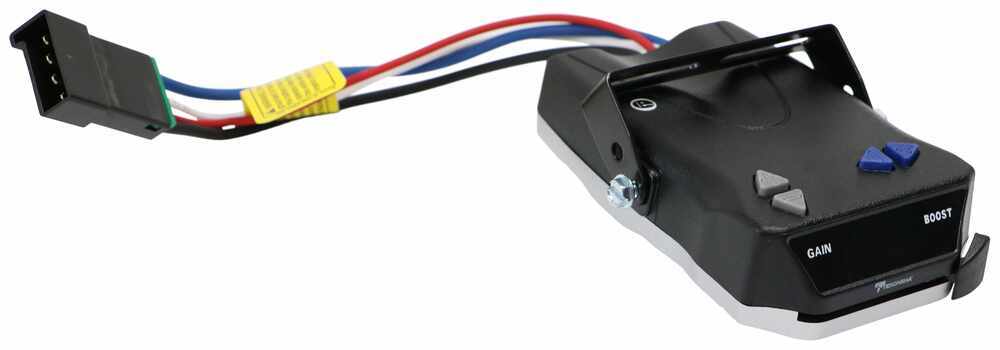
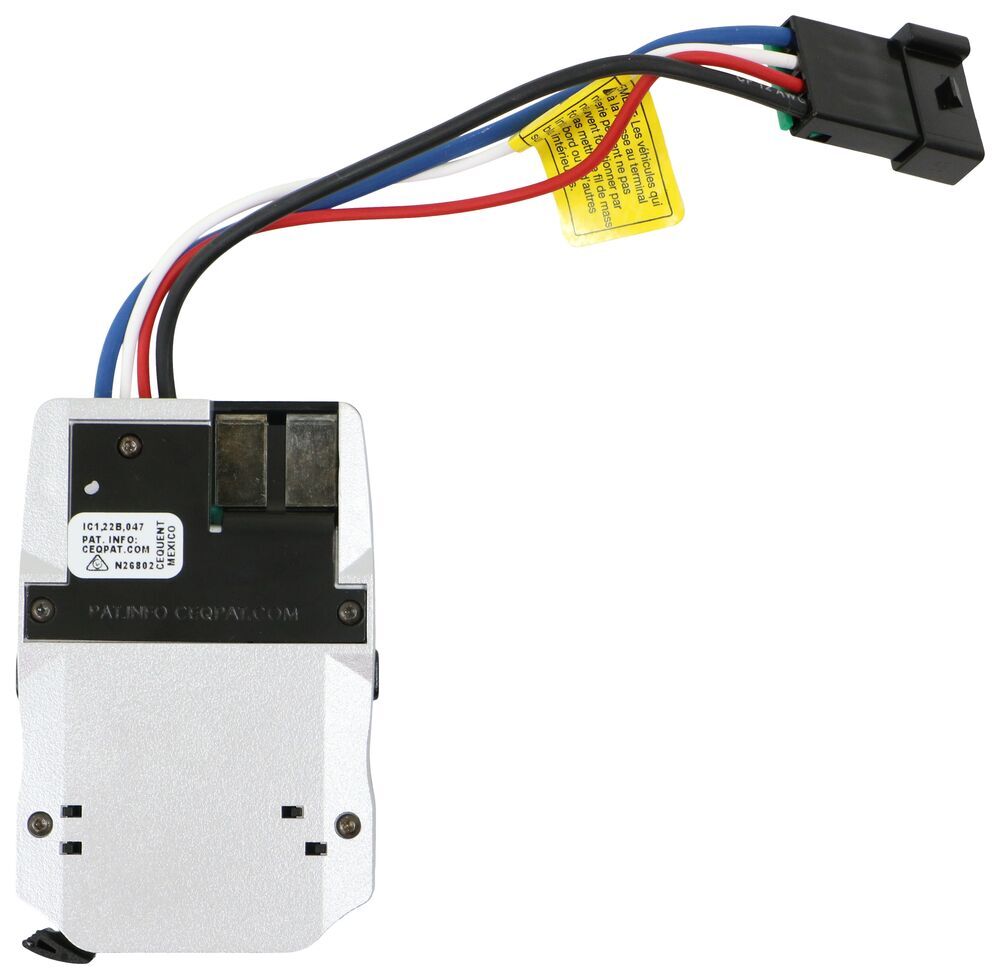
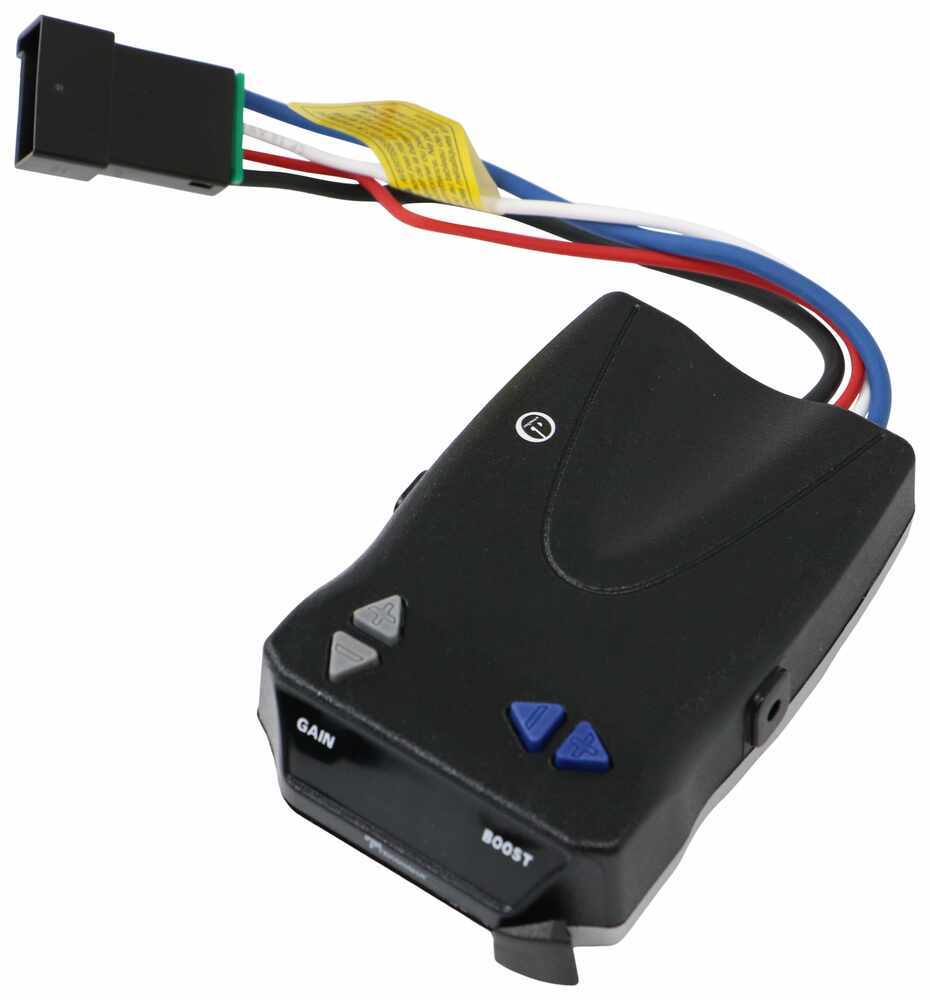
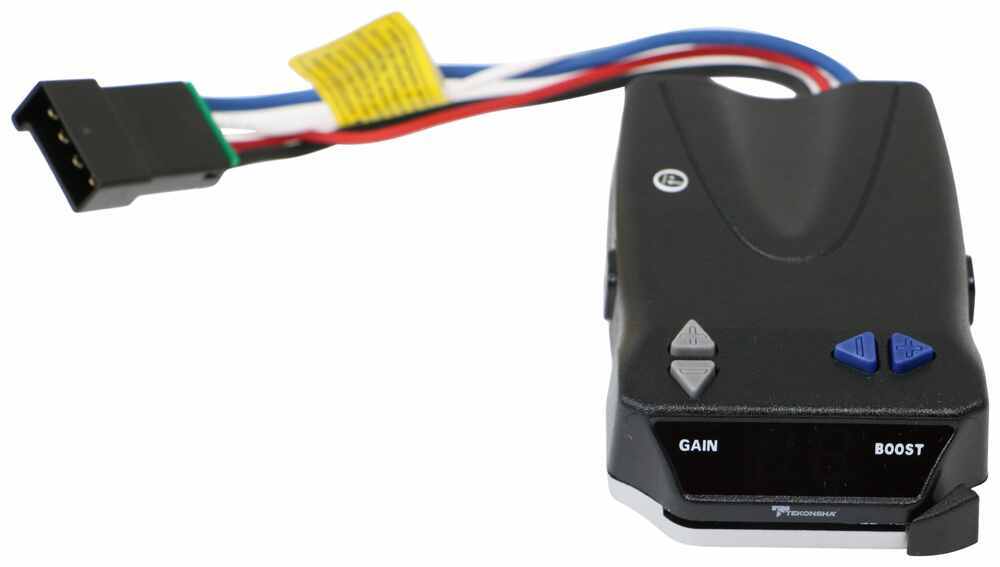
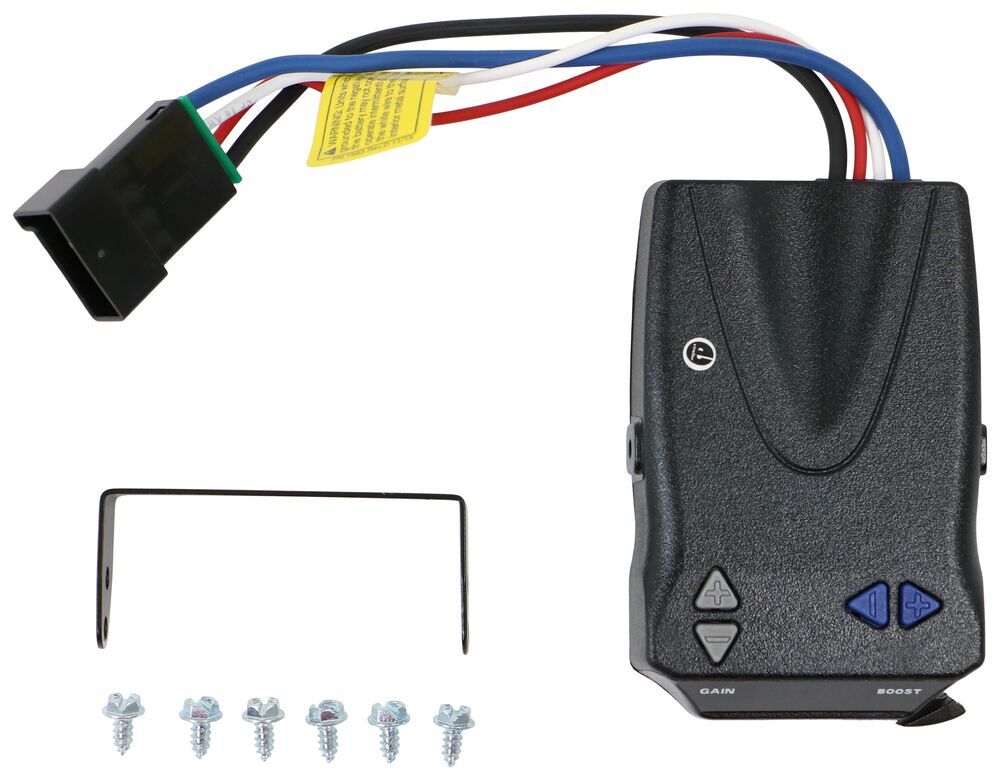
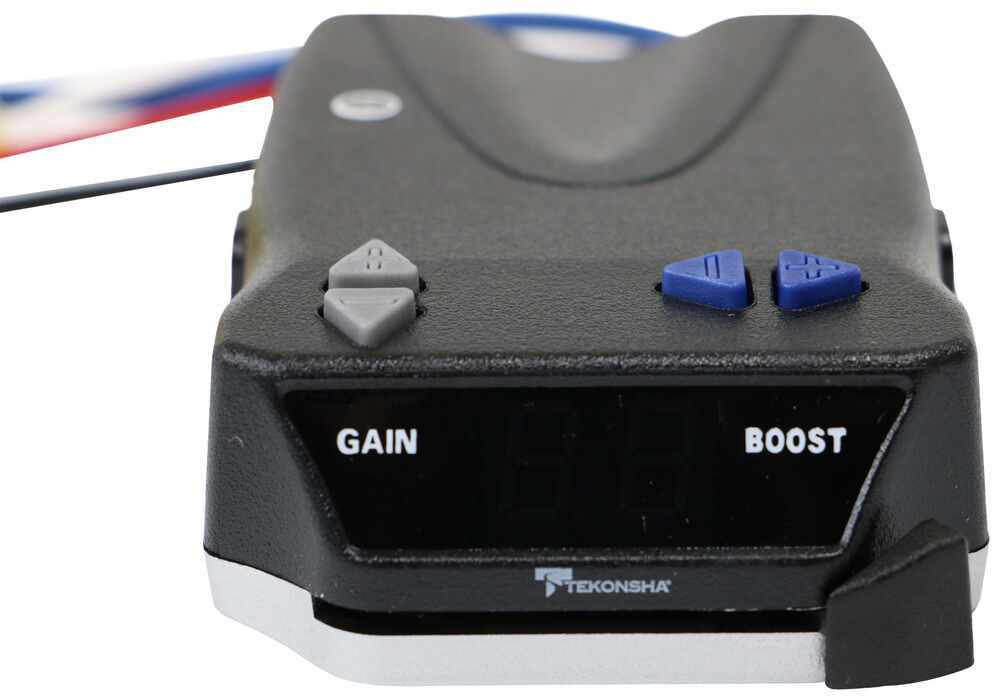
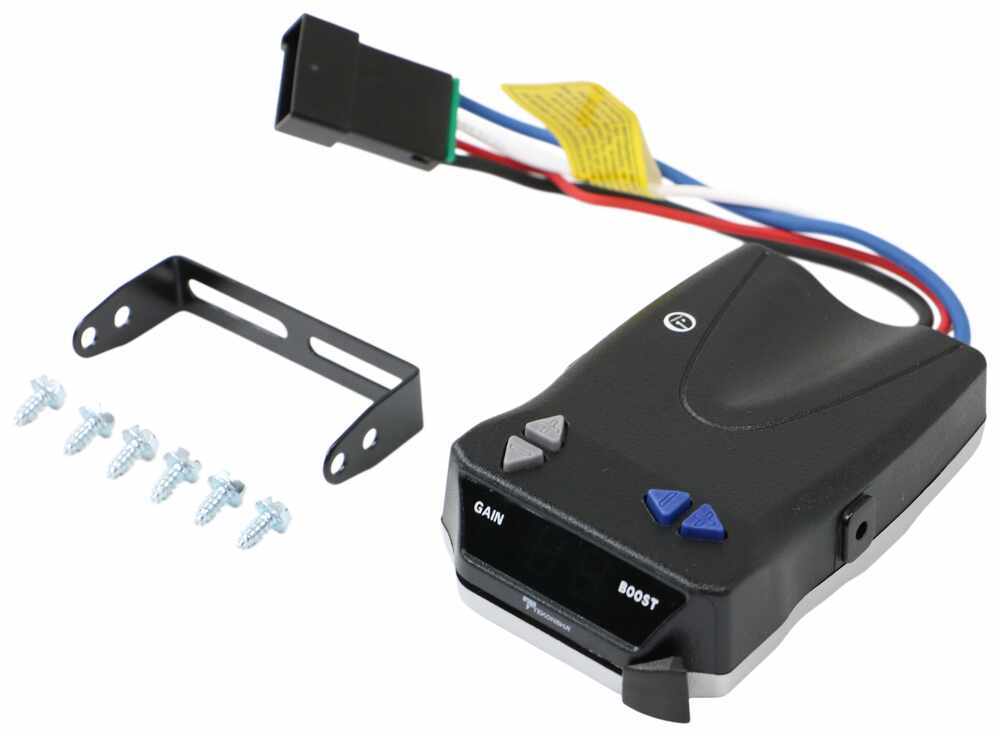
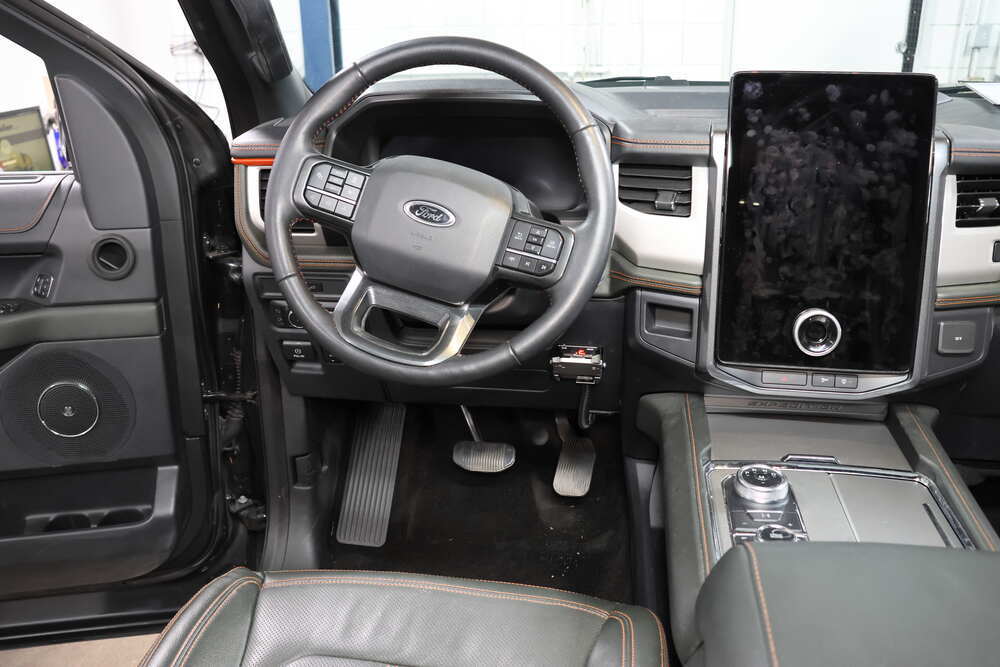
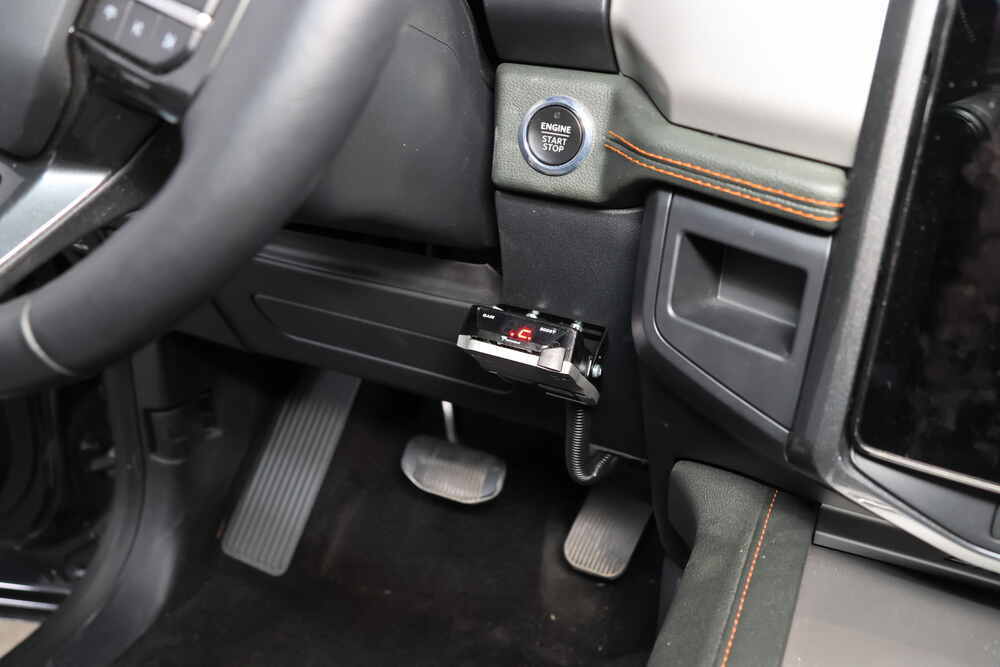
The large, digital, LED display and clearly labelled buttons on this proportional controller make it easy to use. Includes 3 levels of boost, a slide-bar manual override, built-in short circuit protection, and automatic leveling.
Features:
Specs:
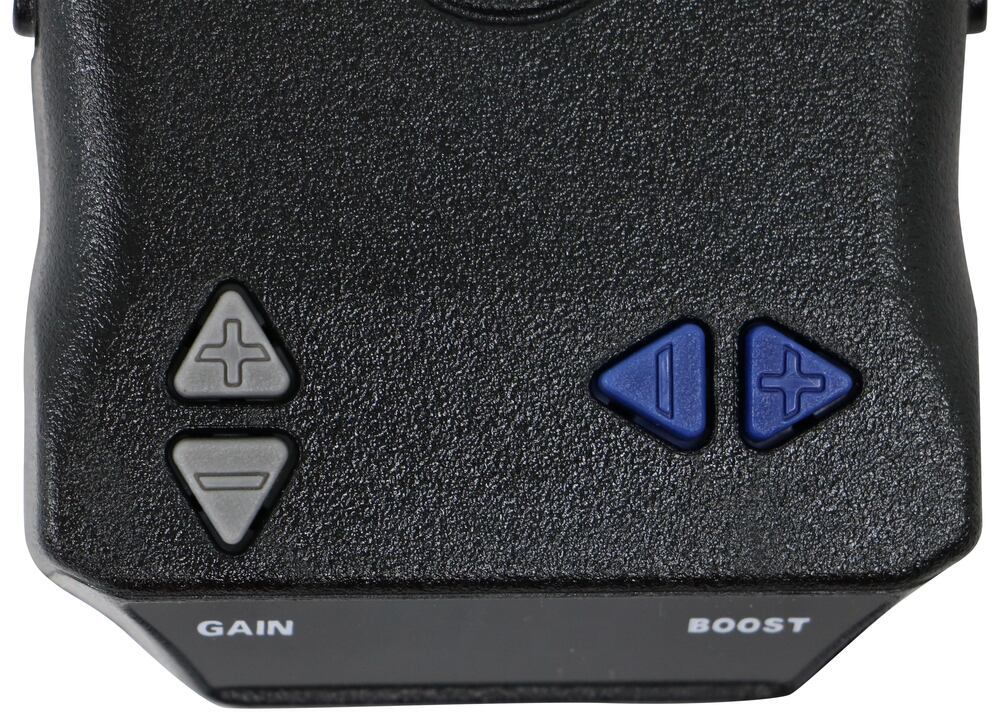
The controls on the BRAKE-EVN are elegantly simple and user-friendly. Use the clearly-marked push-buttons to change the level of gain or boost. Gain lets you set the maximum amount of power that will be applied to your trailer's brakes. Typically, the gain (also known as output) is only readjusted when you experience changing road conditions or if the weight of your trailer changes.
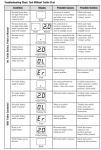
The Tekonsha BRAKE-EVN also features a large LED display that's easy to see so you can check on your current gain setting with a glance, as well as diagnostic information.
The boost setting controls the aggressiveness of your trailer's braking, meaning how quickly the brakes reach the maximum braking level. You can adjust this when you're towing heavy loads and you need more umph to bring your trailer to a stop. Your tow vehicle doesn't need that much power to brake in time, but your heavy trailer does.
Depending on the level of boost, your trailer brakes can start at either 13 percent or 25 percent of the set braking output. What this means is that, instead of starting at 0, the brakes will start at 25 percent and get to 100 percent sooner. This keeps the trailer from pushing your tow vehicle forward.
If your trailer weighs less than your tow vehicle, no boost is needed. But, if you want your trailer to lead the braking, you can select level B1.
Boost Levels:
| Approximate Gross Trailer Weight | Boost Level | Increase in Initial Power Output |
|---|---|---|
| Less than tow vehicle GVW | B1 | 13% |
| Equal to tow vehicle GVW | B1 or B2 | 13% or 25% |
| Up to 25% more than tow vehicle GVW | B2 or B3* | 25% |
| Up to 40% more than tow vehicle GVW | B3* | 25% |
*Both B2 and B3 offer a 25-percent boost in initial power. But the braking curve for B3 is more aggressive than that of B2. This means that, even though you will start out with the same intensity when using these boost levels, you will get an overall more aggressive braking experience with the higher level. So if you use B3, you will reach maximum braking sooner than if you use B2.
To adjust the boost, use the blue push-buttons on the top of the BRAKE-EVN.
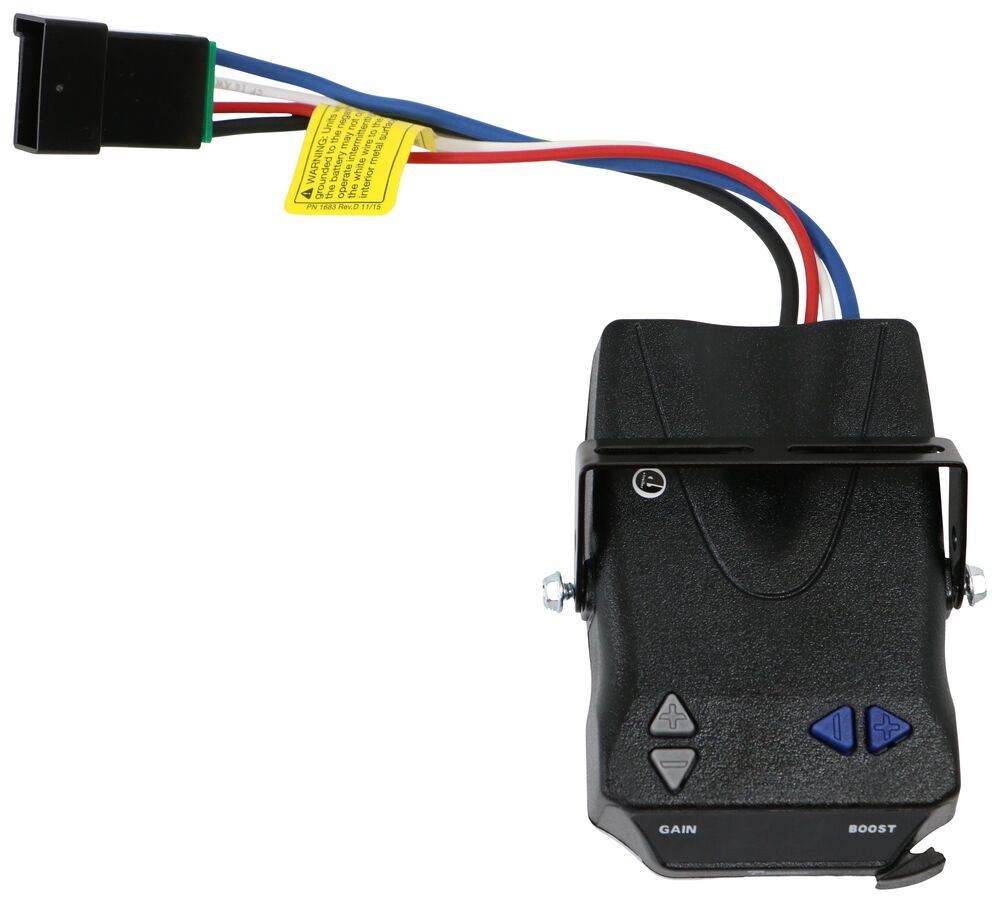
The self-leveling feature of the BRAKE-EVN ensures that the brake controller continues to function even as you drive up steep hills or through the mountains. You can mount it at any vertical angle, and the controller will level itself automatically. But keep in mind that the BRAKE-EVN must be horizontally level and parallel with the direction of travel to work correctly.
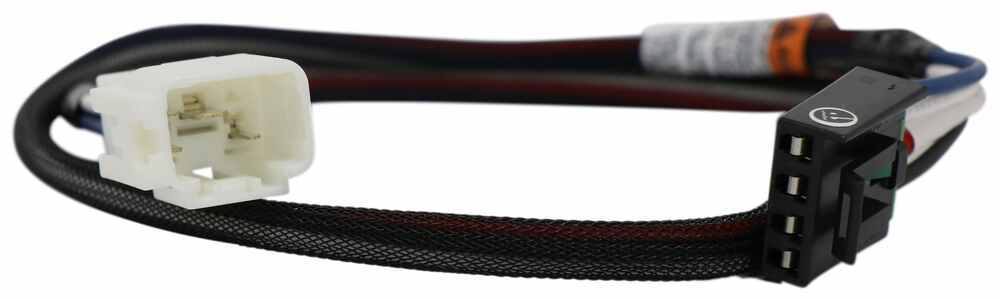
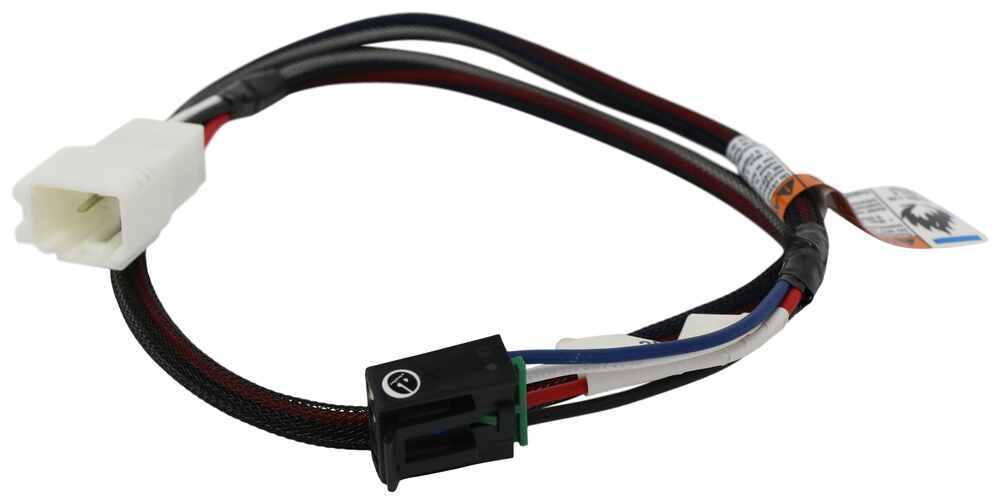
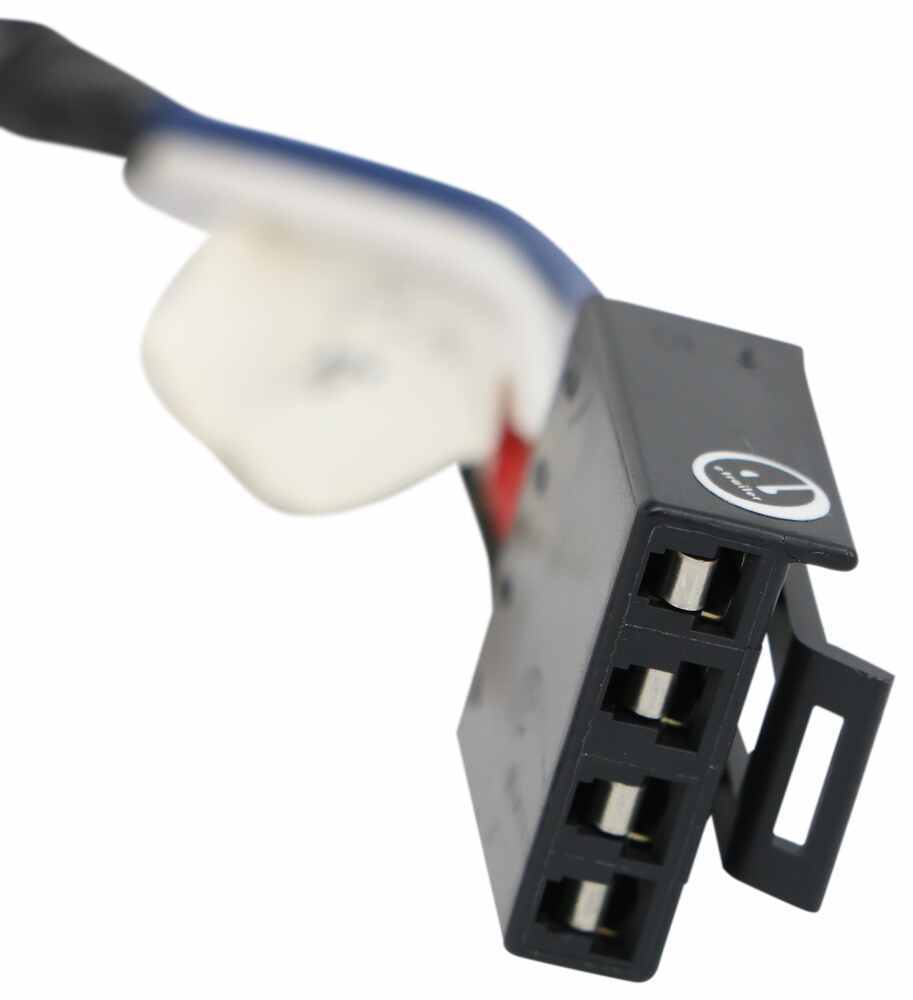
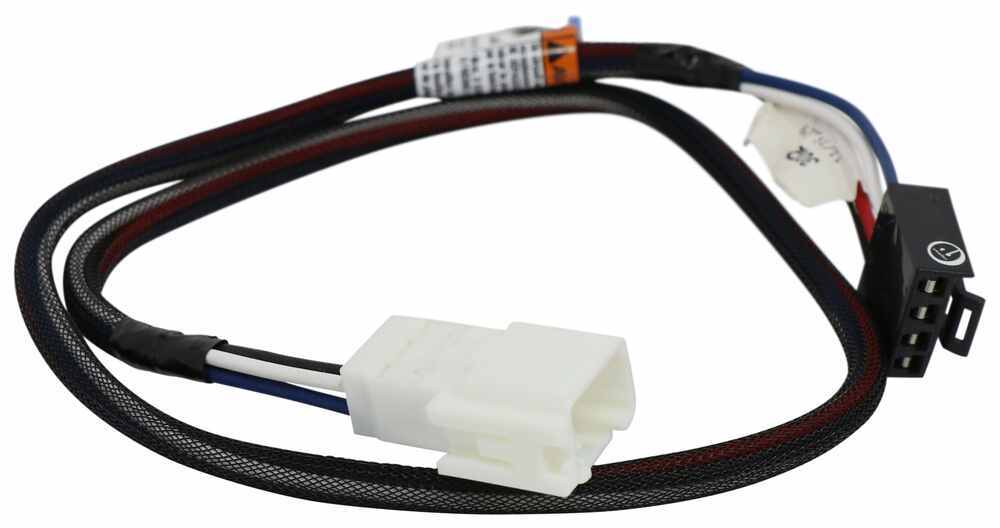
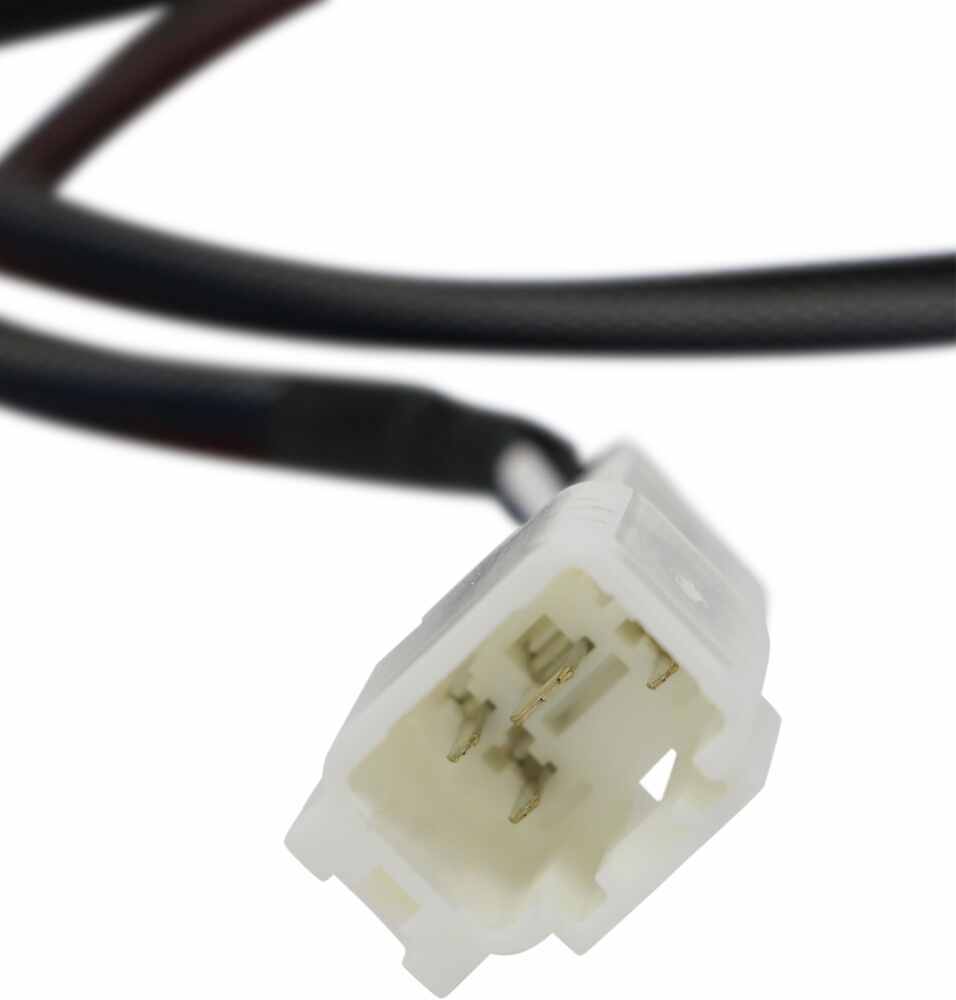
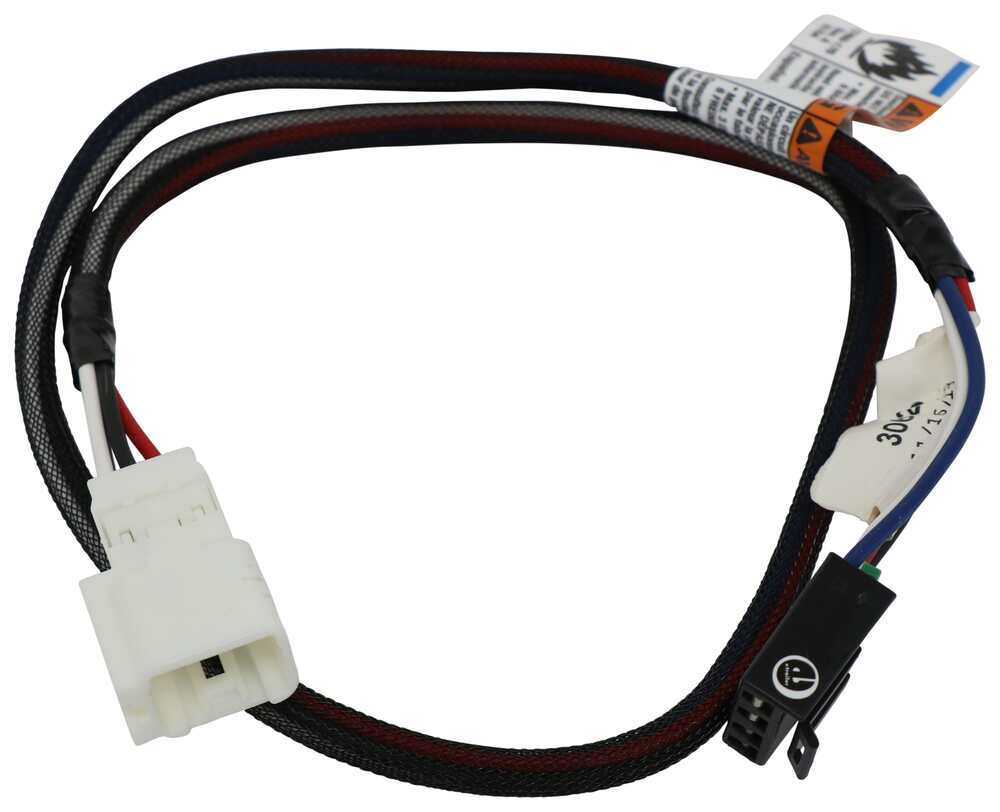
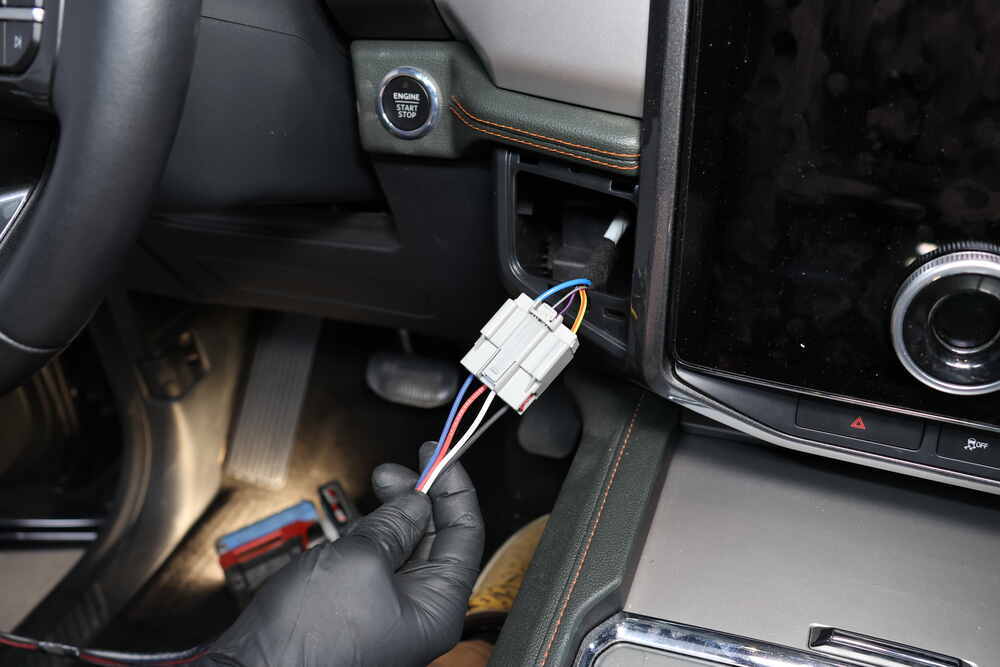
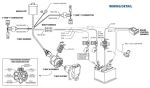
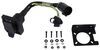
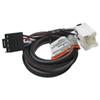
The included wiring harness plugs into the BRAKE-EVN at one end and then into the factory port on your vehicle at the other. No need to cut and splice any wires!
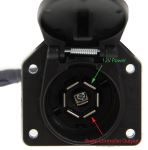
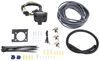
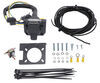
Note: See etrailer.com's exclusive 7- and 4-way brake-control installation kit (ETBC7 - sold separately) if you don't already have a 7-way plug at the back of your vehicle.
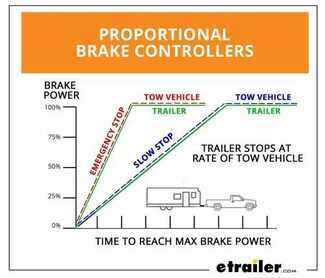
The Tekonsha BRAKE-EVN brake controller comes equipped with proportional braking to give you the best towing experience. Proportional braking means that your trailer brakes mimic your tow vehicle's brakes. If you slam on the brakes in your vehicle, your trailer brakes will activate with the same intensity; if you brake lightly, your trailer brakes lightly too. The trailer's braking is in proportion to your vehicle's braking. This saves wear and tear on the tires and the brakes on both your vehicle and trailer.
The BRAKE-EVN uses an internal inertia sensor to detect how your vehicle is braking so it can send the right amount of braking power to your trailer. It measures the inertia of your tow vehicle and activates the trailer's brakes to slow at the same rate. The result is uniform braking across your towing setup. No push-pull action - just smooth, proportional braking every time.
California residents: click here
Videos are provided as a guide only. Refer to manufacturer installation instructions and specs for complete information.
Hi everybody. Ryan here at etrailer. Today, on our 2015 Toyota 4 Runner, we're gonna be showing you how to install the Tekonsha trailer brake controller. But before we do that, why don't we check it out and make sure that this is gonna be the right brake controller for you. So when it comes to these 4 Runners, people use them to do a lot of different things. They're really capable SUVs, and I'm a big fan of them.
And a lot of other people are too, and that's why you see them out there pulling some pretty big trailers around. You know, campers, utility trailers, and things of that nature. Well, a lot of those larger trailers are gonna have trailer brakes to help slow everything down that way you don't have to rely just on your Toyota to not only bring itself to a stop but also a heavy trailer. And that's where a brake controller like this one here is gonna come into play. This is gonna activate those trailer brakes and just make everything a little more safe and predictable.
And when it comes to brake controllers, you know, it can get pretty confusing pretty quick. There's just so many of them out there, available. And so, what I'm gonna try to do today is just really help simplify things and we'll kind of cover this one. It's pretty popular, I can see why, and for a few different reasons. One of the reasons that I like it is it's really compact.
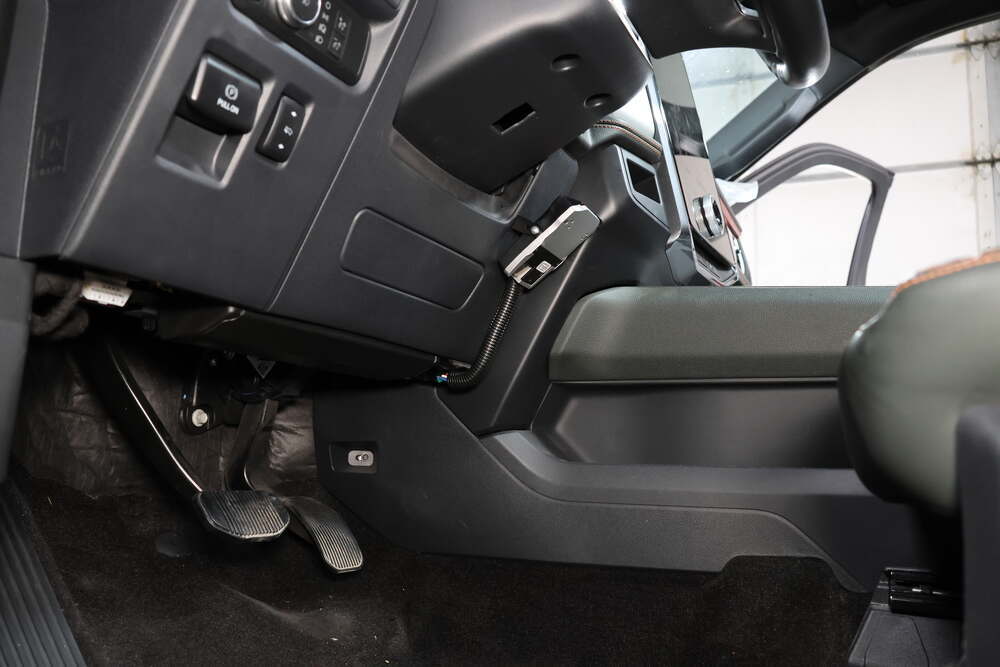
So, you know, just to kind of to base it on something maybe a little bit bigger than a deck of cards. Which is pretty small compared to a lot of other brake controllers. There's quite of them that are little bit bigger and that's important on today's newer cars, not a ton of space on the dash, and you don't want something that's gonna constantly be in your way and gonna be annoying. And this just doesn't take up a lot more space. So, definitely a bonus there.
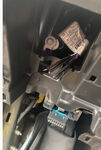
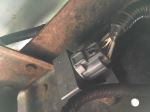
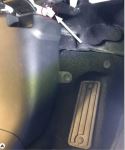
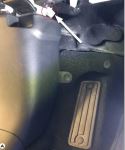
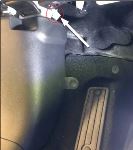
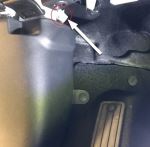
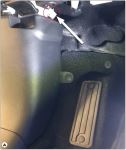
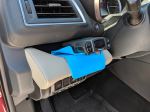
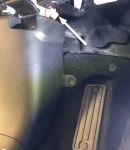
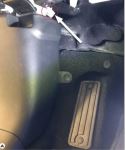
And this one has some adjustments, I'd almost say the necessary adjustments, and that's about it. So, it really keeps things simple. There's other brake controllers that have a ton of different bells and whistles and can do a lot of different things, which is great, but you know just trying to see whose gonna be driving a 4 runner. Chances are pretty good you're not using this for a work vehicle towing around 20 different trailers constantly all the time. You probably don't need something that's really complicated that offers all that. You just need something that's gonna work, that's easy to figure out and navigate. And that's exactly what this one's gonna do. So, this one it's gonna work for those trailers with one to four axils, so more than enough. Chances are really good you're only gonna be pulling something that has one or two axils. And that's just gonna kind of give you the necessities like we talked about. So, one of them being, boosts. So you have your boost setting, okay So you have three different boost settings. And what the boost setting is gonna do is more or less change how aggressive and how much power that your trailer brakes are gonna receive. All right, so let's say as a rule of thumb, you would use boost one for a trailer that weighs less than your 4 Runner. So let's say you have an empty trailer, you're going to pick up a load, you could probably leave the boost off or even go to boost one. But once you pick up the load, so let's say the load weighs about the same as your 4 Runner, you'd go to two. If it weighs more, you'd go to three. So you have some quick, on the fly adjustments you can use if you don't like the way your trailer's stopping whenever you're pulling it. And then you can also adjust your gain, which this is essentially just to help kind of, keep it simple, it's just gonna kind of change the power delivery that's sent back to your trailer. So again, a quick rule of thumb is to start halfway, so about five. And get up to 20, 25 mile an hour, something like that hit your manual override and see how the trailer brakes. If it's not enough, you can always increase that power delivery, increase the gain, try it. If it feels like it wants to lock up or is way too aggressive, you turn it down. So you can kind of really fine tune to your particular liking and what type of trailer you're pulling. I know that a lot of times you're pulling a trailer, you put different loads and stuff on it, and so it's gonna change or vary just a little bit. So you have that adjustability to give you a good braking experience whenever you're towing it. And that's gonna kinda bring me to my next point here, this manual override. This is a lever, it's a little on the smaller side but not really a huge deal. You're really not gonna use this all that often. You'd use this in the event, let's say like a slide situation. So if your trailer kinda starts getting away from you a little bit, getting a little squirrelly, you can flip that manual override and what that's gonna do is just apply the trailer breaks only, help kind of get things back under control. With that said though, even though this is a really compact unit, some people might not like the look of it and I can totally understand that as well. If you're that somebody, the good news is is there's another option out there for you. It's called the Redarc, and I'm big fan of 'em. They work really well and they look really cool. Essentially the main portion of the brake controller, the main body is gonna be tucked up underneath the dash where you can't even see it. And then all your adjustments and stuff are just gonna be on a small knob. And so, what I've done in the past on 4 Runners, High Runners, a lot of different Toyotas, they have these factory little panels here where a switch or something would go. And if you have a blank one, which in most cases you will, unless you have the completely fully loaded package. Which, even then, I'm not sure if they're all filled, but they make these knock out panels. You cut them out, put this special panel in there, and then your knob goes there. And it looks really cool and looks almost factory. You're not even gonna hardly notice it's there. So that's always an option for you. Now, one more topic I do kinda wanna touch base on is what type of brake controller this is, okay So, primarily you're gonna have two types. Proportional type brake controllers, which this one is. And then time delay type brake controllers, all right They're both gonna work fine. But one does have a slight advantage, at least in my opinion. And that is the proportional type. So what that means is the trailer brakes are gonna match the braking pressure that you apply here in the 4 Runner. So let's say if you're going down the road and red light up ahead, and you're about halfway on the brake, kind of just riding it a little bit, coasting up to the stop sign or stoplight. The trailer brakes are gonna do the same thing. On the other hand, let's say if you really have to stand on the brake pedal, you know to avoid an accident or something and you give it everything she's got, the trailer brakes are gonna do the same thing. And so, what that's gonna equate to is a smooth transition. You know what I mean You're not gonna feel that trailer wanting to push you or drag you back, you know Especially if you have everything fine tuned in here like this. You can really utilize all those adjustments. And so, it just makes it a little smoother. That's not to take away from the time delay brake controllers though. The way those work is, regardless if you tap the brakes or mat the brakes, they put out the same power to the back. Those are tried and true, a little bit older technology, but they still work just fine. But like I said, I feel like a proportional one has the advantage in terms of the smoothness of your ride. Other than that though, at the end of the day, a really good choice in terms of brake controllers go. All the things that we talked about. It being proportional, the size of it, the ease of use, and everything like that. As far as the installation goes, it really don't get much simpler in terms of installing a brake controller. You're gonna be putting this, or the way I installed it, I used this in conjunction with an adapter plug you can get here at etrailer. So essentially, just plugs in, you have to ground one wire and mount this up. And that's really all there is to it. So, really straight forward and really shouldn't take you a lot of time. But if you wanna see how it's done, feel free to stick around. We'll go ahead and install this up. To begin our installation, we're gonna be here on the driver's side of our 4 Runner and we need to locate a factory connector plug, which should be right underneath the dash here towards the side in this area. So, the connector plug if you look, you're gonna have a wire right here that's almost loose. And this is the connector plug we're gonna be working with. Sometimes it might be taped up a little bit right here, but it's gonna be in this general area. You know, the wire's only a few inches long so whether it's taped up top, taped down here, you can look right here in this area and that's the plug that we are looking for. So now that we have our plug, we can take our adapter harness, and this is really simple. One end is just gonna plug right into the factory connector there. And then that leaves us with, on our adapter harness, is actually a single white wire that has a pre-attached ring terminal. That's gonna need to get grounded to a metal part of our vehicle to supply an additional ground. So, I'm gonna take a quick look underneath our dash and see what would be the most appropriate spot to ground this out. So I looked under our dash and one of the easiest and best spots is right here on the kick panel. It's gonna be really tricky to see, so I'm gonna explain this and then go ahead and do it. And then you guys can take a close look at it. So, there's a threaded hole right here on the side of the metal and there's no hardware in it. So I'm gonna take a bolt, this is an M6x1.0, that's the thread pitch of the bolt. And you can use one this long or maybe even one a little bit shorter, but I'm gonna put that through the ring terminal and then tighten it down into the hole. And that's gonna provide us with the ground that we need. If you don't have this bolt or you don't feel like going to the hardware store, you can always use a self-tapping screw and find a piece of metal to secure this to. That'll work as well. I do wanna give you a trick here though. So, in our case the head on the bolt's a 10 millimeter. So, trying to do this and keeping this from falling out can be kind of tricky, so if you have a magnet, a magnetized socket, great. A lot of people probably aren't gonna have that though so one thing you can do is take a piece of paper towel and kind of put that in with the bolt and that's gonna keep it really tight and prevent that from falling out. So, I'm gonna go ahead and get this going and I'll show you how it turns out. So I went ahead and got our ground wire secured and this is what it looks like. A piece of the paper towel kind of got stuck to it, not really a huge deal. It's not interfering with our ground or isn't gonna mess with it at all, so as long as you have that metal to metal contact, you're in pretty good shape. So with our ground secure, we can mount up our brackets. In our case, there's a couple of marks here where they want the brake controller. We're gonna take our bracket and screws, and secure them to the dash. Now when you're doing this, make sure that obviously you're not gonna drill into anything important, you know An airbag or wiring, or anything of that nature that may be behind the dash. In this case, we're clear here so all in pretty good shape. So, now that the bracket is secured what we can do is grab our brake controller and this will get fixed to the bracket, but the holes in the brake controller are not pre-threaded. And so, what I like to do is take the screws and kind of make my own threads here. And this is just a lot easier to do as opposed to trying to hold this up, and line it up with the bracket, and do this. So, making threads first definitely eases the installation process a little bit. So with those threads made, now what we can do is grab our brake controller and line it up with our bracket and get it secured. With the brake controller now secured to the dash, we can take the plug coming out of it and you got the plug that we installed a minute ago, simply just plug them two together. And now what I'm gonna do is grab some zip ties, and you know, and just kind of bundle everything up and tuck it off to the side to clean up our install look. And from there, I just took a piece of wire loom. This doesn't come with the brake controller. If you want some though, you can get it here at etrailer. Maybe an eight inch piece or something like that. Put some wire loom over the wires just to help keep everything clean and all that's left to do is test our brake controller and make sure it's working. So to test this I hooked up a test box to our sub delay at the back of our vehicle. And that test box just essentially simulates a trailer. We have a C displayed for connected. And if I hit the manual override button, you can see that power is getting sent back there. And we know that our brake controller is working. And that'll finish our look at and our installation of the Tekonsha trailer brake controller on our 2015 Toyota 4 Runner..
Do you have a question about this Trailer Brake Controller?
Info for this part was:
At etrailer we provide the best information available about the products we sell. We take the quality of our information seriously so that you can get the right part the first time. Let us know if anything is missing or if you have any questions.


Thank you! Your comment has been submitted successfully. You should be able to view your question/comment here within a few days.
Error submitting comment. Please try again momentarily.