


To see if this custom-fit item will work for you please tell us what vehicle you'll use it with.


Thank you! Your comment has been submitted successfully. You should be able to view your question/comment here within a few days.
Error submitting comment. Please try again momentarily.
Features:
Specs:
Pair with other OneControl systems for convenient control of your trailer in one app!
Quick Tip: The Bluetooth PIN for initially pairing to your smart device is located in the quick reference guide!
Note: If Bluetooth connection is lost, the brake controller will continue to function safely, using the most recently programmed settings. This brake controller is not compatible, but will not interfere, with Apple CarPlay or Android Auto.
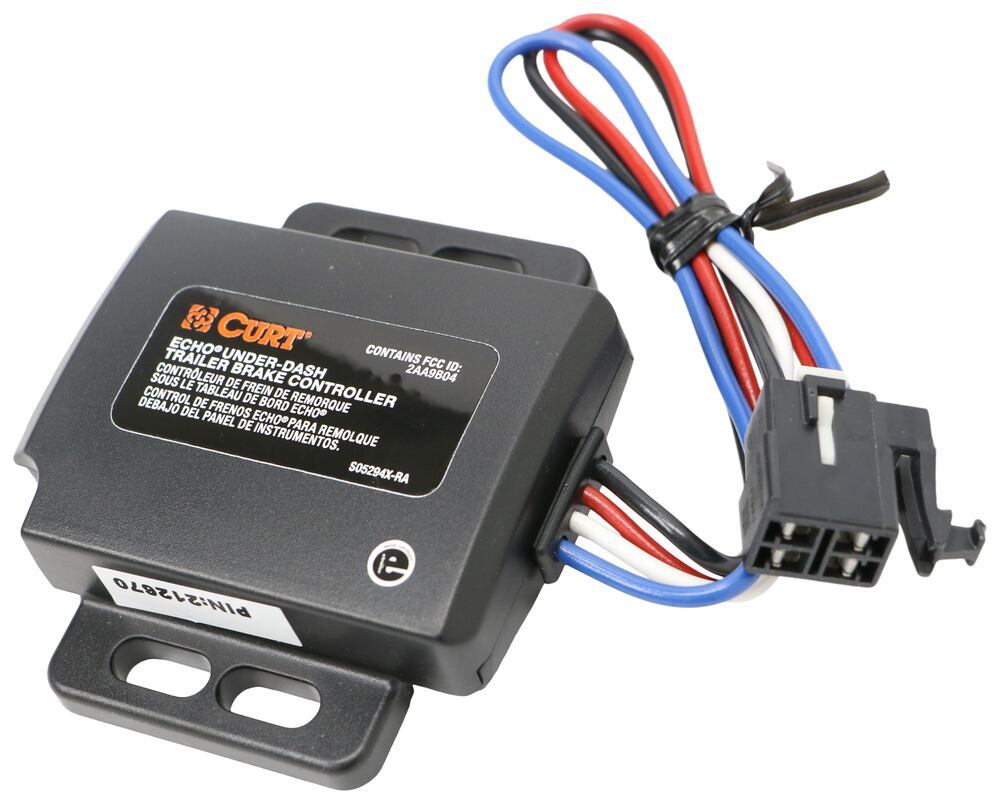
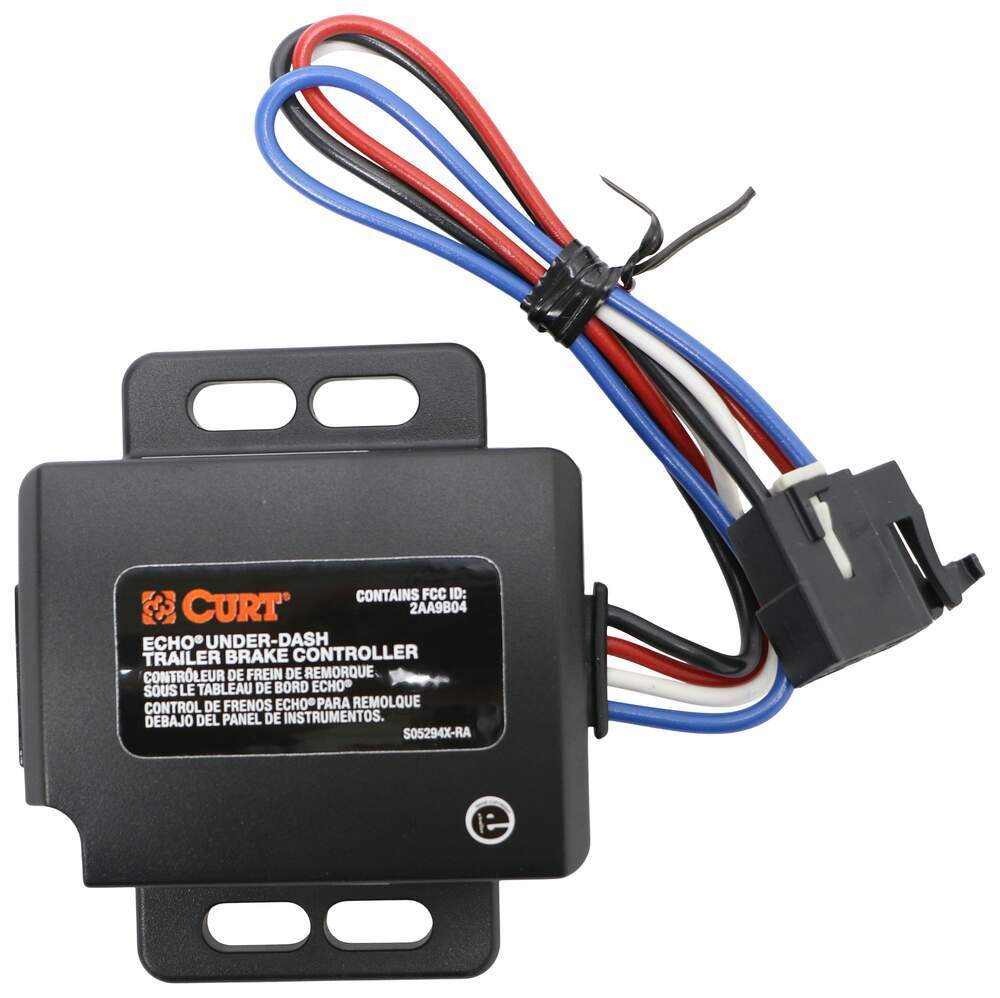
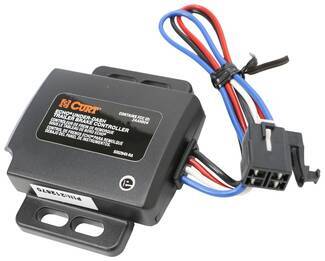
The Curt Echo under-dash is all about convenience. With the main unit mounted out of sight beneath the dash, all you need is your smartphone to control the settings on the brake controller. You won't have to worry about banging your knee on a bulky controller, cluttering up your dash, or ruining the sleek look of your interior.
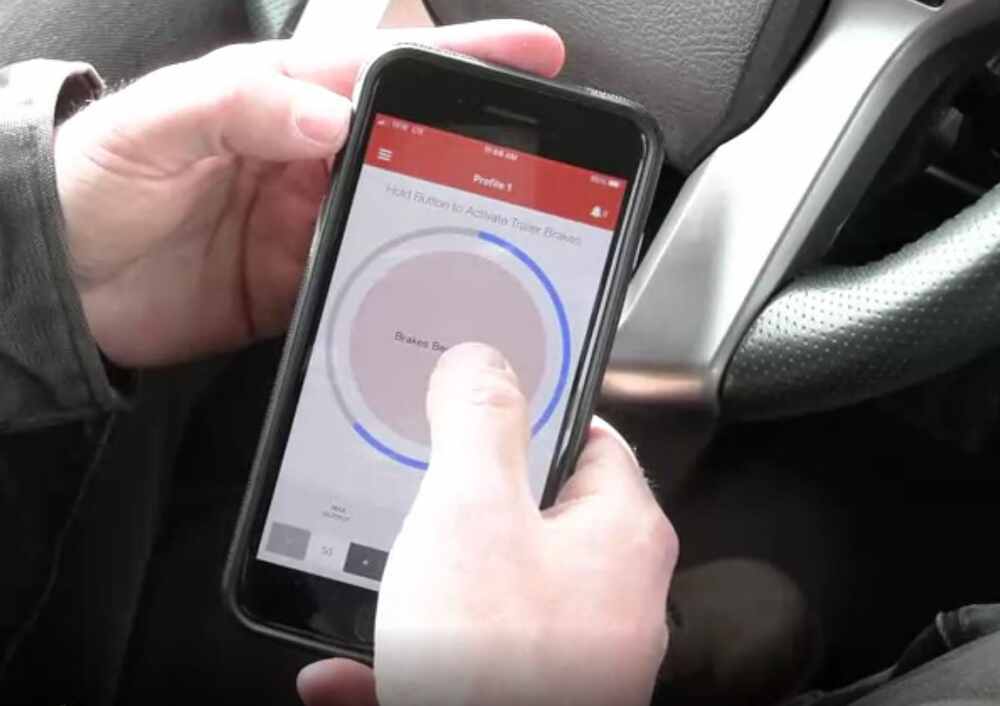
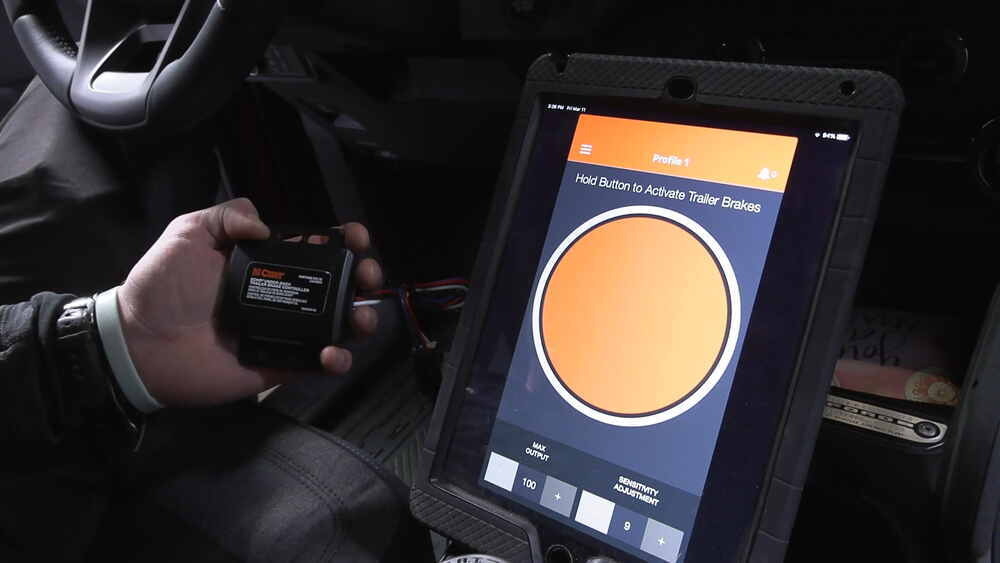
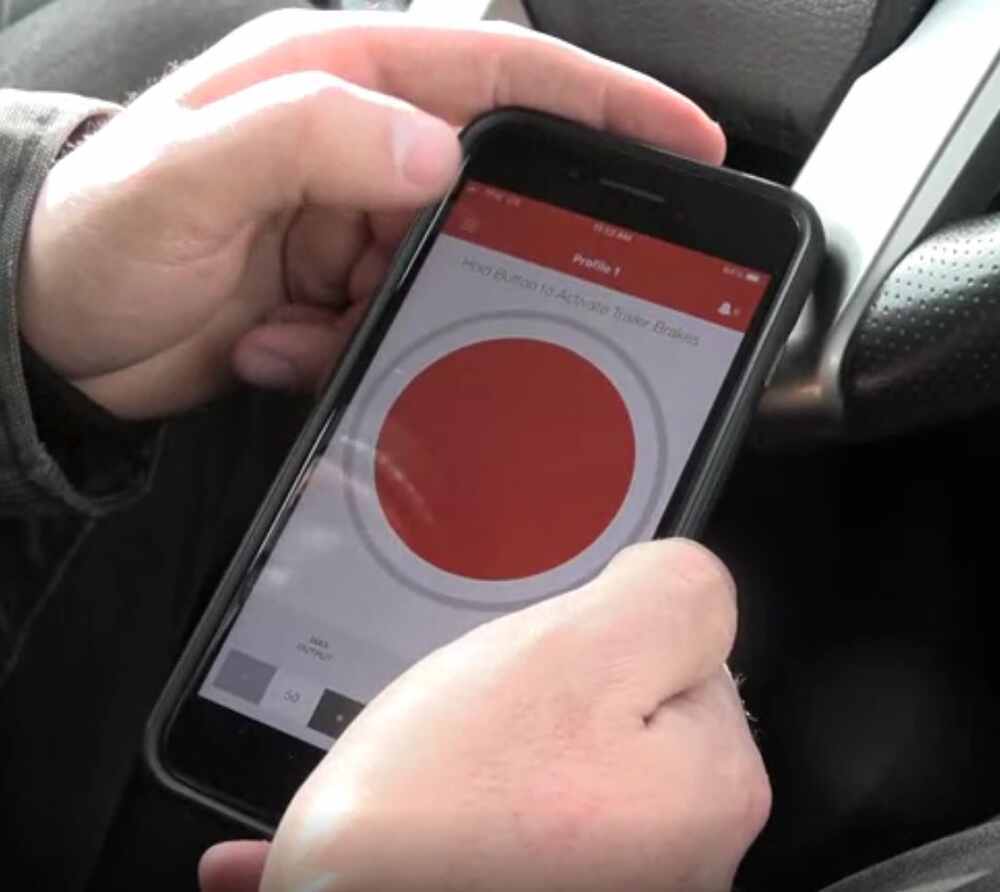
The Echo is unique for giving you control of your towing through your smartphone. You can set the maximum braking output, adjust the braking sensitivity, apply the manual override - all from the OneControl app.
The Echo connects to the app via Bluetooth. You can save multiple trailer profiles in the app, a big plus if you have a fleet and want to be able to just select a pre-set configuration and get towing. And don't worry: after you've downloaded the app, you don't need to have data on to use the app with the brake controller. You'll be able to receive calls and texts and access your other apps.
OneControl App
Simple, intuitive, and user-friendly, the OneControl App makes it wicked easy to manage your settings and control your trailer.
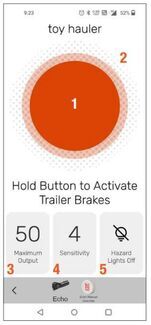
1. Manual Override
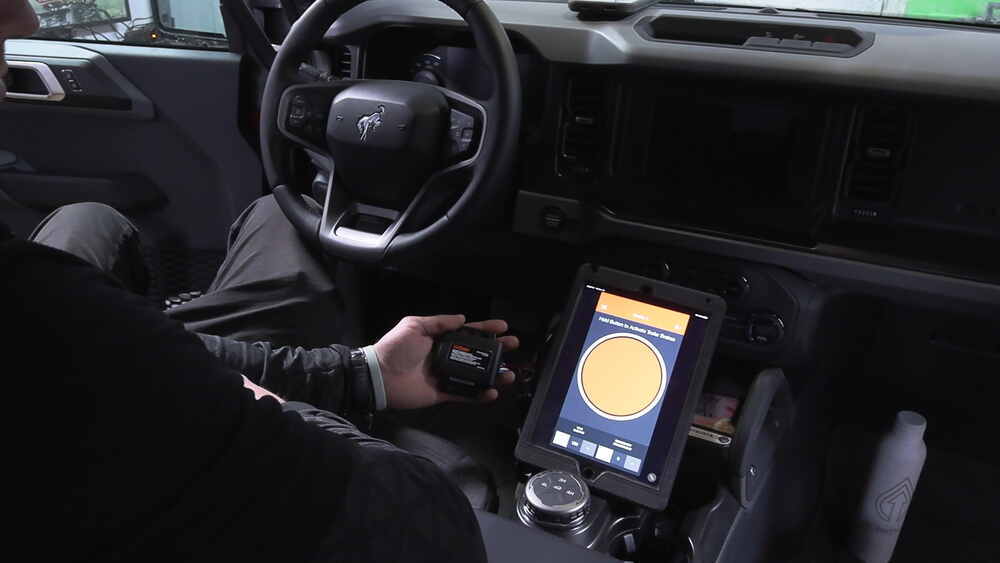
This big orange button in the middle of the app is your manual override. Press and hold the button, and the brake controller will smoothly apply the trailer brakes without applying your vehicle's brakes. This is perfect for stopping sway or controlling your trailer's momentum in an emergency.
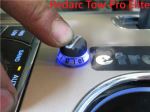
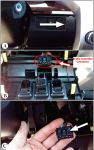
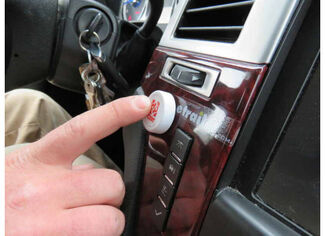
Quick tip: Put manual override right at your fingertips by adding this button (C83HR - sold separately) to your dash. The app must be running for the button to work, but it can be in the background while you use other apps on your phone. The button has an adhesive back and runs on a replaceable battery.
2. Brake Output Indicator
The outer ring gives you a visual indicator of how much power is being applied to the trailer brakes. This is determined by your max output setting.
3. Max Output
Braking output is the maximum amount of power that will be applied to your trailer's brakes. How much braking output you need is determined by the weight of your trailer; a heavier trailer will need more power to bring it to a stop.
To set your maximum braking output, tap this button and increase or decrease using the + and - buttons. You want to set the braking output as high as you can without locking up the brakes.
4. Sensitivity Level
This controls the aggressiveness of your trailer's braking, meaning how quickly the brakes reach the max output level. This is a great adjustment to make when you're towing a heavy load and the trailer will need more umph to bring it to a stop so it doesn't push your vehicle forward.
Just like max output, if you need to change your sensitivity level, use the + and - buttons. If your vehicle takes too long to come to a stop, increase the setting. If it stops too abruptly, lower the setting. You may also need to adjust the sensitivity based on your own preferences, or when the trailer load or road conditions change.
5. Vehicle Hazard Lights
If you turn on your vehicle's hazard lights, there's a chance the trailer brakes will pulse on and off as the lights flash. Turn this setting on any time you activate your hazard lights to prevent this problem.
Save Multiple Trailer Profiles
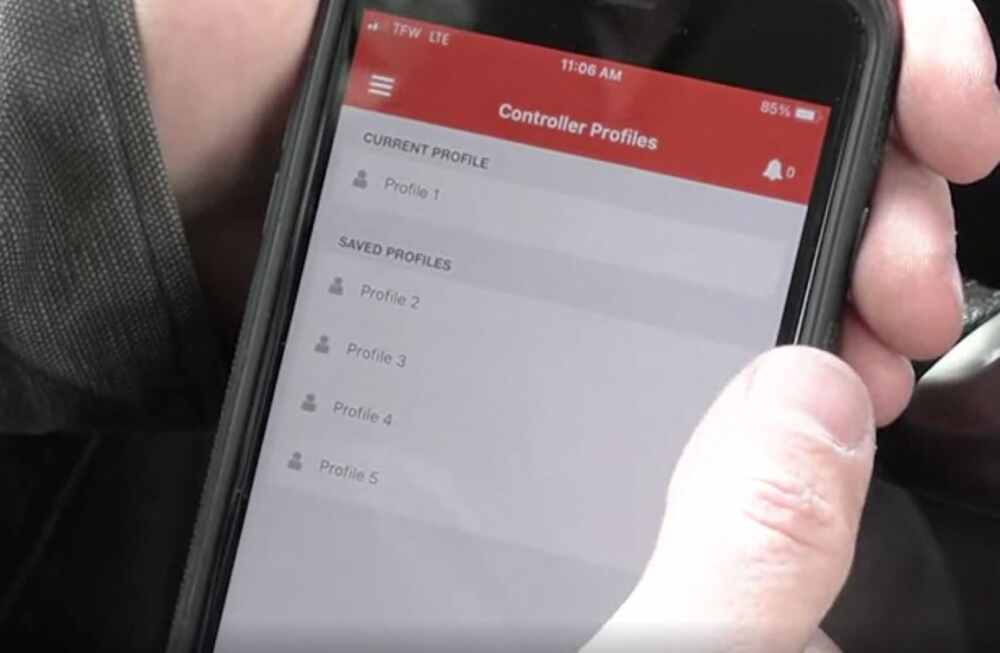
Get on the road faster by saving your settings. With the app, you can add and store multiple profiles for both trailers and vehicles so that your preferred settings will be ready to go as soon as you hook up. This is perfect if you own a fleet and don't want to have to reset the controller every time you swap out trailers. You'll have the ideal settings saved and waiting for you. To switch between profiles, just swipe left or right.
If you like the idea of monitoring your trailer from your phone, the other OneControl systems could be a great fit for you.
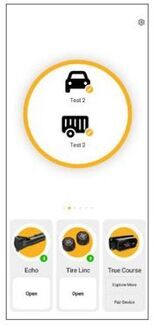
The Curt True Course (C94VV - sold separately) is an advanced Bluetooth sway control system that automatically triggers the trailer brakes (independent of the vehicle's brakes and the brake controller) when it detects dangerous trailer movement. The Curt Tire Linc (C54VV - sold separately) Bluetooth TPMS monitors the temperature and pressure of your trailer tires. All of these systems use the OneControl app so you can manage all of them in the same place on your phone.
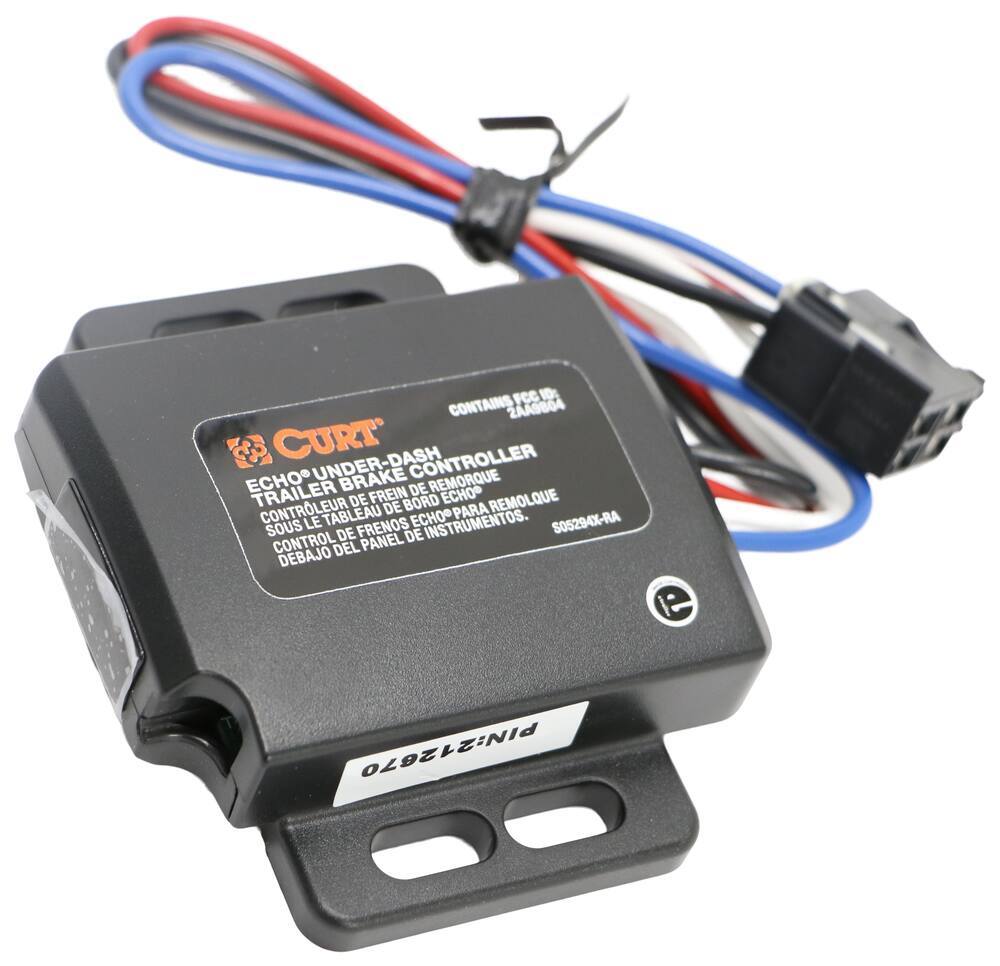
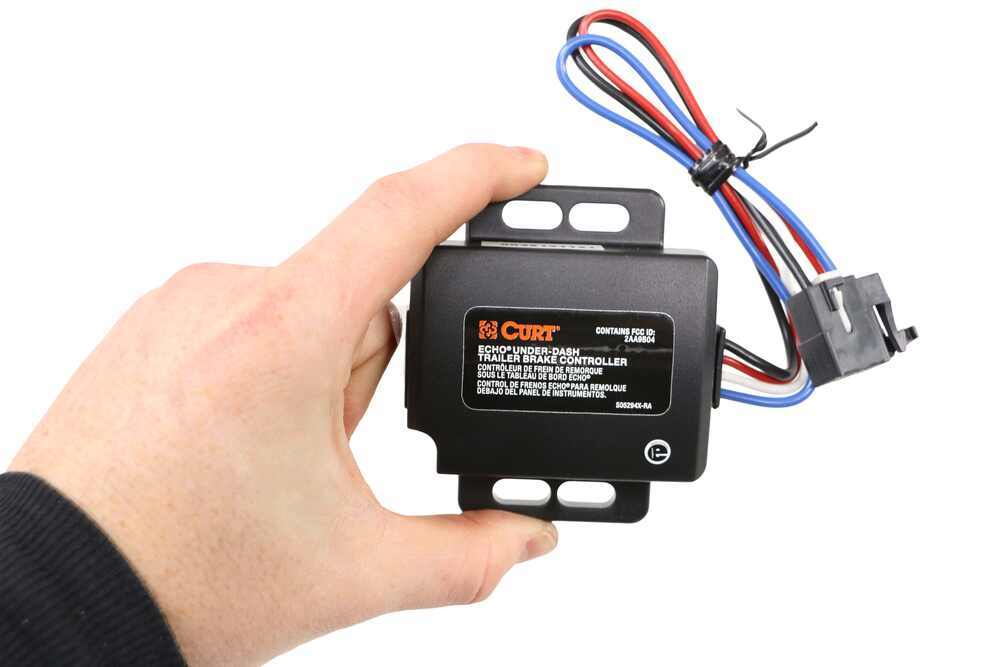
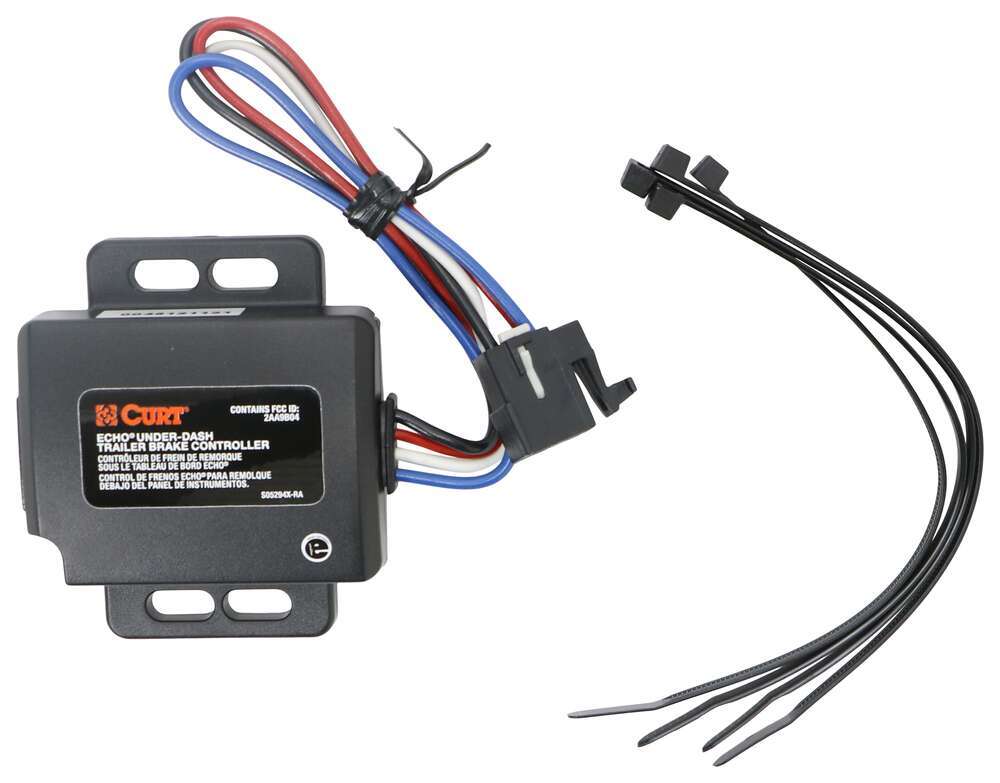
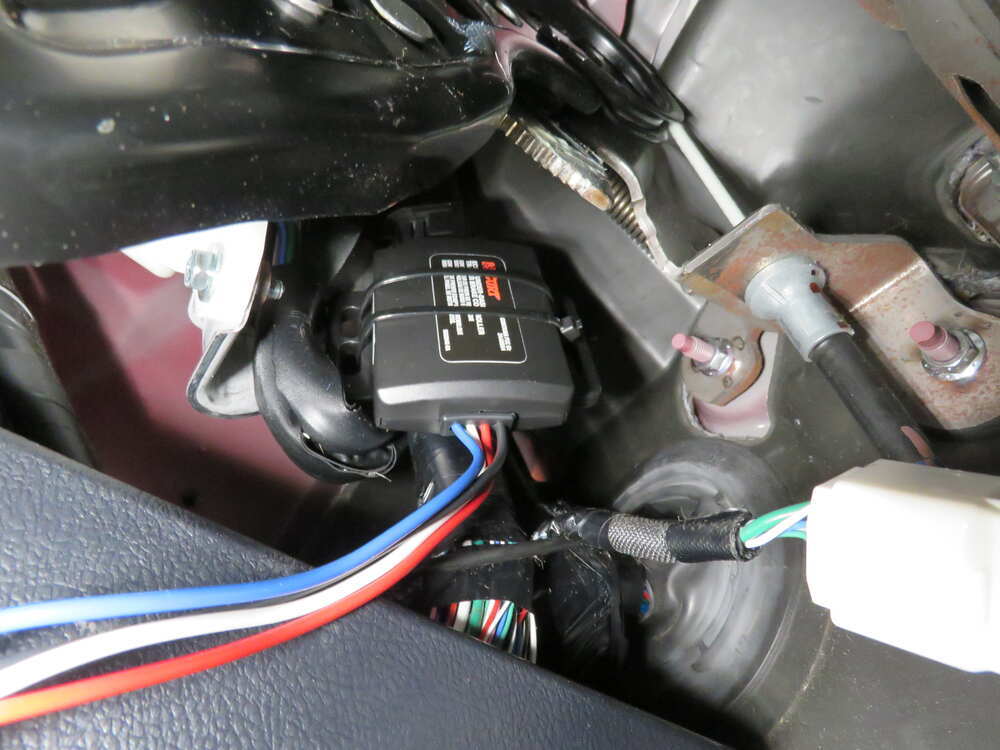
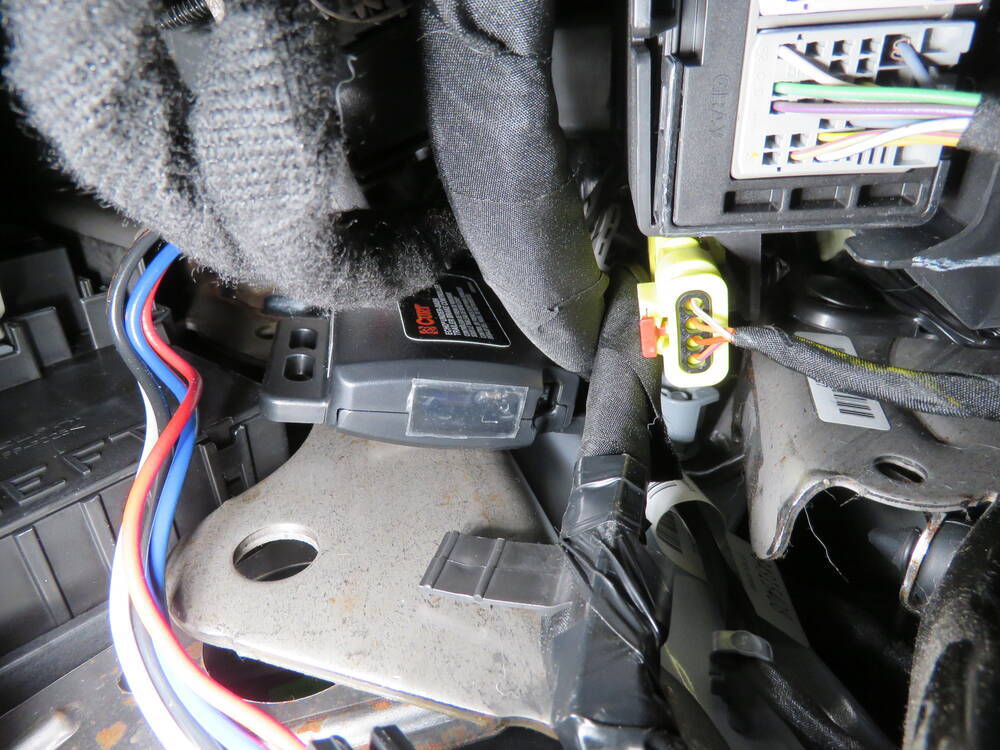
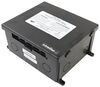
You won't be banging your knee on a bulky brake controller or interfering with your vehicle's lower airbags because the main unit mounts out of sight under your dash. This product comes with an adhesive pad and 4 zip ties to make it easy to mount anywhere. (Just don't zip-tie the box to wiring or cables that can shift as you drive!) Thanks to the 3-axis accelerometer, the main unit can be positioned at any angle. No matter how you install it, the unit will sense the direction of travel and deliver smooth, even braking.
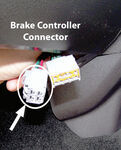
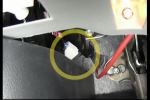
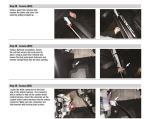
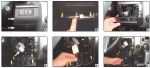
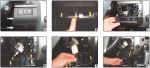
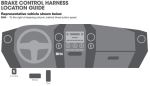
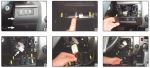
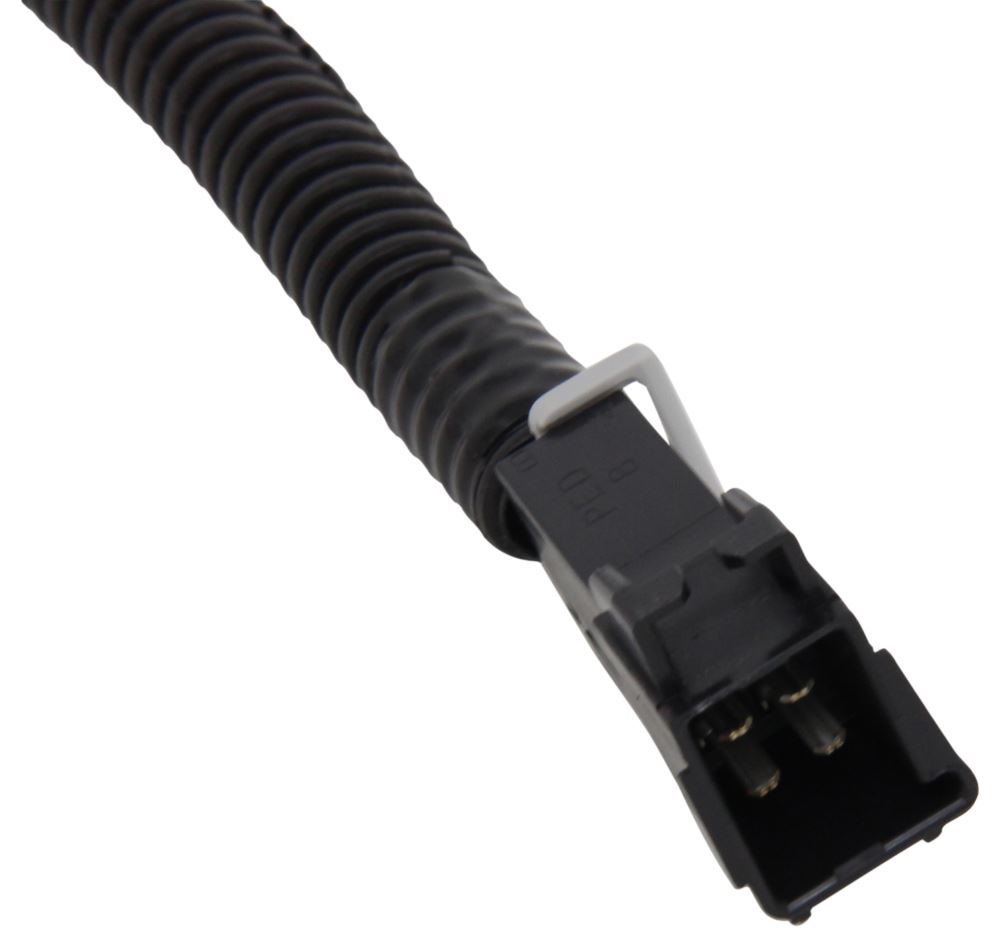
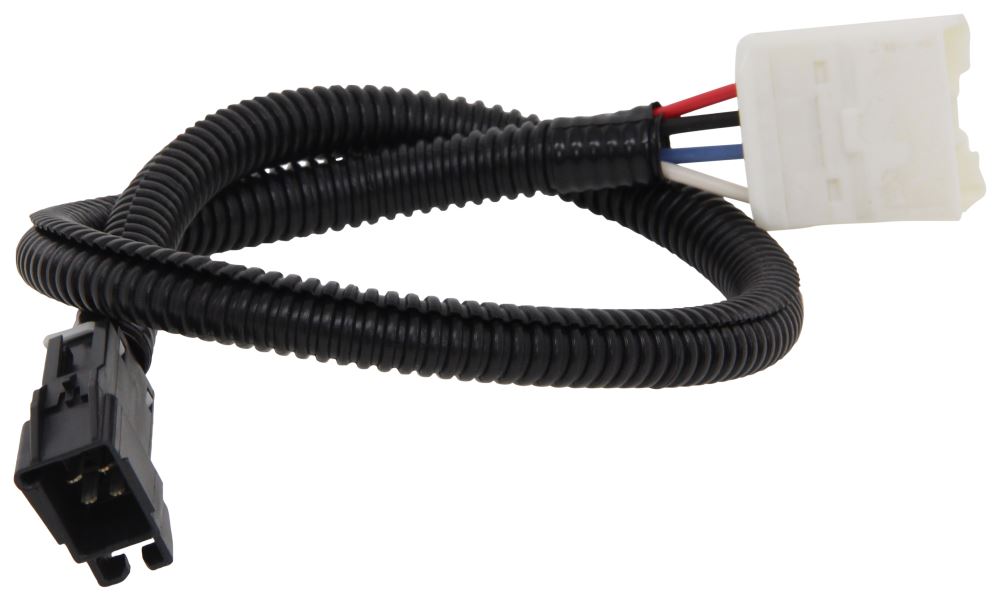
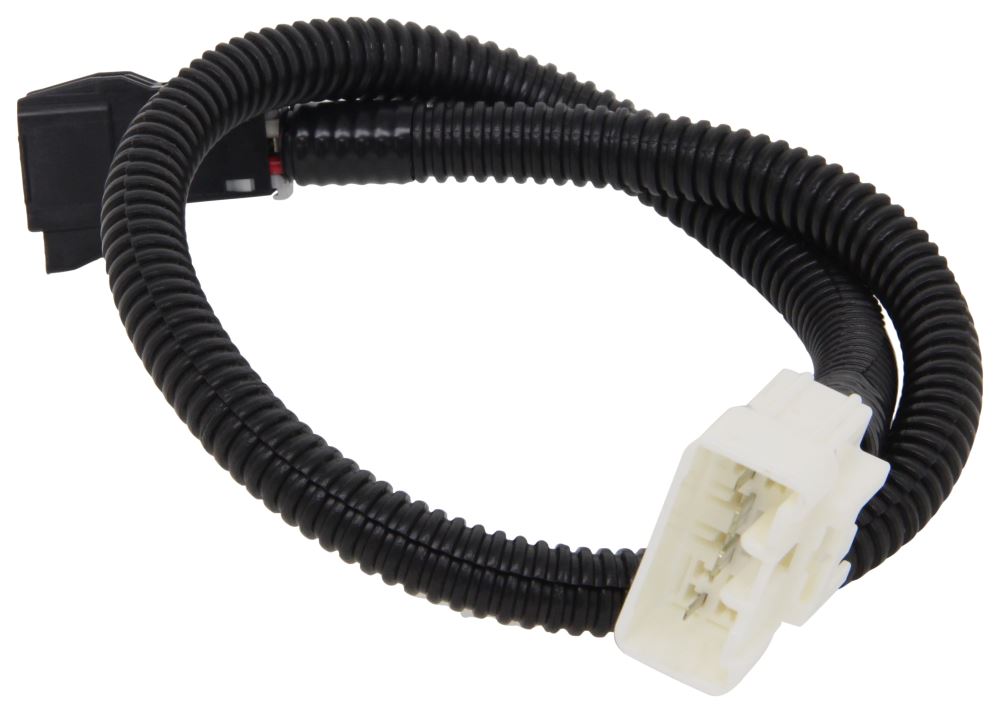
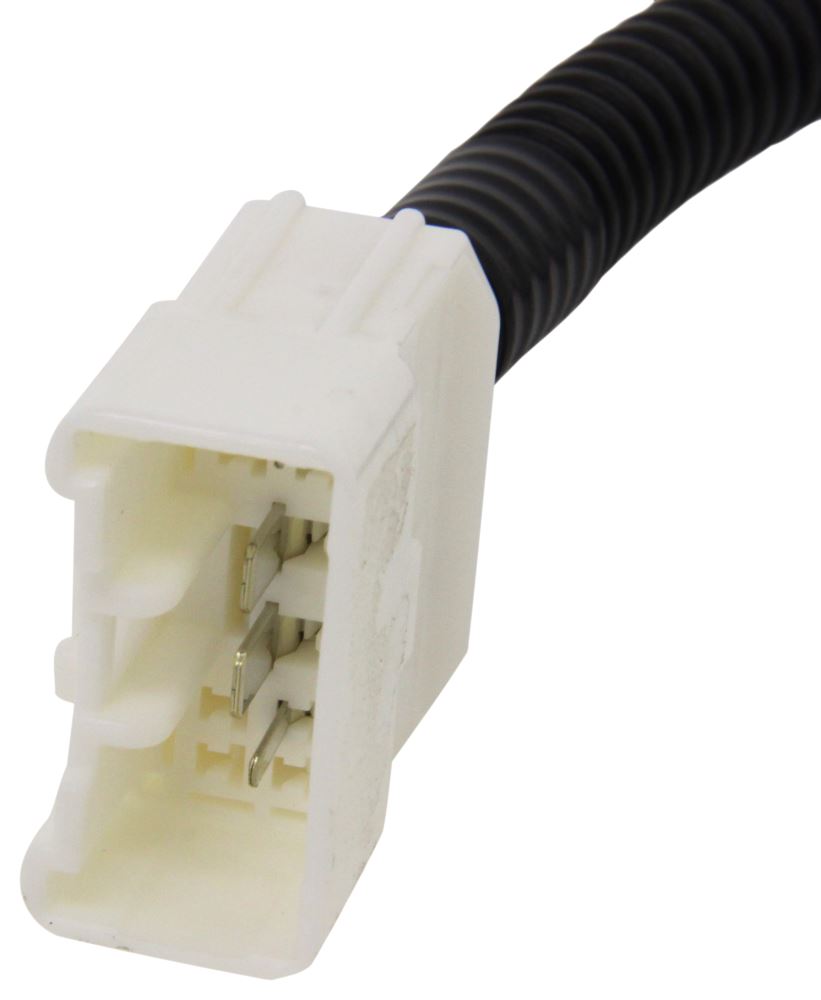
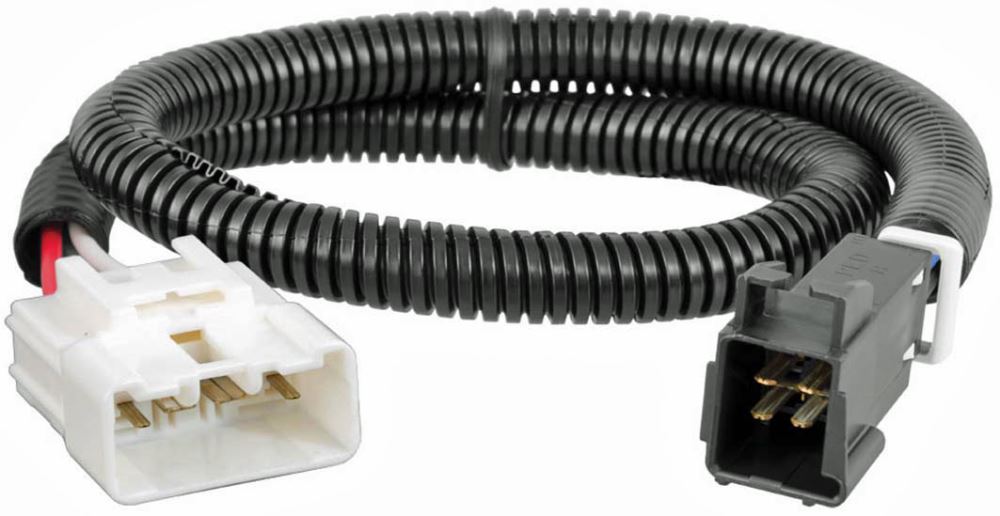
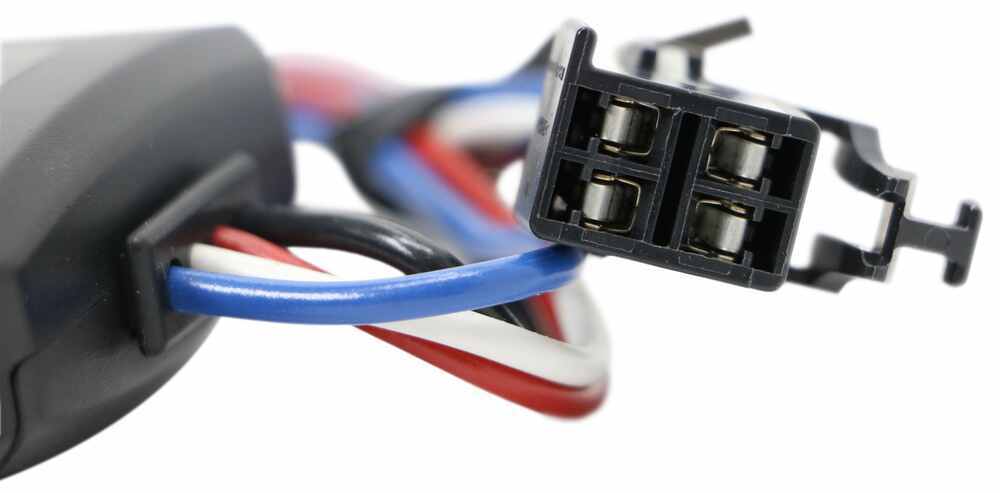
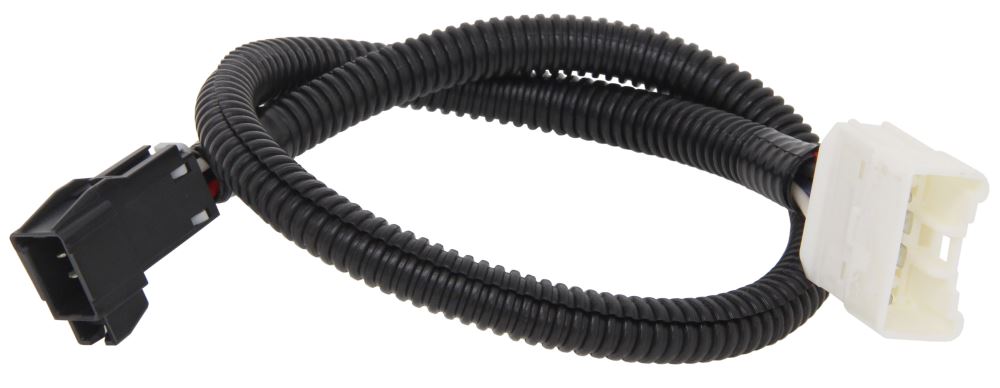
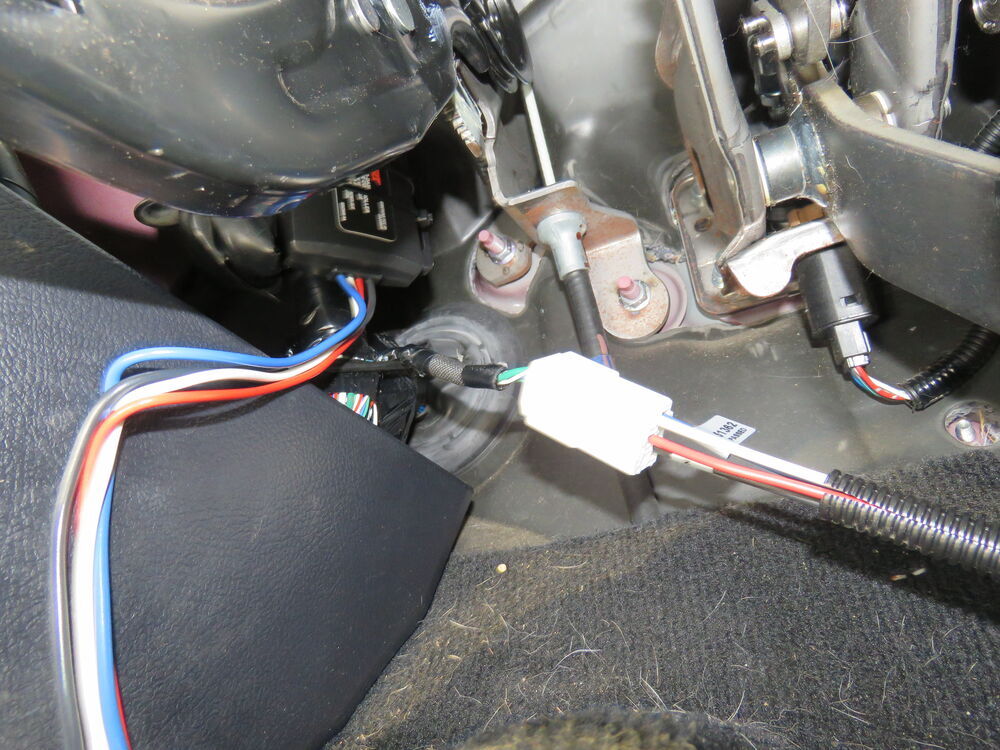
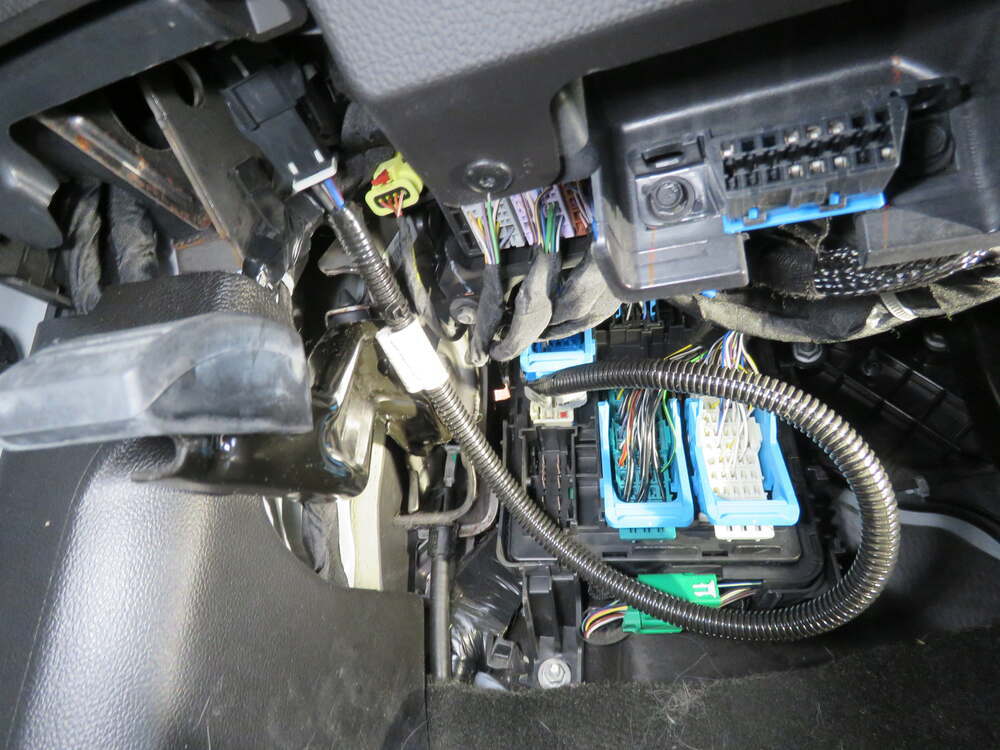
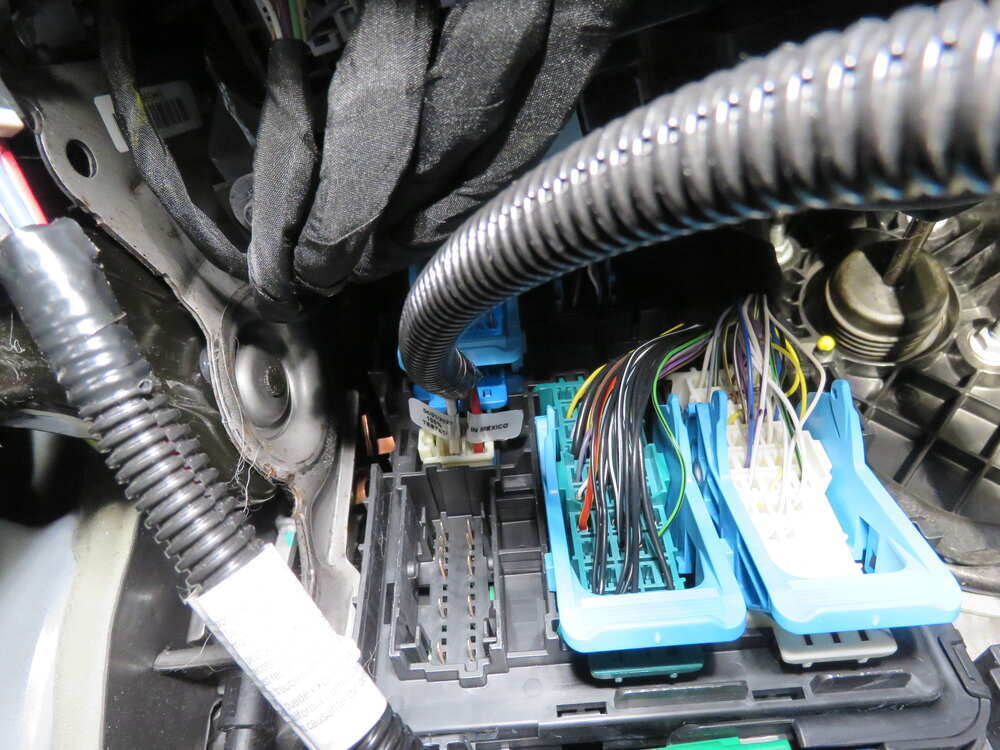
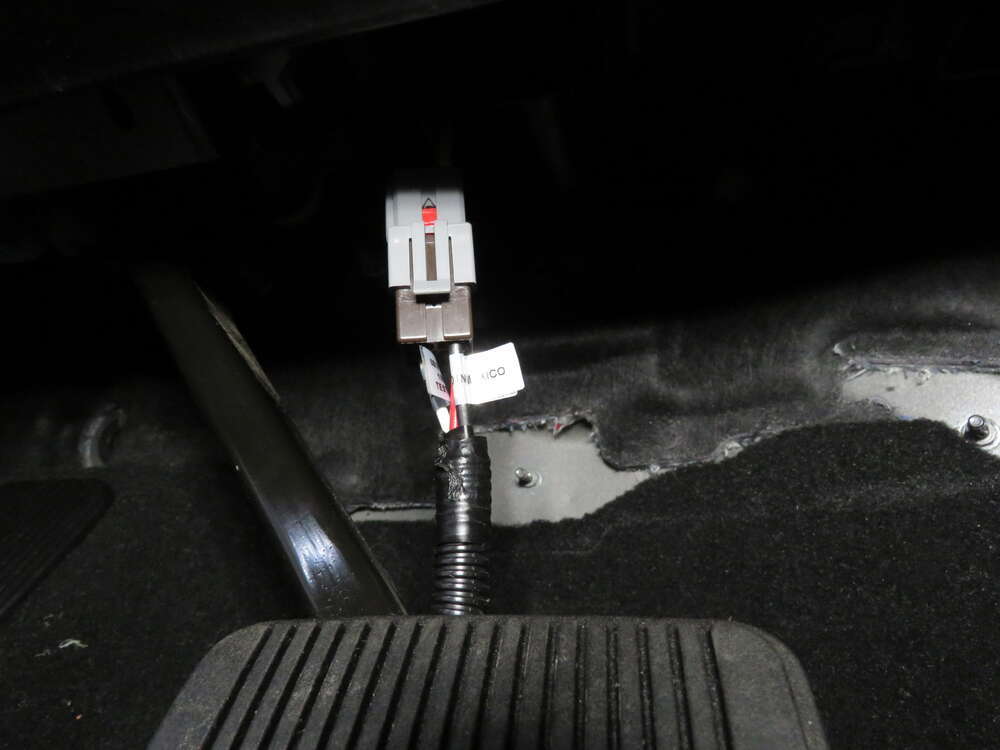
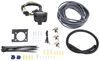
The included custom-fit adapter plugs into the port on your vehicle's built-in brake control wiring harness, which you'll find underneath the dash, to the left of the steering column, taped to another harness near the emergency brake pedal. Once you're plugged into your factory port, just plug the other end of the adapter into the Echo. No hardwiring needed!
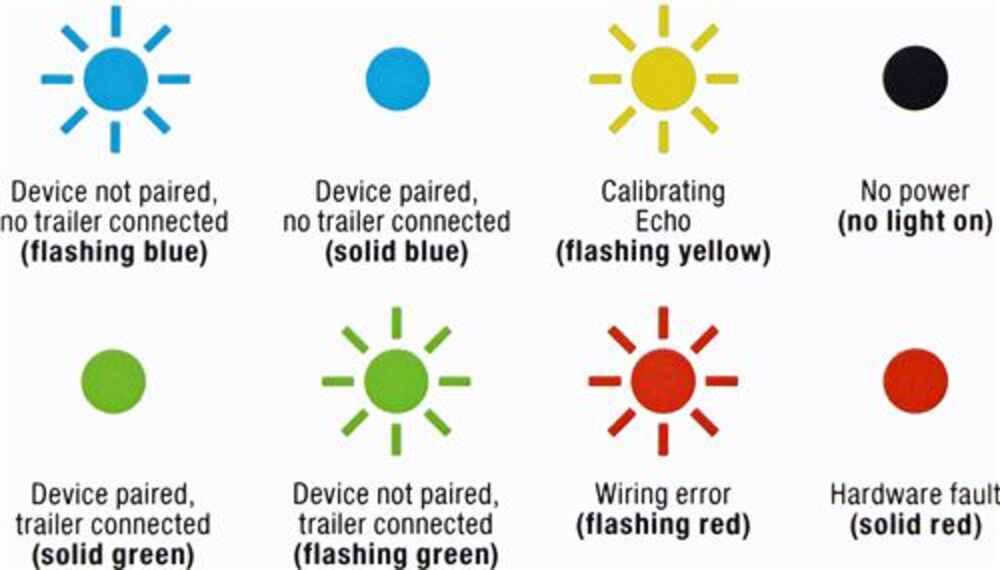
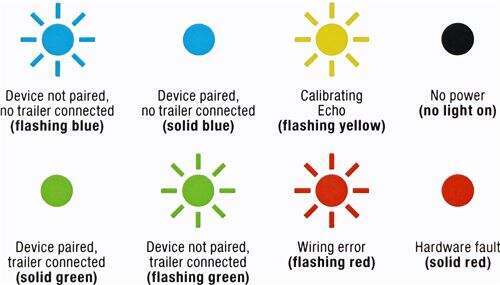
Once that's done, download the OneControl app on your Apple or Android smartphone and wirelessly pair the unit to your phone via Bluetooth, following the in-app instructions. It should take about 5 seconds for them to pair. Once paired, the LED light on the unit will turn a solid blue. Plug in your trailer's 7-way and let the whole system calibrate for another 5 seconds. When the LED turns green, configure your desired trailer brake settings and save it as a profile. Then you're ready to tow!
Note: If you don't already have a 7-way plug at the back of your vehicle, take a look at our exclusive 7- and 4-way brake controller installation kit (ETBC7 - sold separately).
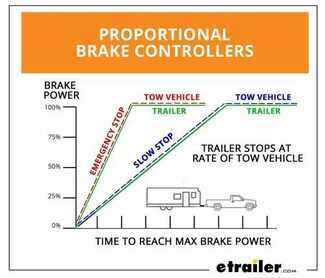
Proportional braking means that your trailer brakes mimic your tow vehicle's brakes. If you slam on the brakes in your vehicle, your trailer brakes hard; if you brake lightly, your trailer brakes lightly too. The trailer's braking is in proportion to your vehicle's braking. This saves wear and tear on the tires and the brakes on both your vehicle and trailer.
The Echo under-dash uses an internal 3-axis accelerometer to sense how your vehicle is braking so it can send the right amount of braking power to your trailer. It measures the inertia of your tow vehicle and activates the trailer's brakes to ensure that your trailer slows at the same rate. The result is uniform braking across your towing setup. No push-pull action - just smooth, proportional braking every time.
 Alternate Instructions
California residents: click here
Videos are provided as a guide only. Refer to manufacturer installation instructions and specs for complete information.

Very nice product and well laid out. Came with everything to make the job easy.
Easy setup and operation.
Would not connect to Blue Tooth after install and app download. This seems to be a trend with these controllers,from what I was told.E-Trailer provided a return label.
Good product. Small size. App could have been easier to setup.

Very pleased with the ease of install and how it functions.
Although this seems like a great idea, the controller app from Curt/Lippert only works on a very recent cell phone or on an Android-based car stereo head unit. There are no factory Android car stereos available or aftermarket Android head units from the major players such as Pioneer, JVC, Kenwood, Alpine. The app is not Apple Car Kit or Android Auto enabled. This basically means you need to play with your cell phone while driving to adjust the brake controller. Even touching your phone while driving is illegal in many, many states. It really doesn't matter how good or bad the brake controller is if you can't use it. The same app is used for other Curt/Lippert Bluetooth Echo brake controllers and for their anti-sway controller and trailer tire pressure monitors. One has to wonder why this is even available for sale. I plan to simply avoid all Curt/Lippert Bluetooth trailer equipment in the future.
Works Great. Very satisfied
Easy installation and product works exactly as it should.
I have to say, the unit works pretty well... Took some adjusting at first and sometimes have to still make small adjustments when the trailer brakes grab a little to much while coming to a stop. Easy installation and setup and does the job.
The break controller worked seamlessly. Profiles are easy to set up and it has very reliable Bluetooth connectivity with my phone. Installation was really easy on my Honda Pilot!
Do not buy either the Curt Under-Dash or plug-in Wireless brake controllers until Lippert fixes the phone app. I’ve used both happily with the old ECHO Smart Control app. I could use the remote manual button with the phone app not even running. As one would reasonably expect the button talked to the controller directly via Bluetooth. The new OneControl Auto app must be running and in the foreground to use the manual remote! And the most recent version of ECHO Smart Control is non-functional, it just tells you to install OneControl Auto.
This is my first proportional brake controller. Stopping is much smoother without sacrificing safety. Communication by bluetooth makes for a clean installation.
Don’t even know it’s there, set it and forget it.
Outstanding product is everything we expected from easy to connect and display in the truck. Great to have when necessary too.
I purchased an adapter to go between my brake controller and the factory wiring in my 2015 Tundra (C51455), I have not installed it yet. I will review it when it is installed.
I bought this connector for my new Toyota Tacoma after moving the Brake Controller from my traded in Jeep. I had hardwired the Jeep, but this was a direct connector and was much, much easier to install. The Curt brake controller and this cable make an excellent combination to control the brakes on my Casita. The only flaw is that Toyota hides the factory end under the upper left side floor-well cover and was hard to find. Not etrailer's fault. Also, I have bought several items from etrailer and the customer service is always superb, as are all of the item descriptions and videos on the products they carry. Great place to get what you need for your vehicle.
This was relatively easy to install under the dash of our 2021 Jeep Grand Cherokee, especially since ours has the factory Trailer Tow Package and therefore an existing pigtail connector ready to connect to the brake controller. The Curt wiring adapter made it super easy to connect the Brake Controller to the vehicle's wiring harness. The controller was easy to calibrate and worked seamlessly while we're towing a rented trailer. We used a dedicated (older) cell phone to operate it while we're towing to avoid any potential interference from other apps rather than using our regular phone on which we receive phone calls texts, etc. This was our first time towing a trailer and this easy-to-use Brake Controller helped make us feel safe and comfortable. Highly recommended.
The hardest part of the job was finding the pre-installed connector on the Tacoma. It is tucked in behind a wire bundle so you have to know where to look. Once found, simple plug and play.

Pat V.

8/3/2020
Works very well.
I was looking for a trailer brake controller that did not require a permanent mounting to the dash or center console of my 2020 Jeep Grand Cherokee Trailhawk. I initially considered the wireless bluetooth controller from Curt Echo that plugs directly into the 7-pin outlet next to the tow hitch. However, reviews from individuals that tow RV trailers identified that particular option prevents the 12v battery on the trailer from charging off of the TV while connected. This would limit the RV utilization during long trips involving boondocking.
The Curt Echo under-dash controller seems to solve that problem and uses the same user interface as the Curt Echo.
Easy to install and operate; problem solved!

Do you have a question about this Trailer Brake Controller?
Info for this part was:
At etrailer we provide the best information available about the products we sell. We take the quality of our information seriously so that you can get the right part the first time. Let us know if anything is missing or if you have any questions.





















Dave
7/29/2016
The wiring adapter I purchased worked perfect and the install was simple, thanks