
Redarc Tow-Pro Liberty Brake Controller w/ Custom Harness - Dash Knob - Up to 2 Axles - Proportional


To see if this custom-fit item will work for you please tell us what vehicle you'll use it with.



Thank you! Your comment has been submitted successfully. You should be able to view your question/comment here within a few days.
Error submitting comment. Please try again momentarily.

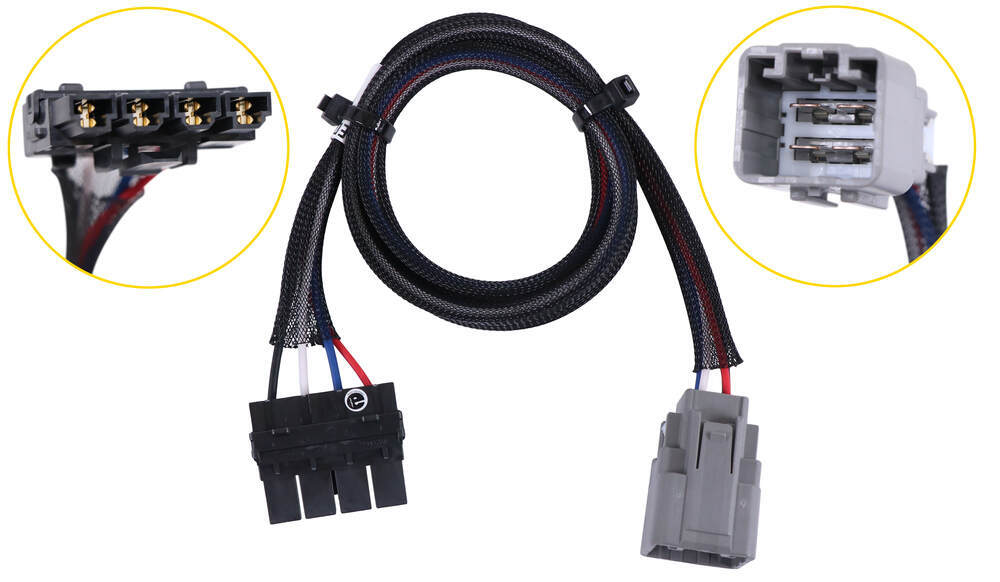
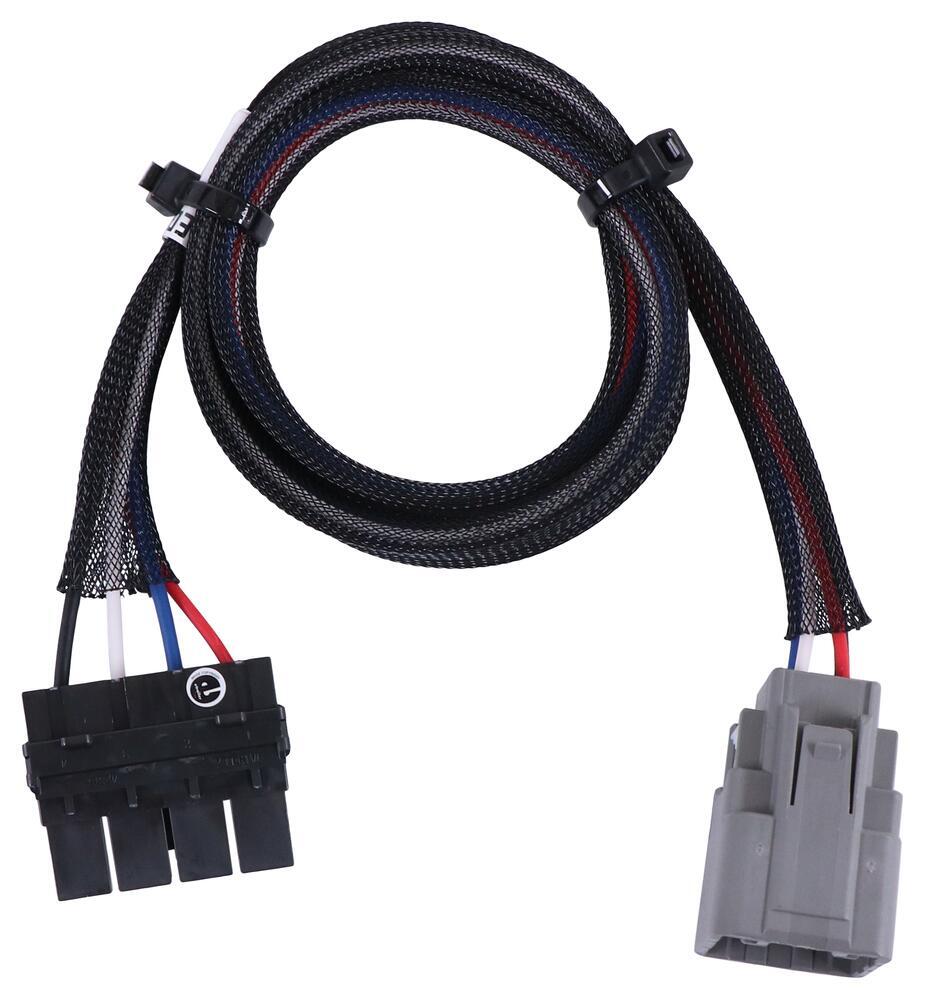
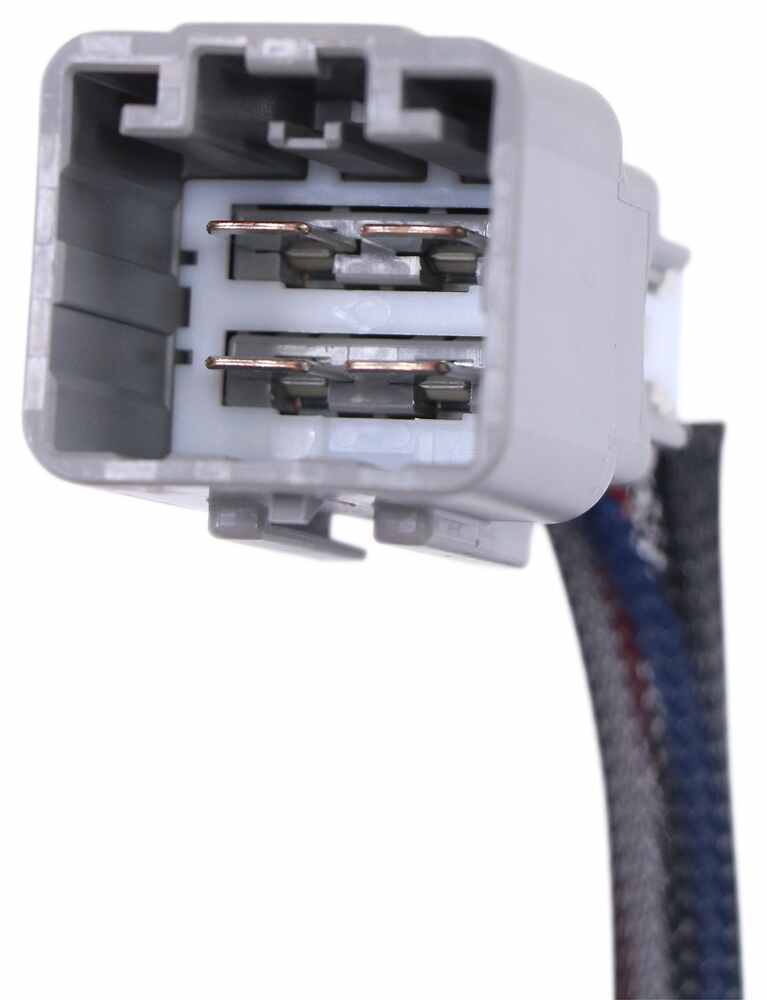
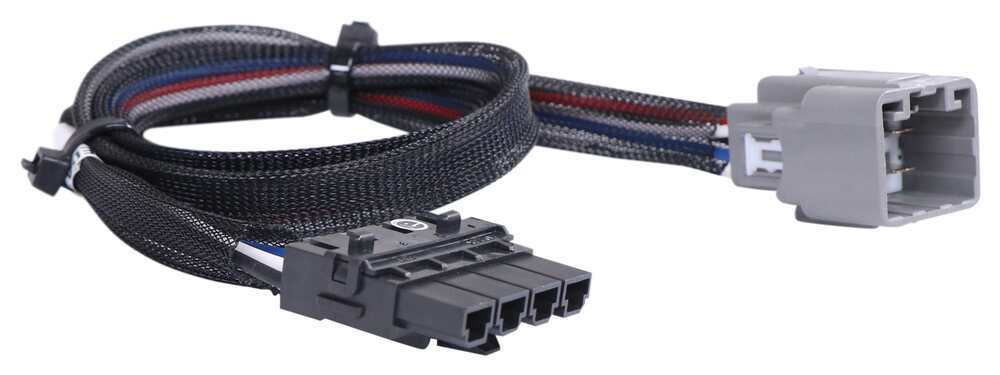
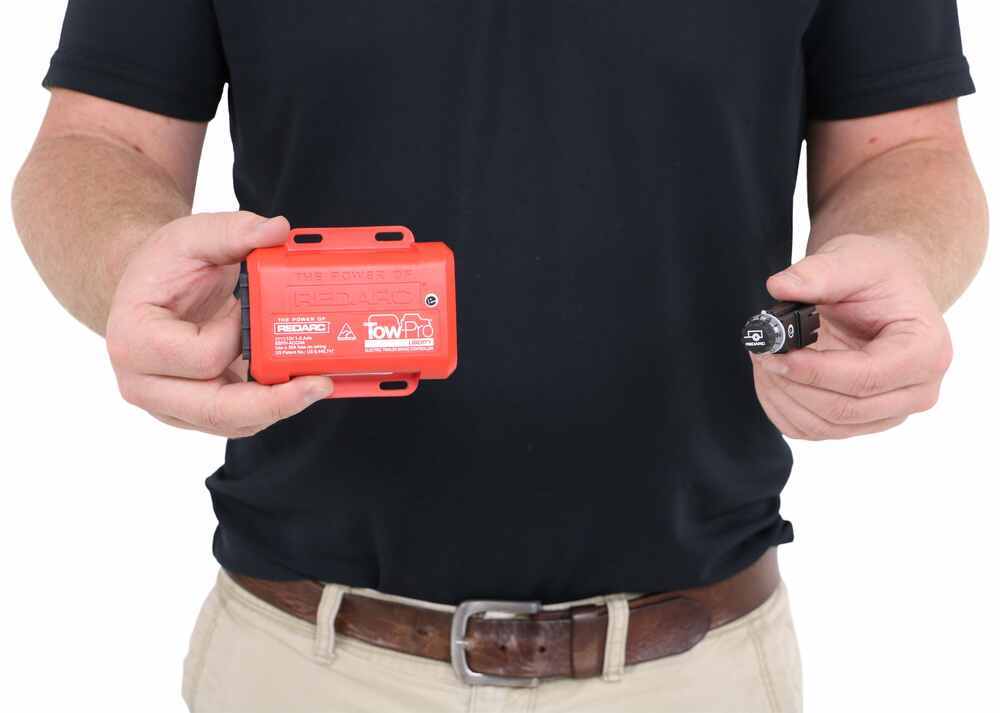
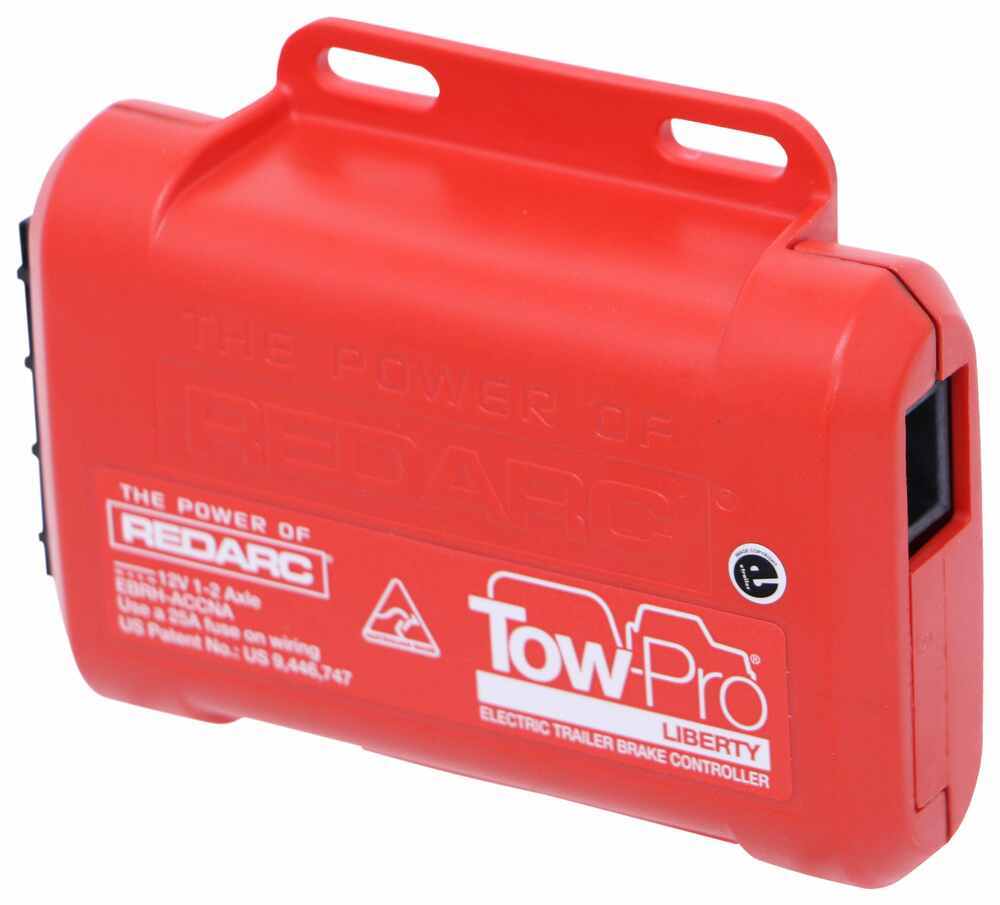
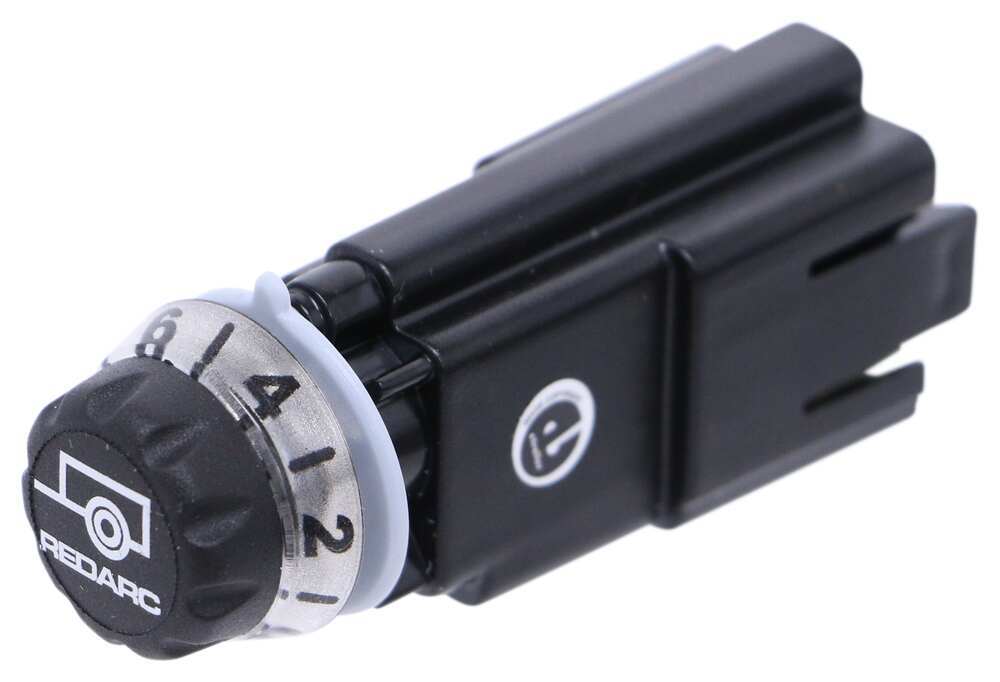
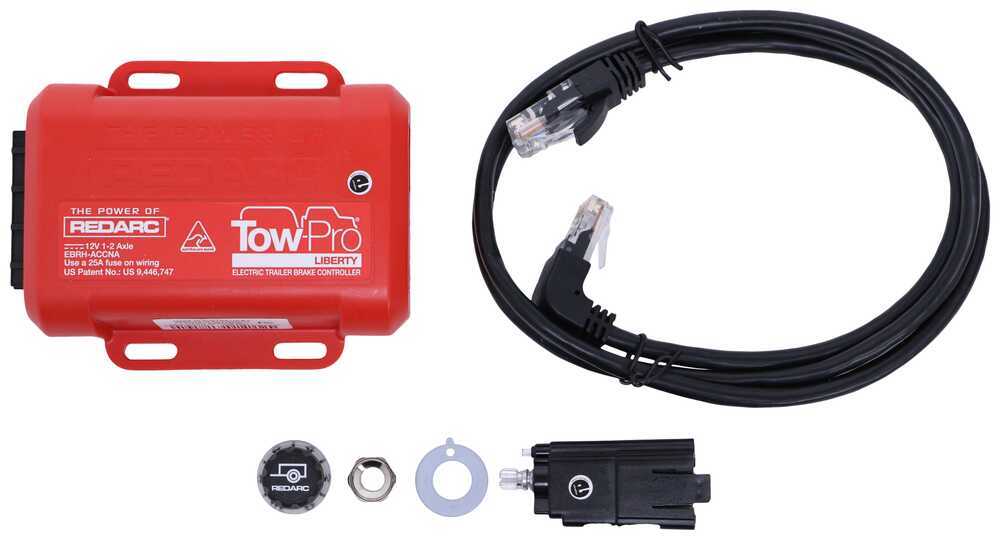
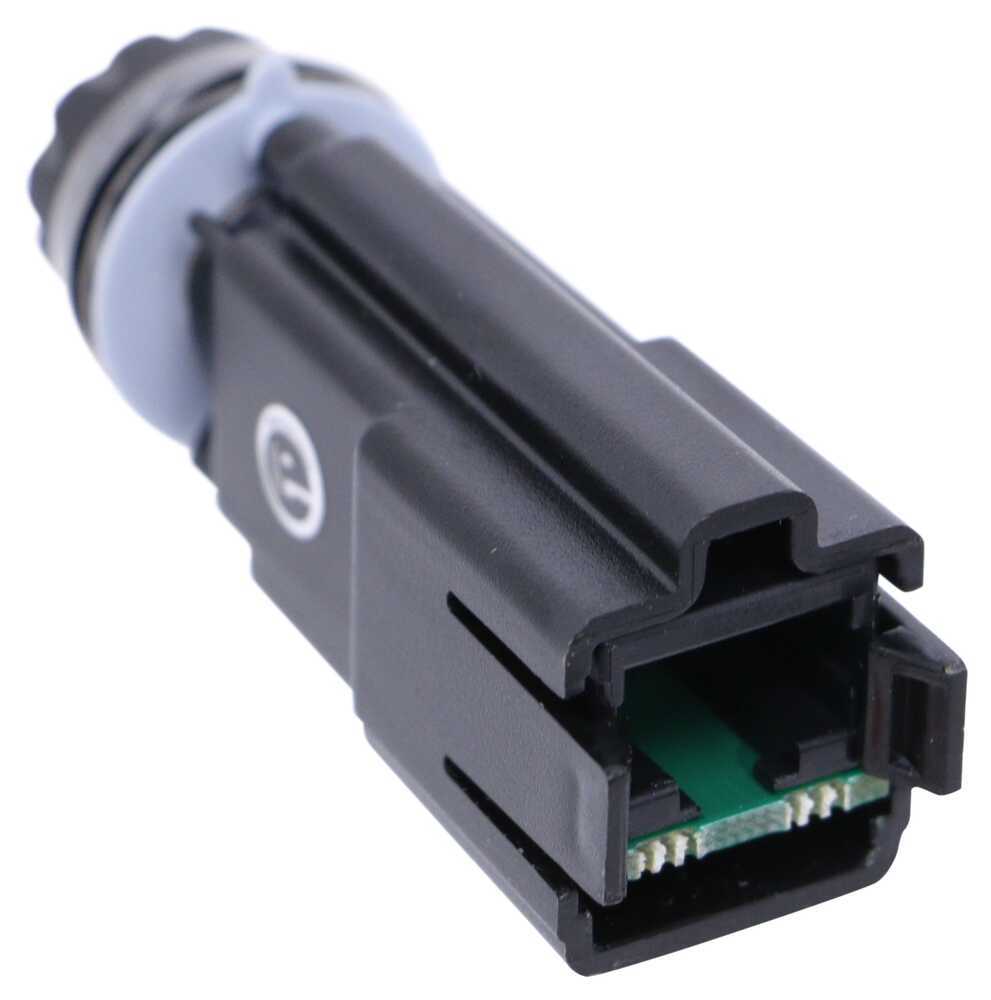
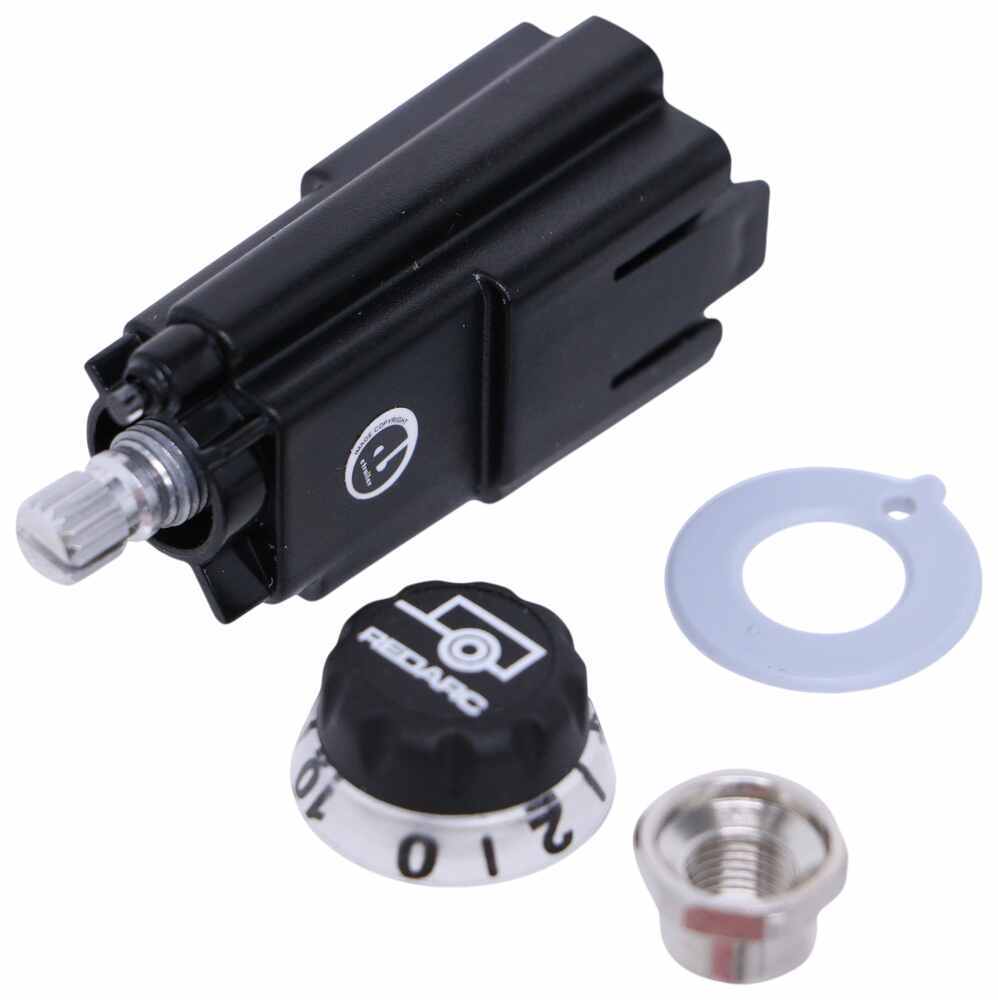
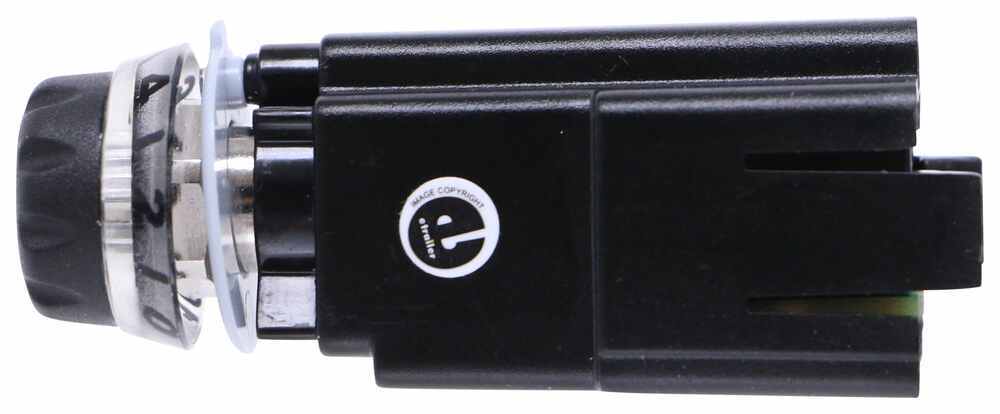


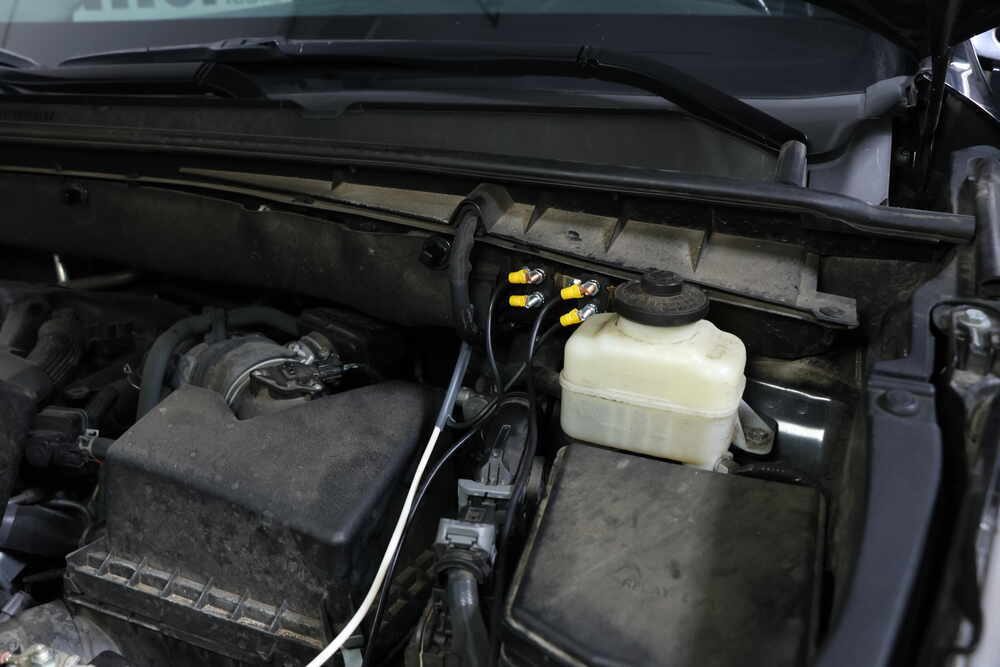
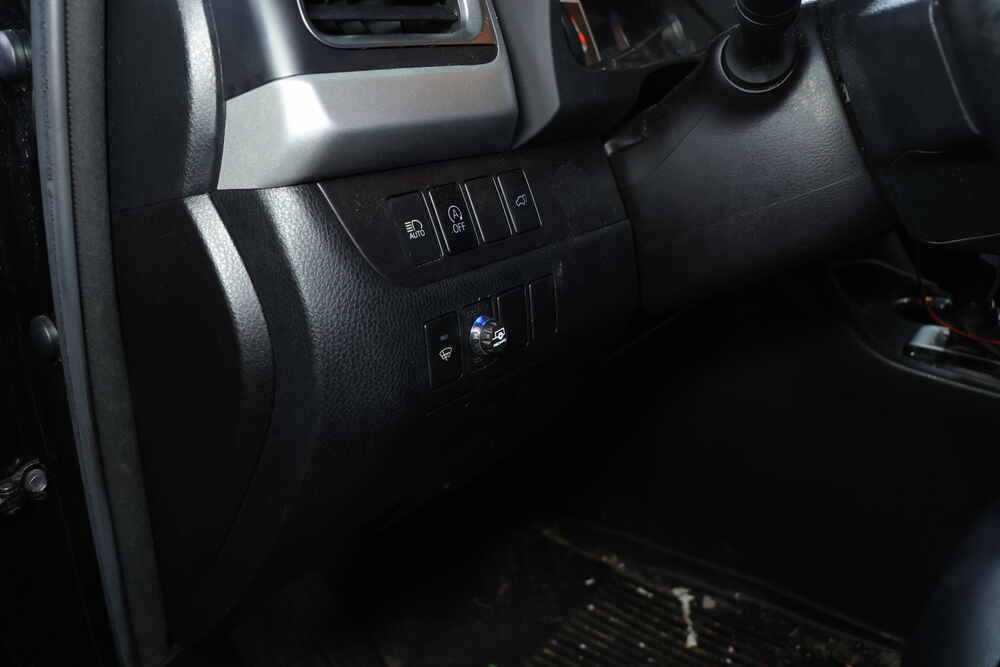


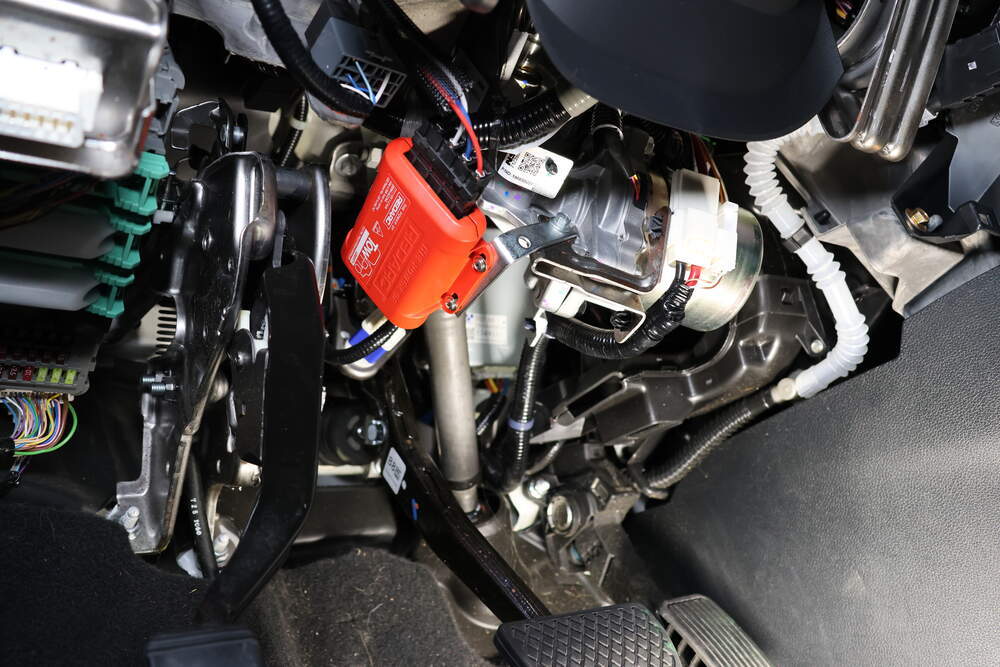


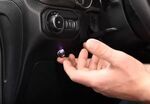
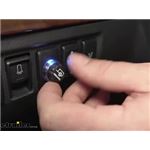
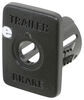
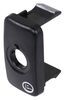
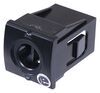
Most brake controllers stick out under the dash, but this one hides the main unit completely. The Tow-Pro Liberty’s control box mounts out of sight while a tiny knob—just 9/16" wide and 1-7/8" long—sits cleanly on your console. It looks like it came from the factory, not an aftermarket kit. That single knob does everything: adjust braking power, press for manual override, and show color-coded LED feedback while you drive.
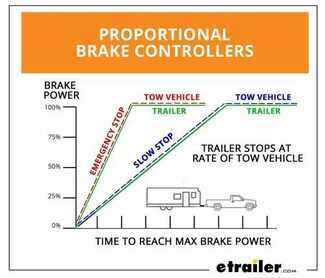
Towing feels steady with true proportional braking. The internal 3-axis accelerometer senses how hard you’re braking and matches the trailer brakes to your input for smooth, even stops every time. Whether it’s a light tap or a full stop, it keeps your trailer in sync and eliminates that push-pull feeling. It works with trailers up to 2 axles (4 brake assemblies) and supports both electric and electric-over-hydraulic systems.
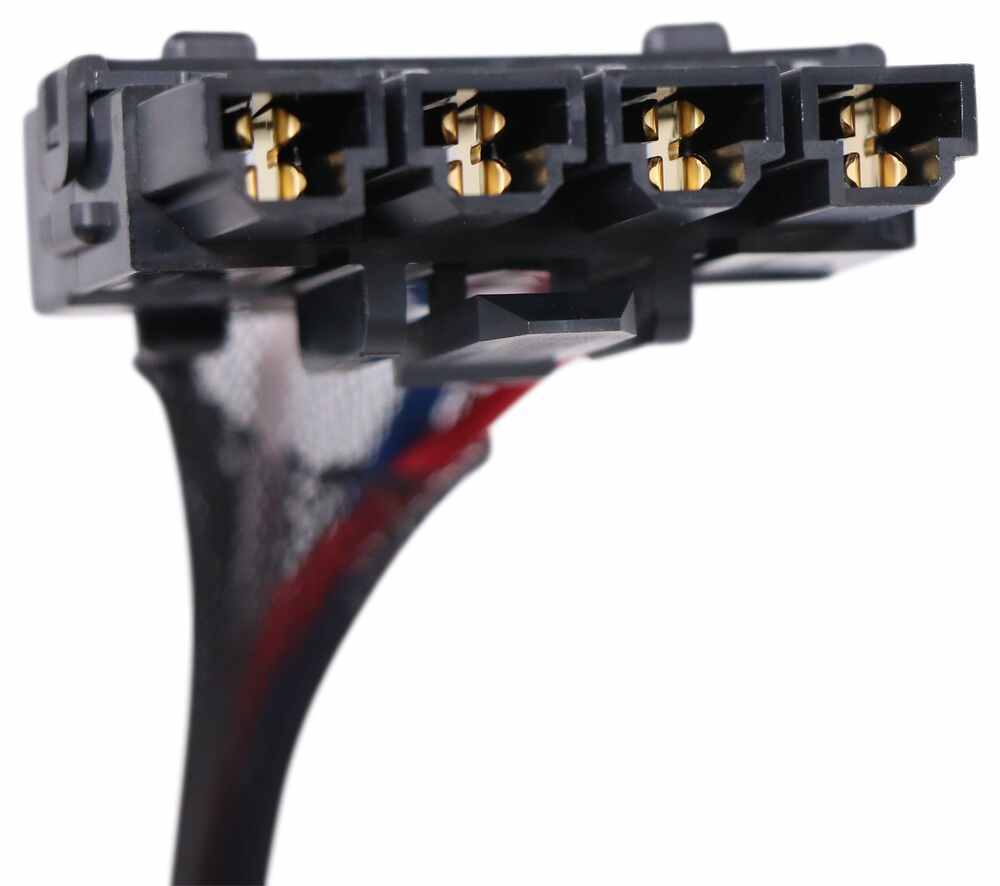
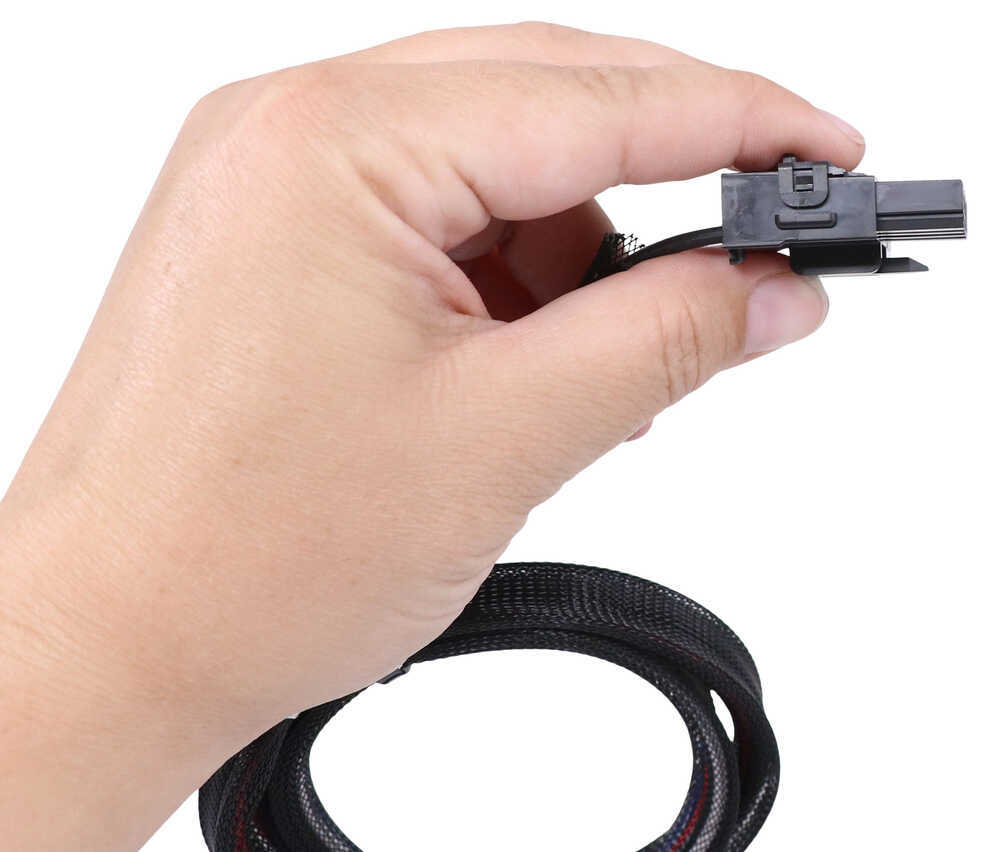
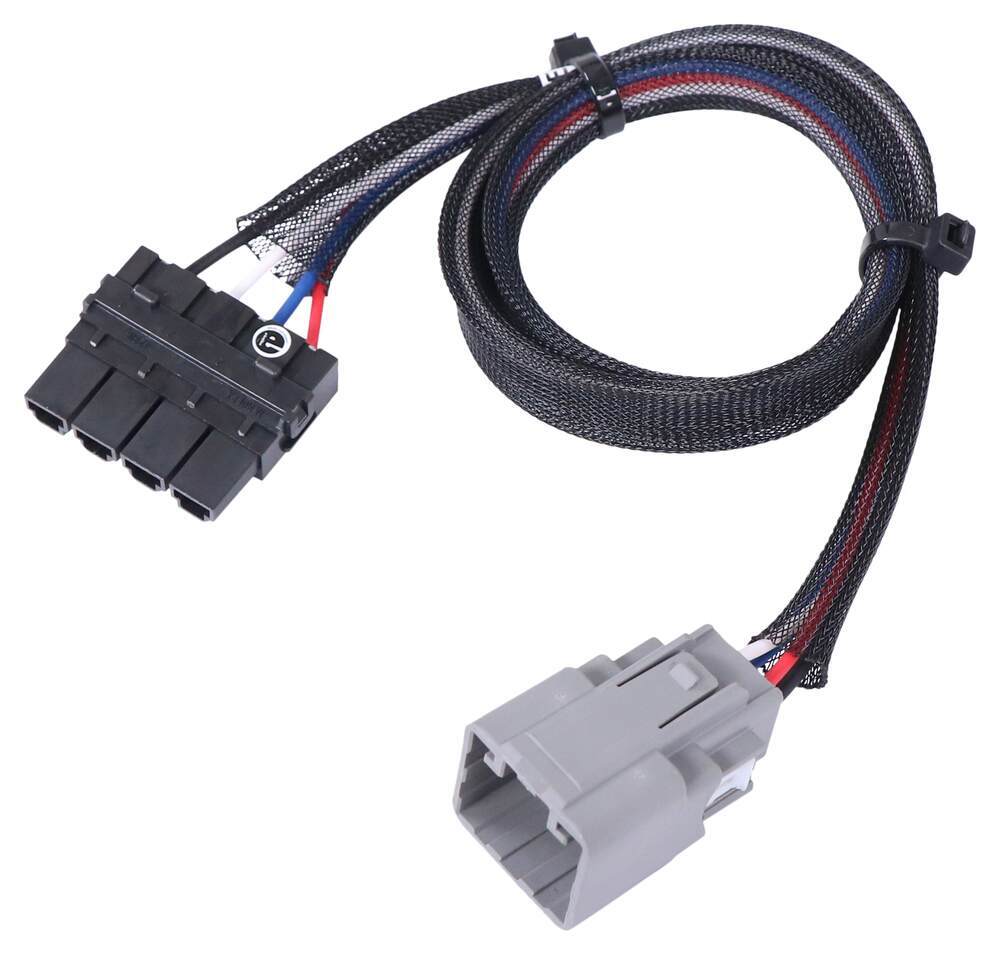
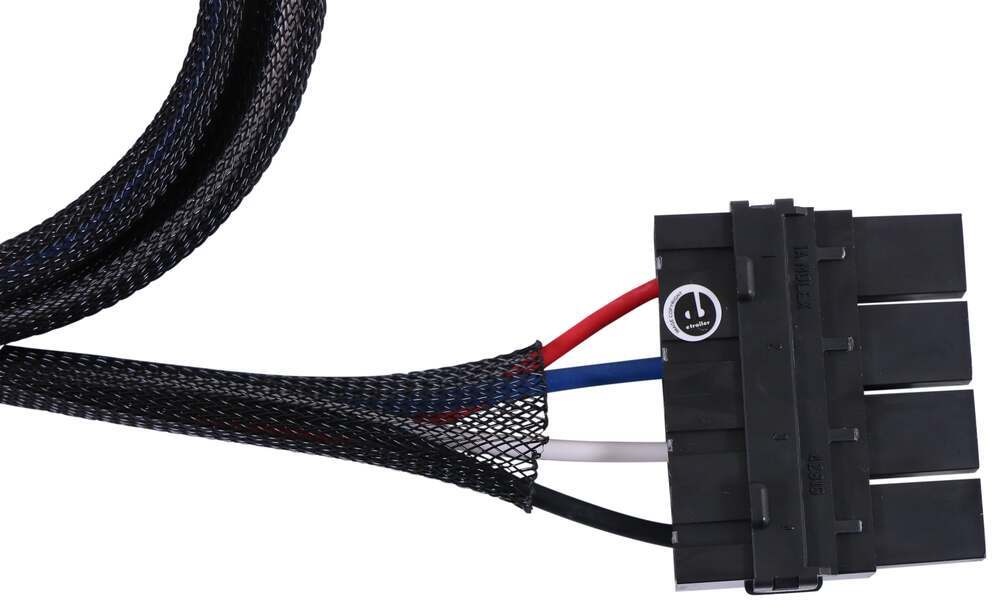
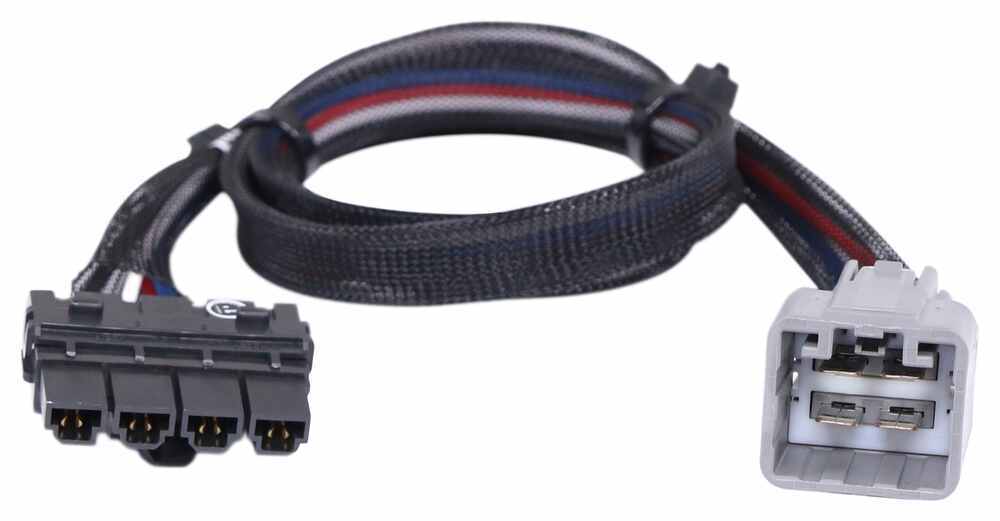
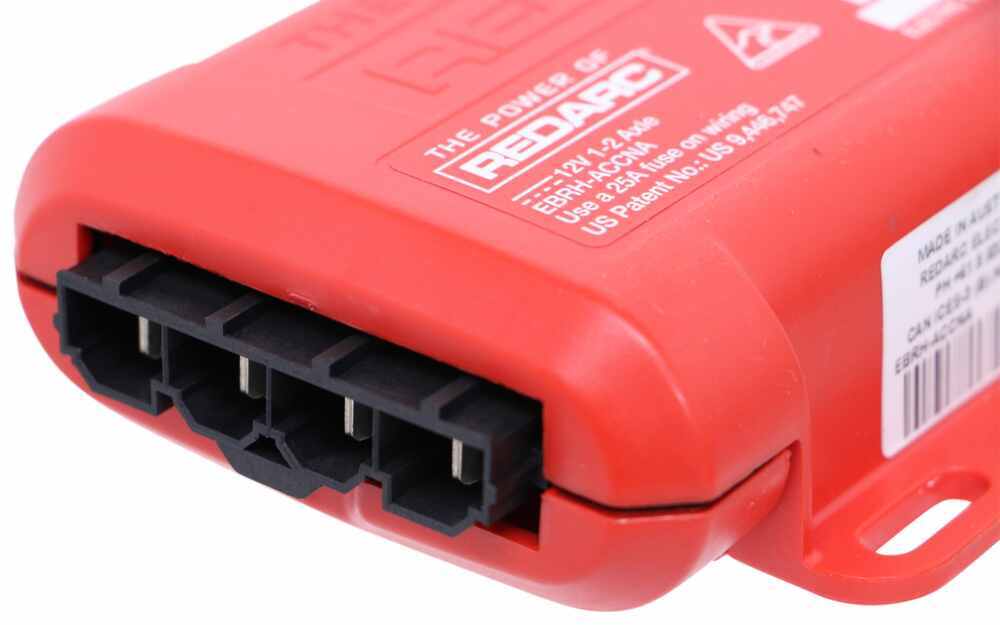
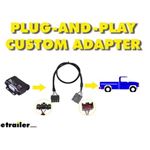
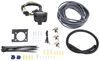
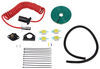
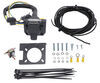
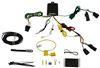
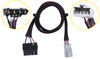
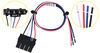
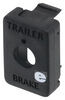
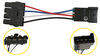
Wiring doesn’t have to be a project. The custom plug-in harness connects straight between your vehicle and the controller with no splicing needed. Mount the main unit wherever it fits best—on a kick panel, under trim, or tucked along the dash—and plug it in. The included universal mounting panel gives the finished install a clean, factory look.
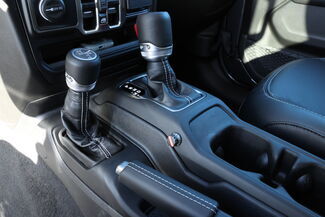

When sway or steep grades call for quick control, just press the knob to activate manual override. That triggers your trailer brakes and brake lights independently from your vehicle’s brakes so you can settle things down fast without overreacting at the pedal.
The Tow-Pro Liberty is engineered for durability and tested to meet UNECE R21 and FMVSS 201 safety regulations. It runs at 9V–16V with an 18-amp continuous output rating and a maximum charging voltage of 12V DC. Once calibrated—about twenty normal stops—it stays dialed in automatically so you can tow with confidence trip after trip.

Videos are provided as a guide only. Refer to manufacturer installation instructions and specs for complete information.
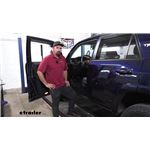
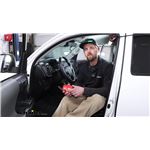
Hey, everybody. Ryan here at etrailer. Today, we're gonna be checking out the REDARC Tow-Pro Liberty trailer brake controller. If your trailer has brakes, you're gonna need a way to apply them. That way, you can slow everything down safely. And that's where a trailer brake controller like this REDARC here is gonna come into play.
What this is gonna do whenever you hit the brakes, it's going to apply the brakes on the trailer, bringing you to a complete stop. One of the things that really sets the REDARC apart from some of the other brake controllers is the size. You know, it looks a lot different. The only thing you're gonna be able to see is the adjustment knob here. And the rest of the main body of the brake controller, I guess you'd call it, sits up behind the dash.
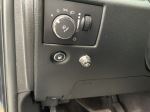
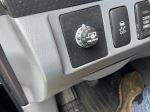
So, you're not gonna have this big box that's always in the way and an eyesore bolted up to your dash. And with this one, I think it turned out really good. We actually had some factory switches and whatnot here already. We had a blank one, so we we're able to mount this up in there. And so, it looks almost factory and a really clean appearance, and still really easy to get to.
One of the things with a brake controller like this as well is the fact that it's what's called proportional. So, what that means, more or less, however hard you apply the brakes, the trailer brakes are gonna match that. So, it just makes it a lot smoother and a lot better braking experience. So, to kind of give you an example of that, let's say, if you're going down the road and approaching a stop sign, and you're halfway on the brake, trailer brakes are going to do the same thing. On the other hand, let's say, if you're going down the highway, maybe an accident up ahead or something along those lines and you gotta really stand on the brake to slow things down, trailer's gonna do the same thing.
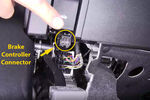
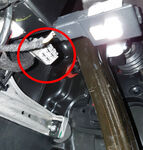
So, you're not gonna feel the trailer dragging or wanting to push you around. You're actually gonna be stopping as one hole unit. This particular brake controller is gonna be good for trailers that have either one or two axles. And there are some adjustments so you can change your brake force. So, you have the knob here. That's 10. That's zero. So at zero, you'd have no braking force. And so, you can kind of fine tune it. So, let's say, a good place to start is probably five or below. Let's say maybe you got a light trailer and nothing in it, you're gonna pick something up, you might only need a one or two, something like that. But then you load it up and realize it's not braking quite as hard as you'd like it to, you can always dial that up a couple clicks. So, you can really fine tune it for your particular load and what you're gonna be doing, and your particular driving style. It's also gonna have a manual override button and all you do is you just push down on this. And so, I'm actually hooked up to a test box, which simulates a trailer. That's why we're getting these lights going and everything. But you can see when you push down on this, that light's gonna glow red and that means you're gonna be just applying the trailer brakes. So, let's say, if the trailer starts to get swirly, kind of gets away from you a little bit, you can hit that, slow the trailer down, straighten it back out, and continue on. As far as installation goes, ours was not bad at all and I think that'll be the case for most people as long as your truck has a factory tow package. Essentially, all you gotta do is find the connector, plug it in, mount up the the box, and then mount up your knobs. So, it's more tedious than anything, but as long as you take your time, you should be in good shape. I do wanna mention, for those of you, if your truck does not have that factory tow package, so if you don't have the factory seven-way connector back there, you are gonna have to get a couple of other things, which is just probably gonna be rare for most of these vehicles. But we'll need a four-way flat trailer connector, etrailer.com universal brake controller install kit, and the REDARC universal adapter plug to make everything work. But like I said, chances are really good this info will get you going in the right directions. And that'll finish up our look at of the REDARC Tow-Pro Liberty trailer brake controller..
Customer Satisfaction Score:
93% were satisfied with this product
7% of customers were not satisfied
Ratings & Reviews




Gwendolyn Y.
4/9/2025
The Redarc looks great in your Jeep, Kent! What kind of trailer are you towing?
Kent
4/10/2026
It has now been a year since I installed the brake control. I’m not a daily user, however every time I pull the trailer the controller works flawlessly and it’s convenient.
Ken
6/6/2025
Overall the Redarc Liberty brake controller works well. Ive only had to stop hard once and Im happy to report I had no sway or misbehaving. I have managed to inadvertently brush the sensitivity control knob, decreasing the sensitivity. Just follow your departure checklist which includes checking the brake sensitivity and you will be fine. My only complaint is the illuminated dial. It just isnt bright enough, or the numbers arent bold or big enough, its hard to see what the sensitivity is set at without getting your face right up next to it. I would recommend this unit to a friend.
Jerry
4/11/2025
Outstanding! 5000 miles and has not. failed me once. I have found setting the controller just under halfway 4 works best for highway and around town. Bumping it to 5-6 is wonderful on mountain passes and keeps both the truck and trailer easy to control. Great product! If I had done just a little more research I would have discovered e-trailer even has a harness for my application and would not built my own. Highly recommend for a Tacoma!


Brooke M.
4/23/2025
That is super exciting about the mini-home! I wish you the best of luck with the overhaul - if you feel like sending in some pictures when you're done, we'd love to see them :)
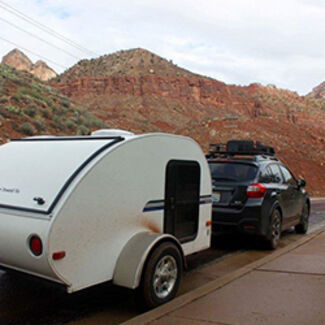
Randy
4/23/2026
Great! It is simple to operate and responds appropriately. Thank you.

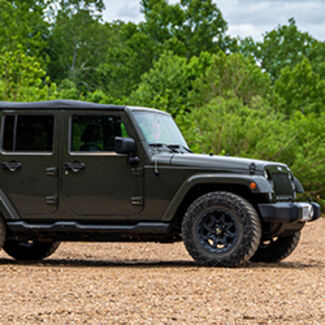
Chris
1/11/2026
The Redarc controller continue to impress me. This last year we went through NYS and the Adirondack Mountains where there are some long and serious downgrades and we also drove in a lot of stop & go traffic and I was always able to get the appropriate level of braking without locking the wheels. This is the best brake controller Ive ever used.
Chuck
2/14/2026
Still working great, no complaints.
Kenneth
7/19/2022
Great! The controller worked perfect and I was able to dial in the exact perfect resistance for the trailer brakes and everything towed very well. Unfortunately we sold our trailer but the brake controller still looks great in the car and I even got a compliment on how Stock or OEM it looked.
Simon F.
1/4/2026
Works flawlessly. Had a minor installation issue. Research technical support was super in resolving the issue
Charles
4/26/2024
It’s been a year and it’s still working well. I was surprised to have it not work after changing the battery but all I needed to do was let the module relearn the same as when it was initially installed. All back to normal.
Bobby Q.
7/26/2023
After a year, still working good. We took the Pathfinder and the camper for a 450-mile round trip last weekend and it is still working as it should. The calibration takes a little longer sometimes when you go from trailer to trailer but Ive never had it not work eventually. It may be due to rust on our hitch or grounding on the car - still 100 satisfied.

William
5/19/2022
Flawless operation after one season of towing. Expect the same this year.

Do you have a question about this Trailer Brake Controller?
Info for this part was:
At etrailer we provide the best information available about the products we sell. We take the quality of our information seriously so that you can get the right part the first time. Let us know if anything is missing or if you have any questions.
























Colin
4/22/2026
This has been working perfectly for me. Only issue I had was where I mounted the switch it could get bumped by my knee getting out the car. I 3D printed a small piece to prevent that.