
Redarc Tow-Pro Elite Brake Controller w/ Custom Harness - Dash Knob - Off-Road Mode - Up to 3 Axles


To see if this custom-fit item will work for you please tell us what vehicle you'll use it with.


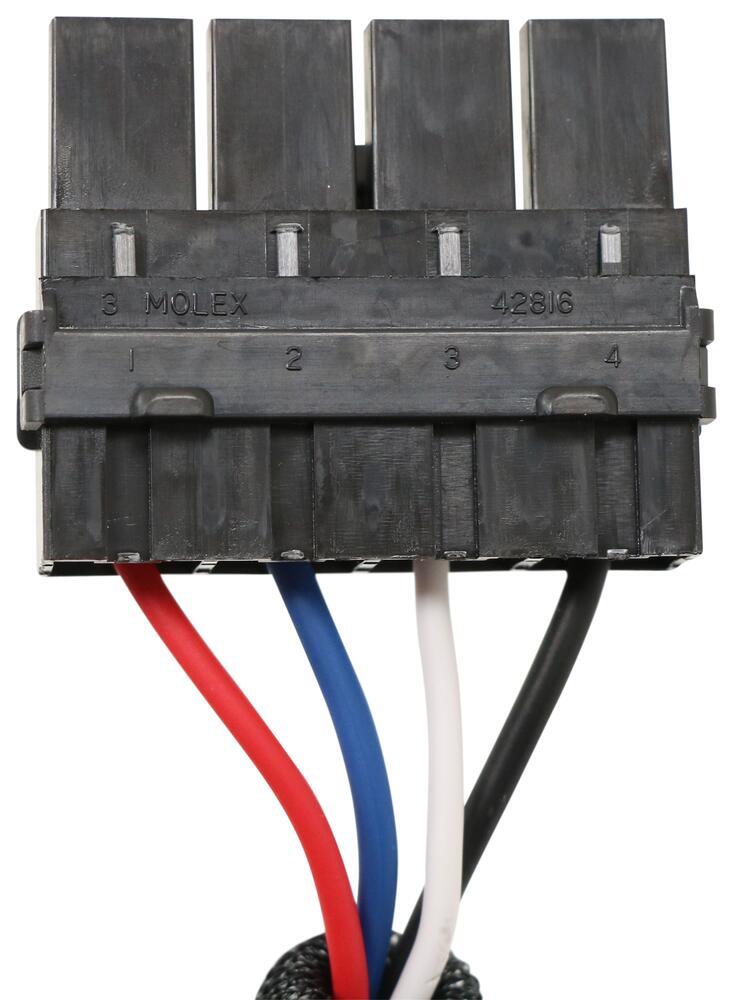
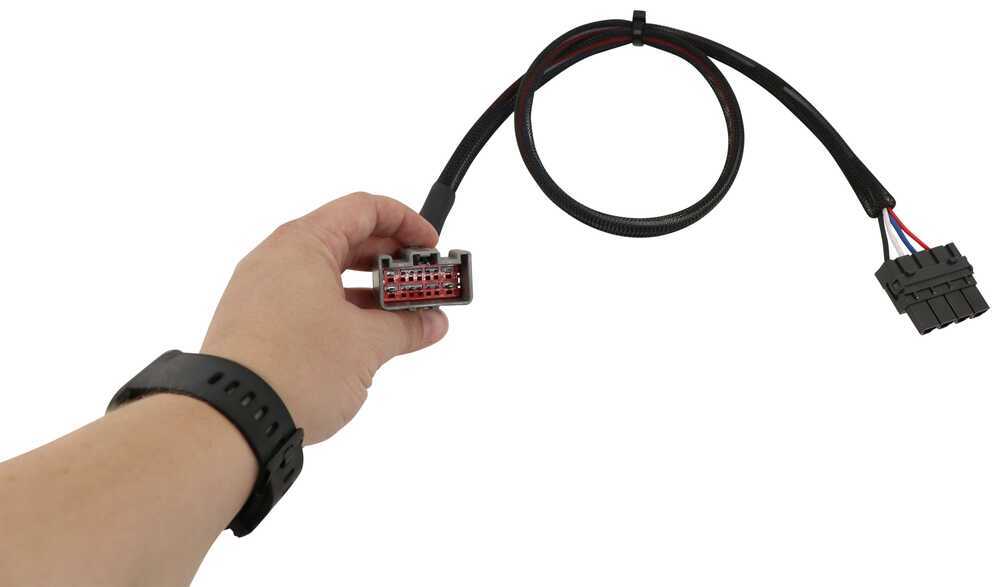
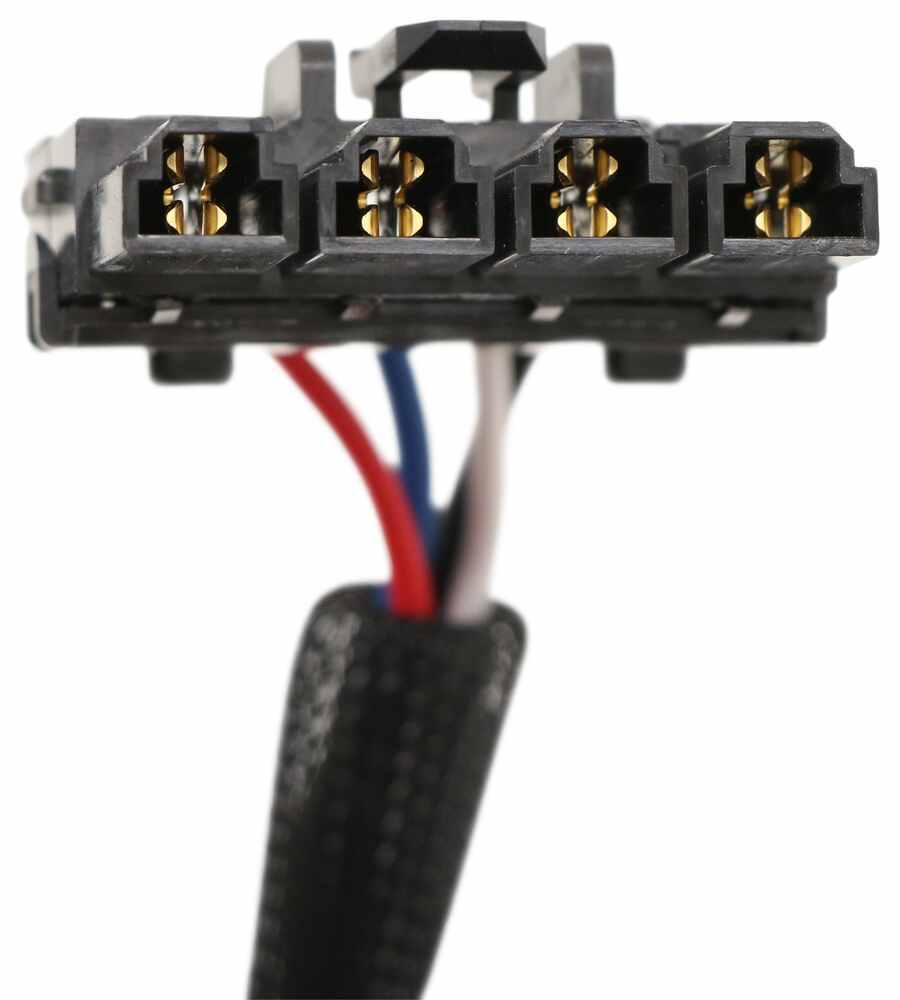
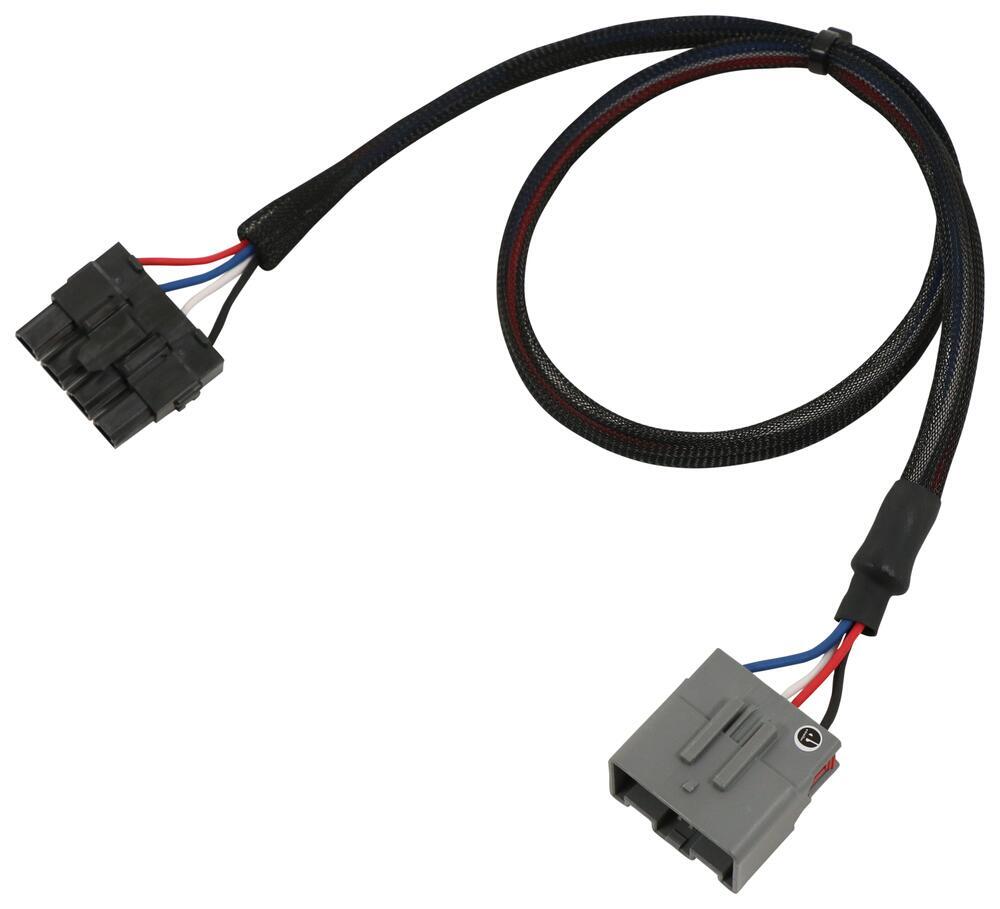
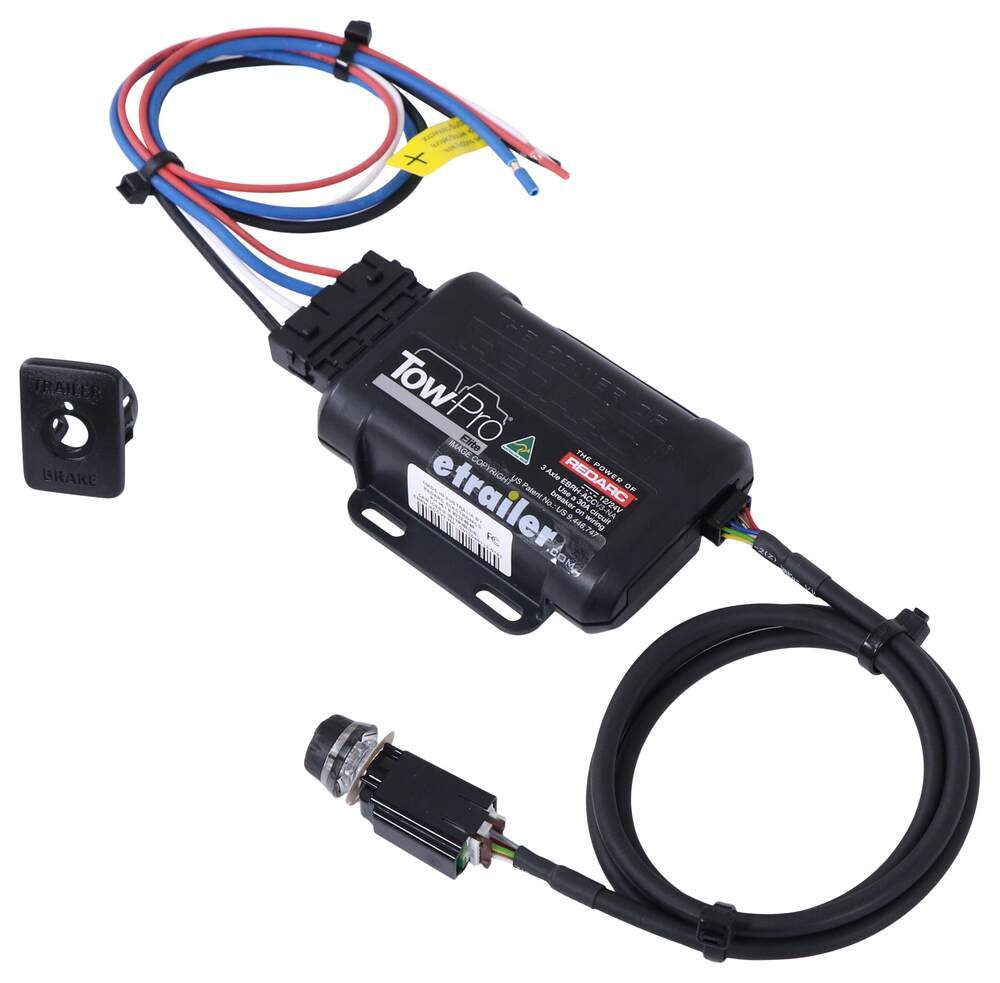
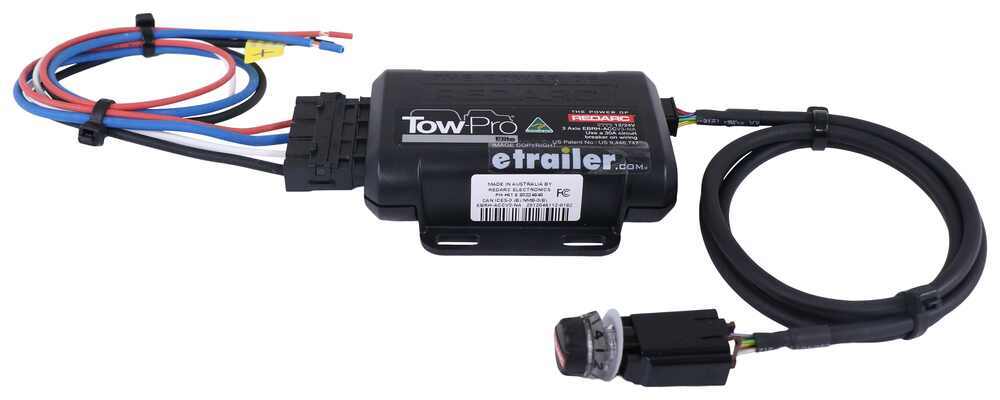

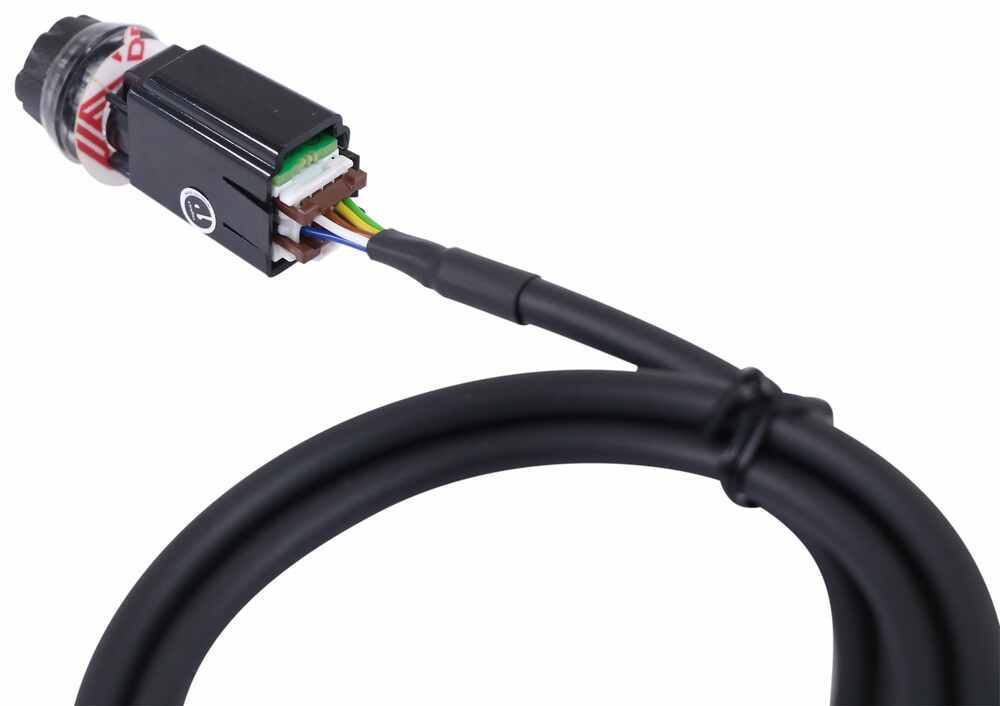


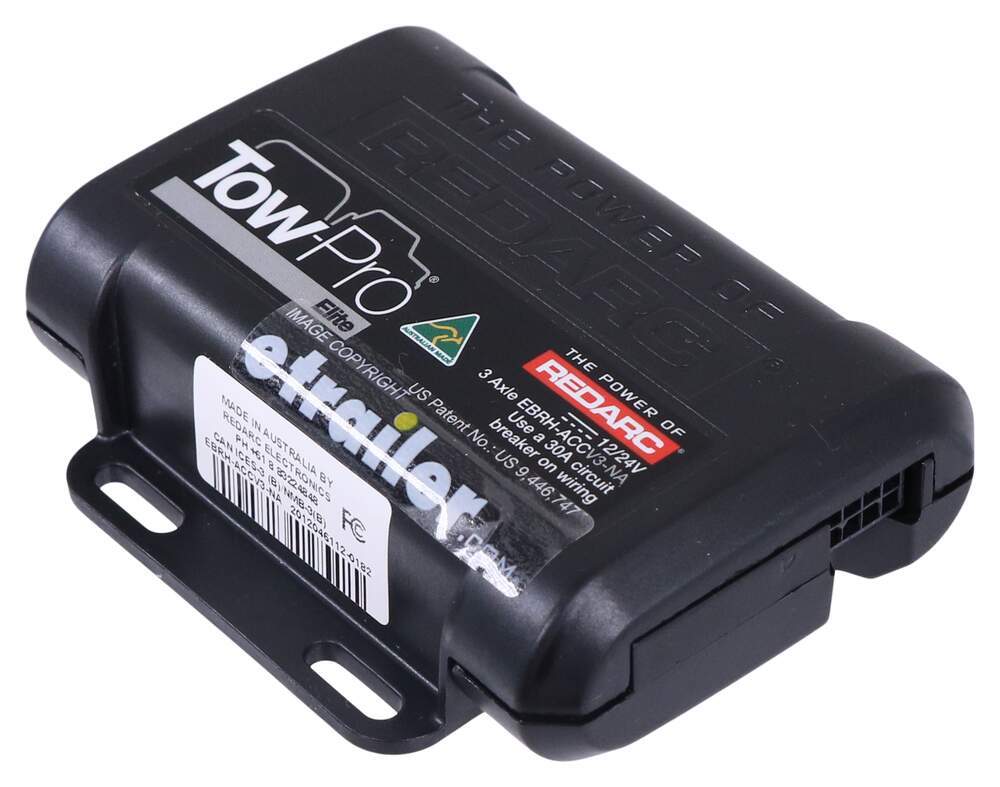
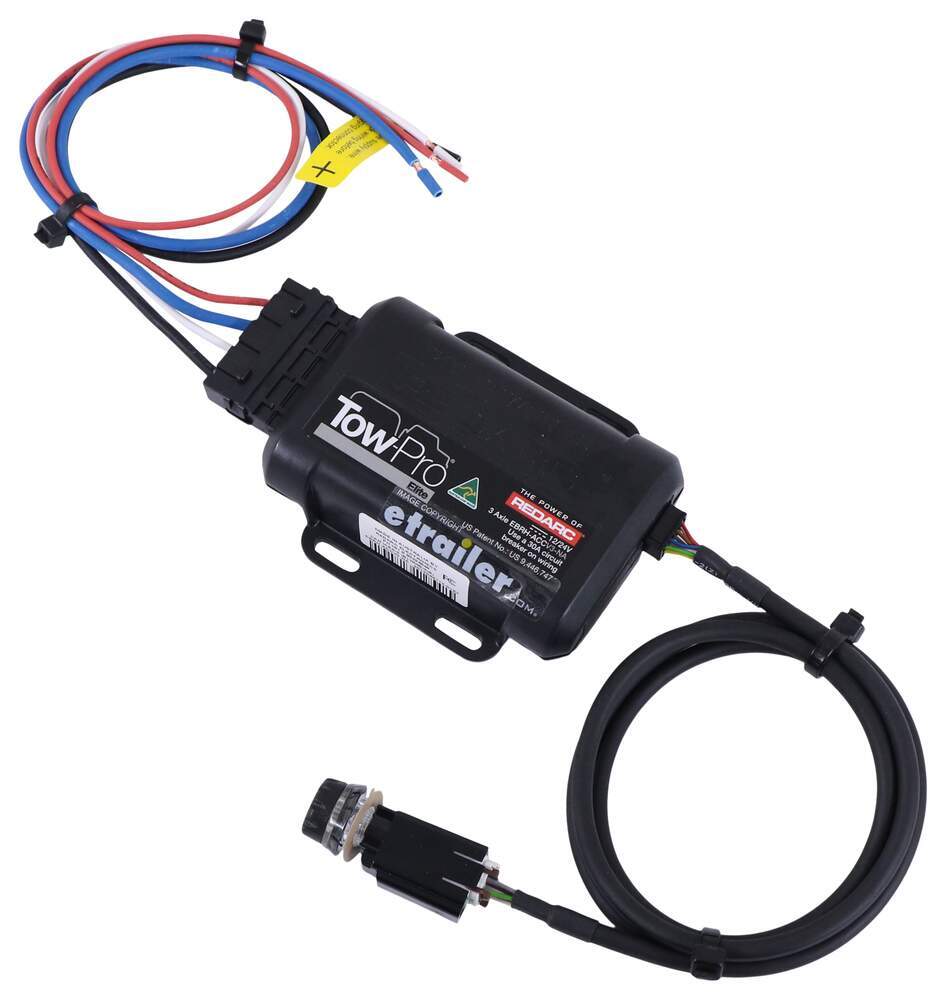
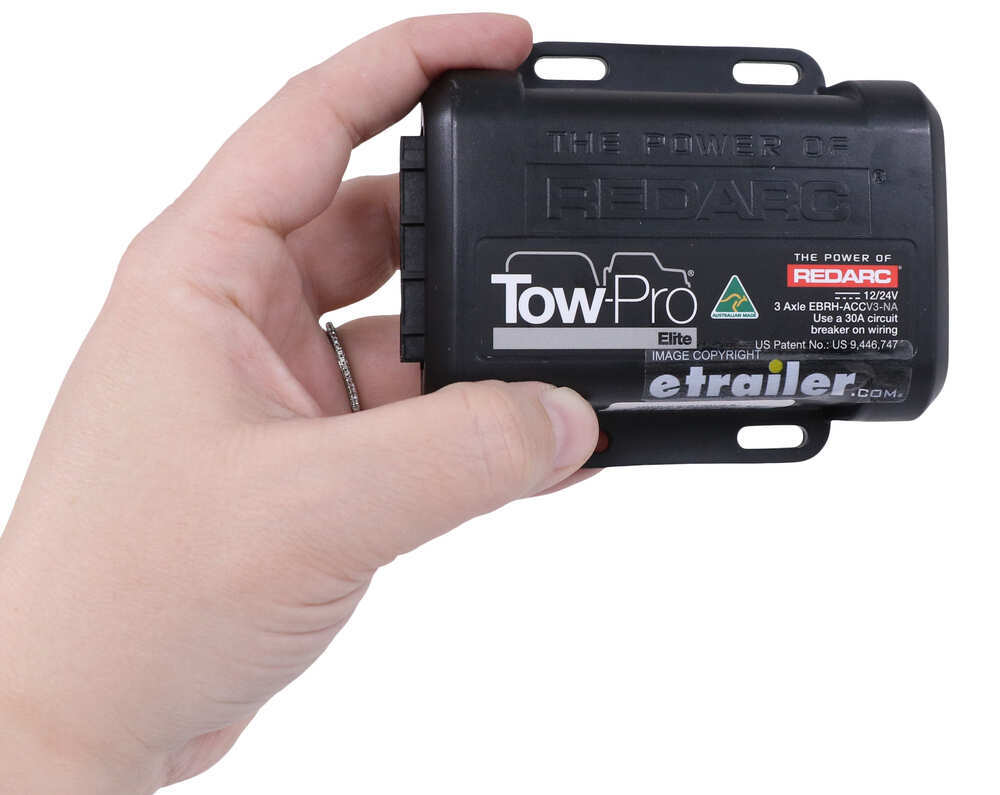

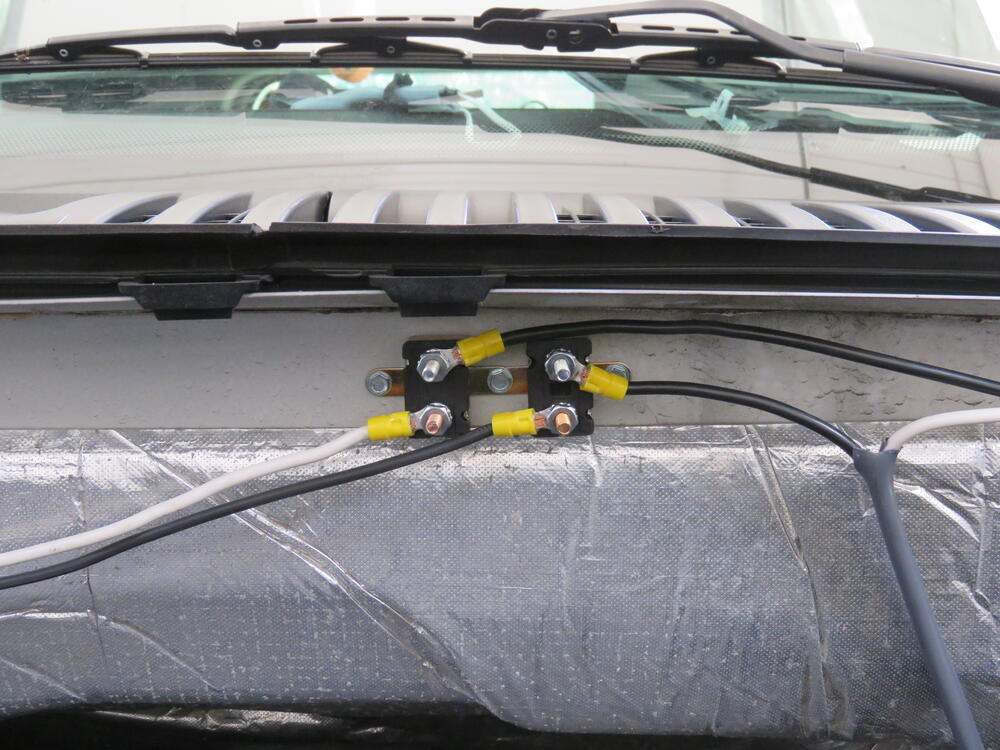
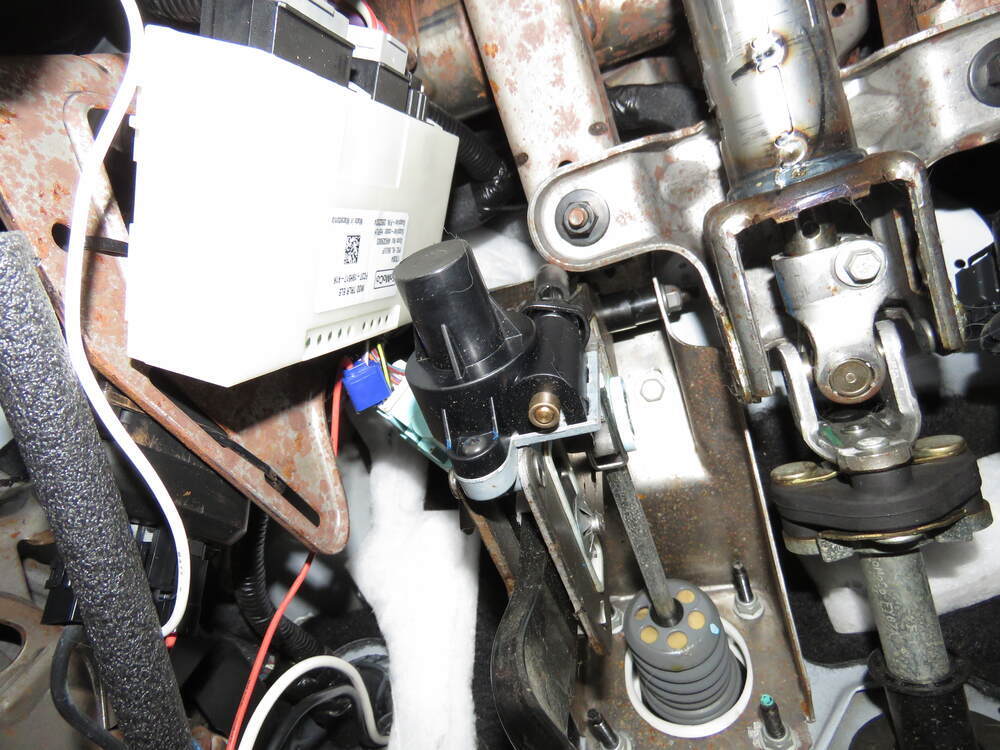


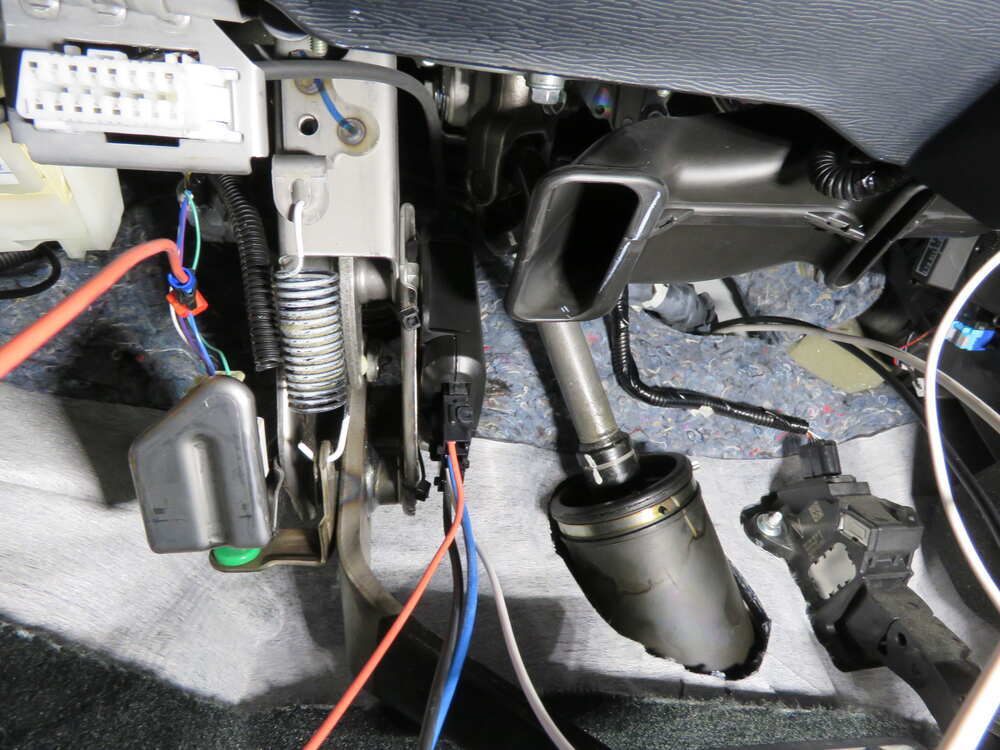

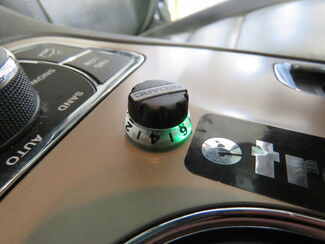
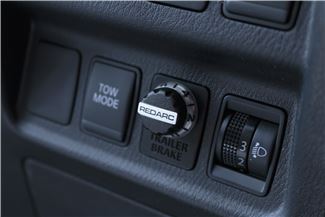
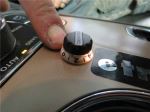
Most brake controllers stick out and take up knee room, but this one tucks the main unit out of sight behind the dashboard. All you see is a small knob on the console—just 1-7/8" long, 9/16" wide, and 3/4" tall. It looks like it belongs there, not like an add-on box. That single knob handles everything: adjusting brake power, manual override, and showing color-coded alerts as you drive.
Sand, mud, or steep descents can make towing unpredictable. The off-road mode gives you direct control over your trailer brakes, independent of your tow vehicle’s input. You can set the braking power lower for soft terrain so the trailer doesn’t dig in, or turn it up on steep grades so it doesn’t push from behind. A quick double tap on the knob activates the mode, and the LED glows green so you know it’s engaged.
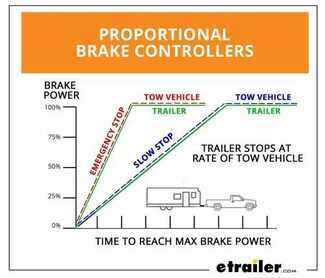
The internal 3-axis accelerometer senses how hard you brake and matches your trailer’s braking force to it. Ease onto the pedal and your trailer eases in; hit the brakes harder and it responds instantly with equal strength. That proportional control eliminates jerky stops and cuts down on wear to your tires and pads. It works with trailers up to 3 axles and supports both electric and electric-over-hydraulic brakes for confident towing every time.
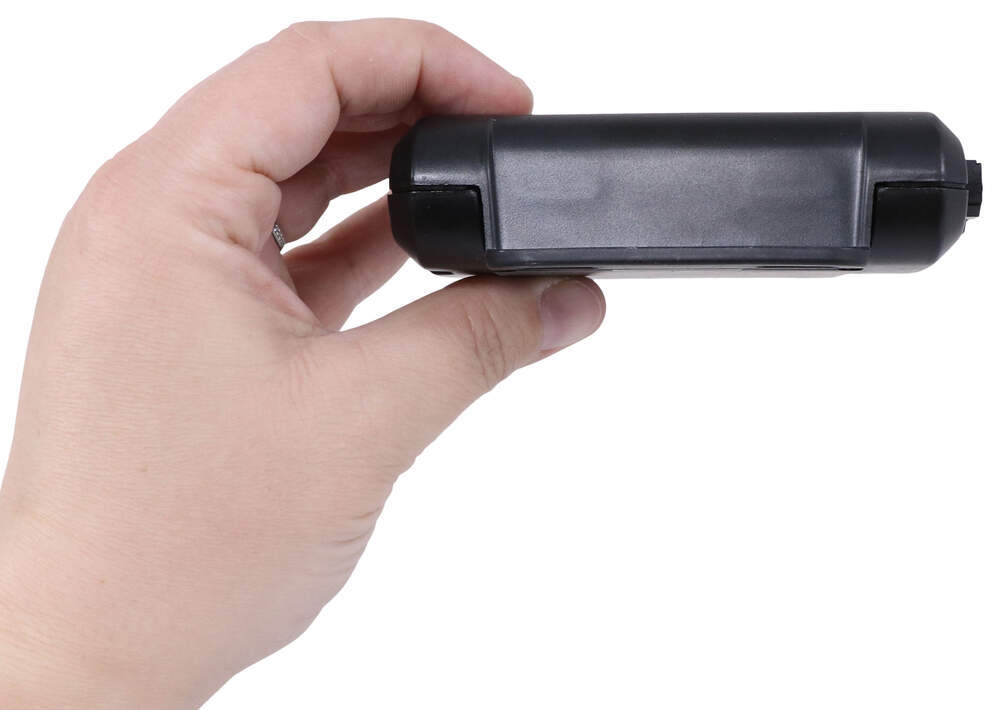
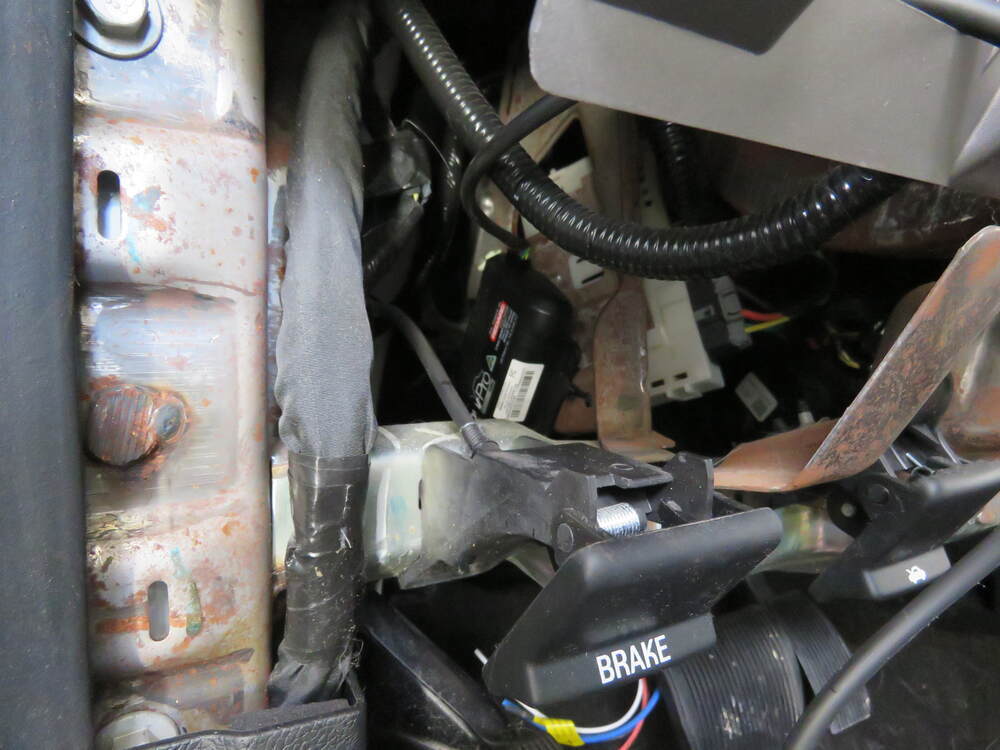
Wiring a brake controller doesn’t have to be complicated. The included plug-in harness connects directly without splicing, and the system’s two-piece design makes mounting simple. The main box (4" long x 3-3/8" wide x 1-1/8" tall) can go just about anywhere within reach of the 3' cable to the knob—secured with screws, tape, or zip ties. Once installed, calibration happens automatically as you drive, so setup is quick and straightforward.
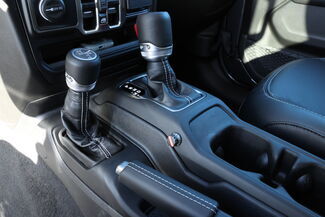

This controller is tested tough for both performance and safety. It meets or exceeds UNECE R21 and FMVSS 201 regulations, handles up to 25 amps continuous output current across a 9V–32V range, and works on both 12-volt and 24-volt systems. Whether you’re towing on highways or off-road trails, it’s built for lasting reliability and smooth braking control under any conditions.
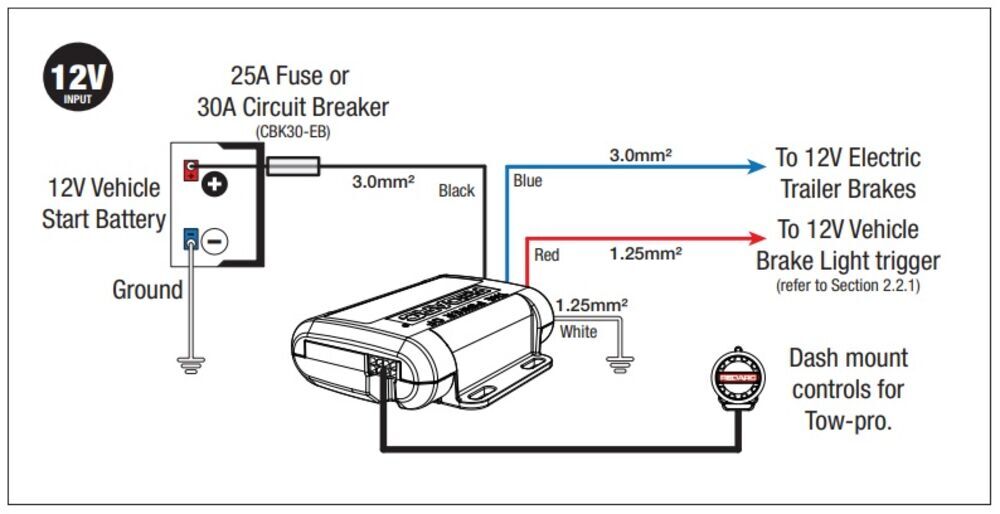
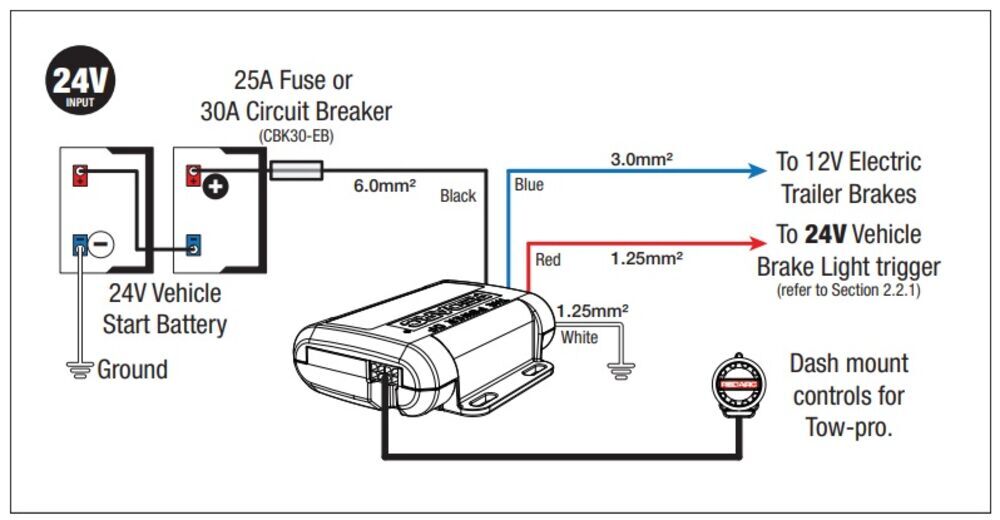

Videos are provided as a guide only. Refer to manufacturer installation instructions and specs for complete information.
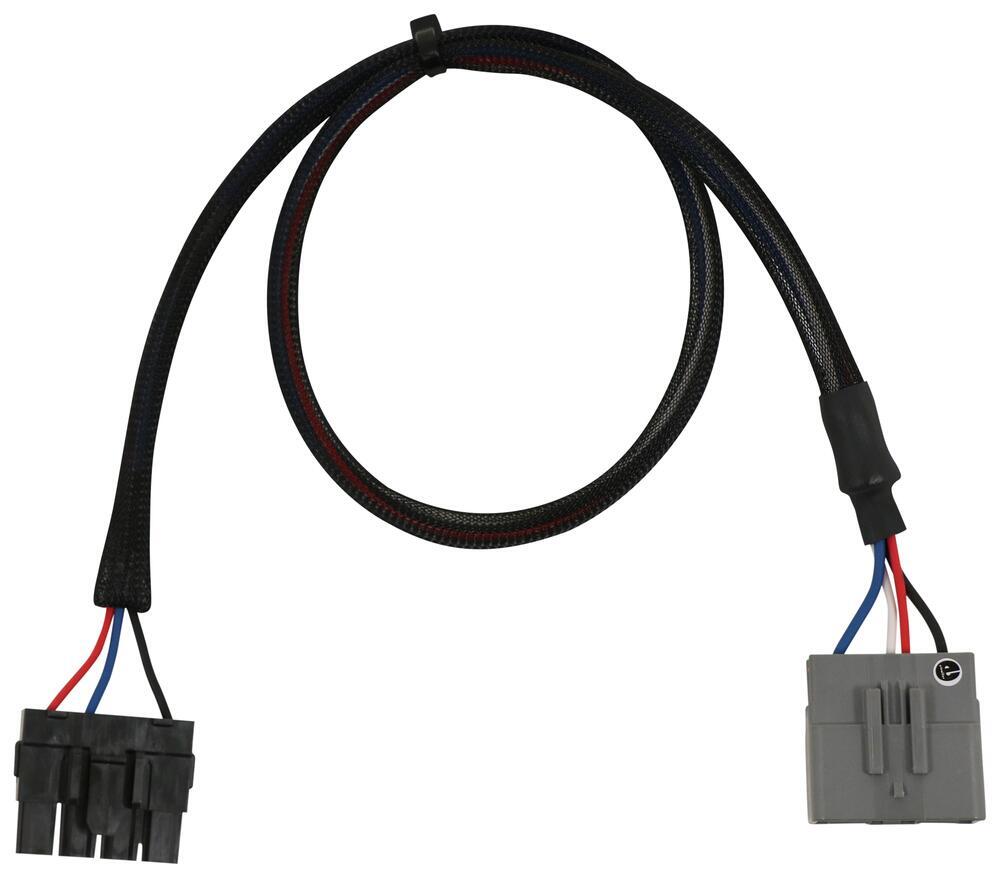
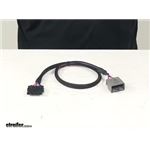
Brad Hello neighbors. It's Brad here at etrailer. And today we're taking a look at the vehicle-specific wiring harness, that will work in conjunction with the Tow-Pro Elite electric trailer brake controller. These harnesses are going to be great to work with your Tow-Pro Elite in a variety of different trucks and SUVs. Now, make sure that you get your vehicle-specific harness. You're going to want to use our fit guide on "etrailer.com", and that's going to make sure that you get the right harness, and that way your install goes nice and easy.
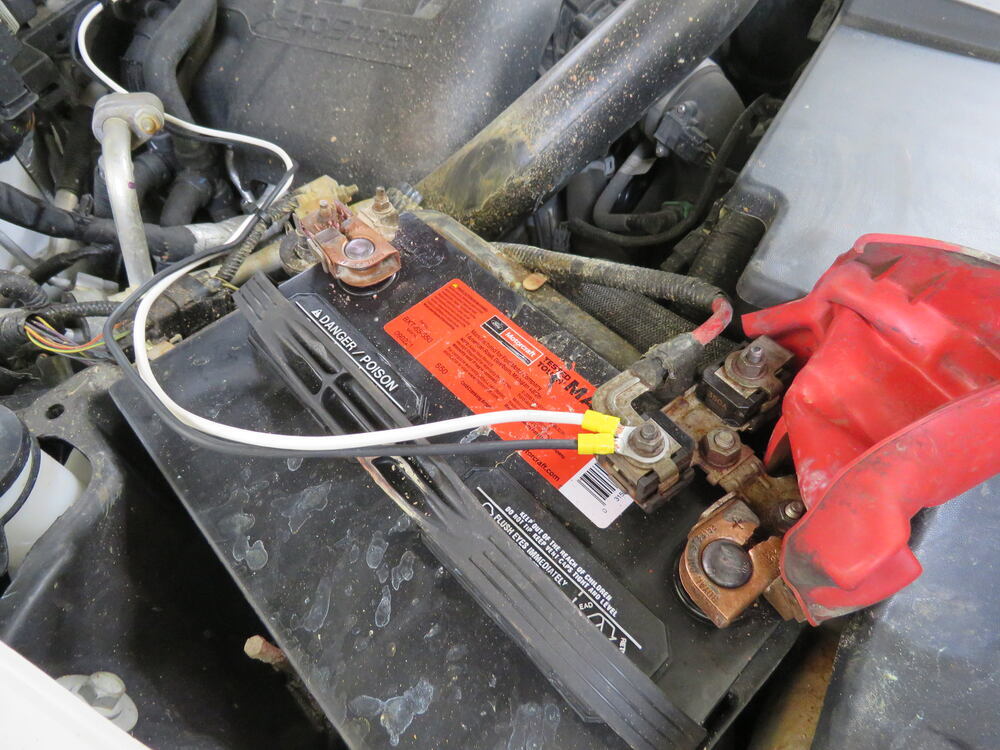
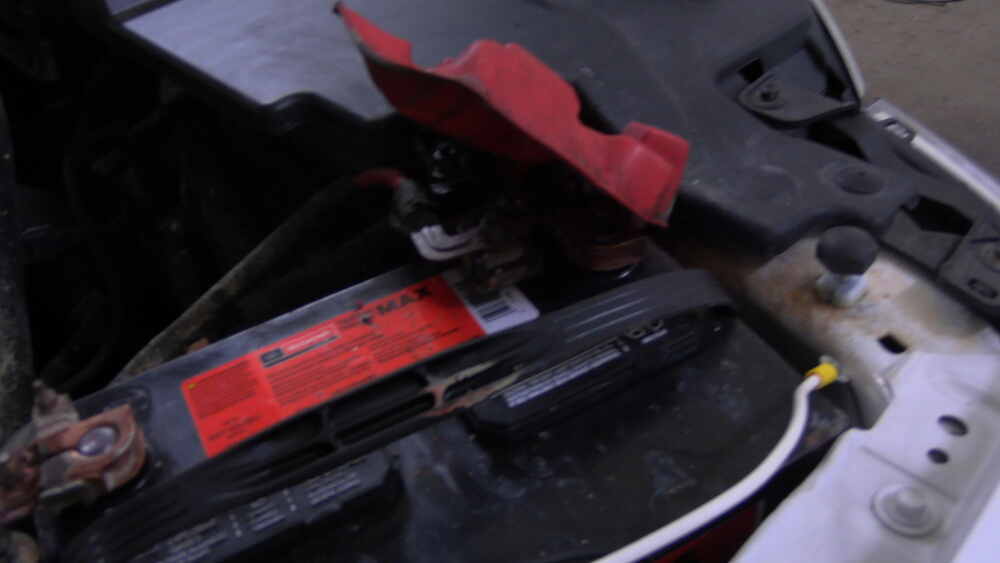
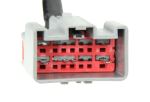
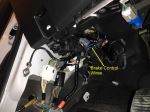
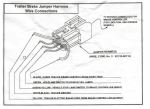
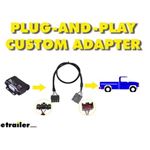
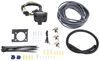
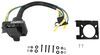
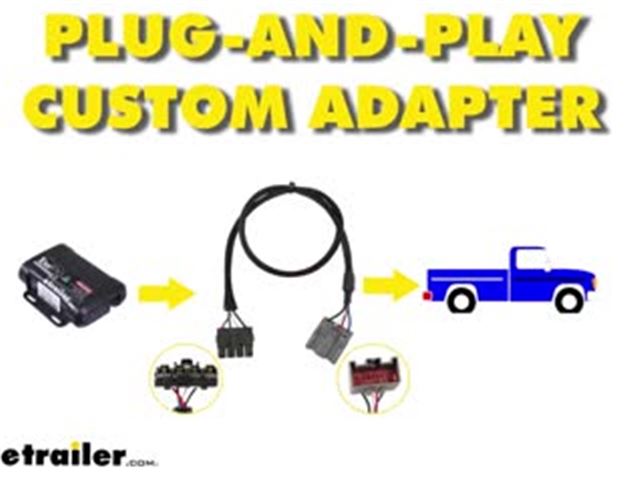
Included in the REDARC kit, you will find this plugin adapter, and this is going to have these spliced ends, and you're gonna have to tie into your brake signal, your brake output, your power output and your ground. Now, if you are pretty handy with electrical, that's awesome. That's great. You can use this. But I'm the kind of person, plug and play in OEM kind of setup or really nice factory one like this.
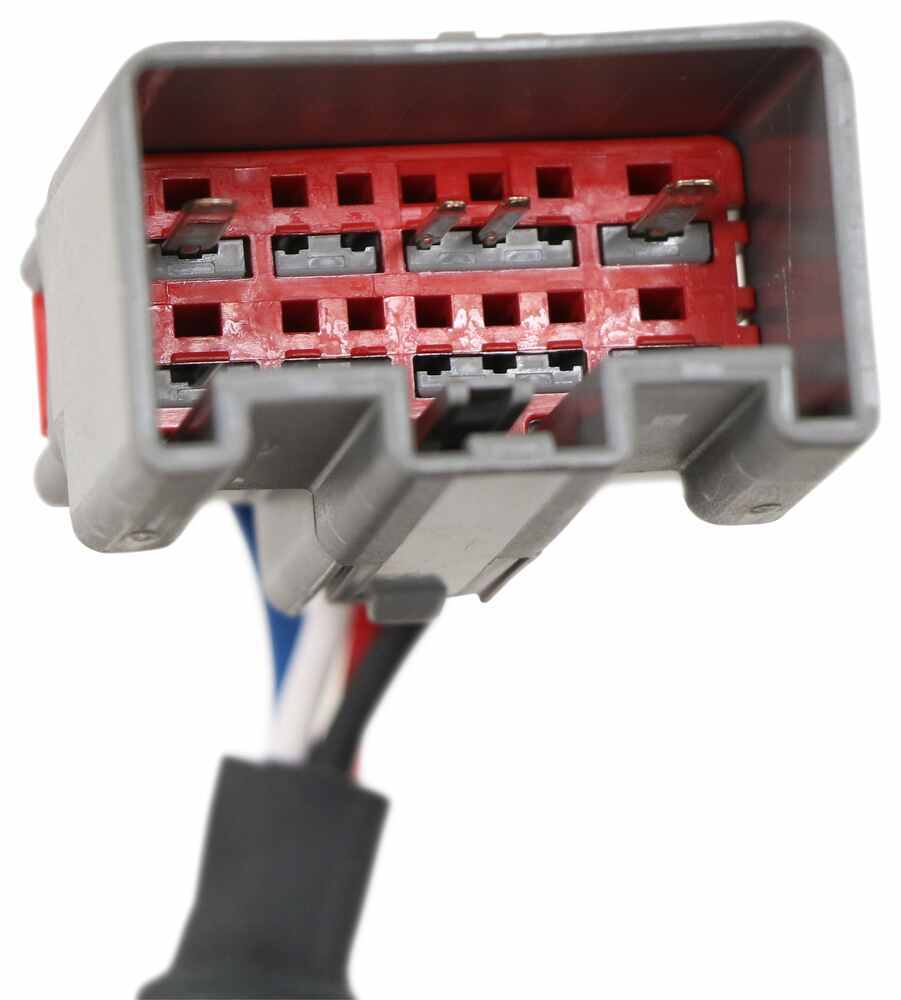
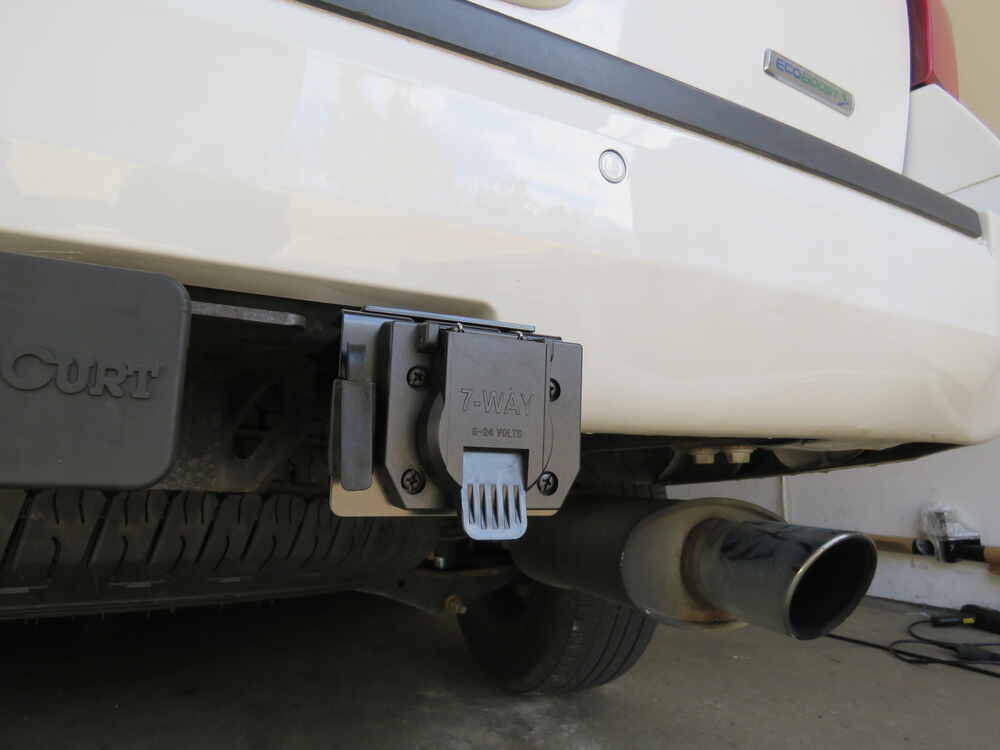
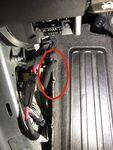
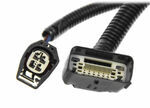
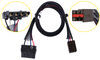
This is the vehicle-specific harness. So this ties in directly to our factory tow system, and clips right in, it's got this nice braided sheathing on it, to kind of protect the wires, and then it plugs directly into our module here. So, to save yourself a little bit of headache and time, and make the install go that much smoother, and not have to worry about loose connections, I highly recommend getting the vehicle-specific harness. So this end of the plug is specific to your vehicle. As you can tell, it looks like the factory plug, it fits in perfect, has the locking mechanism, so you aren't gonna have to worry about loose connections happening with your plug, and it's going to make install a lot easier.
And that was a look at the vehicle-specific harness for the Tow-Pro Elite electric trailer brake controller..
Ratings & Reviews

I haven't towed with the trailer brakes just yet but diagnistics indicate that once connected to the Tekonsha Brake Controller Harness (Item #331-TPH-017) and the Tekonsha Plug-In Wiring Adapter (Item #3062-P) that I ordered with it all is setup for my 2022 Subaru Ascent with a factory tow package. The cleanest install for the switch on this vehicle is to remove and modify a blank switch insert to the left of the steering wheel (I had 2 left) and drill a 25/32 hole in the switch insert after hollowing it out, remove the switch module from the included mounting panel/housing and then use the clear nut to secure the switch module to the insert and voila, you're done. NOT the easiest thing to do, but not that hard either if you are handy with a dremel and a drill. Picture of final install included.
Superb controller and outstanding service from both etrailer and Redarc. I had some questions concerning the controller interfering with the advanced braking/collision avoidance in my Tacoma, as I had read about. I emailed Redarc in Australia and they promptly answered and even scheduled a phone call! I had a good conversation with them and it turns that that issue does not apply to my vehicle. So I give Redarc 5 stars at least for service. The controller itself is easy to install after watching the video. I would definitely buy the vehicle specific wiring to avoiding splicing. The bracket also made it very easy. I just used it on a long drive pulling a travel trailer. Works great. Some trial and error is all that’s needed to adjust the amount of braking.
I installed it in the center console so it would be easy to reach in case of sway. It also looks like it came from the Toyota factory this way. No ugly box hanging below to hit your knee.
Overall absolutely great device.
I highly recommend both the Redarc Elite and etrailer.
Shockingly, there are only two manufacturers who make remote mount brake controllers: Redarc and Curt. However, despite this lack of competition, Redarc has set a very high bar. My initial impression of this brake controller is very good. It took a few minutes of driving to calibrate, but once it finished the trailer braking became very smooth.
My only complaint so far (if you can call it that) is that the rate at which the brake gain increases (relative to increases in vehicle braking) seems a bit odd. In my opinion the gain starts off too low (i.e. when I'm lightly pressing the brake pedal, it seems like the tow vehicle is doing the majority of the braking), and then finishes off too high (i.e. when I'm firmly pressing the brake pedal, it seems the trailer is doing the majority of the braking). (And this happens with the the brake intensity dial in the same position for both scenarios.)
However, I must admit that I am new to electric trailer brakes, and I can see that perhaps this behavior may be desirable.
Everything else about this controller is as expected.
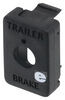
NOTE: Please make sure to get the switch blank insert for your vehicle! It is SOLD SEPARATELY. The one that comes with the brake controller is a universal style insert that requires you to drill a hole.
In my review pictures, you can see that I purchased a switch insert designed specifically for late 2000s / early 2010s Toyotas. I definitely recommend doing the same.
I'm going to skip the reviews for Item #3066-P Tekonsha Plug-In Wiring Adapter for Electric Brake Controllers and for Item #331-TPH-017 Redarc Tow-Pro Wiring Adapter for Tekonsha Brake Controller Harness. They just work to get the signals from A to B.
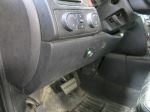
Installing this in my Merc ML-250 Bluetec was straight forward, but I thought quite a bit about the knob placement. Finally ended up mounting this next to the ashtray, opposite of the cigarette lighter. This location won't work for those with heated/cooled cupholders as this is the location used for that controller. This location works well for mounting as there is clearance below and the knob is low-profile enough that the sliding door can still cover the area. Just need to be careful with wire routing. Route towards the back of the car, then reverse course up to the front, such that the slider can retract into this space. The main body of the unit is mounted under the dashboard above the brake pedal, completely hidden from view and out of the way of feet and knees.
Installed on 2025 Santa Cruz. Worked very well. Simple to install. No controller in the way and works great. Will install one on my jeep.
This thing is absolutely fantastic. It’s very discreet. I install this in a 2015 Porsche Cayenne diesel. It was installed The discrete hole we drilled in the face of the dash. It’s easy to use, requires very little adjustment while driving. Has a convenient lighting system that changes color when voltage is applied to the trailer brakes. My only complaint is that the unit resets its memory every time I disconnect and reconnect the trailer. It’s a minor irritation but that first 15 or 20 minutes of driving after connecting the trailer again, it does have to go through the initial calibration process to figure out what direction the controller is installed. I believe that this problem is specifically related to the Volkswagen and Porsche vehicles - they “shut off” power to the controller when there is no electrical draw sensed from trailer. I’m sure there is some kind of transistor that I could install that would eliminate this problem. I recommend this unit as far superior to the old school tekonsha and others. The only difference that I will point out is that on the old-school controllers there is a kind of emergency brake slider which you can use to ramp up additional braking power if you need it in a pinch. This device does have that functionality but it is a simple on off. In other words if you find yourself in need of rapid additional braking power you push the control button in. There is no ability to “ramp up” that emergency extra power to the brakes. It adds less extra power than the traditional ones but it is proportional to the # of braking power you have on the dial. I have learned to live with it. For a European car this is sleek, discrete, way sexier than the ugly traditional unit bolted to your dash
The Redarc Tow-Pro brake controller has worked flawlessly since I installed it a year ago. I tow a fairly light (2000 pound) pop-up trailer, which can be an adjustment challenge when braking on loose surfaces. I've found it very easy to slightly reduce the setting while on gravel and then return to the correct setting when returning to normal roads.
I purchased the Redarc because I could never get my previous controller to brake smoothly - it would often jerk at low speeds. I think that controller had problems because it was inserted into the 7-pin connector that was held by a metal bracket under my bumper that I suspect vibrated when braking, which confused that controller. Once I switched to the Redarc, which is firmly mounted under the dash, I had no more problems like that.
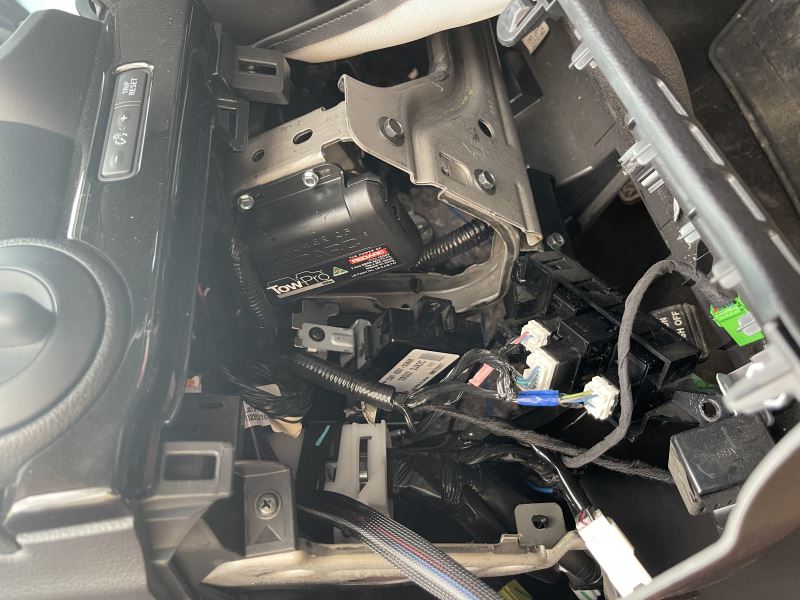
Finding a location in my Honda Pilot to mount the control module was a challenge - but well worth the effort. I mounted it to a plastic panel that I installed over an unused cavity in the console underneath the radio (see picture). The knob is easy to reach, and is out of the way of my knees.
Mounting the main control box under the dash was made easier because I didn't have to worry about its precise orientation since it will calibrate itself wherever it sits.
Easy to set mount, set-up and go to working. I like the simplicity of the controller. The only thing you see is the control knob.
Shipping was all messed up customer never got installed
Works great. Very easy installation. Just got back from our first camping trip and not have the bulky trailer controller in the way is a nice feature. Highly recommend
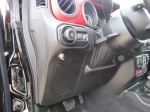
Love the self-calibration and hidden controller. Great space saver and works as described. I did find the knob location in your video not very good; I could not see it through the steering wheel when driving. As you can see from the picture it is now visible from the driver's seat and easy to adjust when needed. Also, in this location the only hole I had to drill was 3/16" behind the knob and not visible or damaging. I was able to use the knob bracket that came in the kit and just push it into place, very stable.
I’m going to be up front and say I have not tested this beside driving around town. The install was very quick, maybe 20 minutes in all initially in my 2017 Nissan Titan SV. I do have some concerns though. After install I had no lights to show calibration was going on. From reading the user manual I guess that can happen. First time hooking up the trailer everything seemed fine and the light was blue as it should. Once I turned my running lights on though it began to blink red showing a fault with the cable. I tested everything to make sure it was getting voltage and the wires were correct. After about an hour I found something between my backup camera on the travel trailer and the brake was causing some sort of issue. I removed the camera, unplugged all the cables from the tow pro elite and hooked it back up. Once plugged back in it showed green and blue lights showing it was calibrating. I drove the trailer around town and our relief route. After about half an hour the light turned solid blue. The control is easy to use and looks very nice. I’m unable to get it to switch to user control mode but the proportional and manual brakes works fine. I will update my review after we take it out on a few trips. As of now it seems like a great product, very clean looking and should do a great job.
It truly amazes me that Ford touts the towing capacity of my Ranger, yet not one dealership I called could offer a solution for a trailer brake controller to be able to pull my little camper. I finally turned to etrailer since they had helped me meet my towing needs in the past with a different vehicle. etrailer's Redarc Tow-Pro Elite Trailer Brake Controller was a perfect solution! They also supplied a terrific video explaining in great detail how to install it in my truck. I preferred the in-dash location using one of the extra twelve volt ports using the optional round adapter insert and found it to be very convenient after a summer of towing. Highly recommend both Redarc Tow-Pro Elite and etrailer!
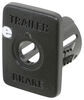
The Redark trailer brake controller installed easily. In my 2020 Toyota 4Runner. It looks like it came installed from the factory. It’s small and easy to reach when driving. It came with a plastic install panel. This is designed for installing in a hole that you drill in your dash. It will not fit in a knock out space in your dash. There is one that fits the dash perfectly that you can buy from etrailer.
etrailer automatically bundled the Redark trailer brake controller with the correct plug and play wiring harness for my vehicle. It was nice not to have to search for the wire harness. Everything installed perfectly.
I haven’t tested the function of the brake controller yet. I’ll hook up to a trailer this week.
The items arrived in less than a week and the package was in good condition. The order tracking worked great. The tech videos on the etrailer website were really helpful. I’ll purchase from hem again.
I saw the great online reviews of this controller and took the plunge. I bought my 2002 Chevy Silverado K1500 extended cab short bed truck new in 2001. It came with the HD Towing package which include a factory plug in trailer brake wiring loom. I took my time over a 2 day period to carefully install and triple check my install. The Chevy and Redarc wiring wiring descriptions made it easy to join the two harnesses. I used HD crimped plug in connectors further protected with shrank tubing. All wiring was bundled with zip ties after encasing in HD harness protective cover. Zip ties held in place behind the removable panel beneath the steering wheel. The control button is installed on the right side of the steering column within easy reach. Nice install. I read that the light would not go on until a trailer was hooking up. I was elated when we picked up our new cargo trailer and the controller knob light lit up upon hitching up. the first mile of travel allowed easy testing of the system and fine tuning came a few miles further down the road. GREAT PRODUCT!
After using one time, this is the best brake controller for the tow vehicle that we are using. Before we used a Curt Echo and the app failed us and we had to cancel a trip.
Not supplying the comparable connector to connect to my towing package on the Cayenne is a major issue. The install was not as simple as you advertise. Very disappointed.
Very involved installation ~6hr in my Toyota Sienna, but there was an excellent video available from the fine folks at e-trailer, which made it easily doable.
Installed in my 2007 Tacoma super easy if you're already set up for towing and works great with my new trailer. Thanks again etrailer for making everything easy and professional.
After reviewing a lot of controllers I chose this one.
I have been pleased with the Redarc controller. I like that it's hidden away from sight except for the knob. It works as advertised with no issues whatsoever. I tow a dump trailer rated for 16,000 lbs with an 06 ram diesel and the brake controller makes it so much easier on the vehicle brakes. I highly recommend.
Installation was as described in the Colorado video. My 2015 4x4 dash required a different location than where the knob is located in the video( where the 4x4 knob is ). The dial knob just fits inside the upper clips for the credit card slot. I used the left side for better visibility. I drilled a pilot hole and then slowly enlarged it, dragging it as needed to keep it centered under the dash clip. You will understand when you remove the card slot. Remove the lower dash to get to a hidden screw, then the card holder pops straight out.
Great product. Easy to install, especially if you already have a brake controller. The control unit is easy to mount almost anywhere since it automatically detects its orientation. The calibration process is automatic, you just drive and make a few stops (and calibration happens even when the trailer is not connected). Then it is a matter of dialing in the maximum braking force. The progressive action is smooth and stopping is jerk-free. Be sure to get the vehicle-specific mounting panel if one is available. Otherwise a generic panel is included. Attached is a photo of installation in a Toyota FJ Cruiser -- not much to see, as the control box is invisible under the dash.
Amazing Brake Controller- I pull a 6000lbs Rockwood trailer behind my 2015 Grand Cherokee and this controller has saved my tail a few times. Not only has the emergency feature pulled my trailer straight in a few clincher moments with wind, but the proportioning is truly amazing. Multiple times over the 4 years I have used it, and it has worked flawlessly in emergency situations. During my 12,000 plus miles I have never felt the trailer pushing me during braking, it actually feels like i have nothing behind me. Loaded it weighs in at 6800lbs. Thank you for designing an awesome product.
I installed on my 2019 durango without factory tow package, instructions were straight forward, managed to place in center consol, wires to battery. Seen videos sending wires to engine compartment. Worked out with the wires I had and able to place fuse as well. The brake light cable, had a little challenge, since car uses same light for turn signal, it gave intermittent signal, so I wired it to the center rear/3rd brake light. In all it worked amd made it easier to slow down, especially when I was towing nearly 6k. I didn't feel the push of the trailer. Don't have pics of the install, just the final location of my control.
Do you have a question about this Trailer Brake Controller?
Info for this part was:
At etrailer we provide the best information available about the products we sell. We take the quality of our information seriously so that you can get the right part the first time. Let us know if anything is missing or if you have any questions.






















Thank you! Your comment has been submitted successfully. You should be able to view your question/comment here within a few days.
Error submitting comment. Please try again momentarily.