To see if this custom-fit item will work for you please tell us what vehicle you'll use it with.
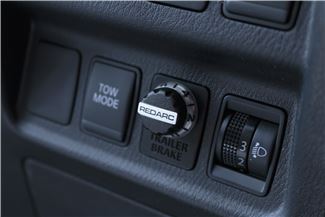
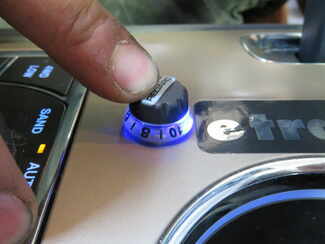
This is one of our favorite brake controllers, with flawless braking and a tiny dash knob that looks like it came straight from the factory. Its unique off-roading mode helps you handle rough conditions, so get out there and get towing.
Features:
Specs:
The off-road mode is a unique feature of the Redarc Tow-Pro Elite. In this mode, the brake controller will apply your trailer's brakes with a preset amount of power, independent of what your tow vehicle is doing. This is ideal for off-roading or challenging conditions. Set the power low if you're towing through sand or mud so that the trailer doesn't stop with too much force and act as an anchor. If navigating a steep descent, set the power to a higher level to ensure that the trailer doesn't push against the tow vehicle.
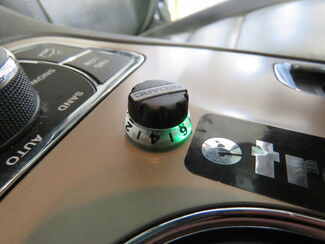
To activate the off-road mode, rotate the knob counterclockwise and apply your vehicle's brakes. Push down on the knob twice (2 times within 1 second) and release the brakes. The knob will turn green to let you know that the mode has been activated.
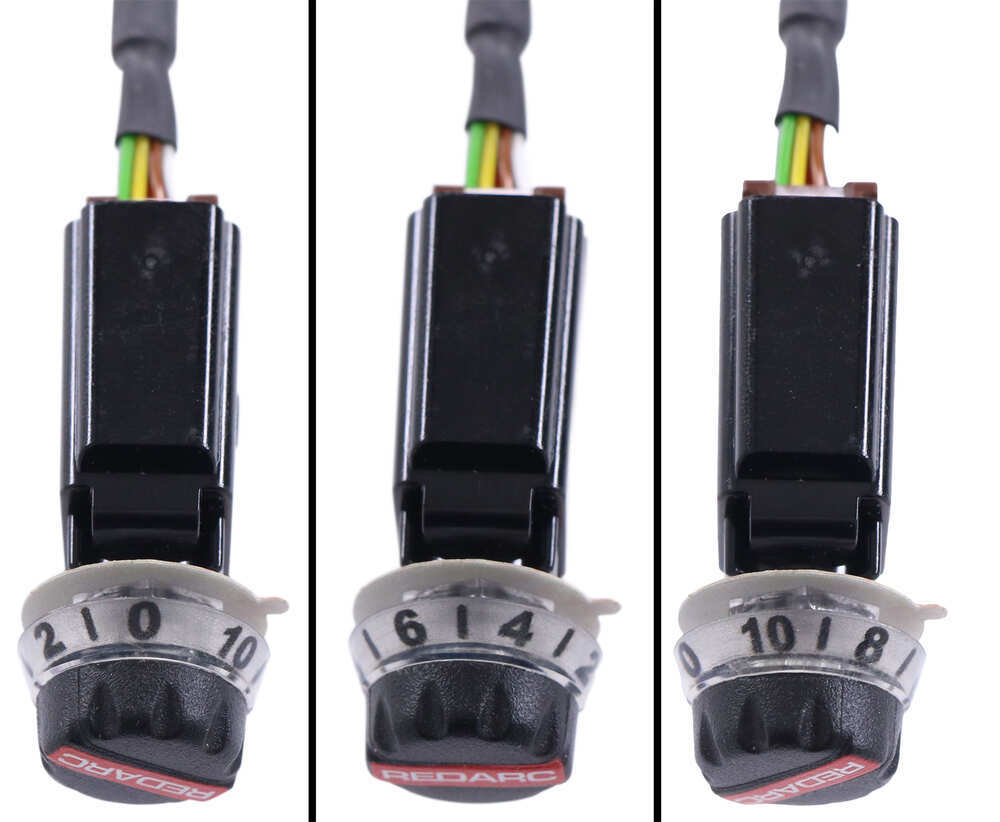
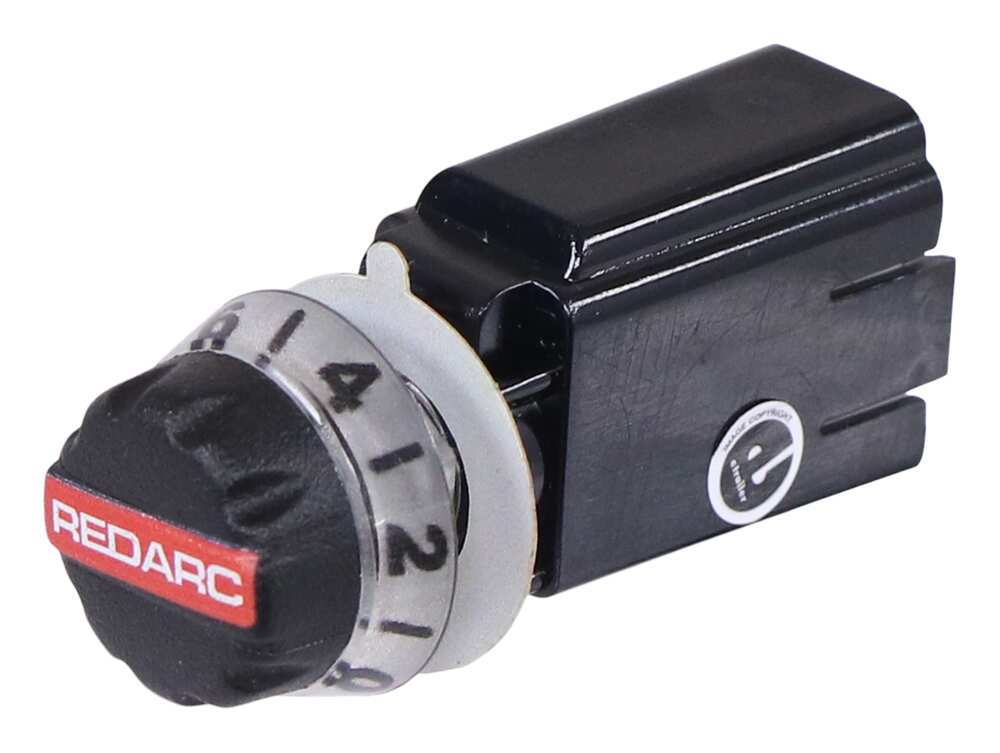
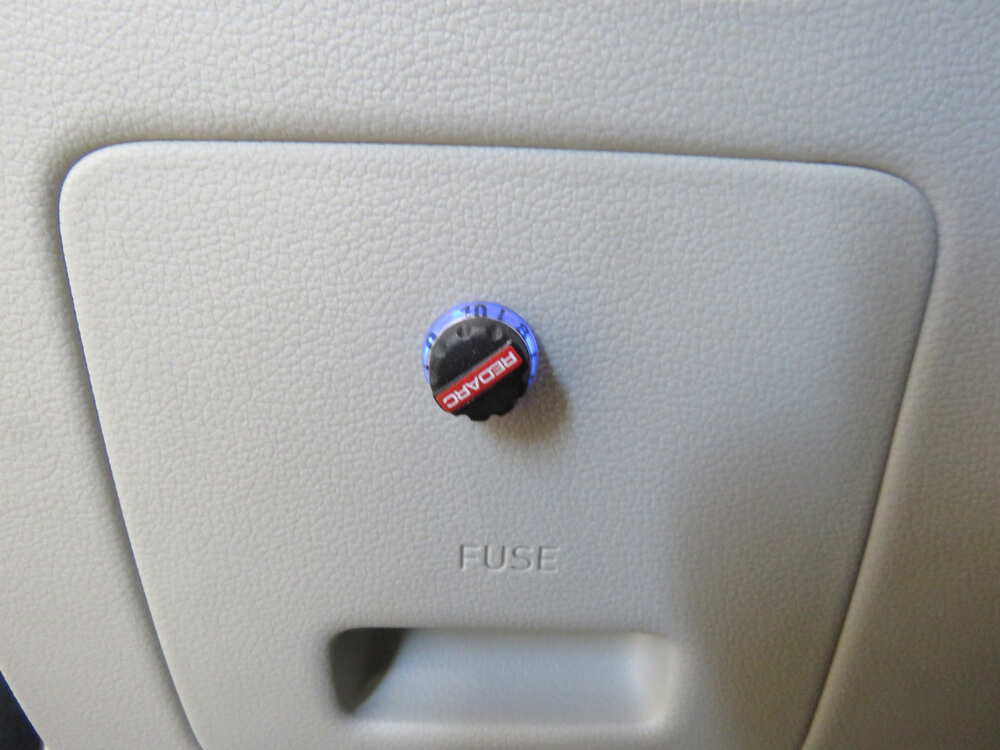
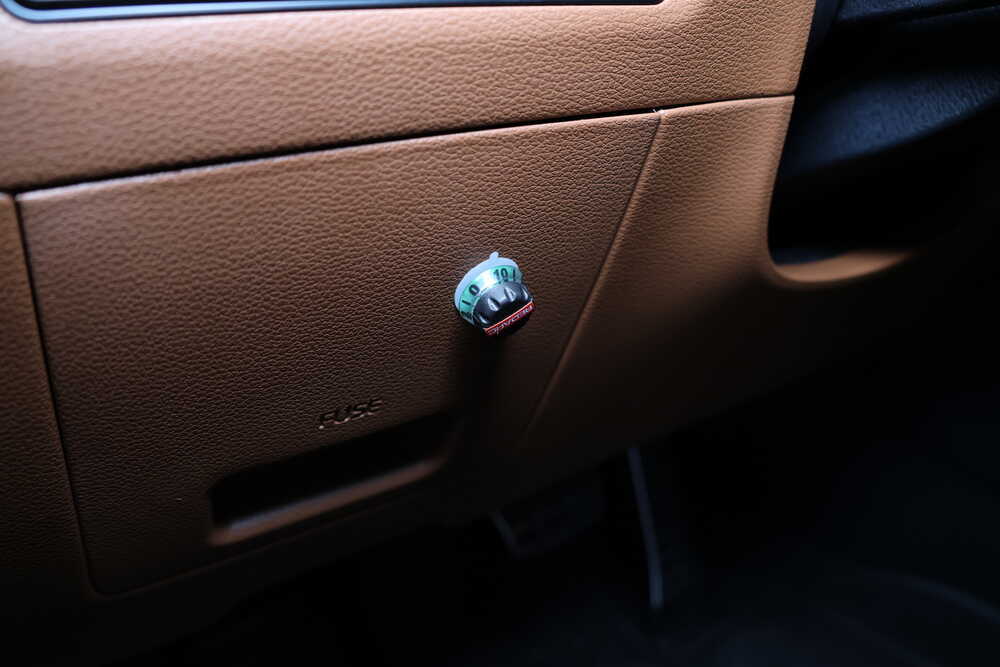
Use the knob to set the braking output -- the maximum amount of power that will be applied to your trailer's brakes. To get more power output, rotate the knob clockwise toward 10. To decrease the power output, rotate it counterclockwise toward 0.
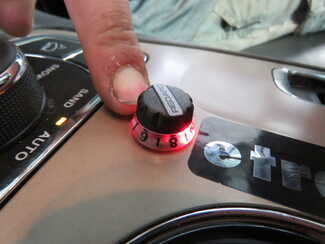
When you apply the tow vehicle's brakes, the knob will change from blue to red to signal that the trailer brakes are being activated. The higher the braking power output, the deeper the red that you will see.
To engage manual override, simply press the control knob. This will activate the trailer's brakes and brake lights independent of your tow vehicle, great for stopping sway or controlling your trailer's momentum in an emergency.
When you are calibrating the brake controller for the first time, the LED lights will signal your progress.
You'll start by braking 20 times or so to let the unit learn its orientation and the direction of travel. You don't need to have a trailer connected for it to calibrate; the only difference is that the knob won't illuminate at all. If your trailer is connected, the LED light will flash green/blue as it calibrates. When the display turns solid blue, initial calibration is complete.
Once done, the unit will remain calibrated. If recalibration is required, it will happen automatically and without LED indication.
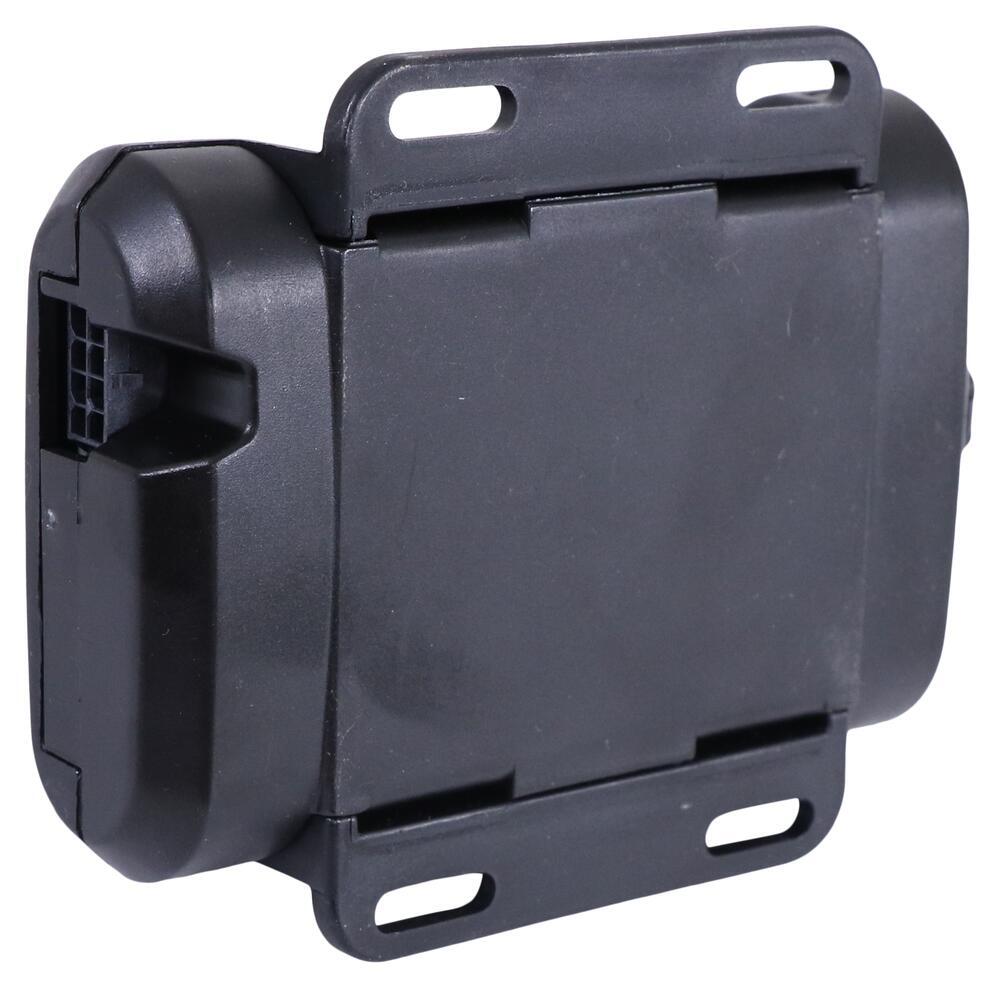
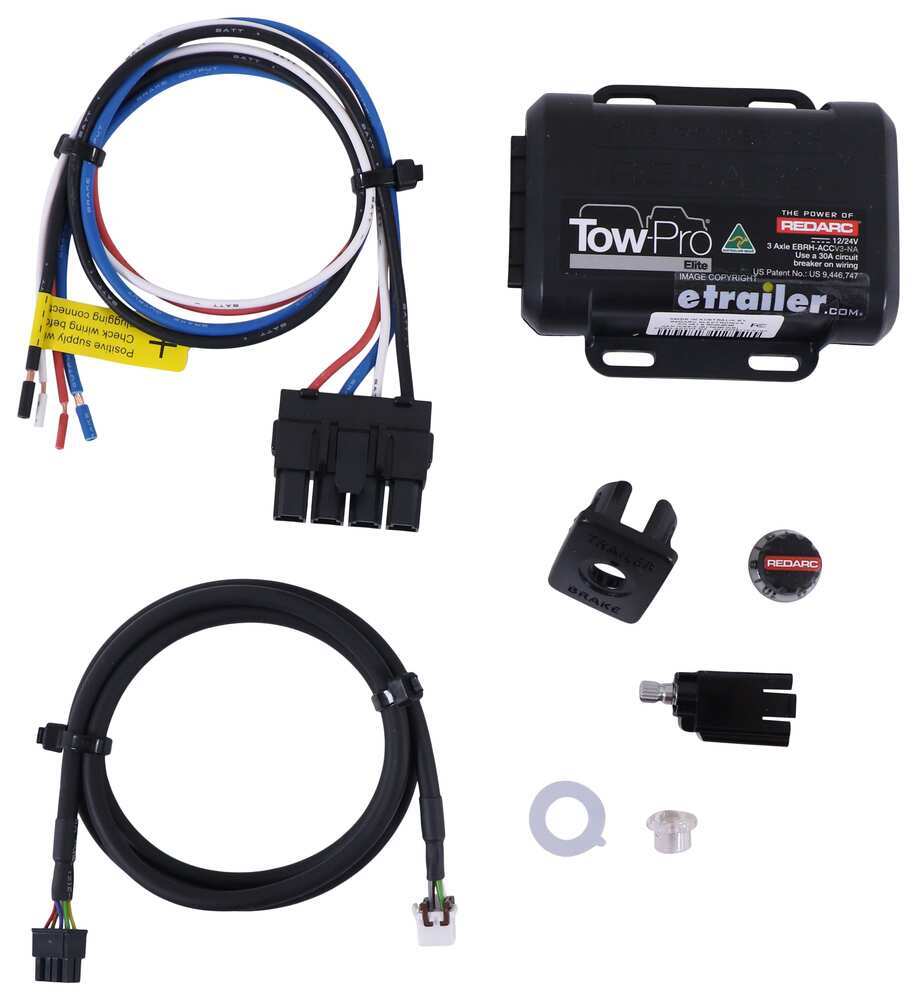
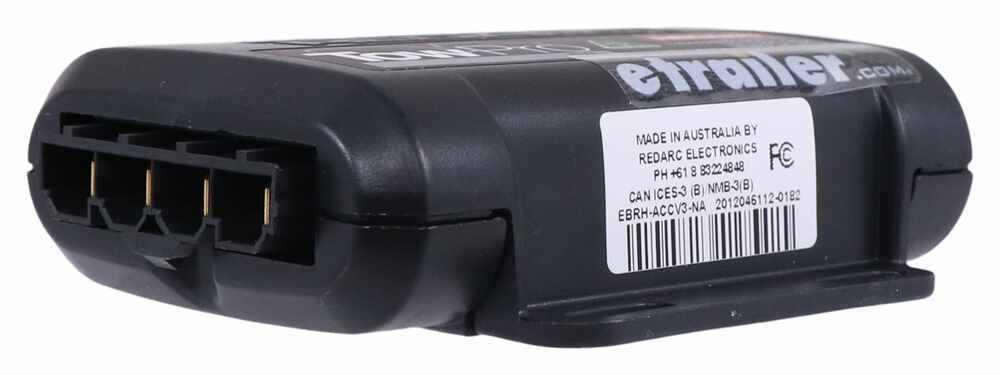
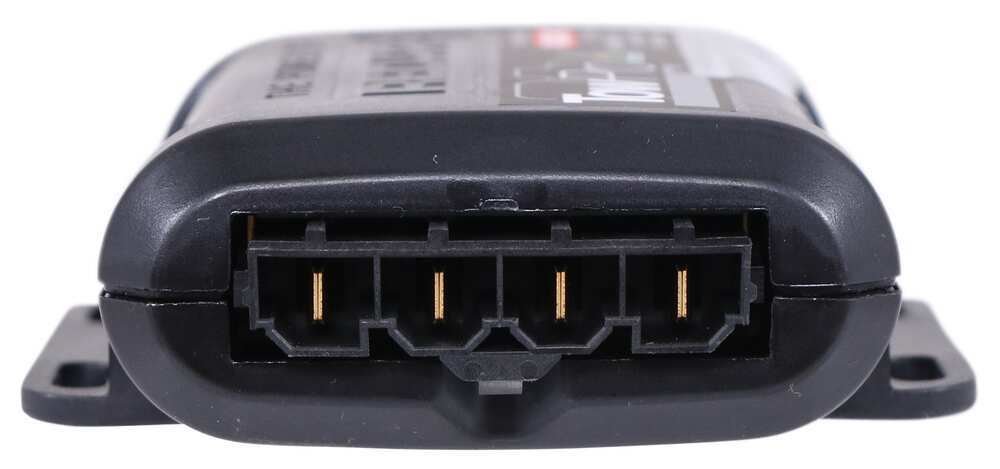
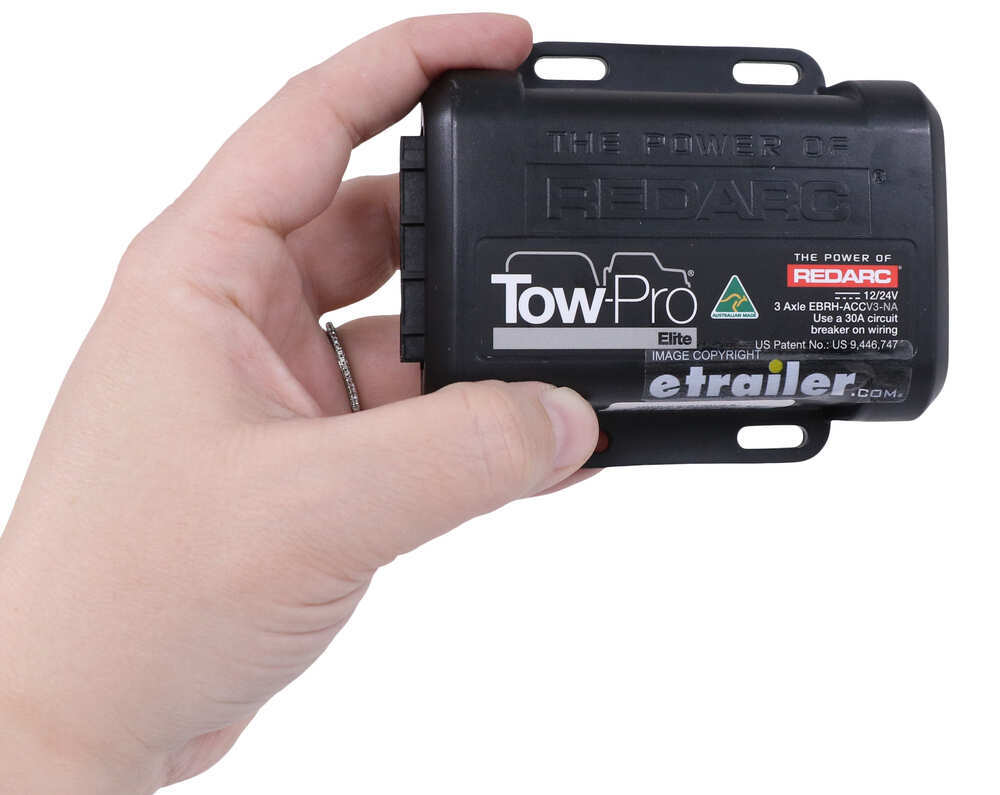
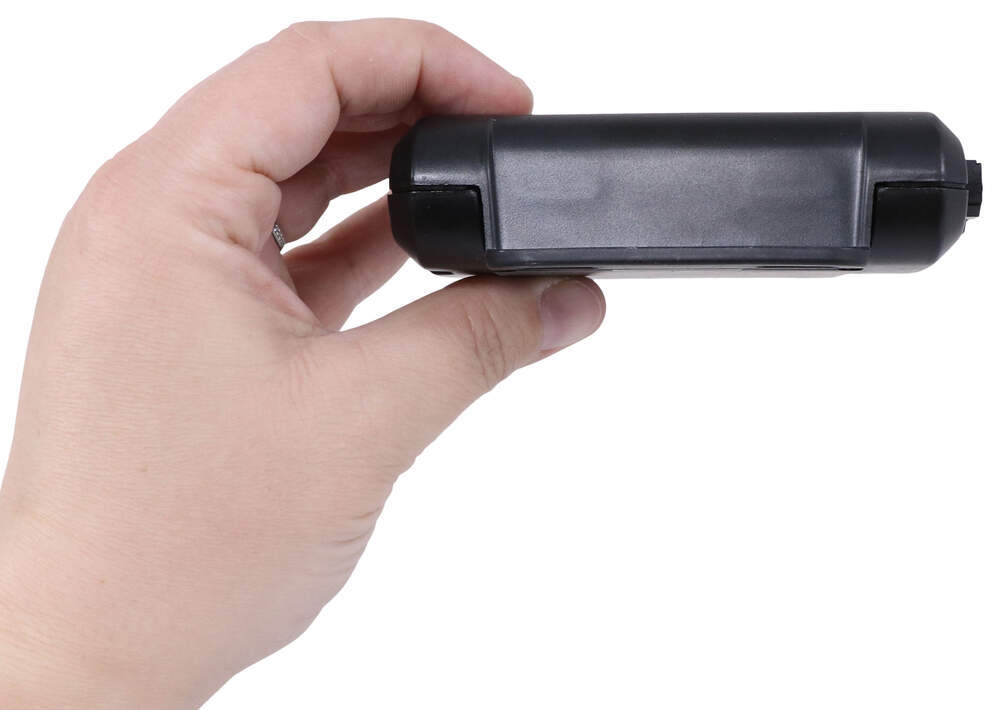
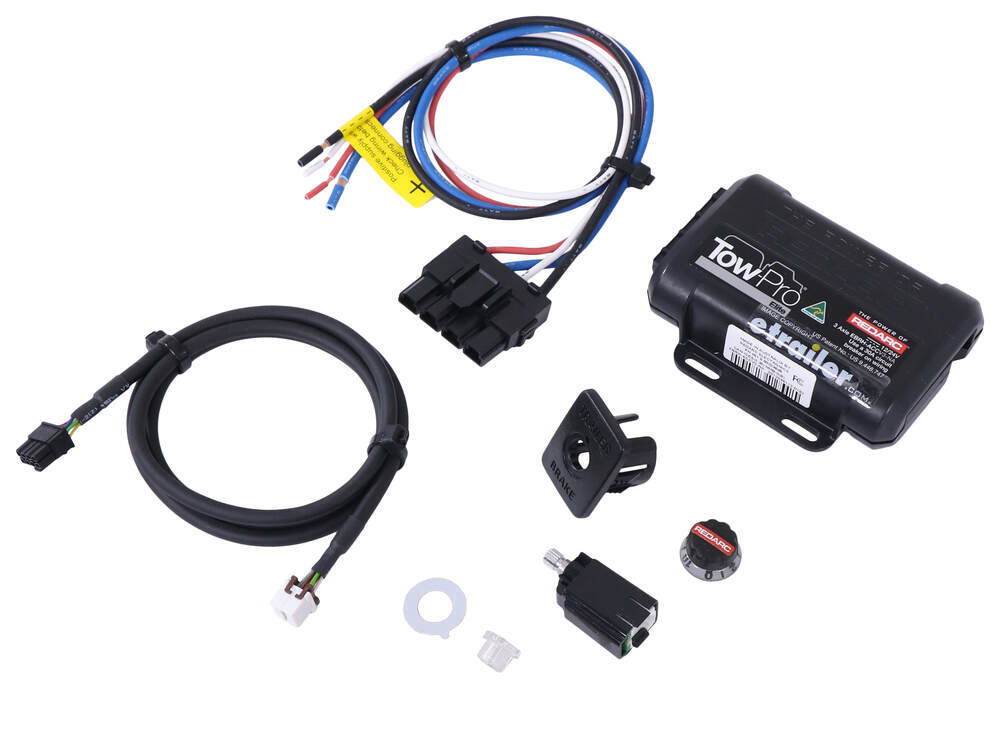
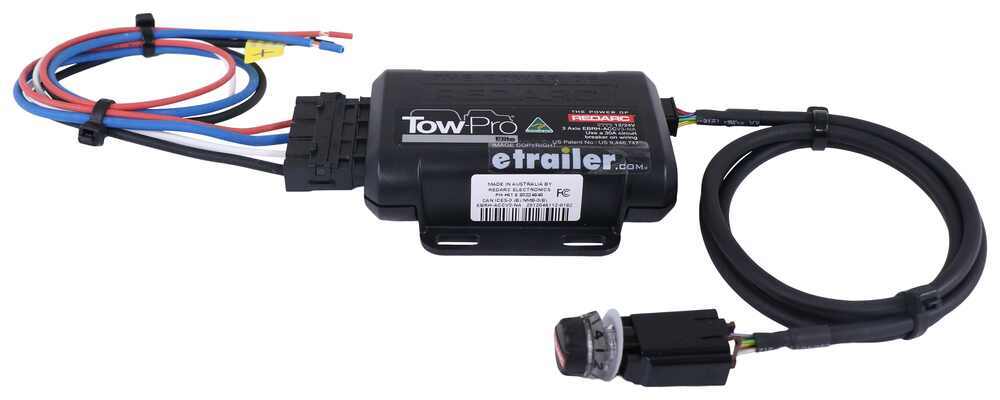
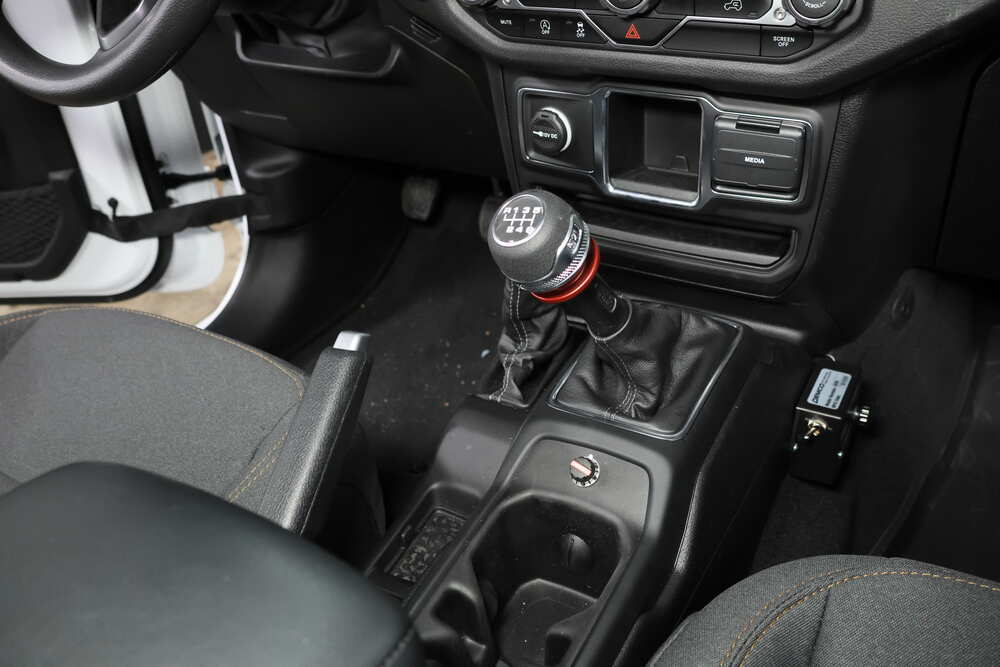
The Tow-Pro Elite has almost no mounting restrictions. It comes in 2 pieces: the main unit and the control knob. The main unit can be mounted out of sight and out of the way. You don't have to worry about dinging your knee on a bulky brake controller or interfering with your vehicle's airbags.
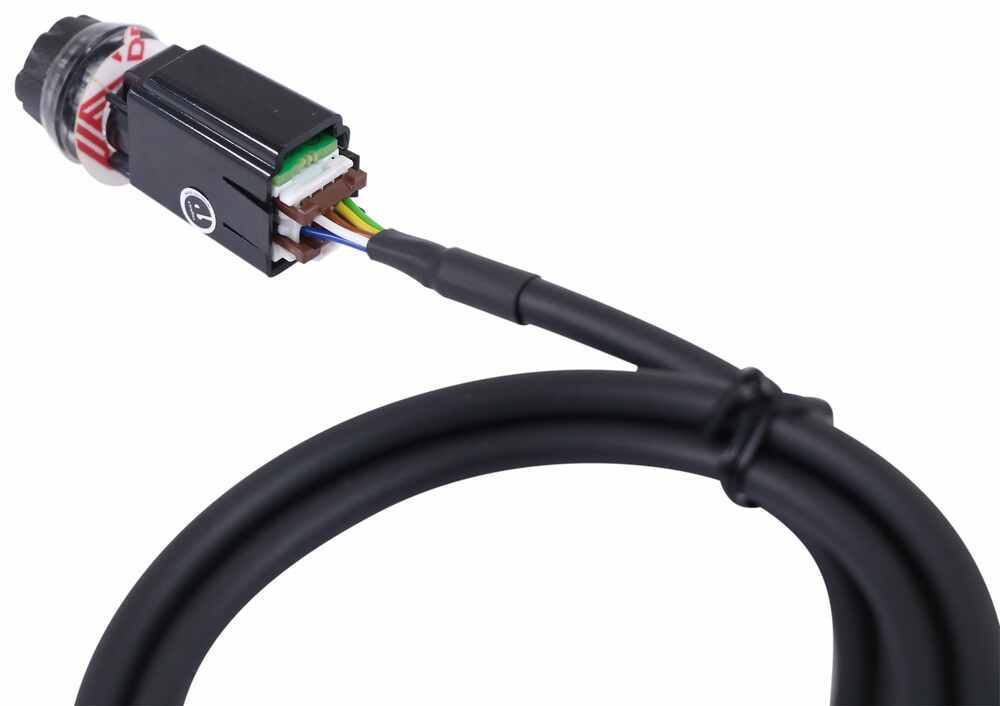
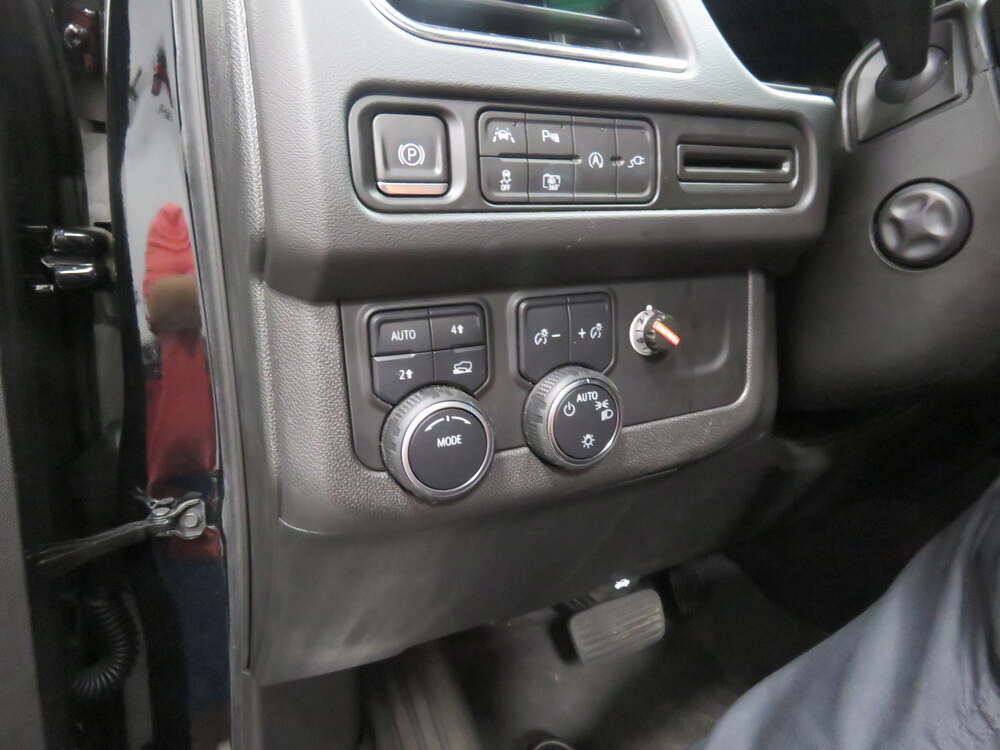
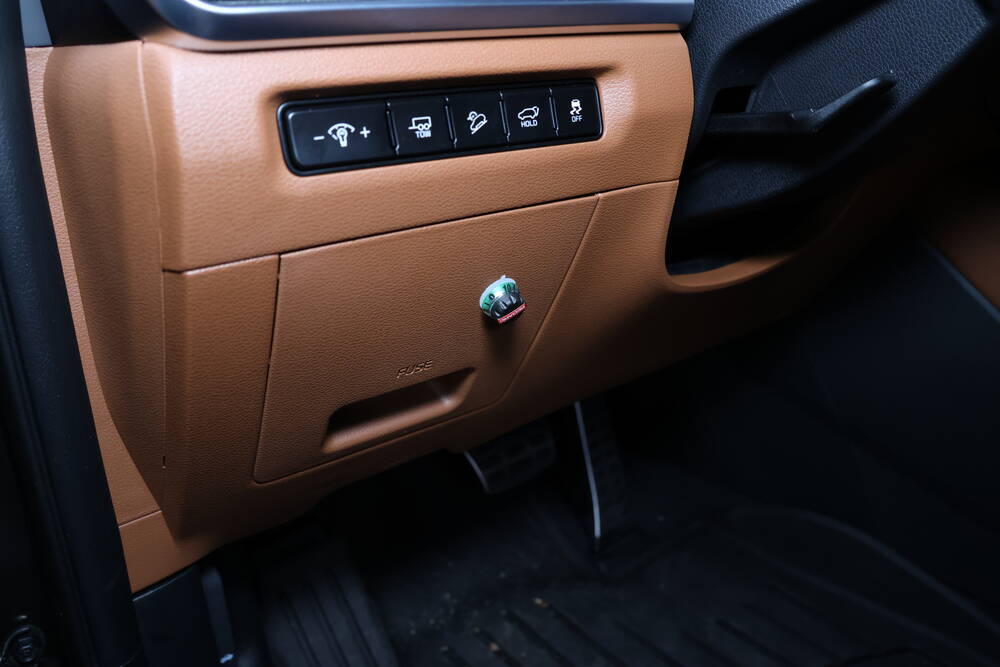
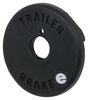
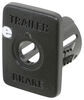
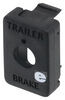
The control knob can be installed in any convenient spot that's easy for you to see and access. This can be a blank switch panel, an open spot on your center console, or wherever there's space on your dashboard. A universal mounting panel is included to ensure a clean, from-the-factory look. Custom-fit panels are available for certain vehicles as well. Before you do any drilling, be sure there's enough clearance behind the dash for the entire knob to install!
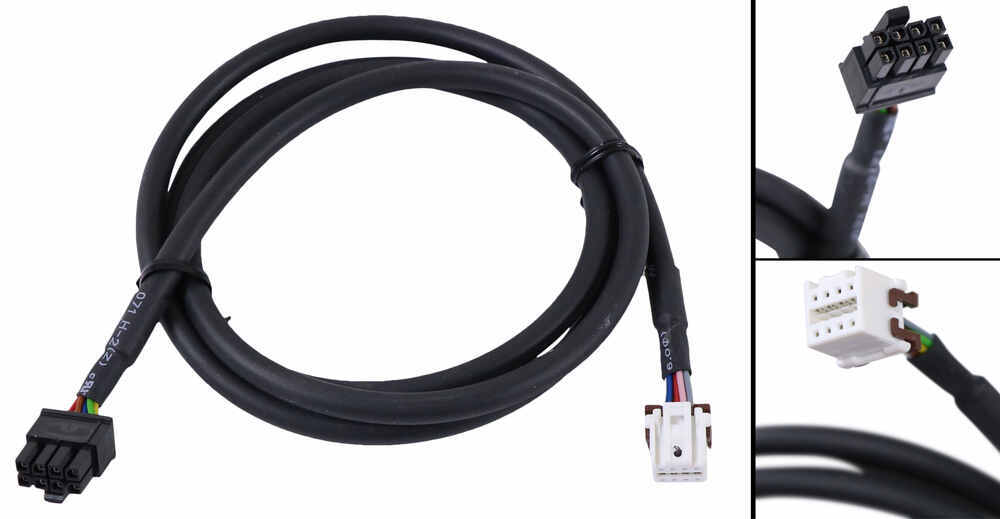
Once you've decided where you want to put the control knob, you'll need to find a good place to install the main unit. Your only restriction is the 3' cable connecting the main unit and the control knob. Securely mount the box using screws, double-sided tape, or zip-ties (not included). A mounting kit (RE67FR - sold separately) is also available for the Tow-Pro Elite. Do not attach the module to wiring or cables that can shift as you drive!
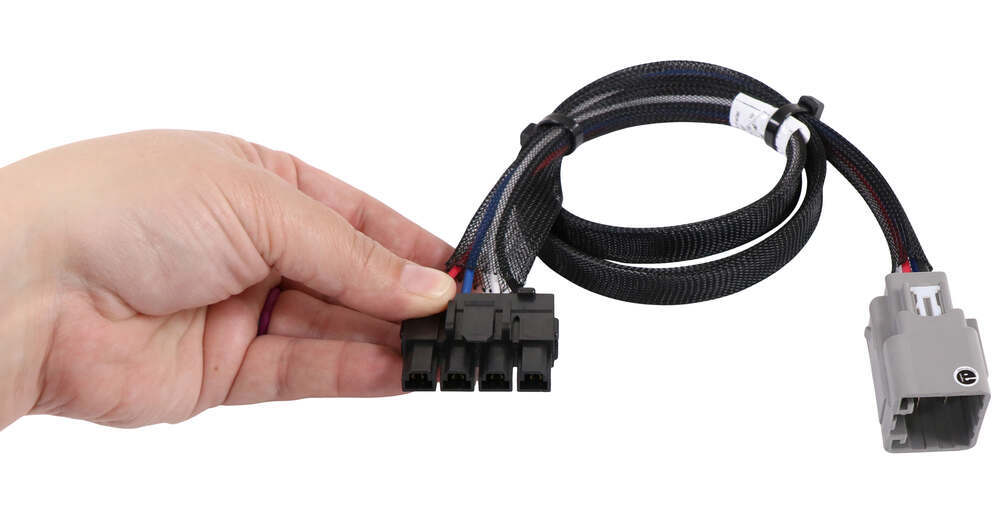
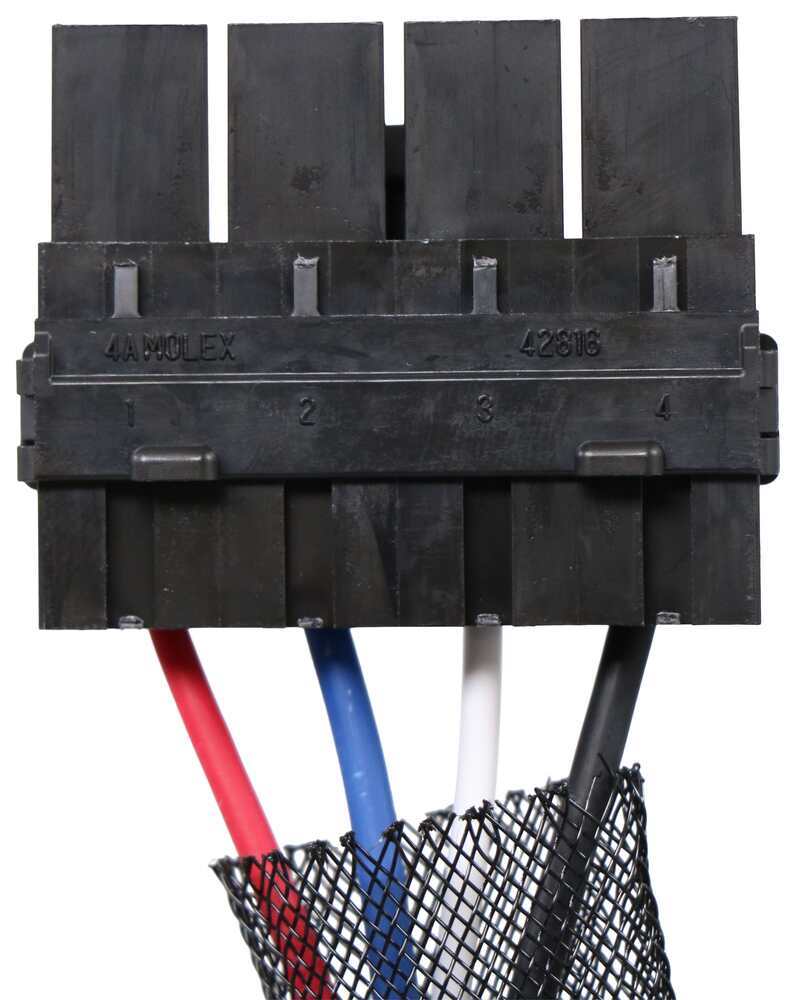
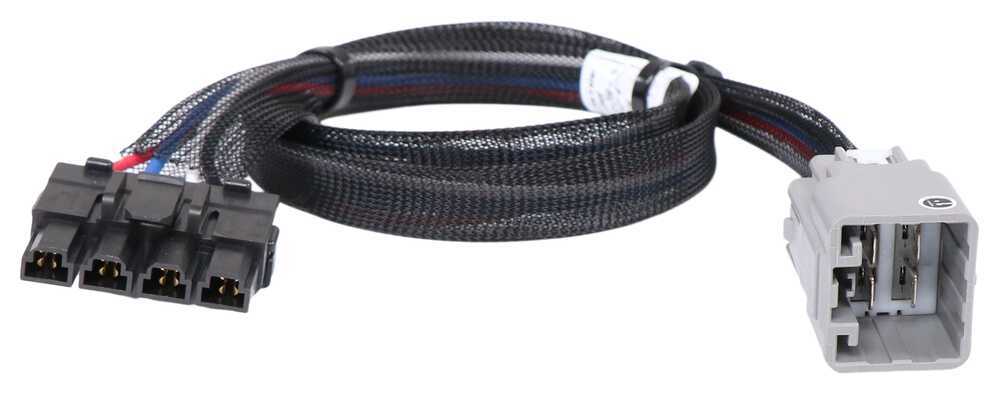
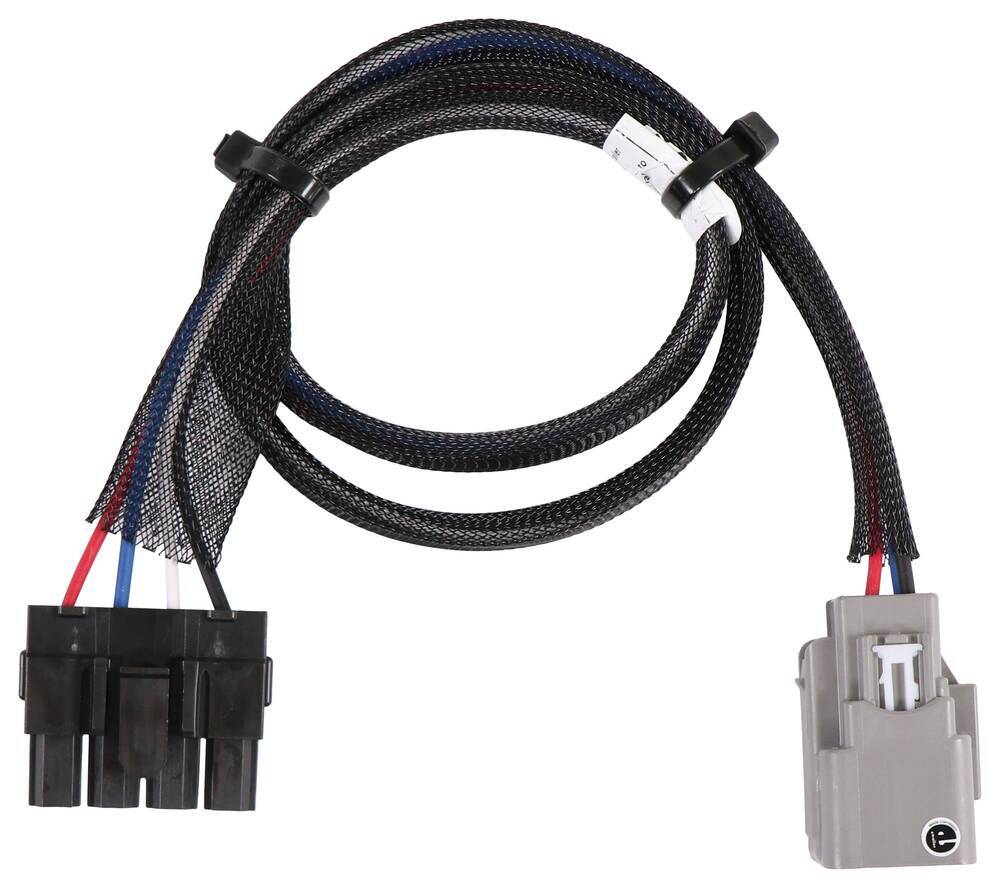
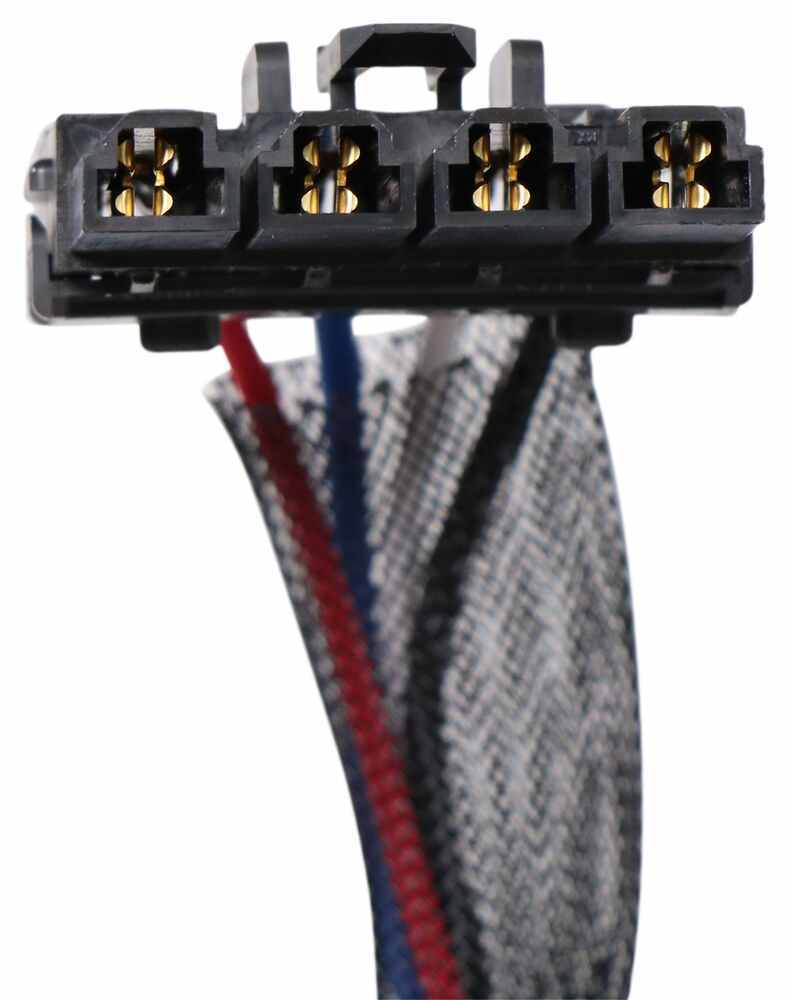
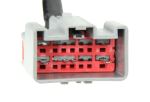
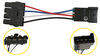
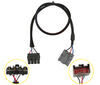
Then plug the custom-fit harness right into your vehicle and the brake controller and you're done!
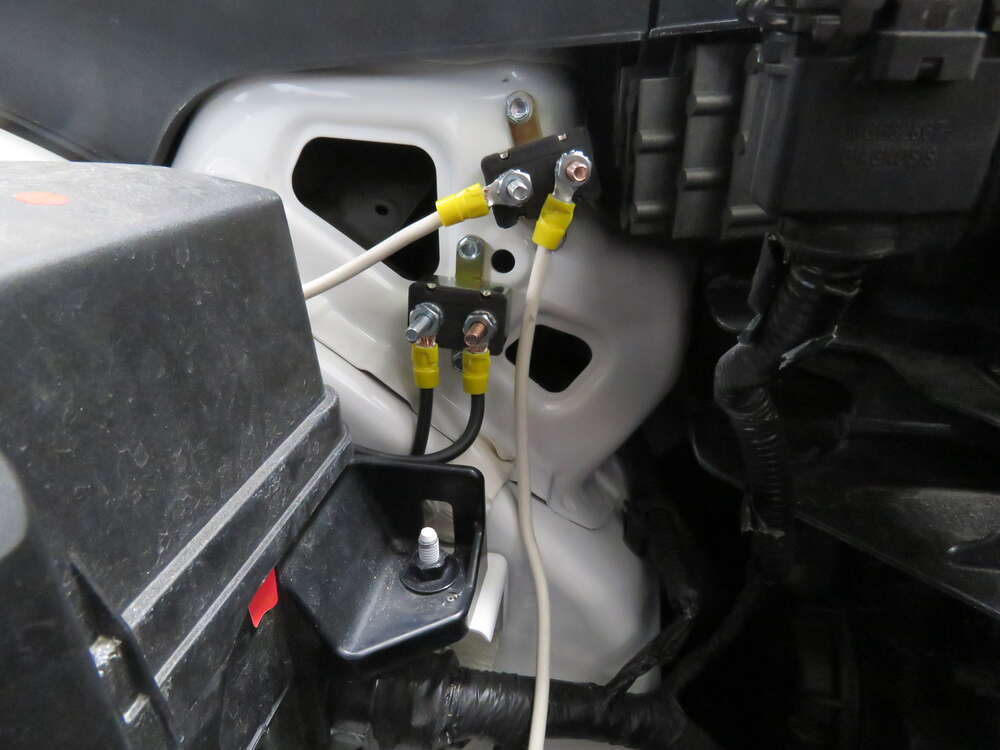
If you don't already have a 7-way plug at the back of your vehicle, take a look at our exclusive 7- and 4-way brake-control installation kit (ETBC7 - sold separately). A 30-amp circuit breaker kit (331-CBK30-EB - sold separately) may also be required for installation.
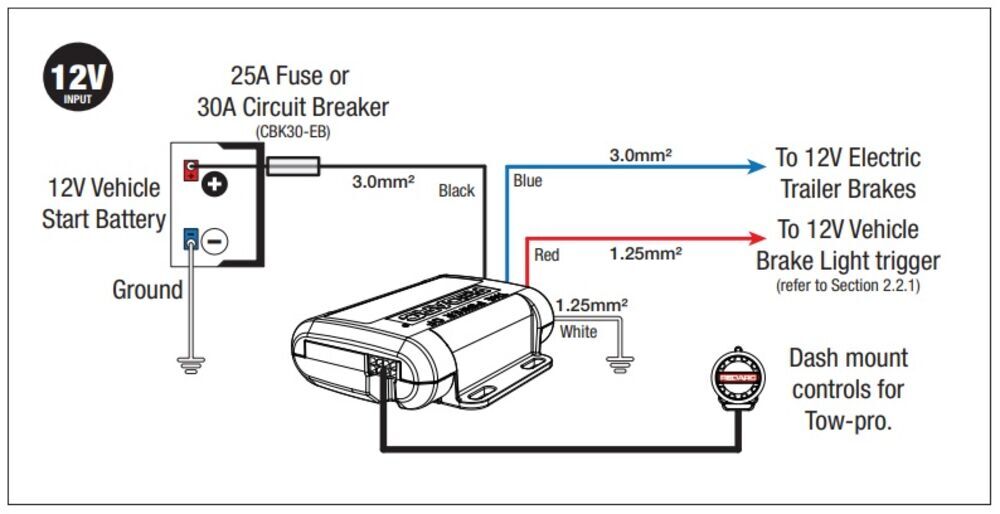
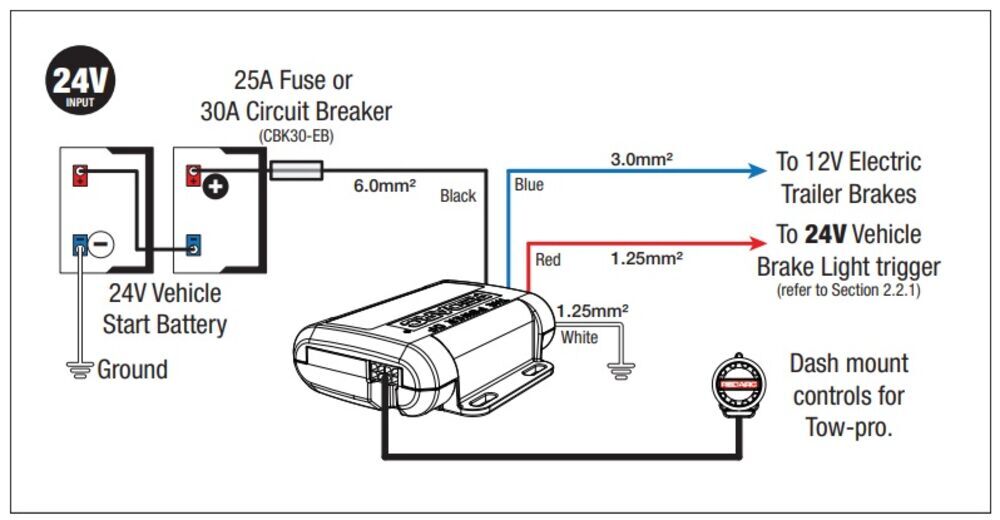
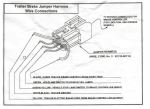
For assistance in properly wiring the Tow-Pro Elite, please refer to the diagrams below:
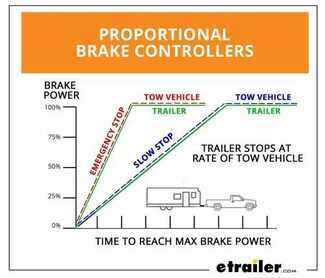
Proportional braking means that your trailer brakes mimic your tow vehicle's brakes. If you slam on the brakes in your vehicle, your trailer brakes will activate with the same intensity; if you brake lightly, your trailer brakes lightly too. The trailer's braking is in proportion to your vehicle's braking. This saves wear and tear on the tires and the brakes on both your vehicle and trailer.
The Tow-Pro Elite uses an internal 3-axis accelerometer to sense how your vehicle is braking so it can send the right amount of braking power to your trailer. It measures the inertia of your tow vehicle and activates the trailer's brakes to slow at the same rate. The result is uniform braking across your towing setup. No push-pull action - just smooth, proportional braking every time.
California residents: click here
Videos are provided as a guide only. Refer to manufacturer installation instructions and specs for complete information.
Howdy there, neighbors, Ian with etrailer here. Today we're gonna be looking at the REDARC Tow-Pro Liberty and the Elite on our 2019 Ram 1500. Let's look at some features of it and then get into that install. First we'll take a look at the Elite. It is gonna be the more premium option over the Liberty. Part of the reason is that is it's got the options for a User-Controlled Mode, which is beneficial for off-road driving or high incline driving.
It's gonna override the gain system and put more application to the brakes on the trailer, opposed to the vehicle, extending the vehicle's brake life. And then our Liberty here is going to be the lower-end option. It will only do 12 volt systems, while the Elite will do up to 24 volt. Again, with the Liberty opposed to the Elite, you're gonna see that this will do two axles, and then the Elite will allow for up to three, if need be. So something to keep in mind when you're selecting these.
This is probably, in my opinion, gonna be my favorite brake controller. If I'm gonna put one in my vehicle, it's gonna be either the Elite or the Liberty. Both great options. They do have a little bit of difference. And depending on what you're towing, you'll have to select between the two.
But the Elite is just such a clean look. It keeps everything 90% factory as far as all the connection points and how to mount things up. It does come with a cutout that you can use on particular vehicles. Doesn't work with the Ram here, but we we inchesre able to find a punch out that makes it look very factory compared to maybe a big brake controller sitting underneath your knee at the dash here. So if you're worried about knee knock and having more junk in the way, the REDARC's just gonna be the better option, in my opinion.
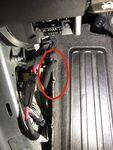
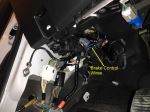
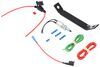
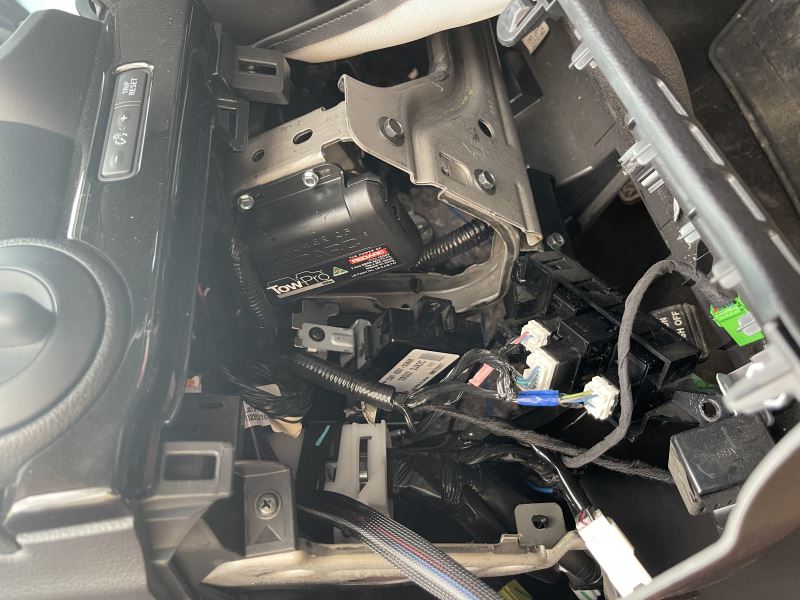
The adjustments are very easy. To up the brake force, you just go in that clockwise motion there, got all the way up to 10 different levels that it allows you to go up to. The manual override, again, a very easy situation of just pushing that in. With that audible click, you'll be able to tell that that is activated, plus that nice LED indication is wonderful. So this does have the option as well between proportional, which is just gonna be the mode that it stays in a majority of the time, unless you put it in the User-Controlled Mode. And that User-Controlled Mode, what it's gonna do is apply the trailer brakes in a non-proportional way to where if you're pushing the brake pedal, it's only running off of the knob and the controller here, opposed to your application of the brakes. When in the proportional mode, you'll see this nice blue indicator opposed to the green indicator that's gonna come on once you've got it in that User-Controlled Mode. And to switch control modes here, we've got our blue indication for Proportional. I'd like it in User-Controlled Mode. So we would hook up to our trailer or whatever we're towing, we're going to turn the knob all the way counterclockwise, which we've already got it at its lowest setting. Once it's there, we will apply the vehicle brakes, double-press the knob within two seconds, and you'll see here that it's turned green. And once we release the brakes, it is now in the User-Controlled Mode opposed to our Proportional. Last feature I wanted to talk about was gonna be the park brake feature that it's got. It allows for the park brake, essentially, to be applied at the trailer when the brake is depressed for a three-second period at a stop. So, say, you're on an incline, you got vehicles either behind you or in front of you, and you're worried about that roll back or forth into those vehicles when you're stopped. That's gonna help keep the brakes on at just the trailer to be able to equally keep you stopped. Now, the install on this isn't too bad. I would imagine that anybody could get away with this in maybe an hour, at most. It does take a an additional harness from REDARC that's going to go from the factory plug directly to the connector. Let's get into that install. I'll show you where I've got everything mounted and kind of where to position the controller and the switch. To access our factory plug, that's gonna be located under the dash right here. So what we'll need to do is take this kick panel off. And to do so, there's just two Phillips head screws that are holding on the bottom. So we will remove those. (drill whirring) Then we will just give a slight pull, starting at one side and then come to the other. What you can do is apply pressure against the rest of the dash and just give this a good snug tug here, and it should just pop loose. There are connections for this little blower motor here. And we can leave the ODB2 in. It's also got this plug and then the connector for the hood release. We're gonna leave all that attached, just let that dangle. And then back behind this, you'll find a big clump of tape. I've gone ahead and removed the tape. That way we can access the plug to see it. But the factory looming does have two plugs there. We're going to use the one with the four prongs. So we'll just leave that here so that way we've got access to it to run the controller. One thing you will need to be to hook up this REDARC and to make this installation super simple is this Tow-Pro harness here that is offered. It's got the factory plug already set up, so that way you don't have to do any cutting or splicing. And then our end for the controller as well, which makes installation super easy. So we will just grab our factory plug, quick connect here onto that. Now, we need to mount the controller switch, and it's kind of up to you of how you want to do it, but I've seen a majority of them using where the factory tow package controller would go. This punch out is gonna have to come out to be able to trim it down and then get the hole drilled through it so we can have our knob running through. So to remove the dash, we're gonna pull this little piece of rubber from the top here. And all it is is just a protector for these screws down here at the bottom, both Phillips's head. And we'll take those out (drill whirring) and set those aside. And then what I like to do is come to the bottom of the dash, put my thumbs up against the dash, and then we're gonna be pulling here at this kind of silver-looking area. And it should just pop away nice and easy. And then we will work our way up to the top. (plastic clips popping) And then that falls down. And then we're going to remove our connectors for everything on the back because we will have to pull the entire block from the bottom here. And that's the pop out. And then we'll move down to our connectors here, there's just another little push tab on top. That will come loose. And then the push tab is on the bottom of this square plug. And I did want to mention, as far as this plug and that one, they are slightly different but slightly the same. But this one is marked with blue already. If it's not marked, go ahead and put something on there to identify that it needs to go to this bottom plug opposed to the screen. You wouldn't wanna mix those up when going back together. And then last plug at the bottom here at our auxiliary switches, and the dash is free. Now we're gonna bring the center dash panel over to somewhere we can set, it if you need to. Just throw a cardboard or a piece of foam or something underneath it to keep that from getting scratched at any of the surface points. And then there are going to be a couple screws here at the top. They're both T10s. And so we will remove those two screws. (drill whirring) (drill whirring) And with those removed, there's a total of four clips holding this in, two at the bottom, and then two at the top. We will just apply some downward pressure here and pull up on the tab, and you'll see it kind of slide outta place. And then go to the one on the bottom on that same side and then apply that pressure there, and repeat on the other side as well. And it should just pop loose so we can access that panel. To remove this cutout, we will go to these two plastic tabs and pry up on the retainer. And then same on that backside, just put good pressure on the edge here and push forward, and that'll allow that to unclip. And then down beneath, we're gonna do the same thing, just prying upwards and pulling out. (plastic clips popping) And then once that's removed, we will cut out this center brace so that way we've got a nice spot to be able to mount that controller knob. We trimmed all of the plastic that was in the center bracing there, and then used a 10 millimeter drill bit to be able to get our plastic nut that holds the switch into place. So now that we've got all that set up, you just run that switch through there. And there's a lip here on the bottom of the switch. And so we're just gonna run that knob through there and then tighten this down. It can just be done by hand since it's plastic. We wouldn't wanna strip that out. And as we're putting the switch in, we wanna make sure that this is level and gonna be set up correctly. Also, you want to check to make sure that once you've got it tightened down, that the knob will still be able to be pressed in. Should be able to hear the audible click. We're just gonna reassemble the dash, running that wire through the bracket, where the auxiliary switches are. This will just click back into that bracket. Then we're gonna feed the bracket here into the dash. Again, listening for that audible click to make sure it's in place. And then replace the two T10 screws that are on the outside. (drill whirring) And then we're gonna take our wire from the controller knob here, and we're gonna go right above this plastic part of the box. There's actually a little hole we can feed this through right in the back. So we'll just take that end, and then we'll feed all of this line down through that hole, and then we're gonna reconnect all of the harness connectors. Again, the one with the blue tape mark is gonna be going below the screen, while the one that does not have the blue tape mark will be connecting to the screen. (plastic clip clicks) And then we're just gonna gently set this back into place, and that should just snap back into that front. Now, we're gonna mount the controller box. We're gonna take the adapter harness that we've got from our factory wiring and just hook that directly to the Elite here. And then as far as mounting locations, the only thing the instruction mentions is that you should not hook this to a wiring harness. It needs to be hooked to something fixed that's not gonna have any shift or movement to it. And there's a few brackets towards the center of the dash here that you can kind of see through this top hole. And I'm gonna mount that to those. So first, I wanna make sure I've got all of my connections on there to include the one that's coming from the switch, and that just plugs into the bottom here as well. And now we can mount that box up. We'll just use a couple zip ties. Again, this is kind of up to you. And what you can find once you're under the dash of where to mount it, but I'm gonna pick this cross beam back here and just zip tie it to it. And there you can see where I've mounted the box. I did use the zip ties to keep the harnesses out of the way. That includes that adapter harness. 'Cause since they're pre-made harnesses, they're pretty long, but I'd rather have 'em too long than too short. So it's just easier to keep that area under the dash clean. Once we've got that all hooked up. And even before you put the dash back in, if you wanted to test to make sure you're getting power at the switch and that the controller's talking to it, just give it a good push, and it'll light up blue. Now to get proper orientation of the switch, we're gonna turn that all the way counterclockwise until it stops. And then we will put the zero at the very top, and that will set it, so that way when we go to adjust, the levels, as they increase, it will have the proper setting. And once we've got everything installed and in place, you're gonna see that the knob will be flashing blue and green, which means it's ready for calibration. What you'll want to do is drive the vehicle and apply the brakes. This can take a bit of time for it to learn the orientation. What that's doing is at the controller box, it's trying to figure out which way it's positioned so that way the inertia reader within it can get the proper reading. So you'll just kind of go around a safe area, make sure you've got enough room to be able to stop and continue to stop occasionally, just getting up to five, maybe 10 miles, at most, an hour, and then braking, coming to a complete stop. That way it can get through the calibration. And then once calibrated, you'll see that it will turn a nice solid blue color. And that's gonna be the look at and installation of our REDARC on our 2019 Ram 1500. My name's Ian with etrailer. Thanks for watching.
Do you have a question about this Trailer Brake Controller?
Info for this part was:
At etrailer we provide the best information available about the products we sell. We take the quality of our information seriously so that you can get the right part the first time. Let us know if anything is missing or if you have any questions.


Thank you! Your comment has been submitted successfully. You should be able to view your question/comment here within a few days.
Error submitting comment. Please try again momentarily.