


Thank you! Your comment has been submitted successfully. You should be able to view your question/comment here within a few days.
Error submitting comment. Please try again momentarily.
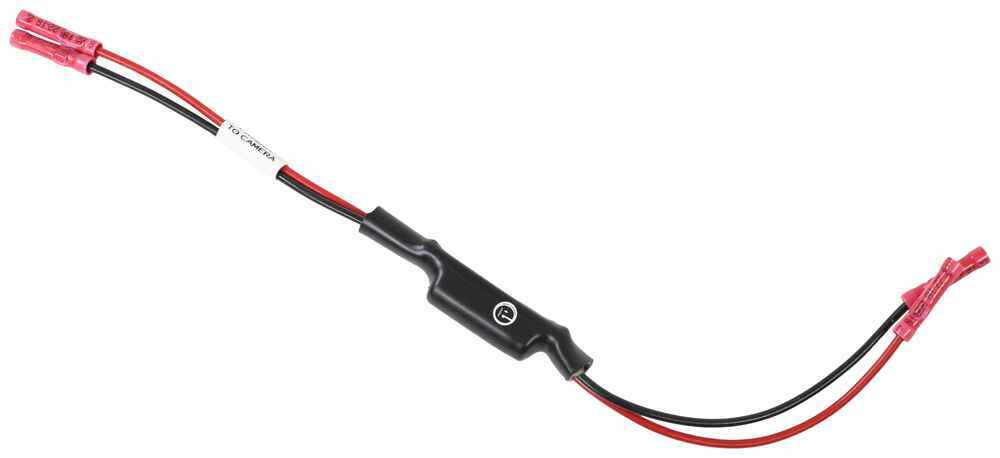
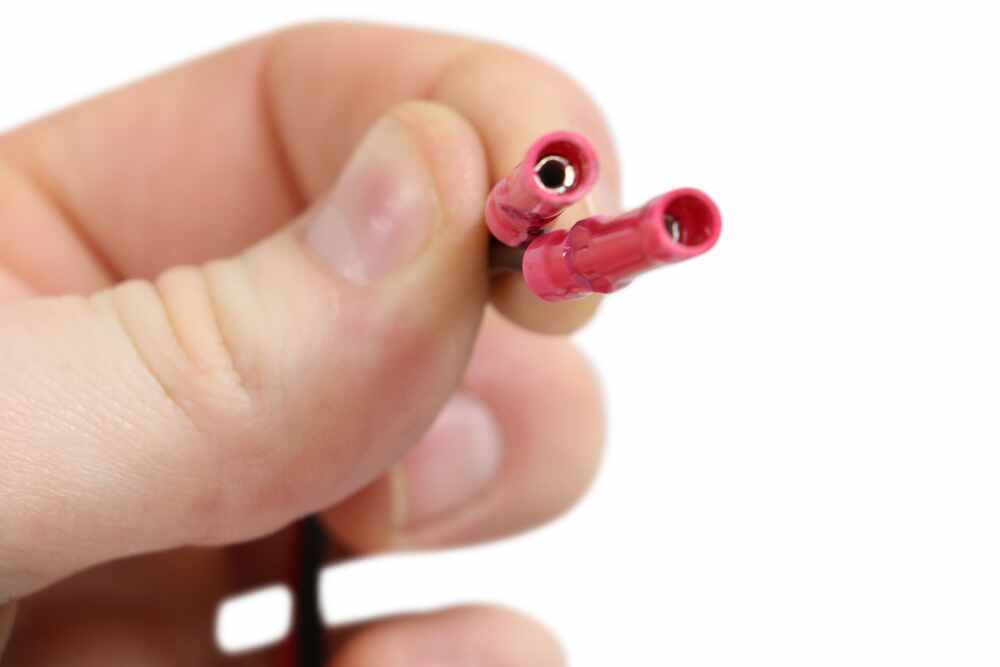
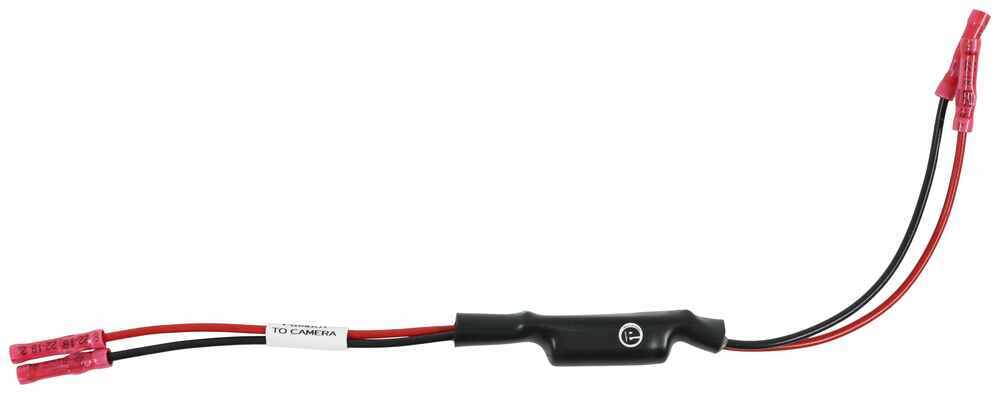
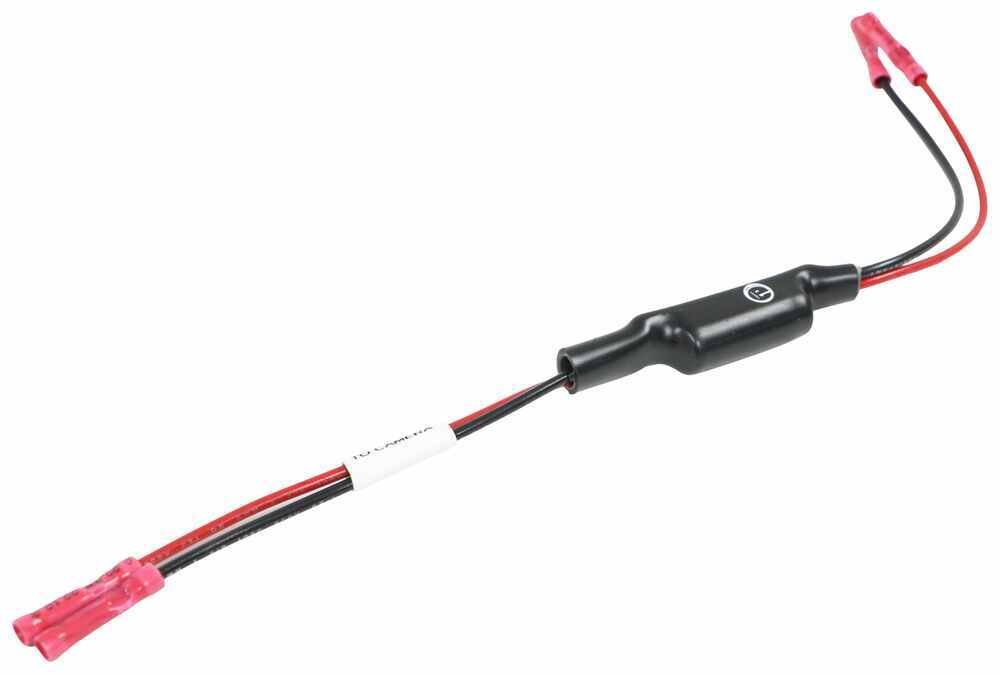
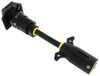
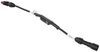
12-Volt PWM filter prevents camera dropouts on your RV backup camera system. Works on 2021 and newer Chevy and GM trucks with advanced tow packages and other vehicles with PWM. Splices into your camera system's wiring with included connectors.
Features:
Videos are provided as a guide only. Refer to manufacturer installation instructions and specs for complete information.
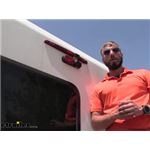
Hey guys, Kevin here with etrailer and today I'm gonna be showing you how to install the Voyager PWM filter here on our 2021 Thor motor coach Coleman series 24EQ class C motor home. As most Mercedes-Benz sprinters or Mercedes cabin chassis RVers know, there is an issue with the wiring coming from our cabin chassis up to our camera system, not allowing enough power for the actual camera to send the signal over to our monitor. So, the fix for this is the Voyager PWM filter which is going to send a steady current up to our camera so that we can always make sure that we have our signal. So, the power coming through your vehicle's wiring is actually giving either a pulsing power to the camera or is just not providing a strong enough current as it is. So, that's where this comes in place. The power's gonna ride into the actual filter right here and then build up a charge so that it can provide a steady output of 12 volts going to your camera, that way it'll actually function correctly.
So, as you can see, we're inside right now with our monitor, we have power running to our cameras and to our monitor itself but we're getting no signal and that's going to any of our cameras at all. So, we're gonna go ahead and install our PWM filter to solve this issue. All right. So, back at our camera, I pulled out our wiring a little bit and notice that we're just not gonna have enough to get through here. So, I'm gonna actually pull off our third break light back here for our RV.
Cause I know I got wire tucked up in behind here. All right, now with that loosened, we can pull our wiring out and you can see from where it was installed. There's plenty of wire here 'cause we're gonna need to be placing our filter in between our camera and our actual wiring running into our running light circuit. So, what we're gonna do right now With the power off, we're gonna snip both of these wires. I'm gonna pull 'em apart just a bit.
Then from there, we're going to strip back our casing on both sides so that we can splice in our filter. So, if you look at your PWM filter you'll see a red wire and a black wire and then there's also gonna be this little white collar that's gonna be on one side stating that it's gonna go to the camera with these wires. The other side will be without that and that's the side we're gonna have connecting up to our trailer with this side connecting up to our wires on our camera. Now we do wanna make sure that we're splicing into the right things, especially because we have yellow and green wiring here. So, if we look at this right here on our yellow wire I can see it's connected up to our positives and our black wire right here is our negative connecting up to our green wire.
So, I'm gonna go ahead and I'm gonna splice my black to my green right here 'cause that is our negative wire. And then I'm gonna connect my yellow to my red. We'll crimp that down. And then the same thing with our trailer side of our wiring. So our filter's actually quite big when it comes to wiring here. So, a lot of the times you're gonna notice you don't have enough room to really get it punched into the hole. So, I've kind of worked my wires back here out of the way and I'm gonna take this grinding bit and just kind of grind away some of the body of our RV here so that I can get this up inside. So, that it's all out of the way. We're not gonna have to worry about any water getting in and contacting it and ruining anything. Like I said, we'll just keep trying to chip away at this and then test it out. We don't wanna take too much off. But you will notice on most of your trailers, it is gonna be a real tight fit. Looks like we got just enough there. So, we can start pushing in the rest of our wiring. And with that in place, we can go ahead and put our factory camera back up and then just recock around it. The cock on here kind of just split right off as I was pulling it off. So, not really the bust and water protection. So, I'm gonna go ahead and make sure that we get this nice and cleaned up. So, under your camera there's gonna be a little pairing button, have to tilt it up just to get to it just a little rubber button. You had to press it kind of hard to get it paired up. So, we're gonna sit there and hold that in place. Now with power running to our running light circuit I'm gonna go ahead and start pairing our back camera. So, as you can see we are now paired and our rear camera is working. Thanks to our filter. Let's go ahead and check. Sometimes your cameras are kind of auto paired and you won't have to actually go through the whole pairing process. So, let's make sure that our left and our right cameras are now working. So, we can see out of our left, and we can see out of our right. So, we know all of our cameras are now functioning properly now that they're getting the correct amount of voltage to 'em. Thanks to the PWM filter that we just installed. So, Mercedes-Benz owners have been having another issue that's been the rear camera actually working but our side camera is not switching over whenever we use our turn signal. So, this is gonna be another fix that our PWM filter is going to handle. So, let me go through and show you exactly how to get to that. 'Cause this is another question that we get regularly. So, on the side of your monitor, you will find a button, you can press it to go to your settings. It's set up, we wanna make sure that our LCD auto is off, which it is right now. So, we can go back. Go back to our camera view and if we double tap this view, all button's gonna pop up. We can click that and it's gonna show us all camera views that we have. So, right now I'm gonna turn on our left turn signal and you'll see that it'll switch over. And now we can go to our right, when I put it back it's gonna go back to our main screen and here's our right. So, the issue before without the PWM filter is that it wasn't switching back and forth to our camera views. So, let's go ahead and do a little test run. We're gonna take this up onto the road and show you exactly how it works. So, as you can see, we're up on the highway now. We're on a two lane road. Seeing out of our mirrors isn't always the clearest. You may not see that car in your blind spot. So, we're gonna turn on our camera here. We're gonna switch to that view and now I can see there's nobody near us. I can safely get over because I'm gonna have to make our left turn right up here. And the second that I turn off my turn signal it goes right back to my view all mode. So, that I can see all around me and behind me that way I know if anybody's getting too close or if I need to slow down or anything like that. And we're gonna use our left turn signal again to pull back into our parking lot. One other thing I wanted to mention is if you're having issues where your monitor keeps switching from your view all back to your rear camera, all you need to do is hit your button, go back to your settings and then make sure that your auto display is also off as well. And since we only have three cameras, I'm also going to switch our view to tri-view. If later on down the road our neighbor want add in a fourth one then I'd switch it back to that. It's just gonna give you a little bit better view of the camera angles just because the picture will be a little bit wider than a quad. Well, I think that about does it for today's installation of the Voyager PWM filter here on our 2021 Thor motor coach Coleman series 24 EQ class C motor home. My name's Kevin. Thanks for watching..
Customer Satisfaction Score:
96% were satisfied with this product
4% of customers were not satisfied
Ratings & Reviews

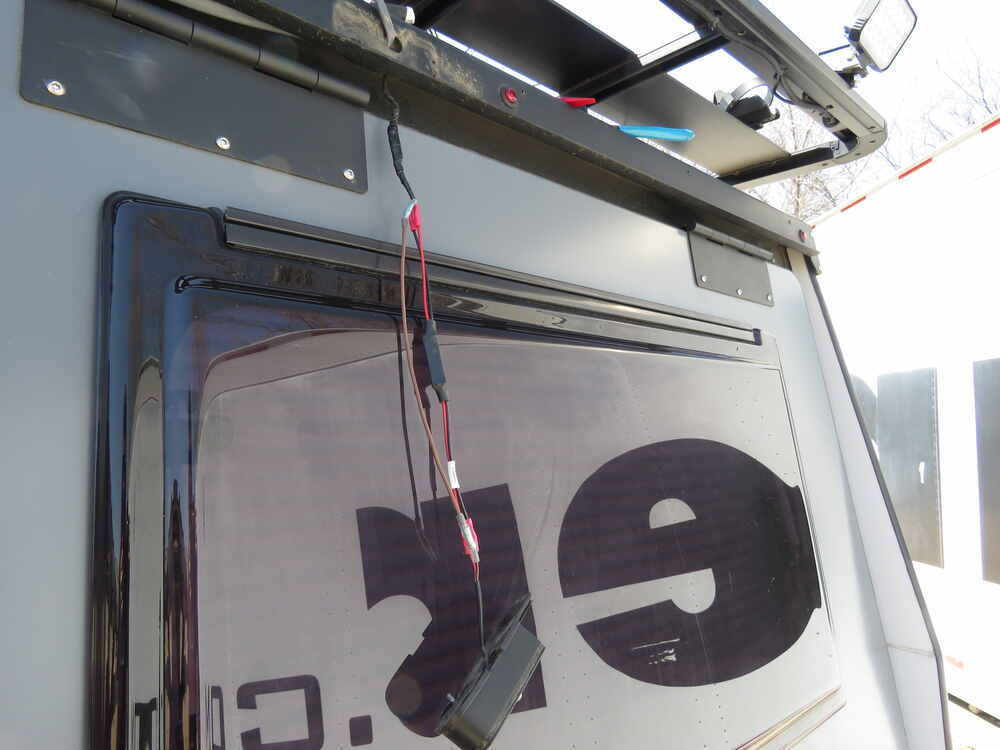
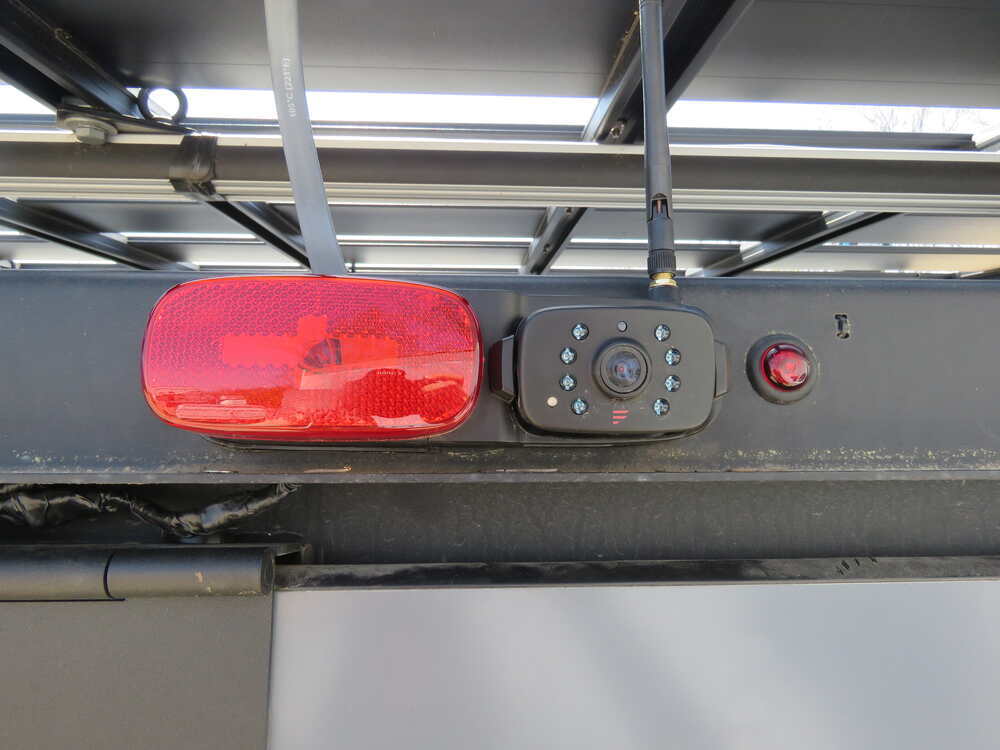
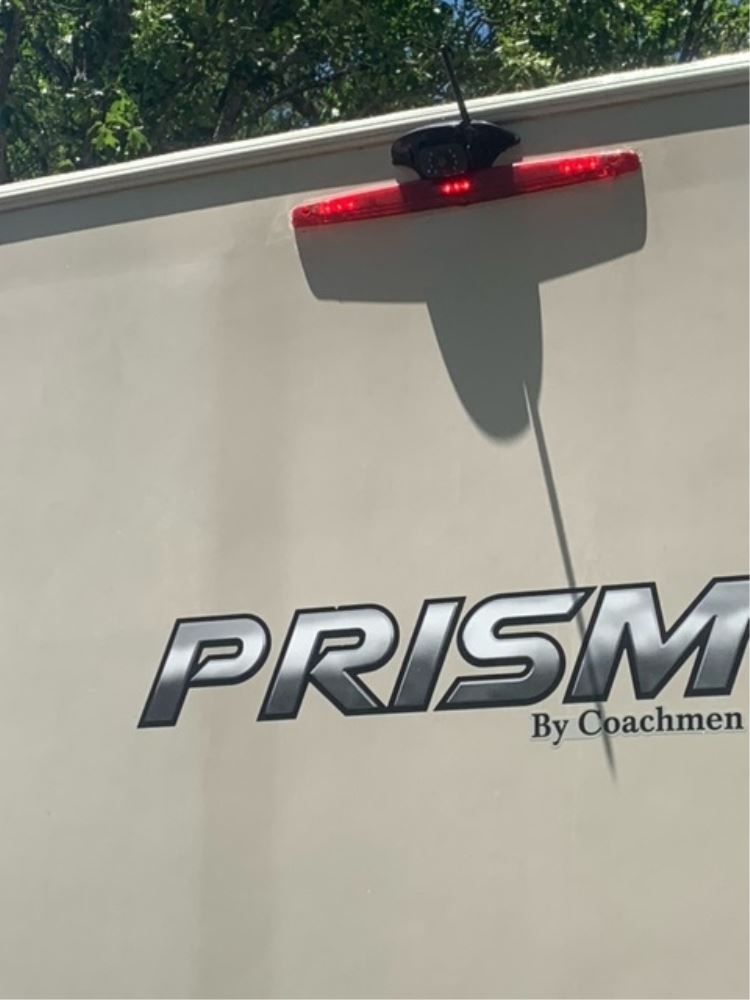
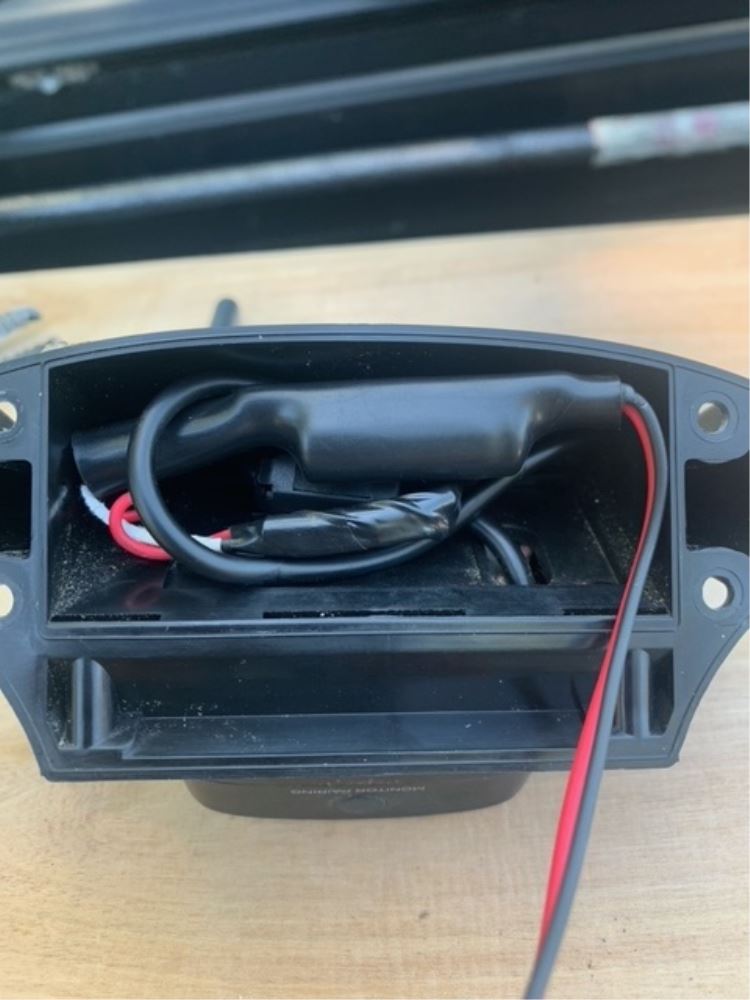
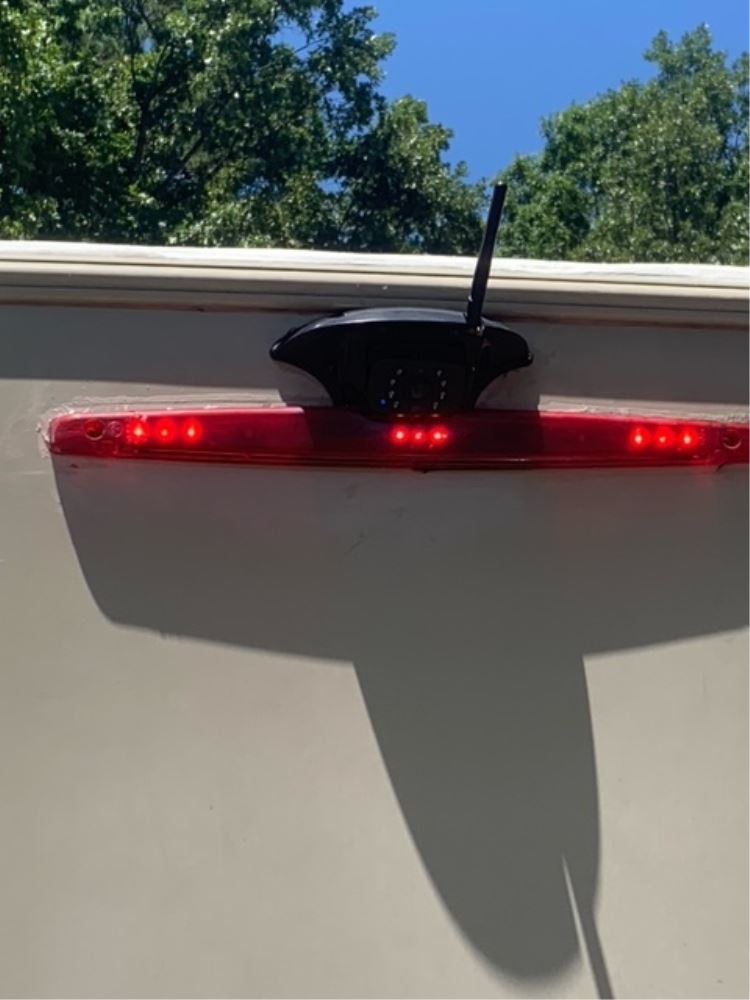
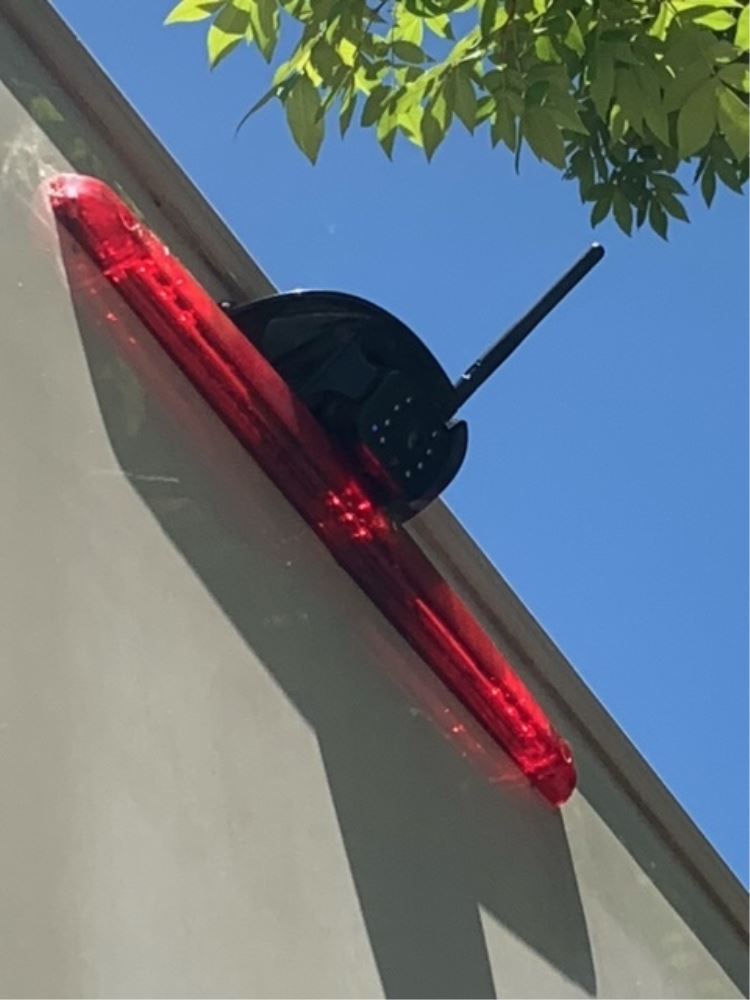
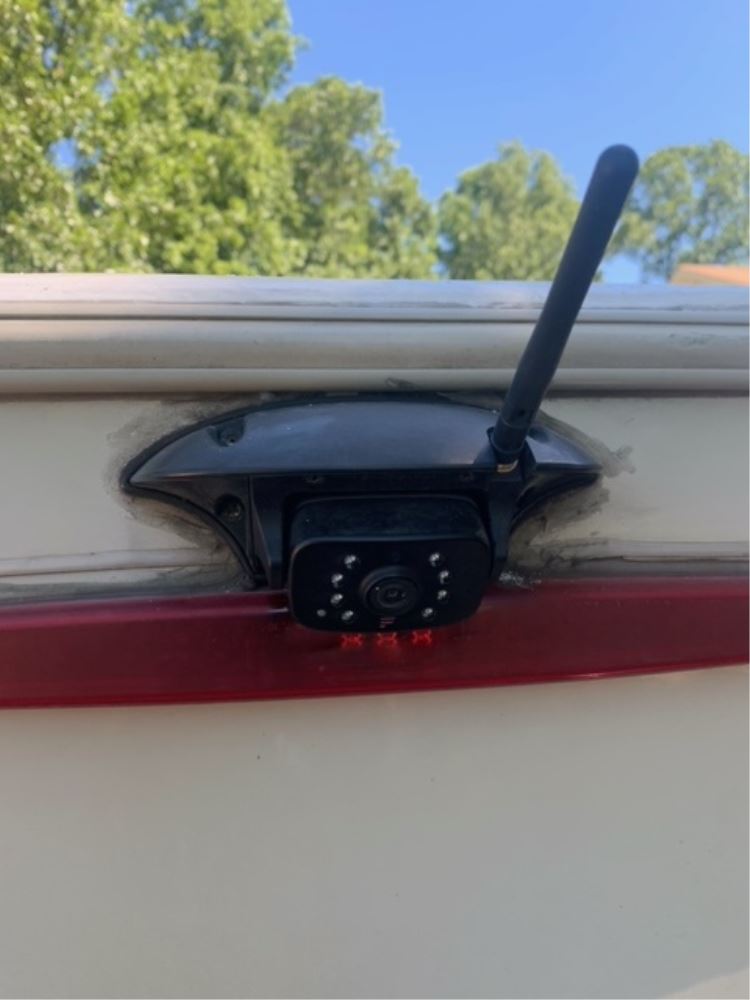
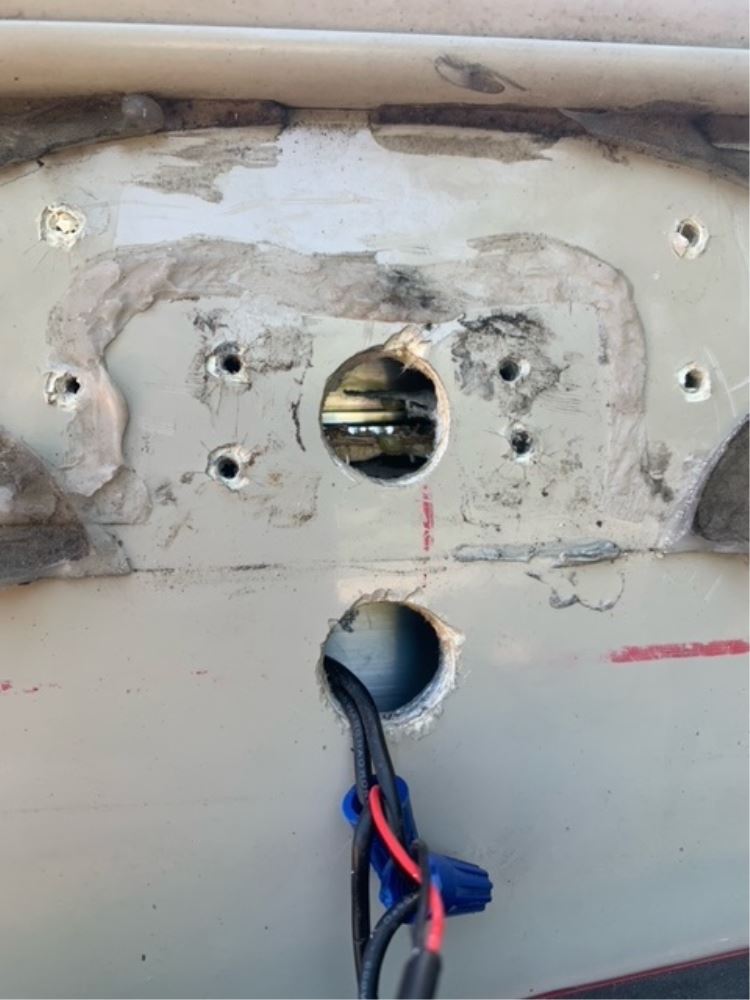
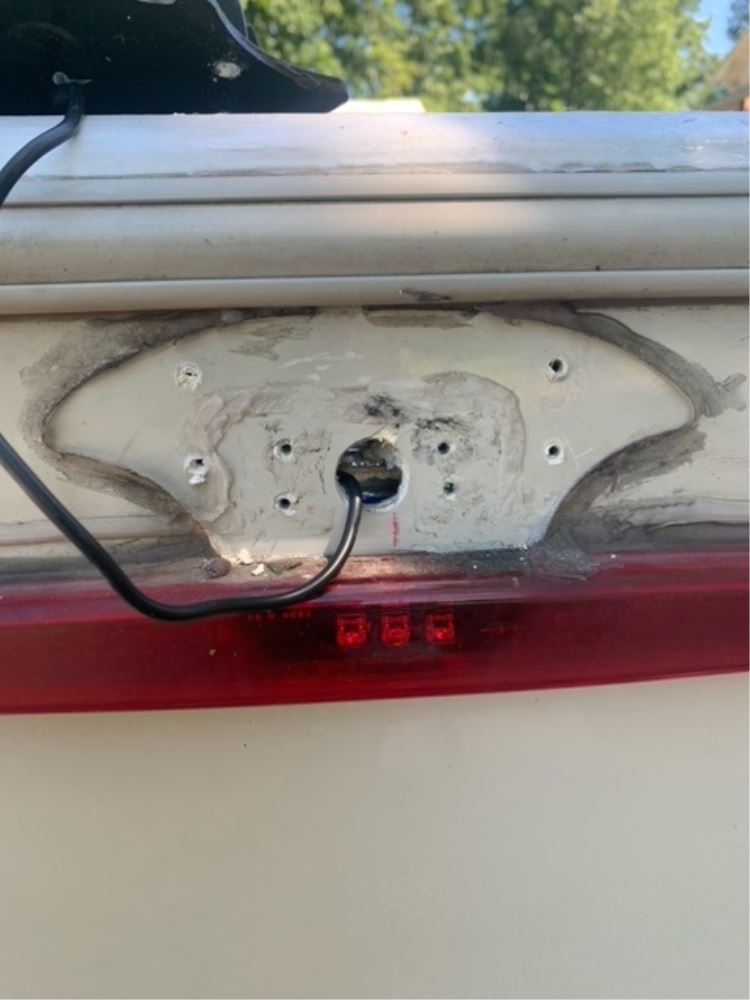
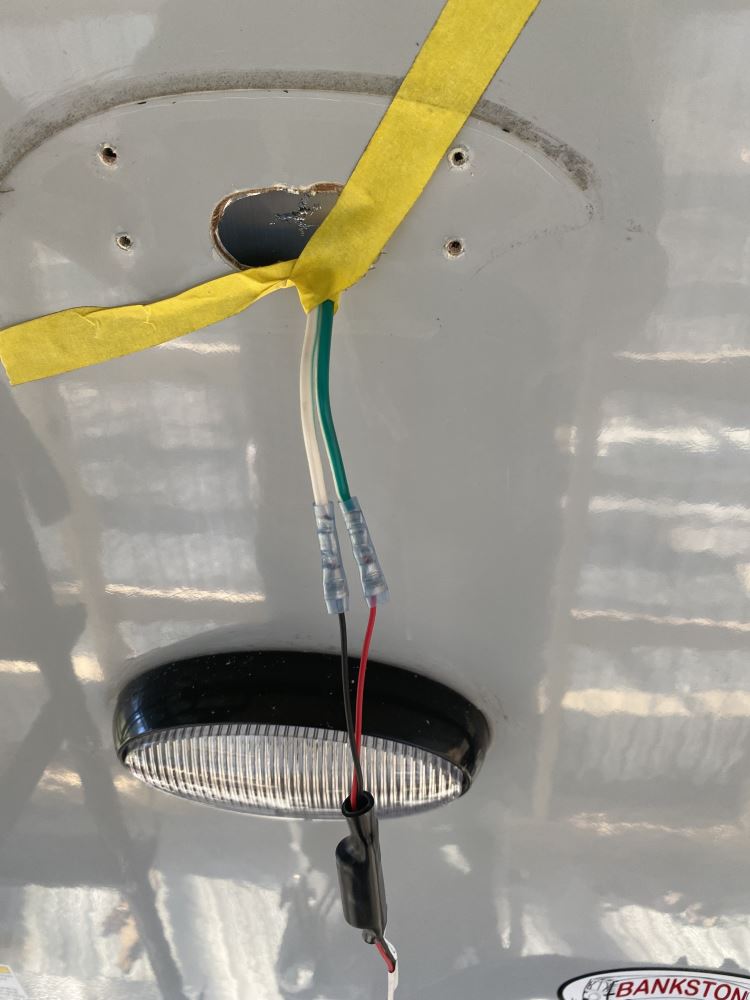
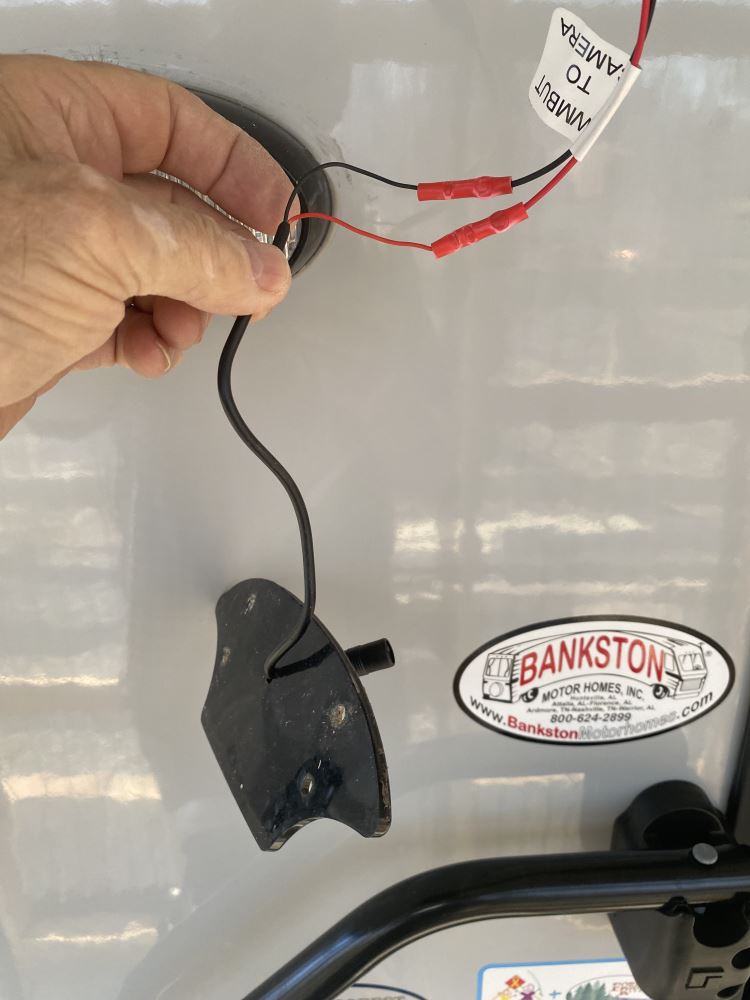
I installed the part on the RV the other day I took the installation to a new level by actually soldering the ends and shrink wrapping. I did not have enough room behind the RV skin to insert the part but luckily there was enough room behind the camera housing to touch the part inside.I silicone put everything together tested the unit and it seems to be running flawlessly and also staying constantly i'm sending some pics
Before I start my review, the customer service is fantastic. Now for the review
The item doesn't work. It did not correct the issues with my rear view camera.
Worked well. Installation was a small c hallenge.
My 2026 Silverado LTZ and Grand Design Imagine 22MLE would not keep the rear camera on.
The filter solved the constant on/off for my Furrion Vision S+ rear camera.
It was easy to install. It would have been nice to have an RCA type plug on the camera side of the filter to go into the Vision S+ camera instead of splicing.
A note should be added to any camera system sold for the GM/Chevy trucks that a PWM filter is necessary.
I have a 2026 GMC Sierra 3500 as well as a 2024 grand design travel trailer. As soon as I got the truck, The cameras on the trailer no longer worked. I have the Furrion vision s camera system.
I installed a single filter behind the rear camera. This solved the issue. I didn’t want to go with 7pin plug adapter as I felt, it was just one more weak link to fail during a long drive. The install was super easy. I watched the installation video here on a trailer and it worked great.
I called Customer Service beforehand to make sure that it was the right fit for my truck trailer combo. They assured me that if it did not work, they would give me a 100% refund. They told me they would refund 100% of the shipping as well. I did order the expedited shipping to arrive the next day…
Installed correctly. Does not work. Would recommend not purchasing
Item was what was described. Fast ship ping.
All solder and self adhesive shrink tube in place working great
The device works. The problem was that the camera worked when the vehicle ignition and marker lights were turned on but it would not work when the engine was started. This small device cured the problem.
Nick S.
1/5/2026
That is great to hear! I am glad this is just what you needed to fix that issue.
My camera would not work at all when connected to trailer power with my 2022 GMC Denali 2500. Instantly worked when this got connected.
This worked perfectly. I was having issues making my Furrion Vision S 4.3 work with my 2023 VW Atlas. Spliced in this filter, and it all works great now - and the wiring fit within the Furrion housing. No need to get into the camper wall.
This worked as described. Not hard to install. Took care of the trailer cameras cutting out.
Easy to install and worked great. No more stalling of my Furrion Vision backup camera. Chevy 2500HD
This worked great!! I have a 2024 Chevy Silverado that due to the PWM would not allow my camper camera work. Took about 15mins to install and all was good.
Worked like a charm. My cameras kept going in and out of focus, then uninstalled this between the power source and the camera feed and it made it steady.
The filter did not work for may applica tion


Claire H.
6/2/2026
What camera system do you have and what vehicle was this filter installed on? With a little more information, we can hopefully get this fixed.
Straight forward installation, clearly labled and worked flawlessly! Easy solution to solve the PWM voltage problem on newer trucks. :)

Gregory

3/26/2026
Still working wonderfully! A real saver when backing into the garage area and all other times as well!

made good and easy installation
The filter seems to have solved the issue. I have tested it in the driveway only, but see no reason it wouldn't continue working on the road. Maybe etrailer can place a note on the Furrion products about this issue with certain make/model TVs. I would have purchased the filter at the same time as the camera and avoided the frustration/time to correct.
The install is very simple as I just spliced the filter in between the power supply and the camera. I had easy access to the wiring on the inside of the rig which made the install a 15 min. job.
Does the job perfectly if your tow rig is a newer model GM truck this is what you need for the backup camera to power properly. Kinda dumb that Furrion cant/wont integrate this into their camera products. Its a known issue with PWM.
Product worked great. Shipping was kind or slow. But the PWM Filter corrected the problem.
Clayton
3/21/2026
Product is 1 year old now and still works as good as the first day.
Works great in my 2024 Chevrolet Silverado 3500HD with my new Furrion Vision S+ Rear Camera.
Working perfectly! Stopped the signal from my Furrion camera from
dropping out!
The backup camera filter was an easy installation and is working well with my 2021 chevrolet 2500 and camper.
Before buying I would make sure to check that my head lights were on. The camera will not work if my head lights are on auto. The truck lights must be turned on manually for the camera to work.
I have a 2022 Ford Bronco and a 2025 16' Scamp trailer. The monitor and camera would not pair. Your product took care of that. Interesting that trailer, parts store, and Ford dealer didn't know what my problem was in trying to get them to pair.
Do you have a question about this Accessories and Part?
Info for this part was:
At etrailer we provide the best information available about the products we sell. We take the quality of our information seriously so that you can get the right part the first time. Let us know if anything is missing or if you have any questions.





















Mike L.
10/1/2025
Which camera system are you using?