


Thank you! Your comment has been submitted successfully. You should be able to view your question/comment here within a few days.
Error submitting comment. Please try again momentarily.
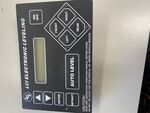
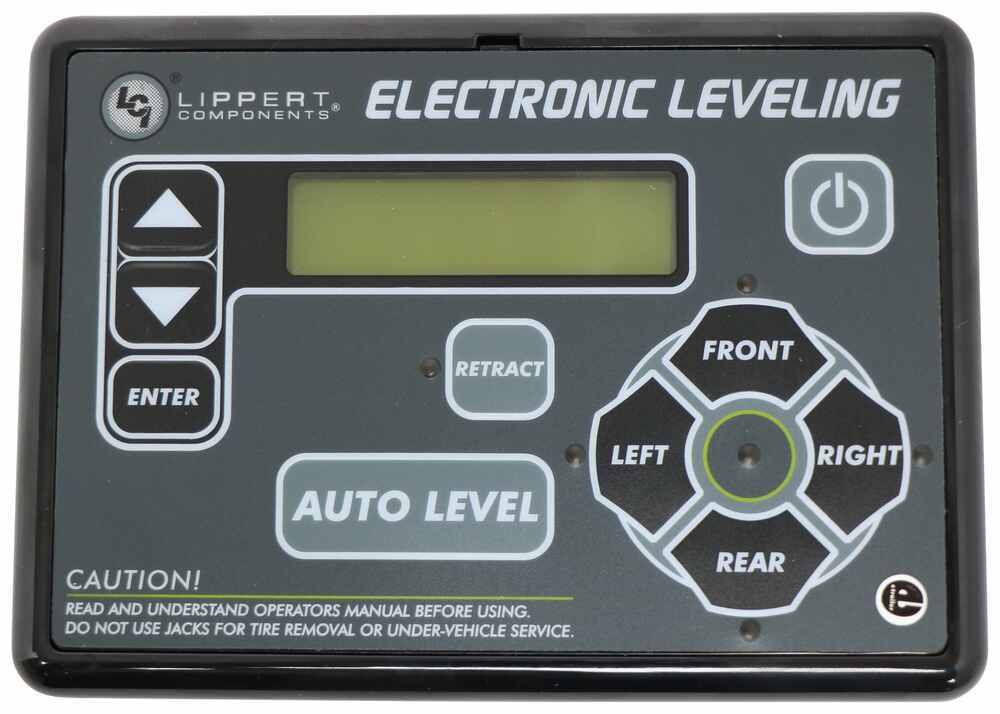
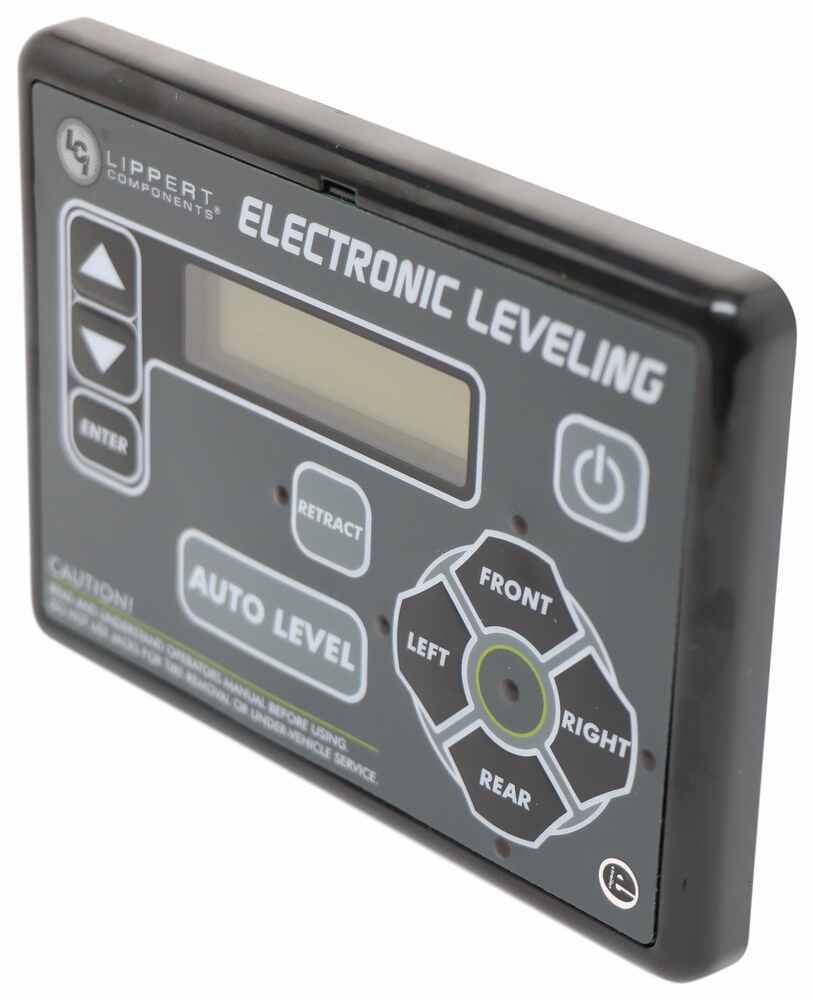
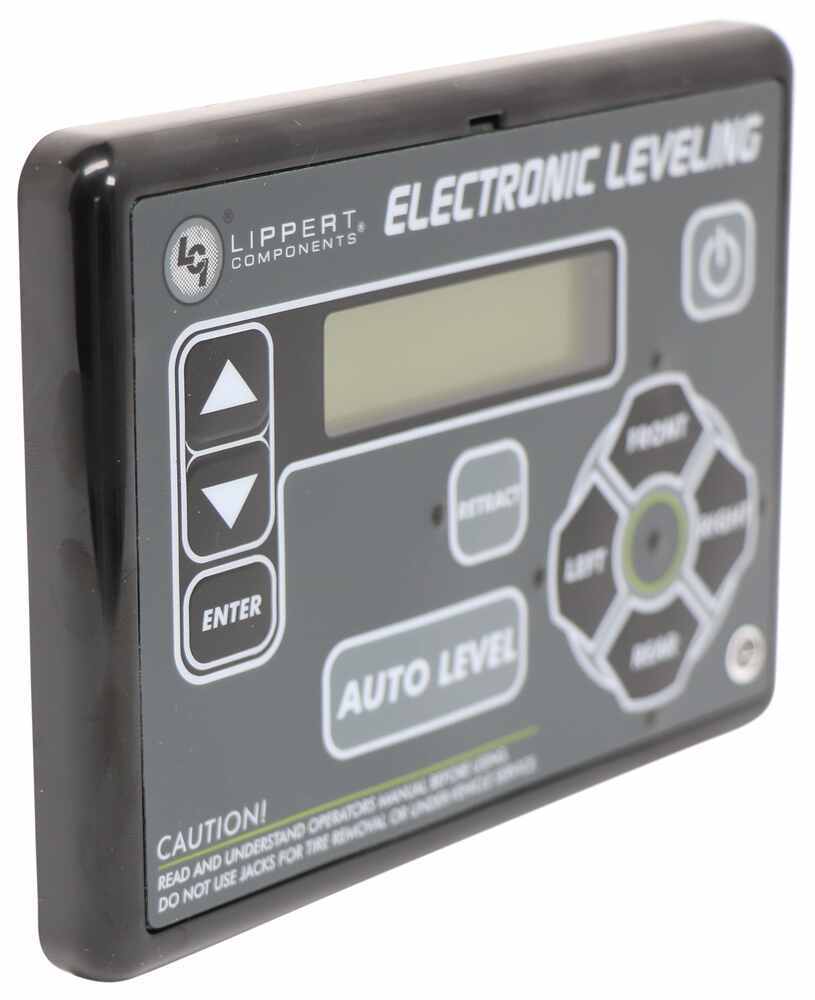
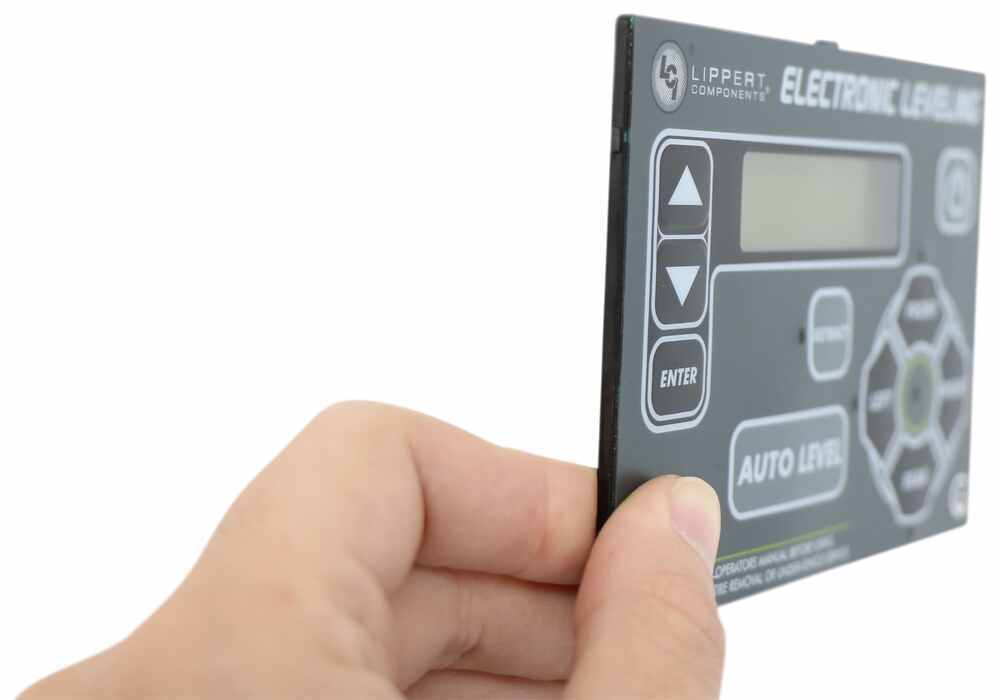
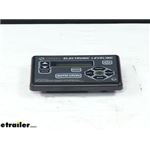
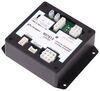
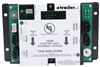
Replaces the control panel for your Lippert Components Ground Control 3.0 automatic leveling system (LC358590 or LC675817) or Ground Control TT automatic travel trailer leveling system (LC672136).
Features:
Videos are provided as a guide only. Refer to manufacturer installation instructions and specs for complete information.
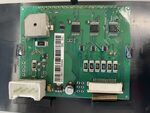
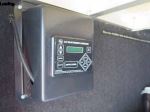
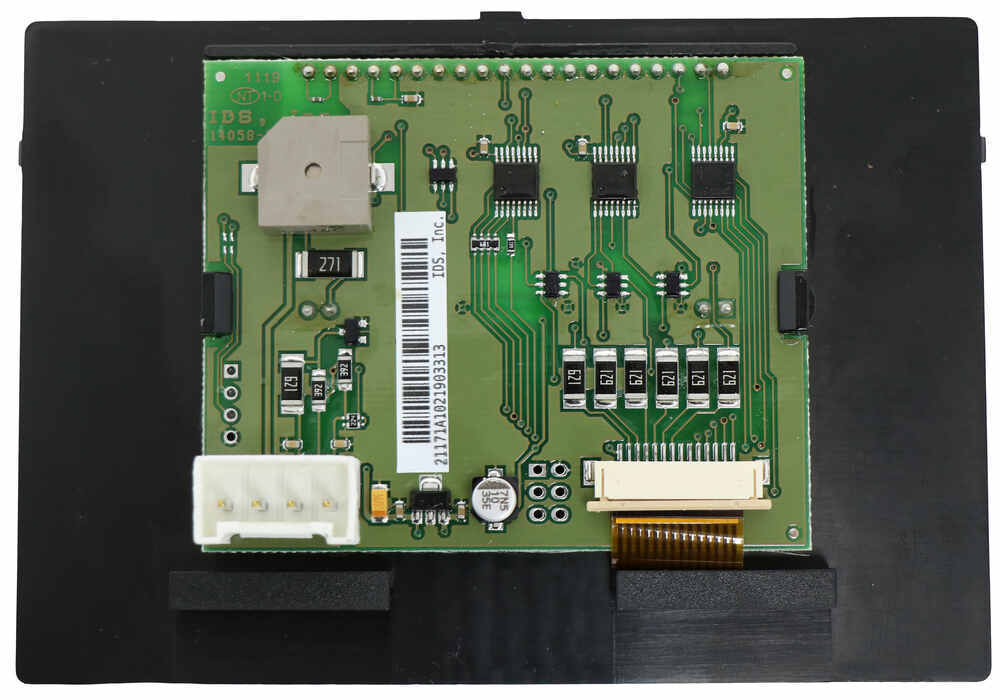
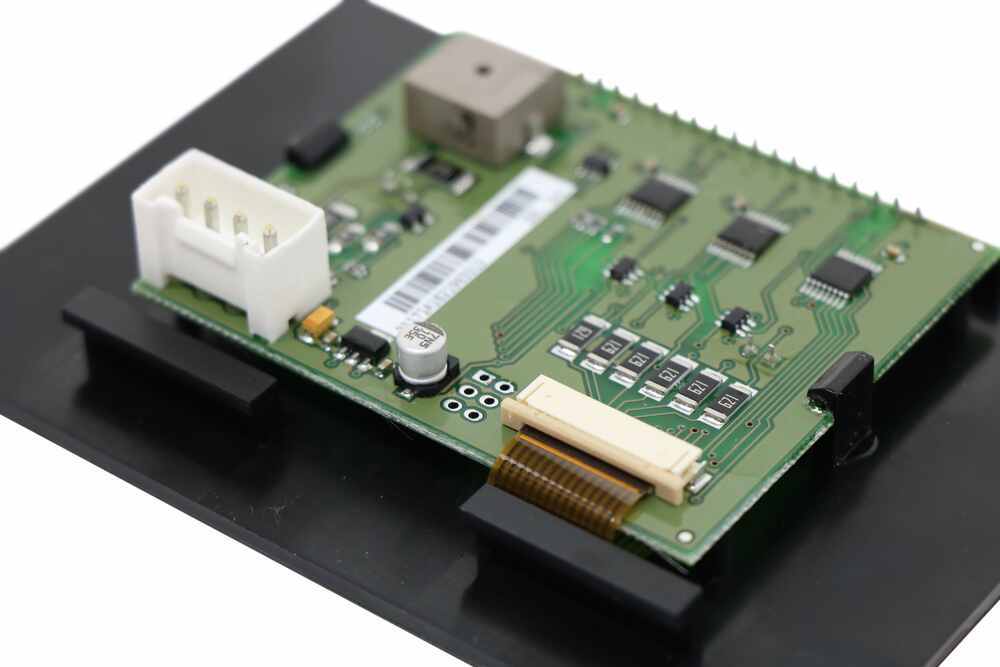
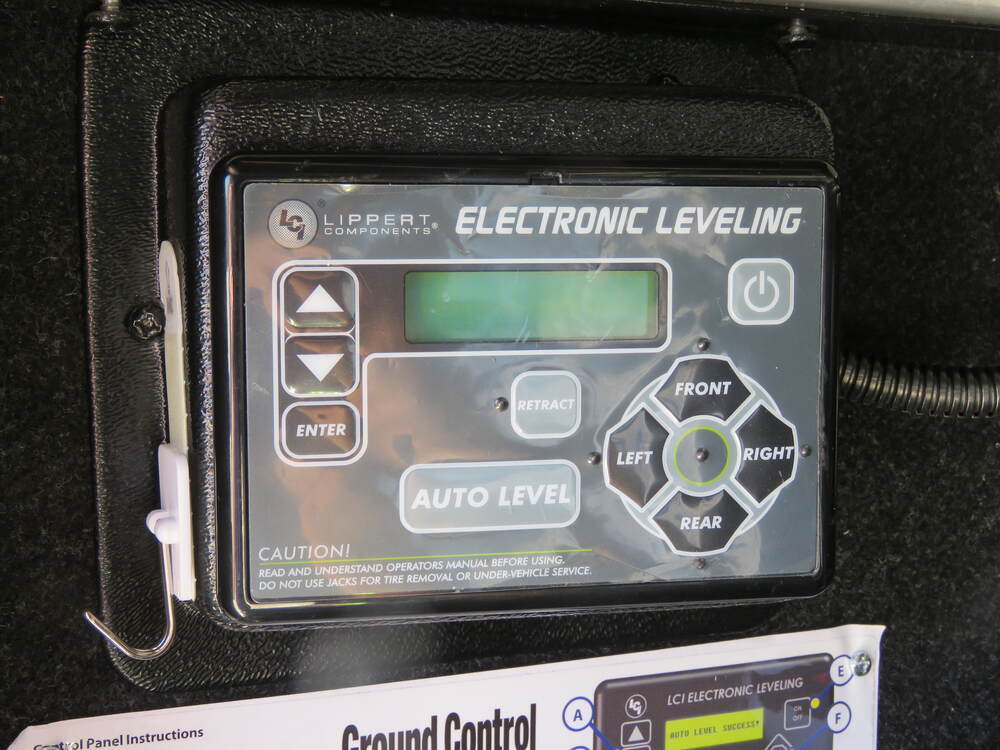
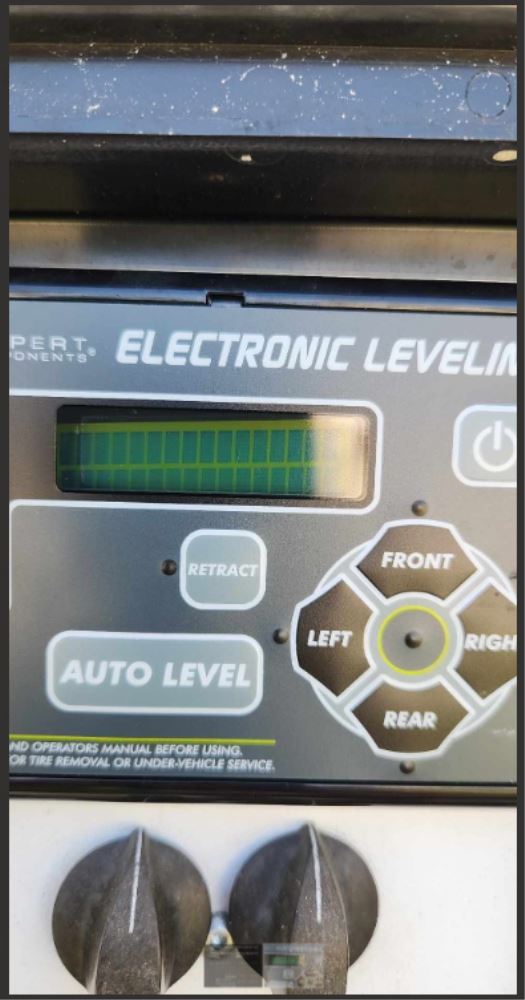
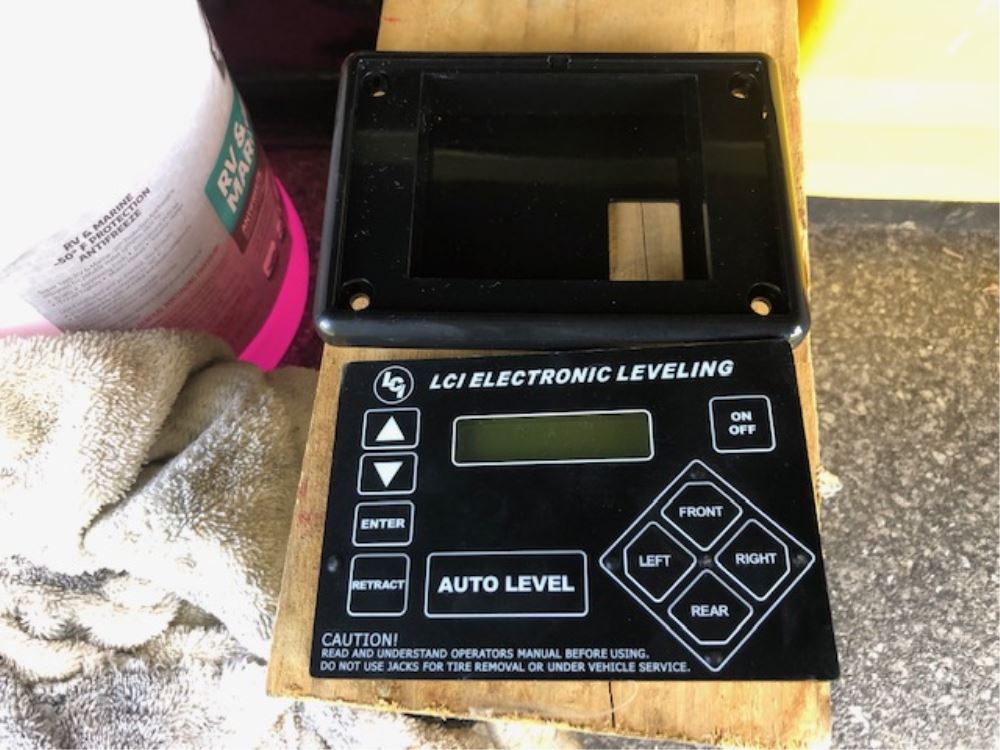
Hey guys, Kevin here with etrailer and today we're gonna be taking a look at the Lippert Ground Control 3.0 and travel trailer replacement touchpad. Have you been experiencing some issues with your ground control touch pad, maybe your buttons aren't working, which is pretty much the most common cause here on our touchpad issues is just after a while the sensors on the inside of our computer chip here kind of just wear out over time and then just doesn't really want to activate. So, the replacement touchpad is gonna be the only solution that you can really go with. It's just gonna completely replace your whole pad, since there is not a way to just replace the buttons themselves. Here's what your replacement Lippert touchpad is going to look like once it's fully installed. Just like with your original one, it is going to allow you to manually adjust your jacks or auto level all of your jacks.
And, you can also set it to know exactly what height you need to be at when you're trying to hook up your truck. There isn't really that much troubleshooting that you can really do with the system besides just resetting the zero point calibration. So, if your touchpad isn't really working, it probably is time to replace it. Other than that, the only other way to activate your leveling jacks would be to physically get under your trailer and actually manually crank those down with a wrench. And then also, the same for your landing gears, which can be a pretty big hassle.
Installation of your replacement touchpad should only take a few minutes. The hardest part really is just kind of popping it out of the base and then popping it back in, just cuz those tabs really aren't too forgiving. They don't really wanna pop in or out at all. But, let me show you how we did that. Your touchpad for your leveling system is typically going to be up in the front.
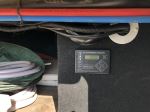
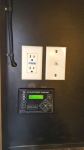
If you're replacing yours on a fifth wheel, typically it'll be right up next to your landing gears. If not, it's gonna be in that first cargo bay, usually right on the side. Typically on fifth wheels, it will be on the driver's side. And ours today, it is in that cargo box, and we have it right up here. Clean design, actually made a nice little cutout for it here, so we don't have to retrofit our own or make any additional holes here.
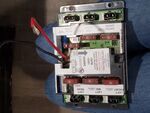
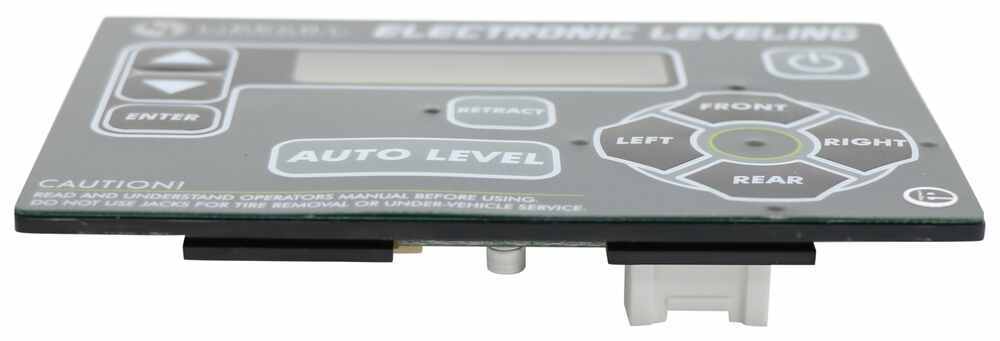
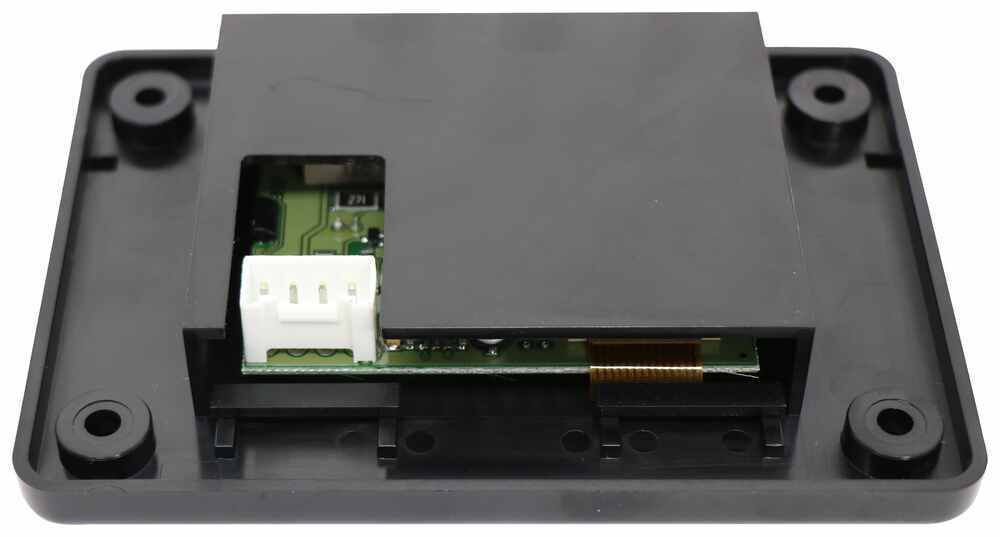
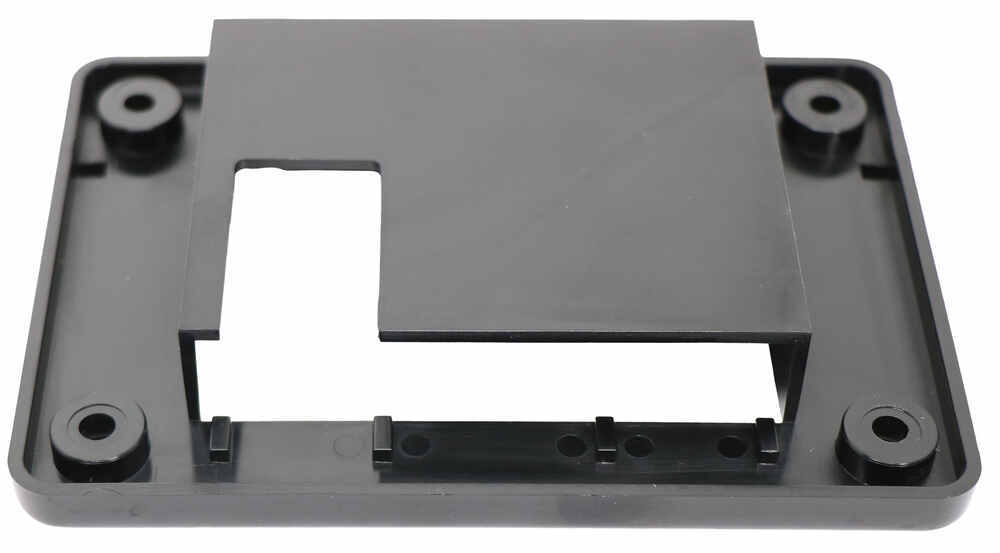
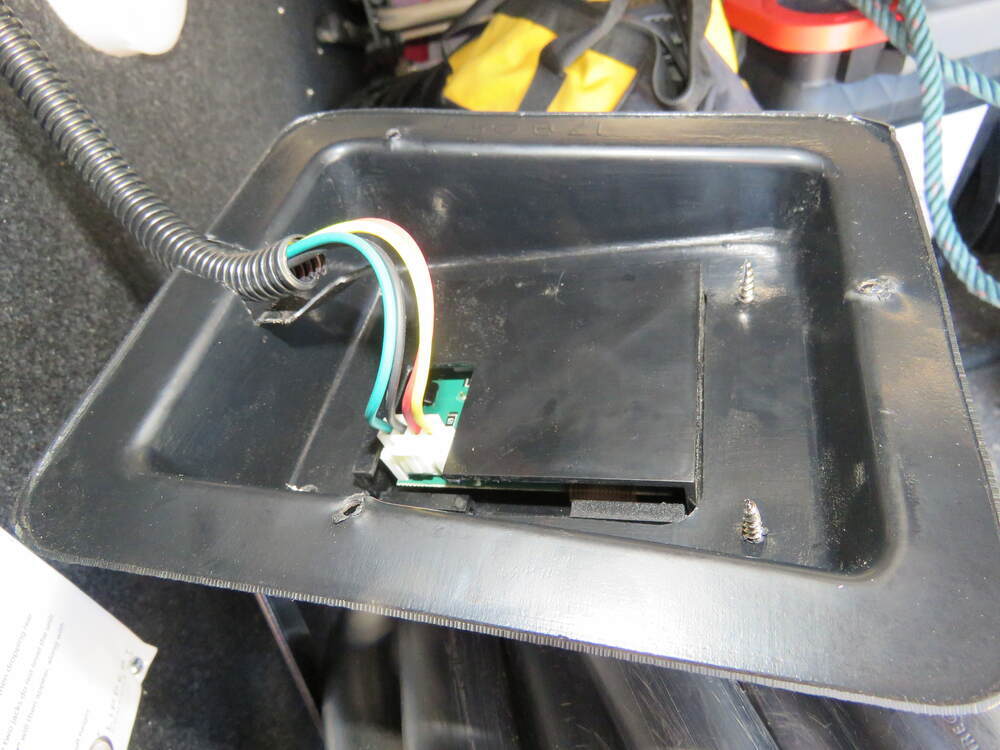
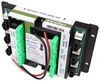
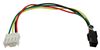
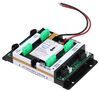
But, we're gonna just take our screws off so that we can gain access to the back of our touchpad. So, if we look on the back here, we have our wiring harness. We can just pinch that clip, pull that out. Now to get to our mounting screws for our little bracket that we have here. We're going to need to take either a little flathead or a pick to kinda pull that pad out. Get down in there. Also, need to slowly kind of pop this out, be careful, these pins aren't really cooperative. Just work your way around it. So, with our touchpad, actually off of our base now, we can take a look at the back. You can get a better idea of exactly how our touchpad connects, just that little four prong connector. Since we're just replacing that, I'm gonna go ahead and just keep reusing our base and the base the grand design gave us. If this was a new install, you would just need to make sure that you had a cutout that's gonna fit this little inner portion so they can sit flush in the wall Then, you'll have four screws that you can use to actually mount it up to the wall of your cargo compartment. So, we'll then begin to pop our tabs into our base. This can be a little bit of a hassle. put new pad on, we can go ahead and reconnect it and then put our base back in place and hide our wiring through that little cut. Now, we can go ahead and start mounting our base back up and we can turn on our touchpad. Now that we're powered up, we can go ahead and adjust our jacks. Do anything we need to look through our settings here and we'll be all good to go. Well, I think that about does it for our look at the touchpad for Lippert Ground Control 3.0 and travel trailer leveling systems. My name's Kevin. Thanks for watching..
Customer Satisfaction Score:
92% were satisfied with this product
8% of customers were not satisfied
Ratings & Reviews




Jenny N.
10/2/2023
Would you be able to send a picture of the panel? I can contact the manufacturer about it.
Mitch
4/19/2025
No issues worked fine just plugged in
Jim
6/5/2025
The replacement Lippert control panel is still working well and without any issues after one year.

Bob
1/13/2023
Still working great!
James
7/29/2023
Perfectly. Removed the old and installed new, very simple. Works great.

Paul
8/13/2020
Works well. Easy to replace. Got it in a week or so. Thank you
Do you have a question about this Accessories and Part?
Info for this part was:
At etrailer we provide the best information available about the products we sell. We take the quality of our information seriously so that you can get the right part the first time. Let us know if anything is missing or if you have any questions.



























Dennis
6/3/2025
Still working great no issues to speak of. Im sure the buttons may wear out again over time, but thats to be expected as we use our 5th quite often.