
Curt Discovery NEXT Trailer Brake Controller w/ Custom Harness - Up to 4 Axles - Time Delayed


To see if this custom-fit item will work for you please tell us what vehicle you'll use it with.


Thank you! Your comment has been submitted successfully. You should be able to view your question/comment here within a few days.
Error submitting comment. Please try again momentarily.
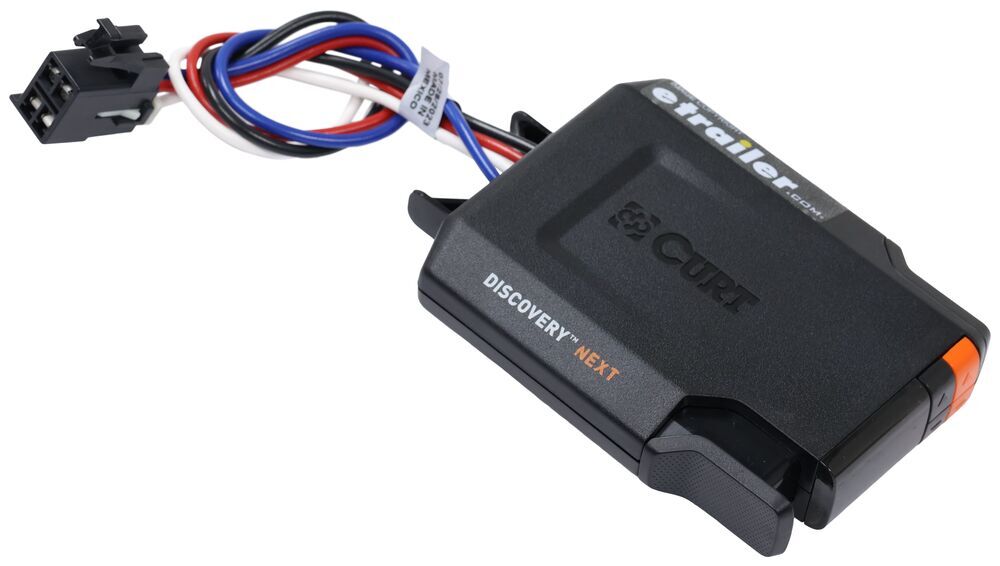
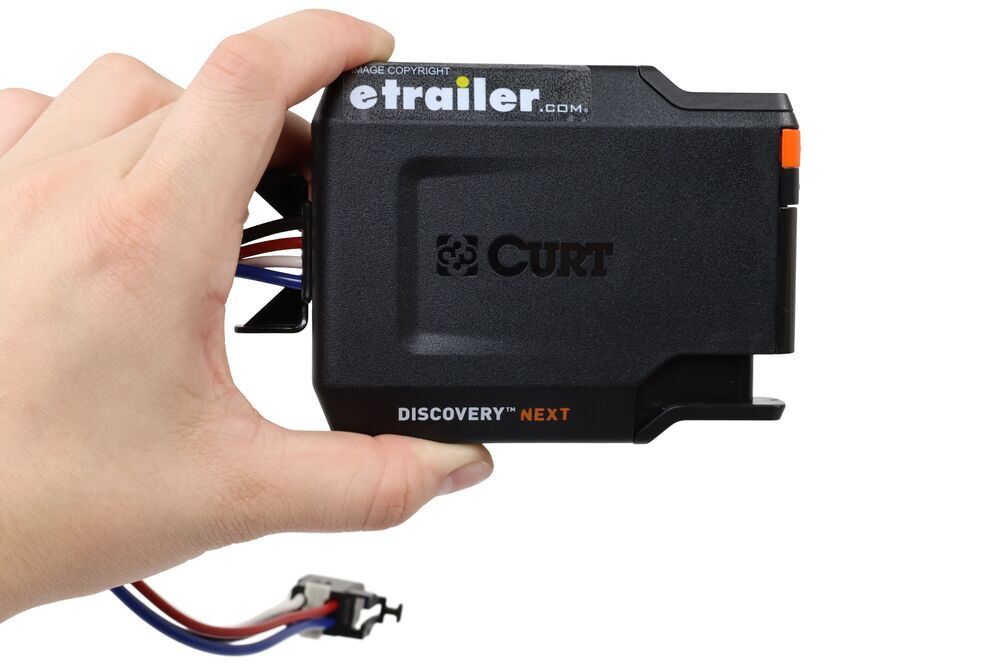
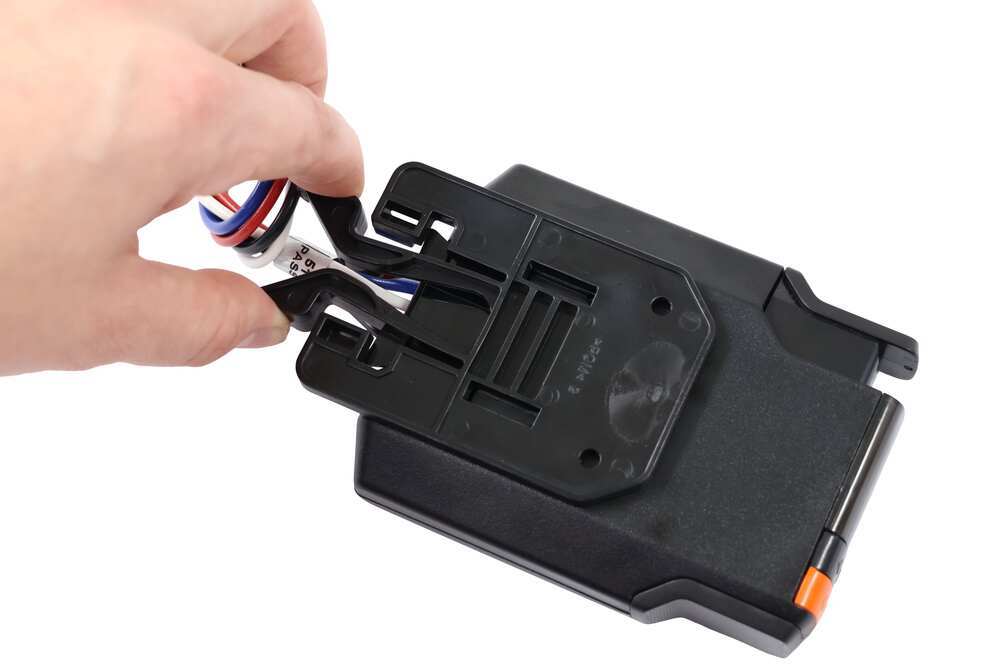
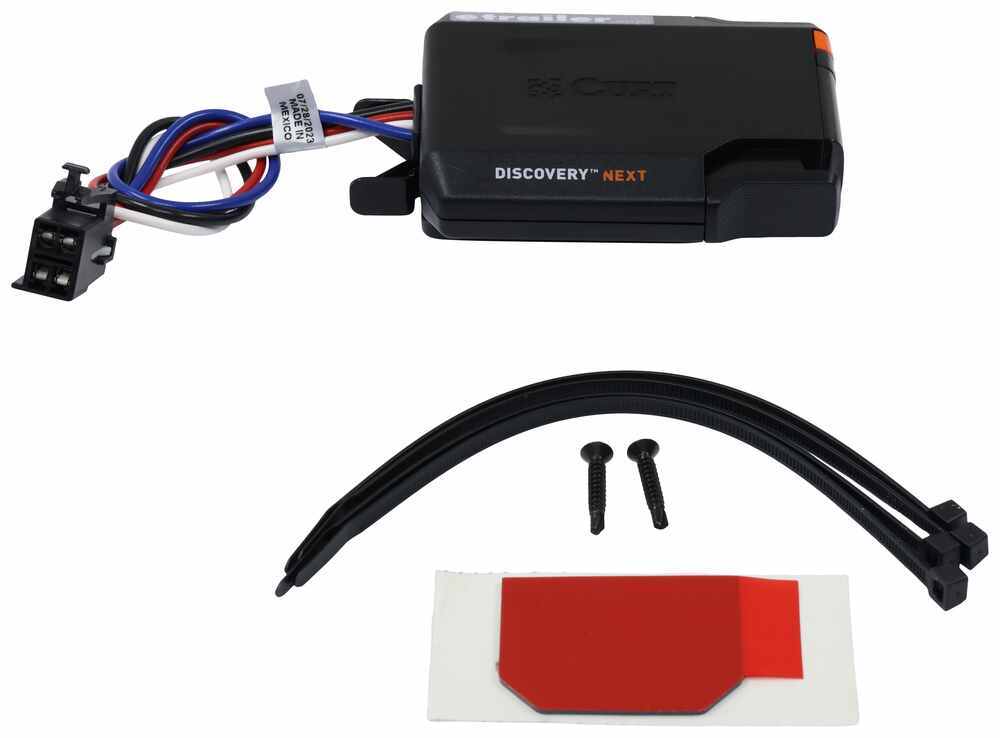
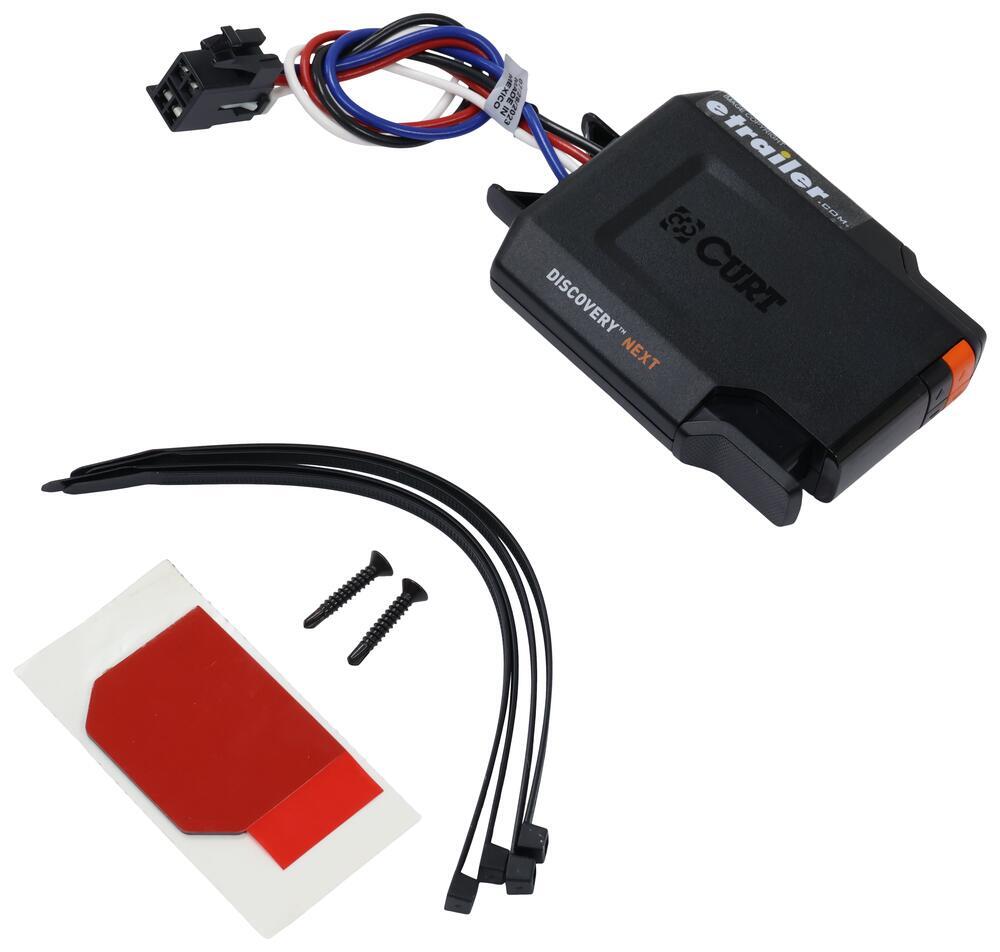
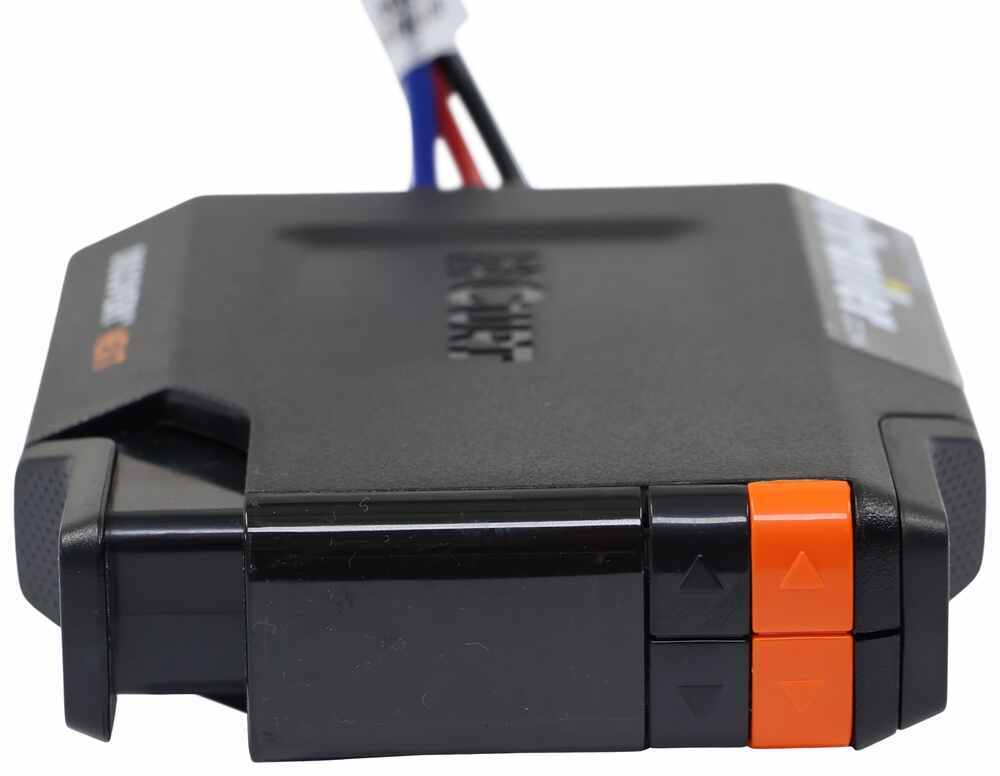
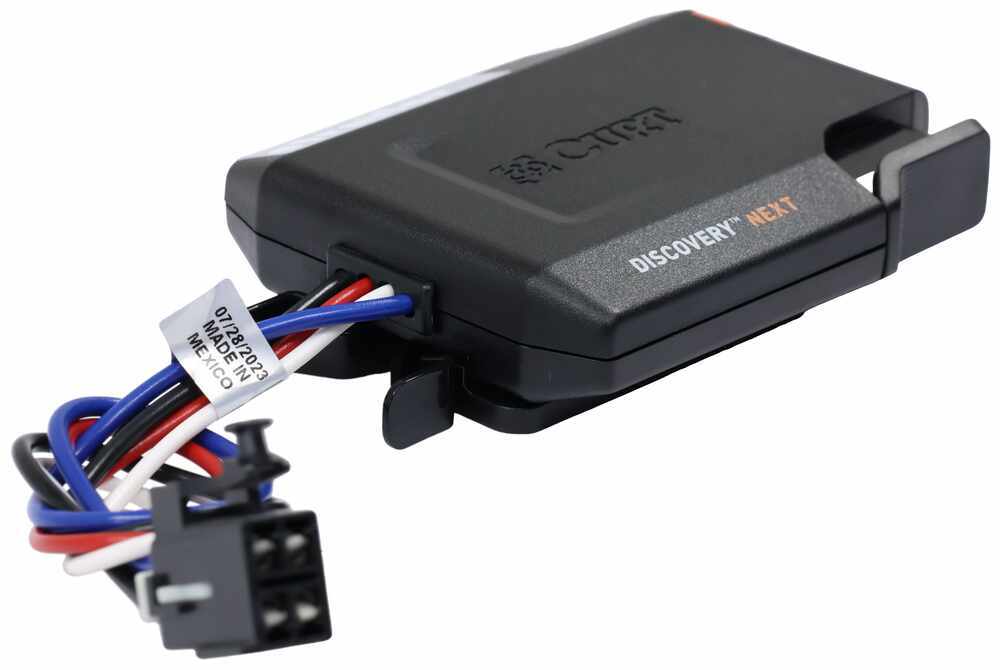
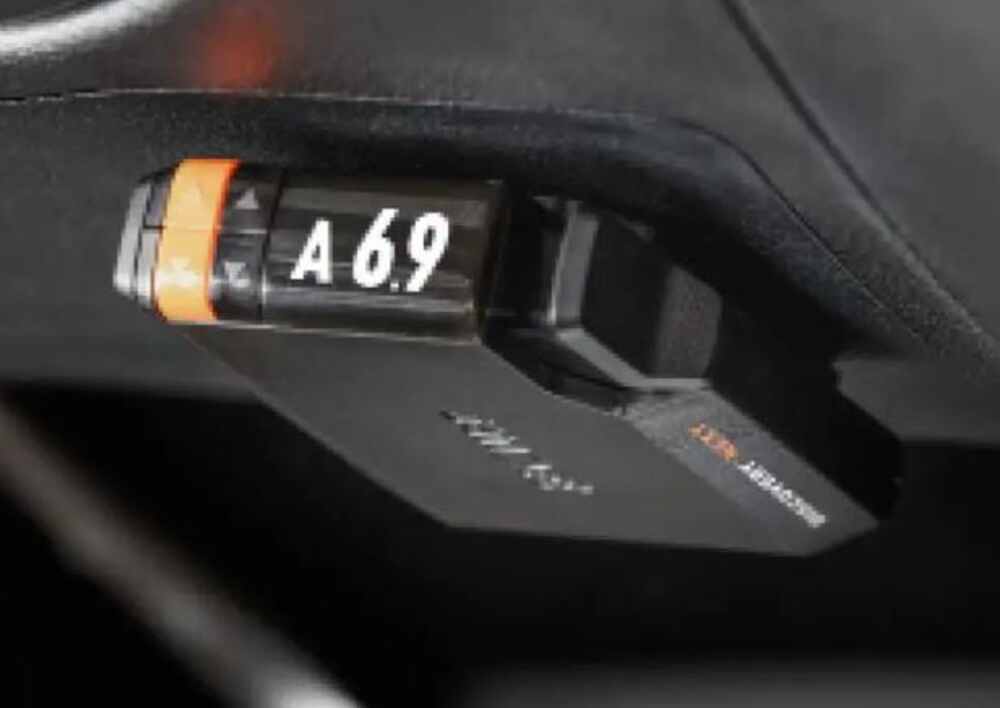
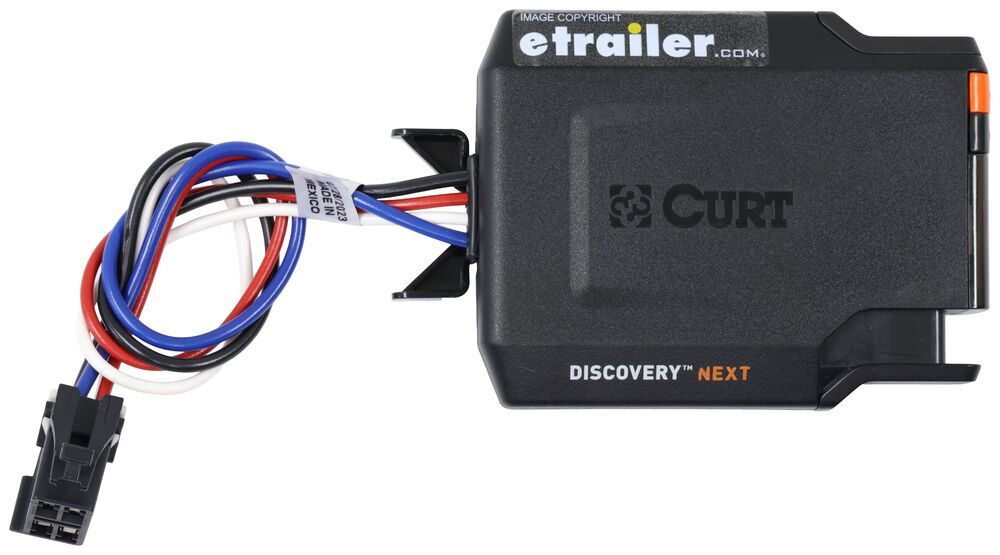
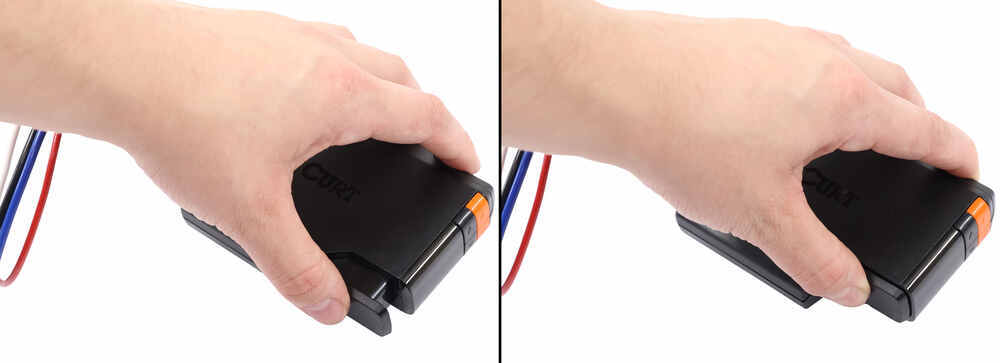

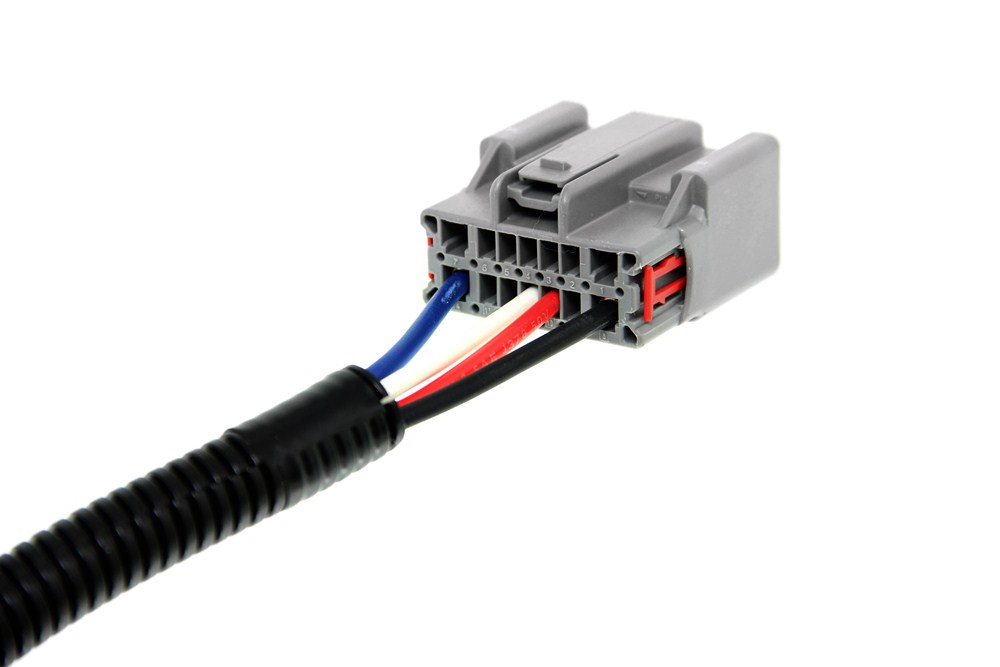
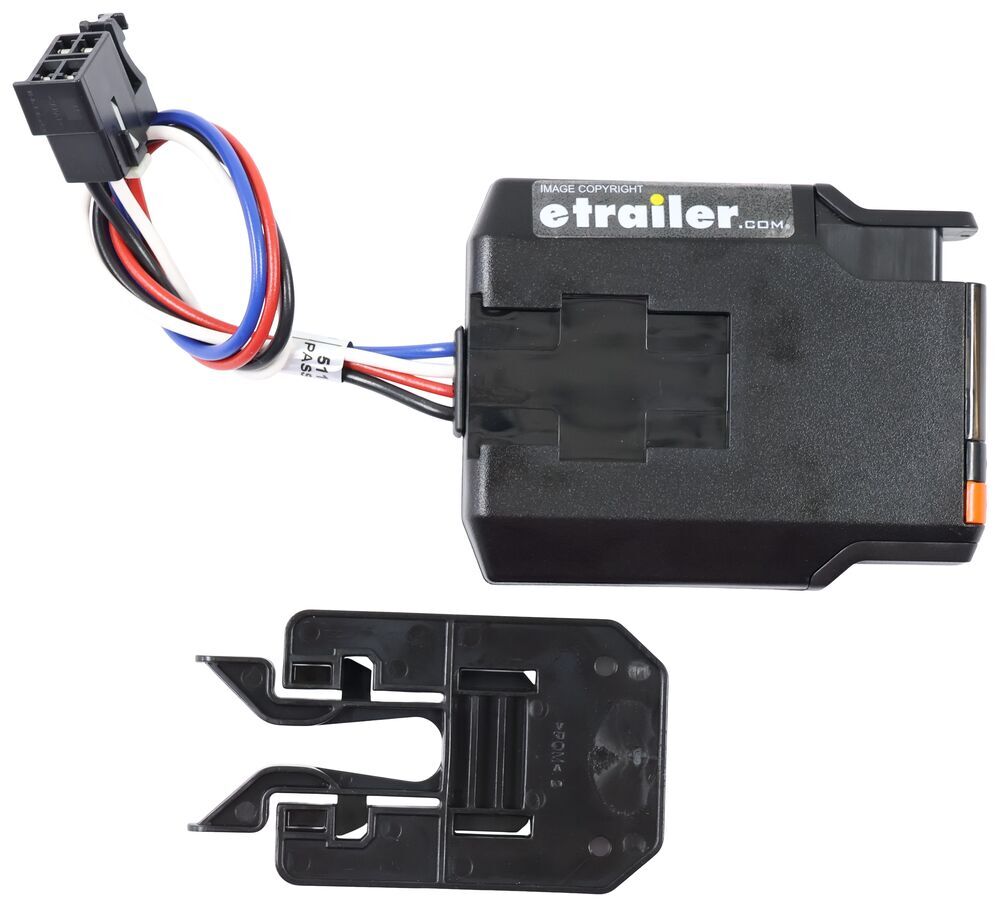
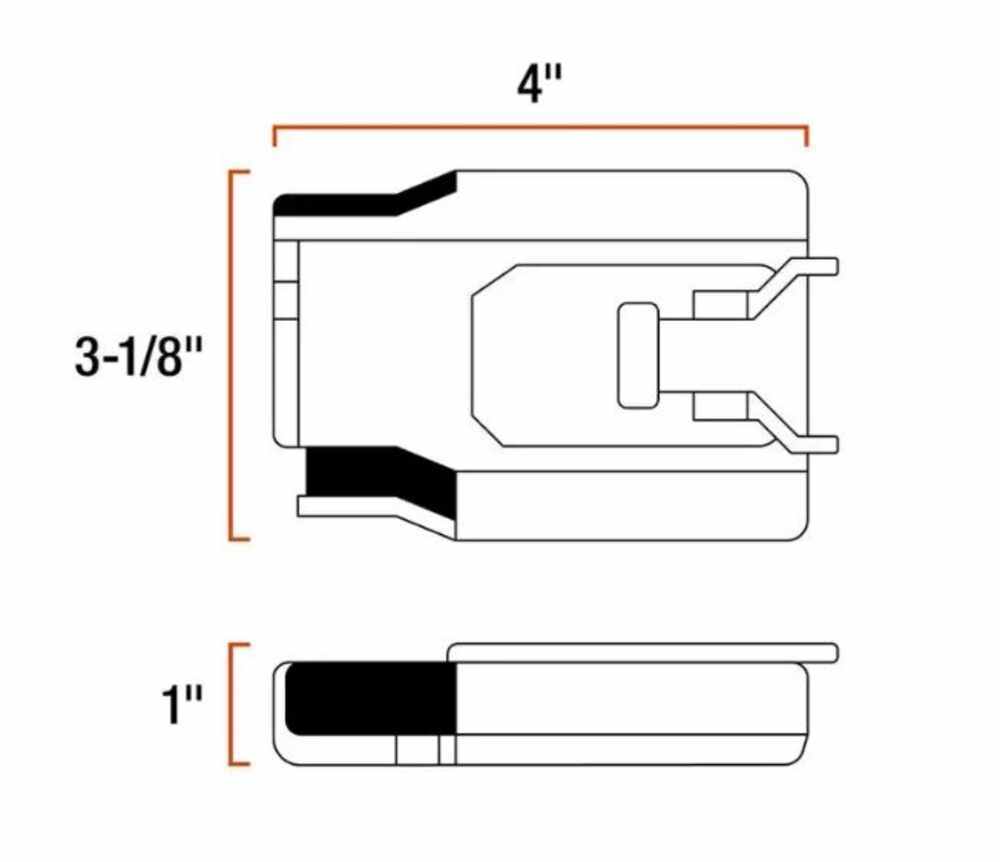
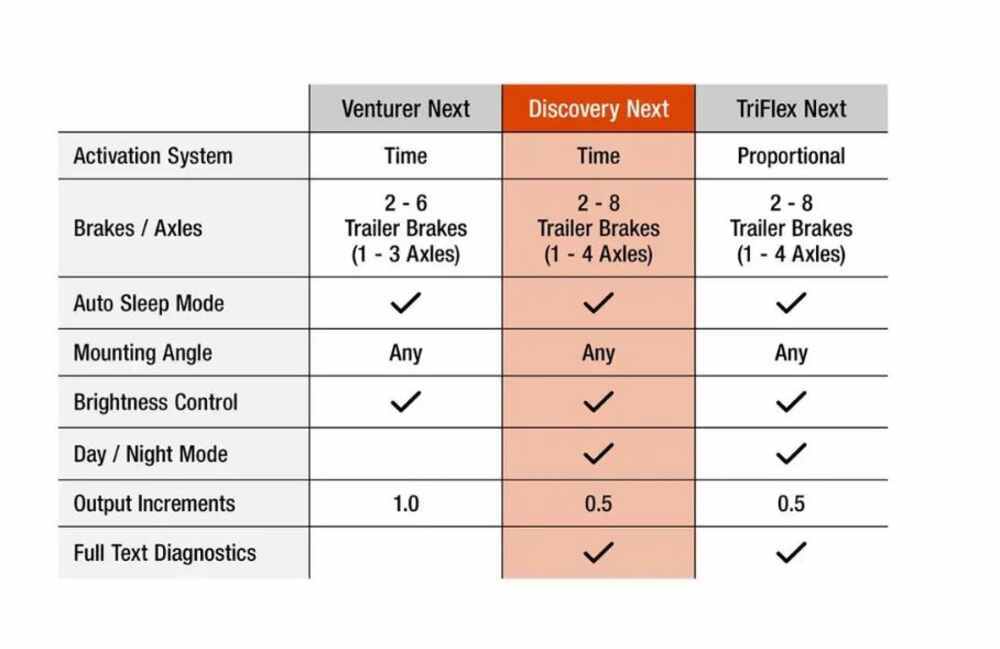
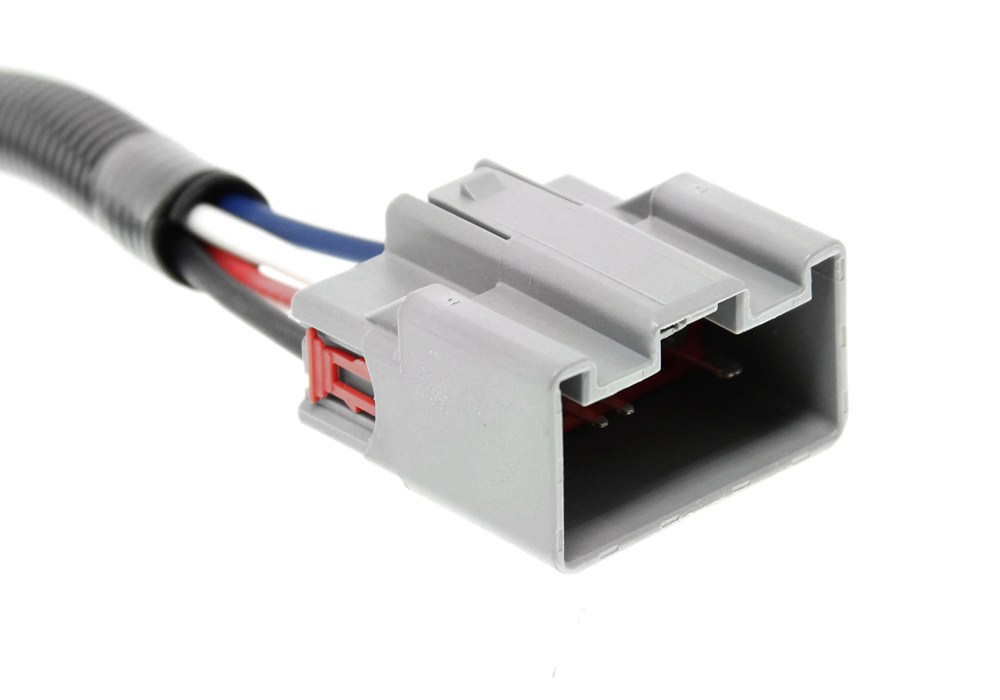
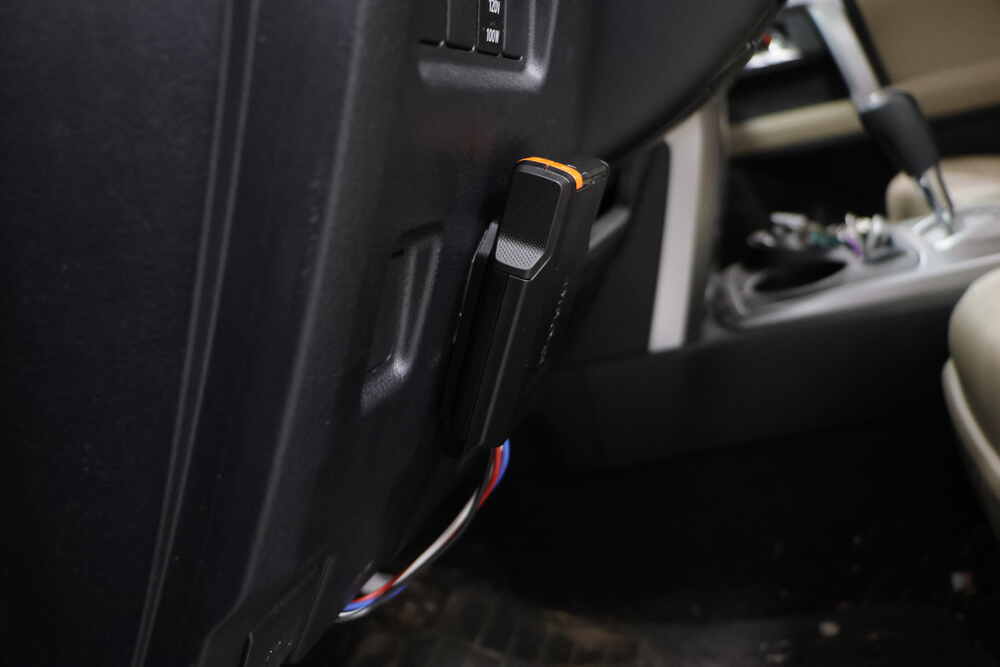
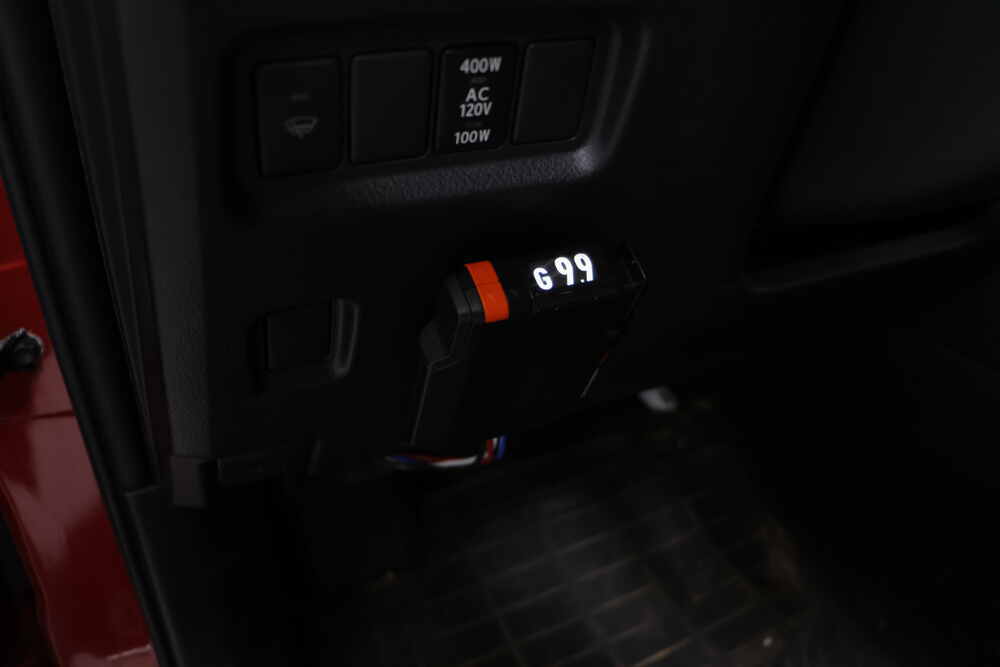
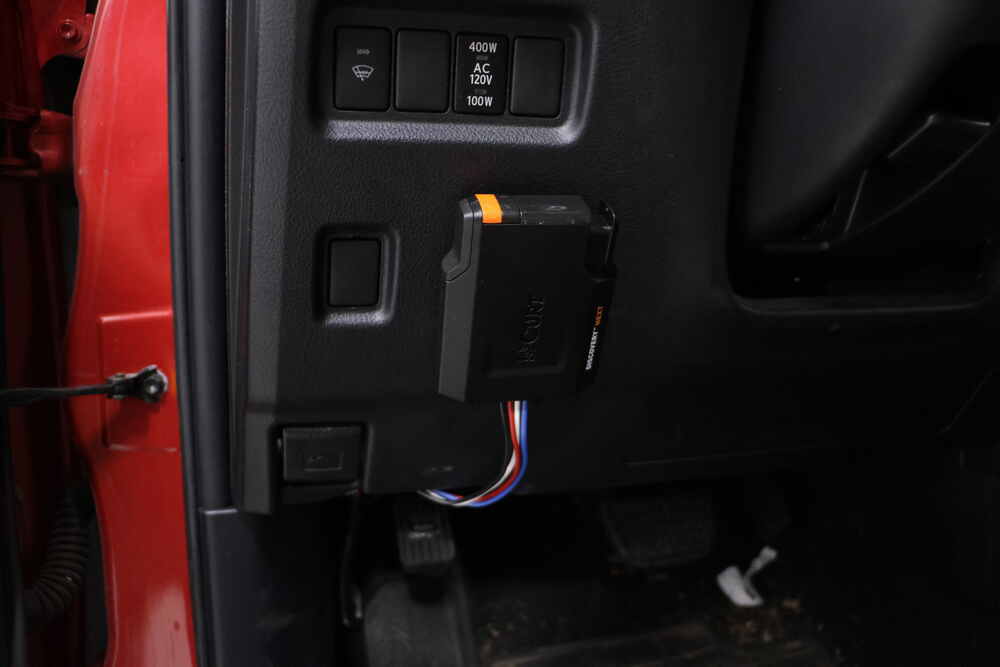
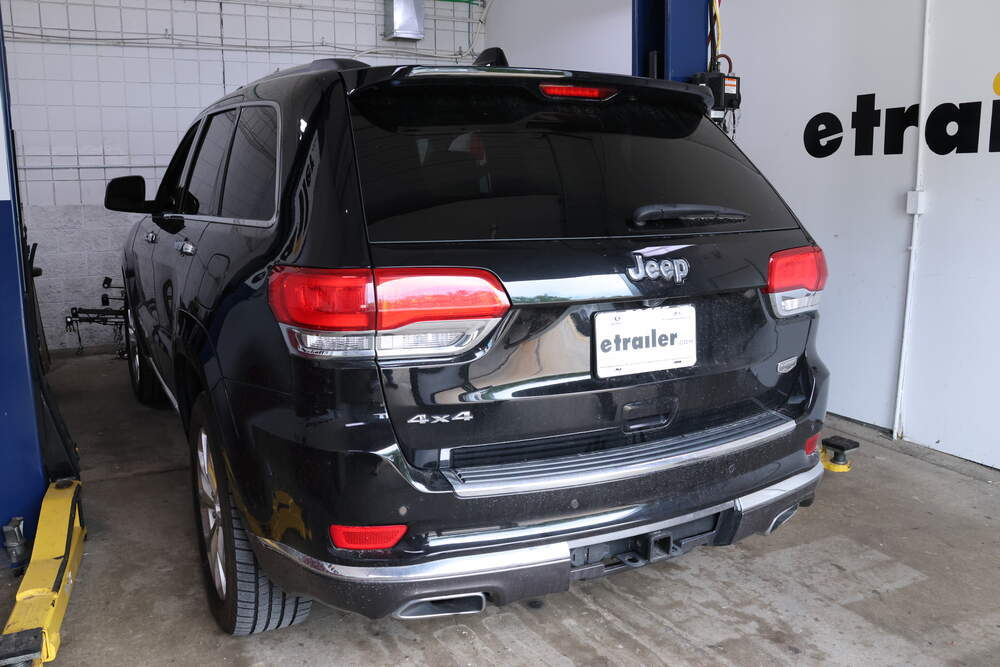
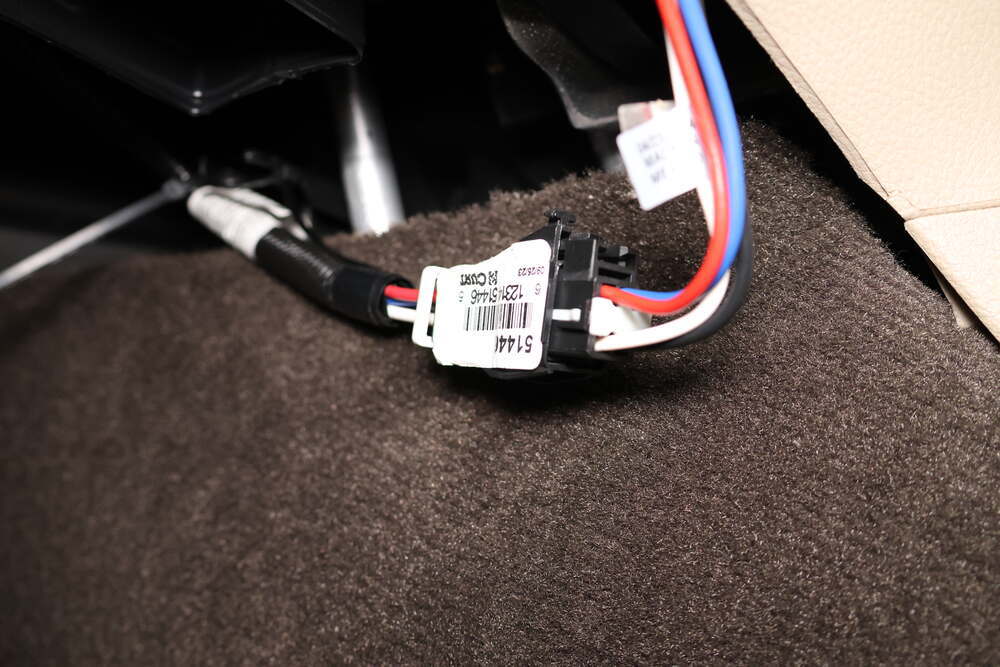
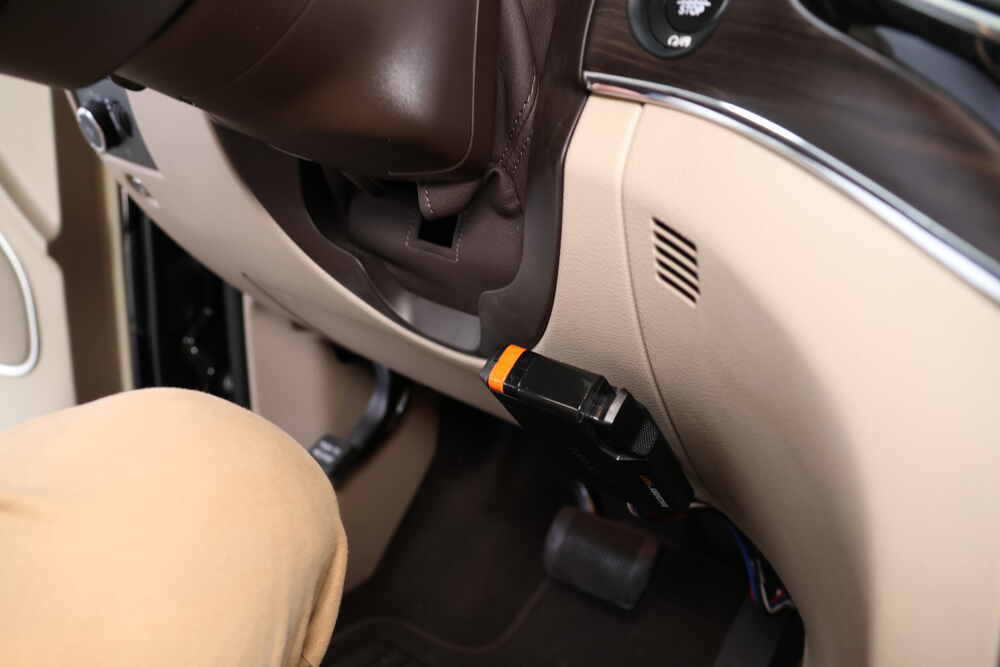

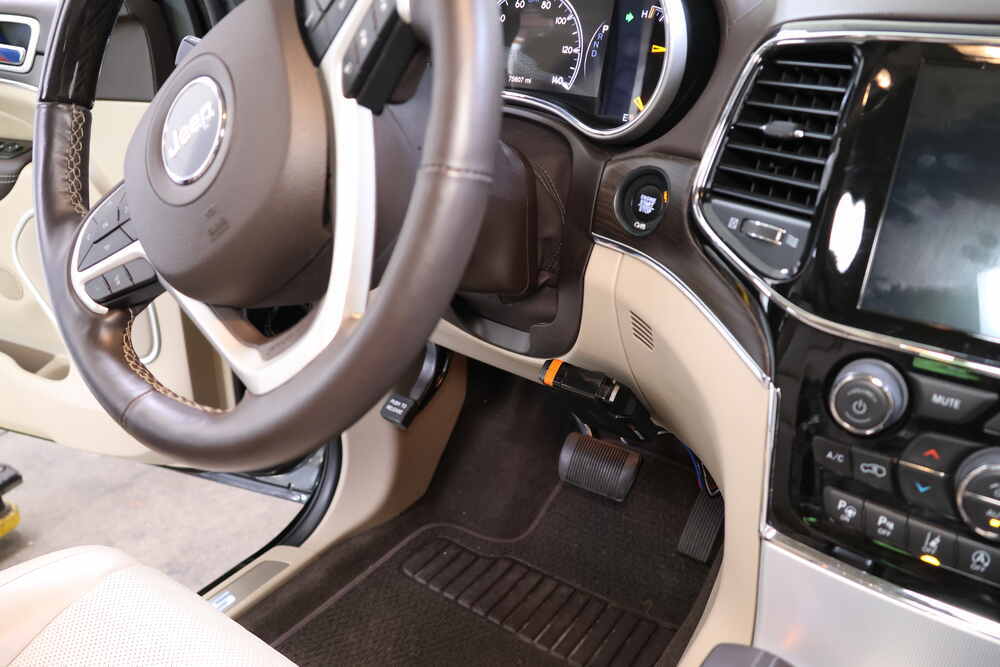
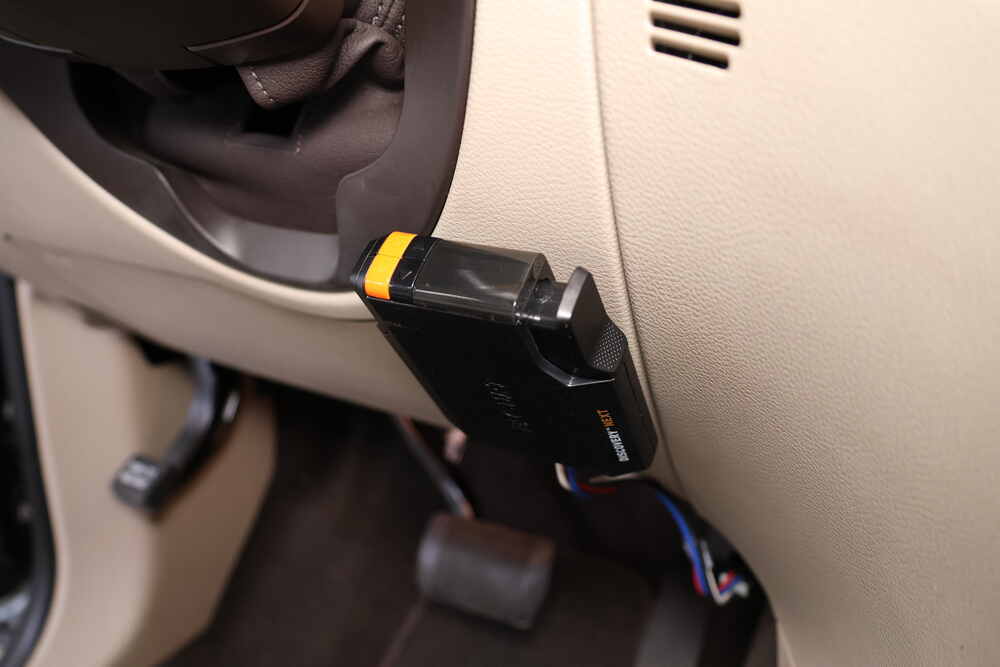
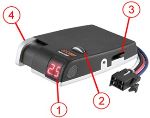
This time-delayed brake controller is only 1" thick, so it tucks neatly under the dash without taking up space. The included low-profile bracket mounts the unit flush against the dash, and it can be installed at any angle. Because it’s not inertia based, you don’t have to worry about mounting direction—just place it where it’s easy to reach the manual override.
Dialing in your trailer brakes is straightforward with two rocker switches that fine-tune both power and aggressiveness. Gain adjusts on a 0.5 to 9.9 scale in 0.5-point increments for precise control, while load adjusts from 1 to 9 to set how quickly the brakes reach maximum output. Together they let you match braking strength to your trailer weight and road conditions without guesswork.

The bright LED display shows settings clearly using numbers and letters so you always know where your braking power is set. It automatically dims for night driving and displays error messages to help with quick troubleshooting. Visibility stays consistent whether you’re driving in sunlight or dark conditions, keeping adjustments simple on the road.

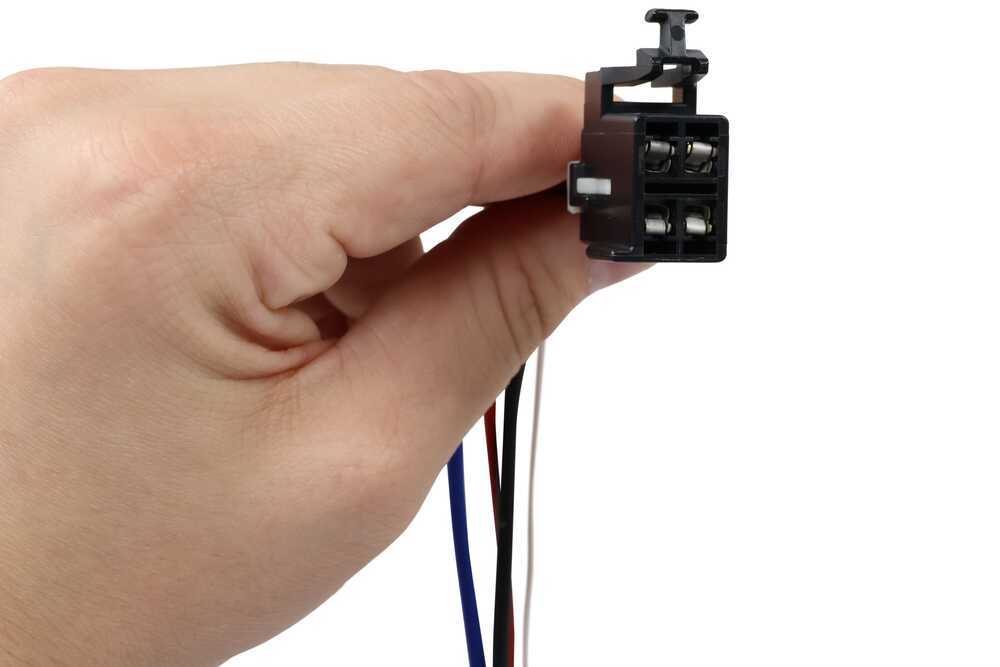
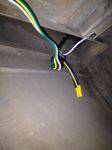
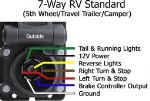
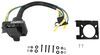
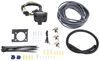
A custom wiring harness plugs right into your vehicle’s built-in brake control port—no splicing or permanent wiring required. Once connected, you can remove or transfer the unit anytime by unplugging it. This setup supports trailers with up to 4 axles (8 brake assemblies) and works with electric or electric-over-hydraulic brakes, as well as PWM, ABS, and cruise control systems.
When parked, the controller automatically enters sleep mode after five minutes of inactivity so it won’t draw down your battery. It’s a small feature that makes a difference for anyone towing occasionally—ready when you need it and quiet when you don’t.
 Alternate Instructions
Videos are provided as a guide only. Refer to manufacturer installation instructions and specs for complete information.
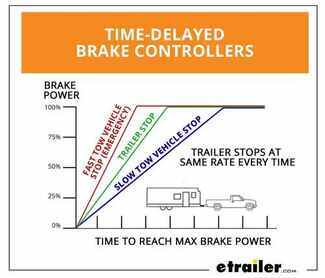
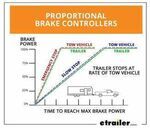
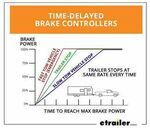
Hi, everyone, Aidan here with etrailer. Today, we're gonna be taking a look at the Curt Discovery NEXT Brake Controller. This is gonna be a time-delayed brake controller. Let's check it out. When it comes to brake controllers, there's gonna be two options you're probably looking at, time-delayed and proportional. Proportional is gonna be the nicer of the two where if you lightly press your brakes, the brakes in your trailer are also going to be lightly applied.
If you slam on the brakes, the brakes in your trailer are also going to match that proportionally. With a time-delayed brake controller, it's gonna be applied at the same rate every time, so you don't get that fine adjustment. You can still adjust the settings, but it's gonna be the same every time. So if we're rolling up to a stop sign, coming to a very slow and predictable stop, and our gain and sensitivity are set kinda high, it's gonna be applying the brakes pretty hard. Same for if we have those set kind of low and we slam on our brakes on the highway, because someone in front of us stopped, the brakes aren't gonna be applied in a similar fashion.
There is the manual override you can always pinch to apply, but that's just something to know with a time-delayed system like this. Let's talk about those controls. The manual override is a pinch style where I'm pressing the button with my thumb. It's pretty easy to reach from the driver's seat where I've got it all set up. So whenever I'm driving, I feel like if I needed to suddenly reach down and get it, I can find that pretty easily every time, and index my thumb well enough to get a good press.
So good to know for emergency situations where you might need that. Now, there's gonna be two sets of controls here for the gain and the load. The orange buttons are going to adjust our gain or our brake power. You can go anywhere from 0.5 up to 9.9, and this is going to signify the different power levels. So 0.5 is the weakest, and as I go up, it's going to get more and more powerful.
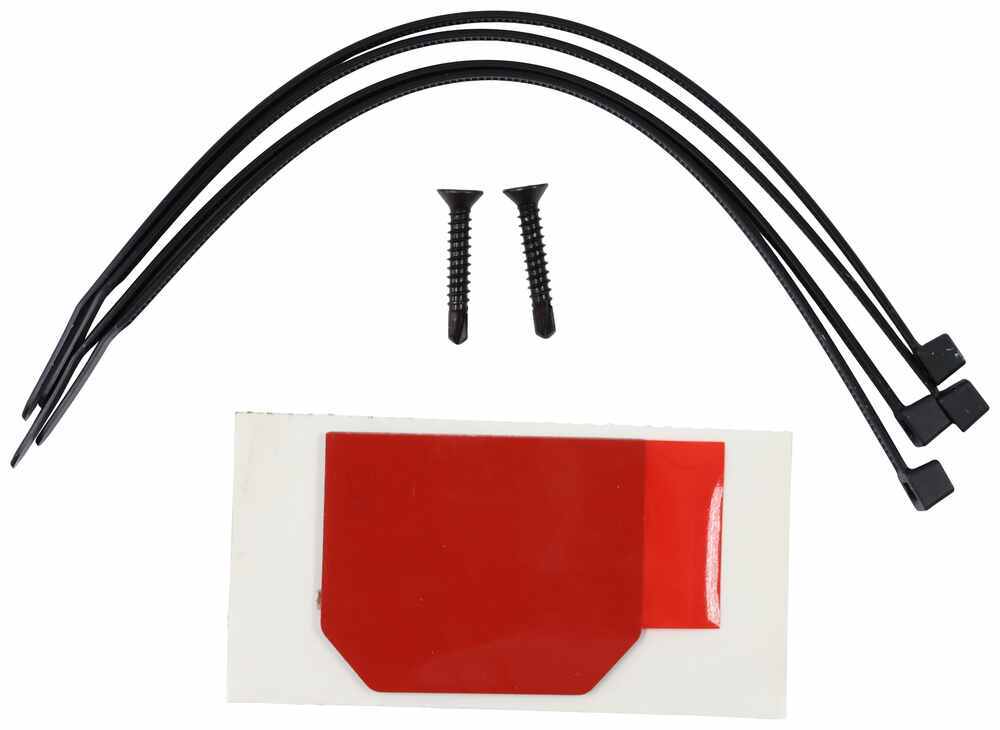
So if I have a heavier trailer that needs more stopping power, I'd set it higher. The next one is going to be our load. This is basically how quickly the brakes are applied, so that can go from 1 to 9. At 1, it's going to be the lowest, and at 9, it's going to be the fastest or the quickest application. So basically, ramping from zero to fully applied where we have that gain set. So for demonstration, I'm just going to put the gain all the way up to max, and I'm gonna hit the brakes. And you'll see, slowly, it'll climb up to where we set it. And if I turn that load down all the way to 1, it's going to climb much slower to that designated power level. So you can fine tune this to your own trailer application, and depending on how heavy of a trailer you have and how good the brakes are, that will determine what you want those set at. But generally, that gain is going to be for the weight of the the trailer, and you can kinda determine the load from there. Now, to give a visual indicator of that gain, we've got our vehicle hooked up to a trailer simulator box. I've got the gain set to the absolute lowest it goes, so that's gonna be the lowest brake power, and you can see where the voltage is reading right now. If I turn the gain up to 5, that's gonna be right in the middle, you'll see that voltage will climb up higher. And then if I turn it up to the max, 9.9, you'll see that climb up even higher. So this is just to give you some visual indication of that different power level of the braking. This is designed to work with trailers up to four axles and will work with PWM, ABS, cruise controller, and electric-over-hydraulic brakes. So keep that in mind as you're picking this out if it's gonna work with your trailer. Up to four axles, I'd say for the most part, you're gonna be totally fine. If you don't need one that can go up to four axles and you like this style, Curt does make a similar version that's up to three axles. So that's something to keep in mind too if you don't need this much. Now, the big advantage to something like this, and something you probably noticed if you're familiar with brake controllers already, is going to be the size. It's a lot smaller and a lot more shallow than the brake controller we pulled out of this 4Runner today. And that's great, because even though it's mounted externally, it's not going to be in the way of your knees as you're getting in and out of the vehicle. And as I'm in a normal driving position, I've got plenty of distance between it and my leg. I don't feel like I'm gonna be hitting it all the time, 'cause it doesn't stick out very far. That's thanks to the very low profile bracket. We've got it mounted up with the included double-sided adhesive, but you can also use the included self-tapping screws. Just know that they're pretty long, and you're gonna have to have clearance behind there. But this will just click into place over that bracket. (bracket clicking) You can hear that snap in, and that's what holds it in. One thing to note is that because it's not inertia based, you can mount this really wherever it fits best, so it doesn't necessarily need to be level or facing any certain direction. Now, the installation can vary depending on your vehicle. I'd say check for what your vehicle has in terms of pigtail adapters. That's what we we're able to do with this option from Curt. We offer this pigtail adapter on our site here at etrailer, and that allows us to just plug directly into the vehicle's prep package for this. So just check to see if your vehicle can do that, because that's definitely going to be the easiest option as far as installation goes, 'cause it just plugs right in and all you have to worry about is mounting up that bracket, and then tucking up that wire loom from the adapter. Something else to note is that that LED readout does have a number of different functions. You can adjust the brightness, there's a day and night mode, but it's also gonna give us readouts for different errors. So if something's maybe not fully connected or something, it will tell us here. Your instructions give you a full list of all the different errors that can occur and short descriptions of what they are. But because its screen gives full text readouts, it's pretty easy to tell what's going on based on what it's showing. Like for example, when we first hooked this up to our simulator box, we didn't have the 7-way plugged in all the way, and it told us it wasn't connected. So we went back there, pushed the plug in the rest of the way, and then it worked properly. So that's going to help with just troubleshooting anything that may be occurring in your setup. For me, I think this is a nice middle ground between having the controls, easy to access, and having that LED readout, so you can see those errors and the power, and just have a little bit more control over it while still staying out of the way and being flushed to the dash. But that was just our look at the Curt Discovery NEXT Brake Controller. Thanks for watching.
Customer Satisfaction Score:
94% were satisfied with this product
6% of customers were not satisfied
Ratings & Reviews


Jim S.
4/1/2015
works like is it suppose too, not any problems
Jim S.
4/1/2015
hooked right up and not any problems. 2013 F250 connectors were behind the coin


Brooke M.
5/15/2025
When are you going on your next trip? Glad it was an easy install :)
Kenneth T.
9/16/2017
Works great

Sierra K.
9/1/2021
I see that you ordered the C51140 brake controller with the C51432 adapter. Since you said you have a factory 7 way, the adapter will plug into the built-in port behind your vehicles dash. If you cannot find the built-in port and are not sure if you have a factory 7 way, you can call a local dealer with your vin number and they will tell you. Please note, if your vehicles 7-Way trailer connector has LED test lights built into it, the TriFlex brake controller will not be compatible.

Katrina D.
2/21/2024
I have gotten in contact with the manufacturer and I see that part # C51432 (Curt Custom Wiring Adapter for Trailer Brake Controllers) is only a confirmed fit for the 2014 e350 Super Duty, not the 2024. So, it does not seem like it was your installer wiring it incorrectly. I am sending in this information to our fit guide team for them to get this corrected on our site. I am sorry for the inconvenience, let me know if there is anything I can do for you.
Do you have a question about this Trailer Brake Controller?
Info for this part was:
At etrailer we provide the best information available about the products we sell. We take the quality of our information seriously so that you can get the right part the first time. Let us know if anything is missing or if you have any questions.



















Gwendolyn Y.
3/21/2025
Love to hear it, Steve! What are you towing behind your Tundra?