
 Product Experts Available Now!
Call 1-800-940-8924
Product Experts Available Now!
Call 1-800-940-8924


Thank you! Your comment has been submitted successfully. You should be able to view your question/comment here within a few days.
Error submitting comment. Please try again momentarily.
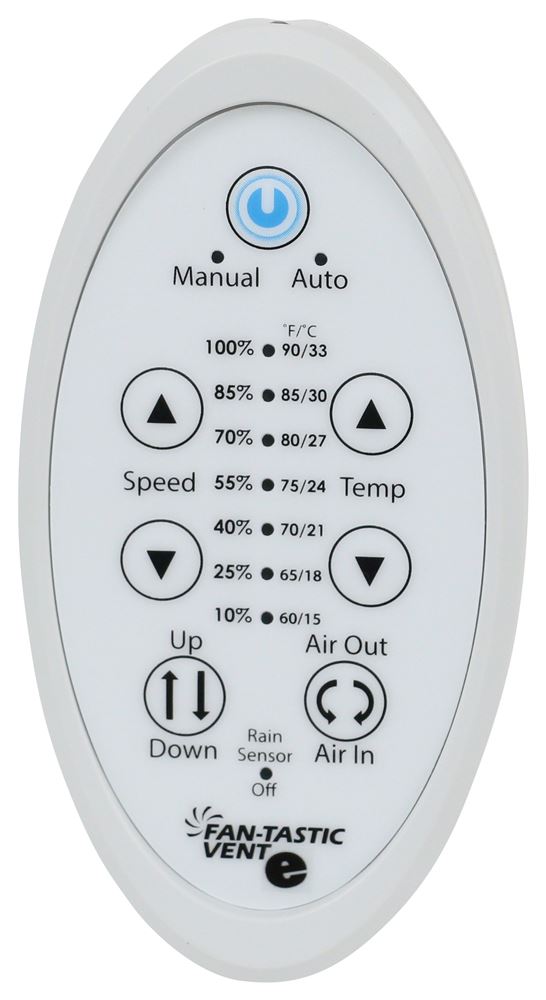
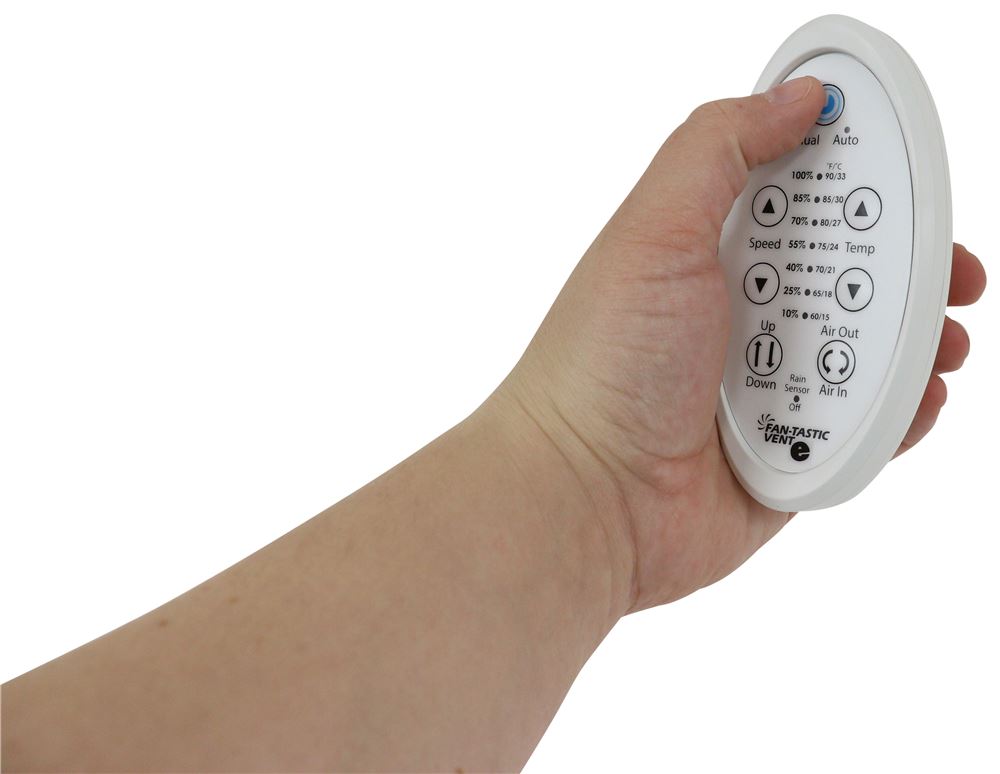
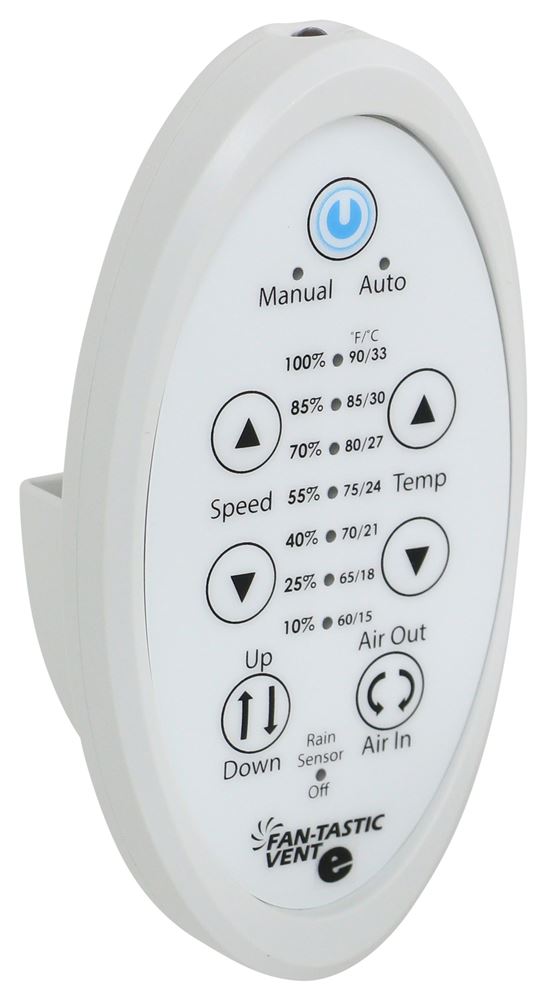
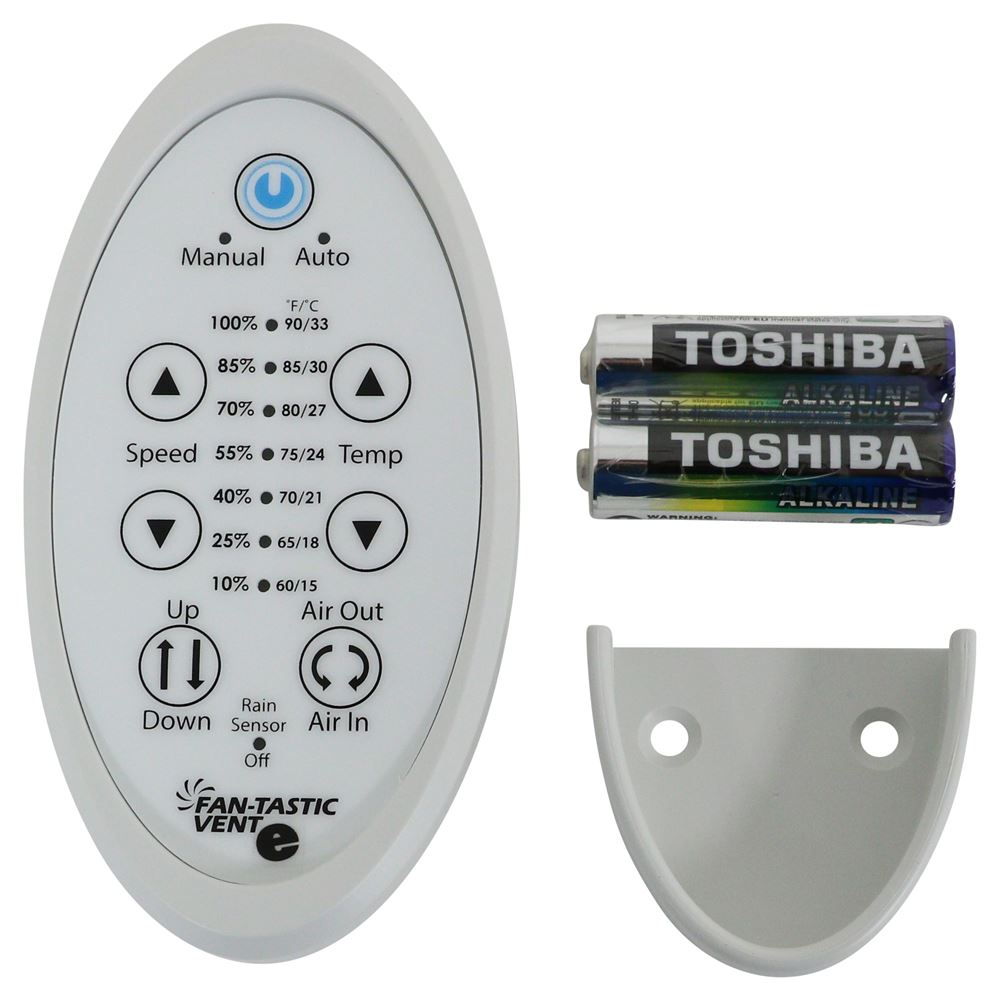
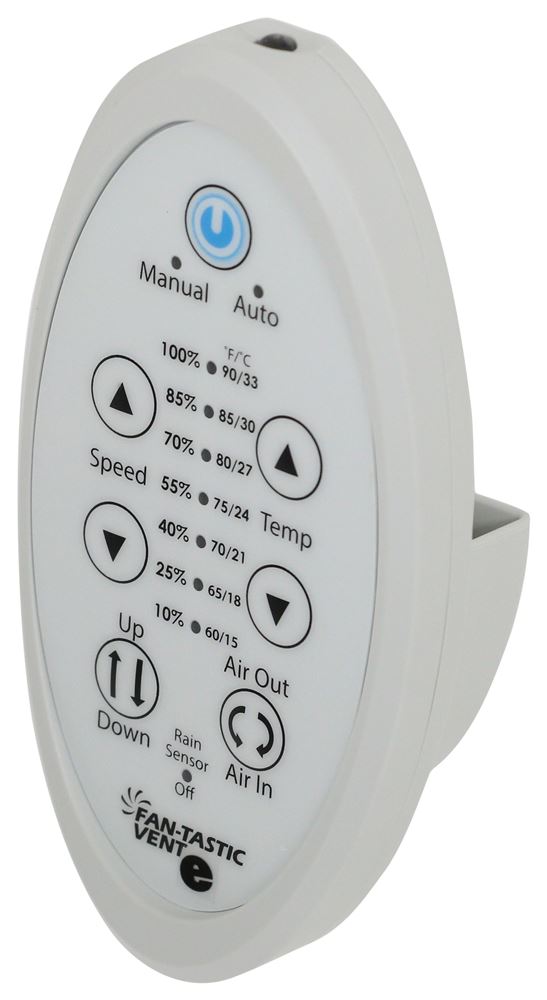
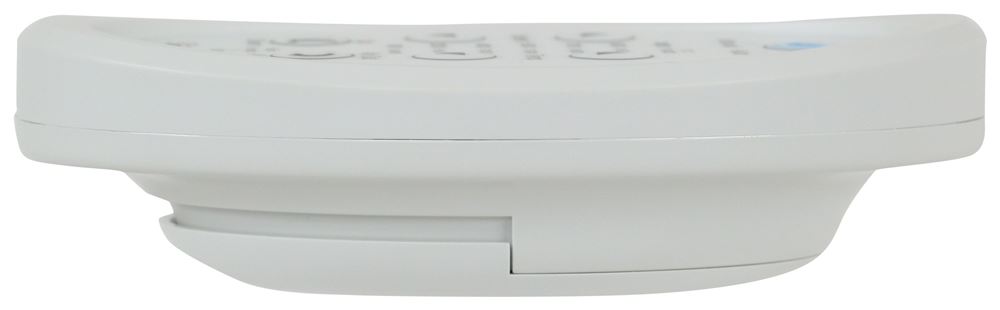
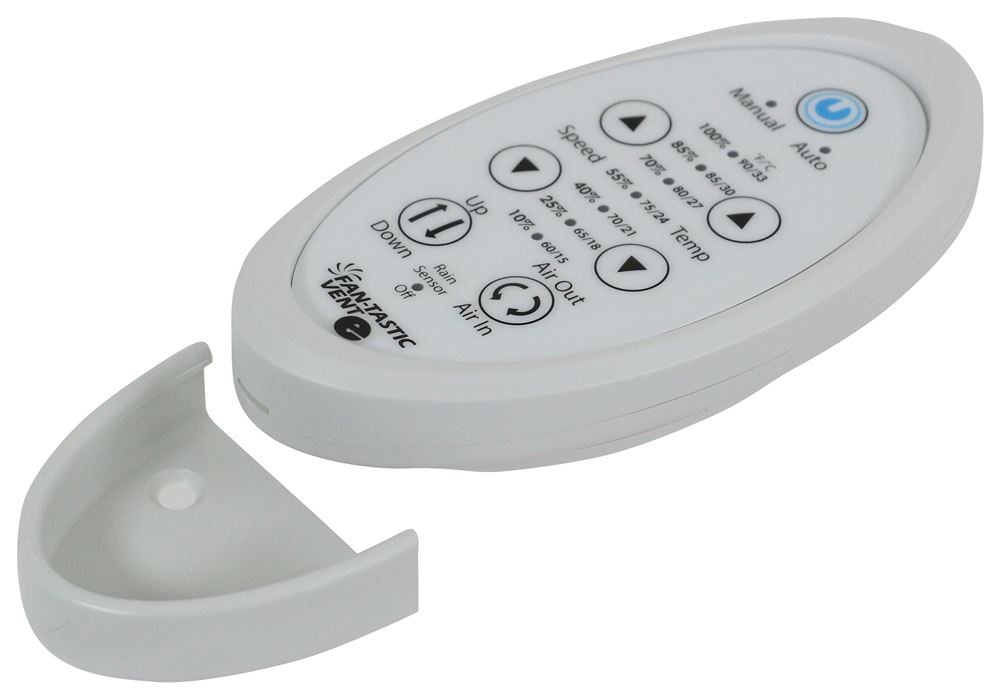
Replaces the digital remote control for your Dometic FanTastic roof vent with 12-volt fan and powered lift (FV807350). Allows you to conveniently control the temperature and operate the fan. White color.
Features:
Videos are provided as a guide only. Refer to manufacturer installation instructions and specs for complete information.
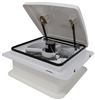
Hi, everybody. Andy here with etrailer.com. And today we're gonna take a look at this replacement digital remote control for the Fan-Tastic Vent roof vent. Now this white remote control is going to replace the digital remote control for your Fan-Tastic Vent roof vent with 12V fan and powered lift. And for your reference, I am including our item number for that roof vent with fan on your screen. And this is going to allow you to conveniently control the temperature and operate the fan.
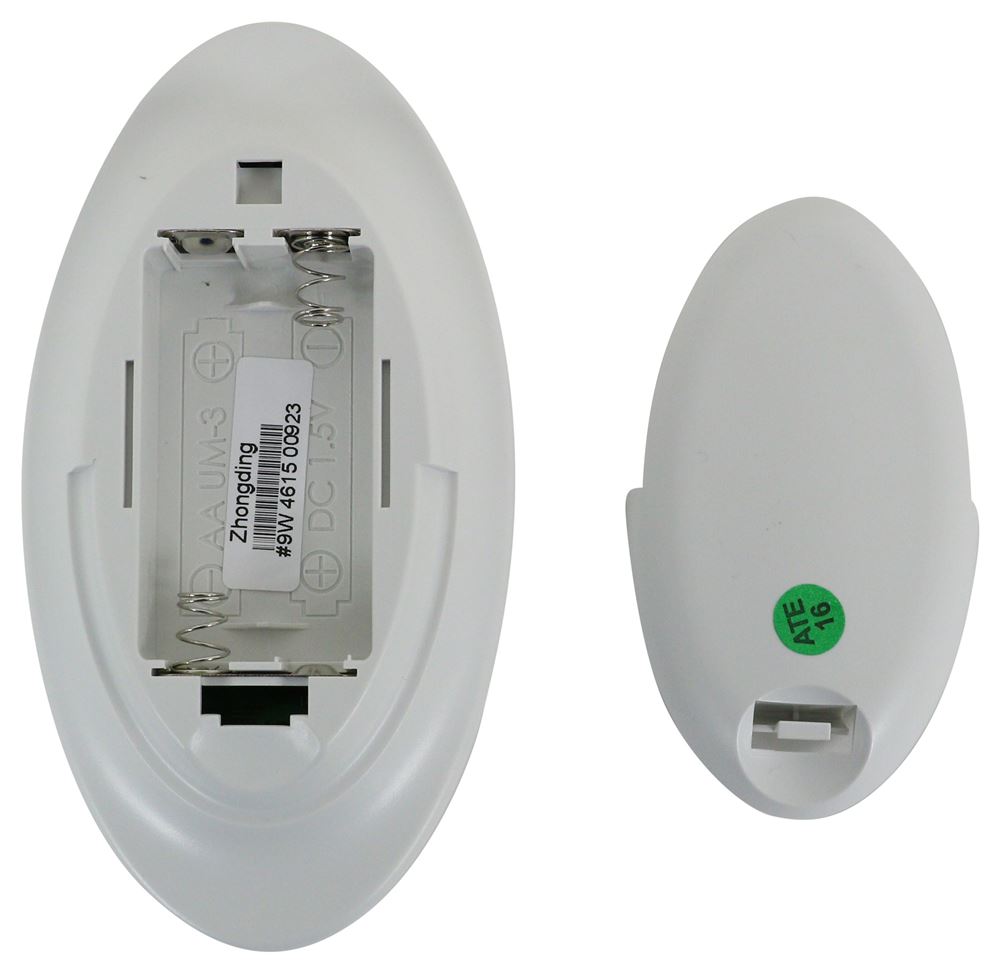
So you can get a good look there of everything that this remote is going to help you control. And as you can see, batteries are included. And also the mount to mount this in. I do want to point out that this does not include the screws to install this. So just be aware of that.
We don't already have the compatible screws, that would be a separate purchase for you. Well, that's gonna conclude our brief look today. I do hope that it was helpful for you. Again, my name is Andy. Thank you for joining me..
Customer Satisfaction Score:
89% were satisfied with this product
11% of customers were not satisfied
Ratings & Reviews



Mike L.
2/27/2026
Hi Holly! We're glad to hear your new remote control worked well for you, we're happy we could help!!


Sierra K.
8/16/2021
Thanks for your words! You may have to program your new remote. Here is how you do it: Hold the remote 12 inches away from the fan while holding both arrows. The Auto and Manual lights will begin flashing immediately. Continue holding both arrows down until the seven LEDs flash once. Now its programmed. You may have to try both sets of arrows, the speed and temp ones.
Robyn
7/2/2023
Excellent, thinking of buying another one for our kitchen vent. We definitely will you e-trailer
Mike L.
6/25/2019
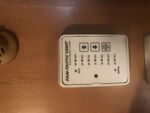
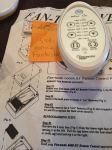
To program the remote to a fan you will hold your remote 12 inches away from the fan while holding both arrows. The Auto and Manual lights will begin flashing immediately. Continue holding both arrows down until the seven LEDs flash once. If this does not work, try the other set of arrows.
Do you have a question about this Accessories and Part?
Info for this part was:
At etrailer we provide the best information available about the products we sell. We take the quality of our information seriously so that you can get the right part the first time. Let us know if anything is missing or if you have any questions.


















Kate F.
7/13/2026
Glad to hear that we had the direct replacement for you Gregory! Even happier to hear we have a great streak going =)