
 Product Experts Available Now!
Call 1-800-940-8924
Product Experts Available Now!
Call 1-800-940-8924


Thank you! Your comment has been submitted successfully. You should be able to view your question/comment here within a few days.
Error submitting comment. Please try again momentarily.

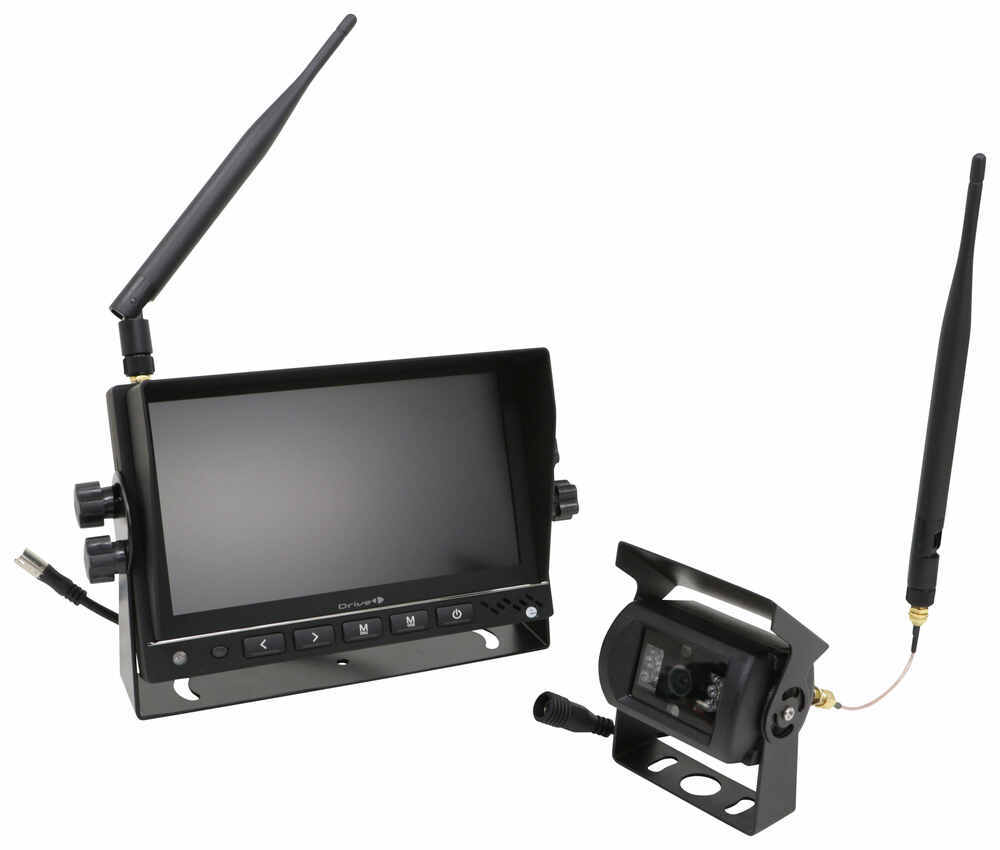
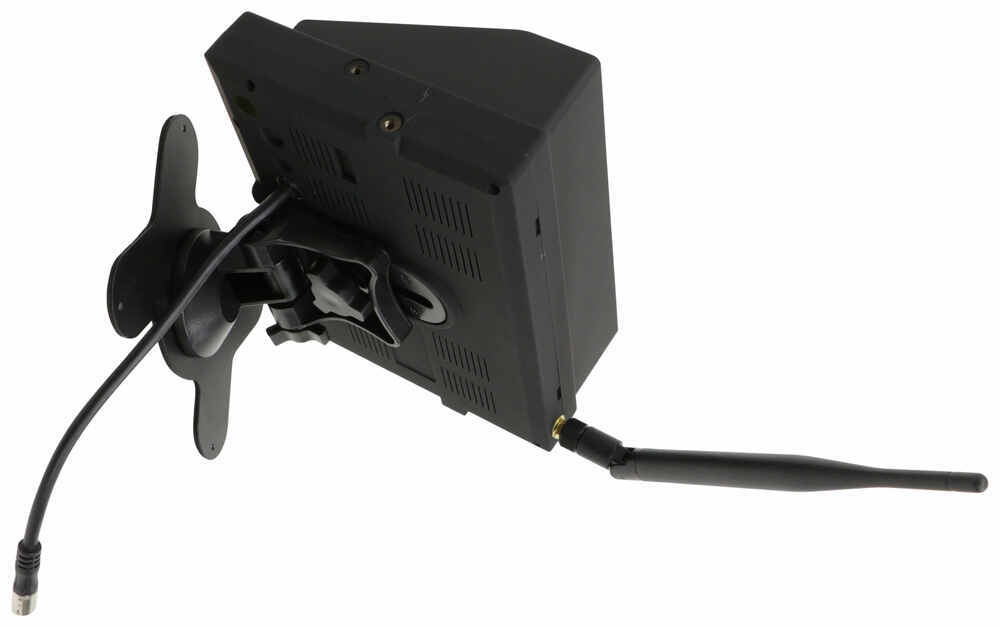


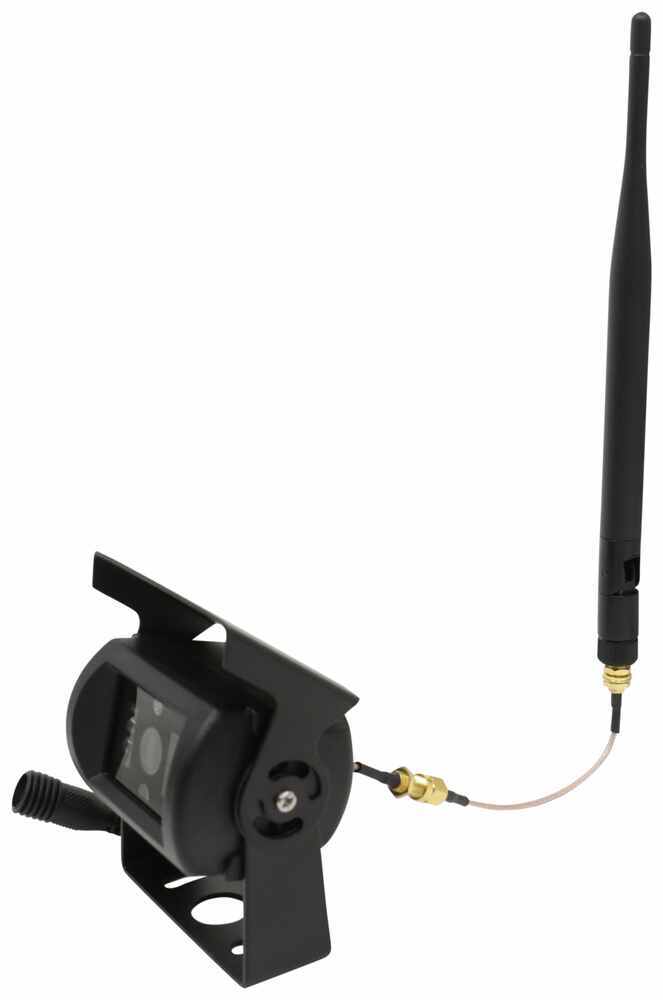
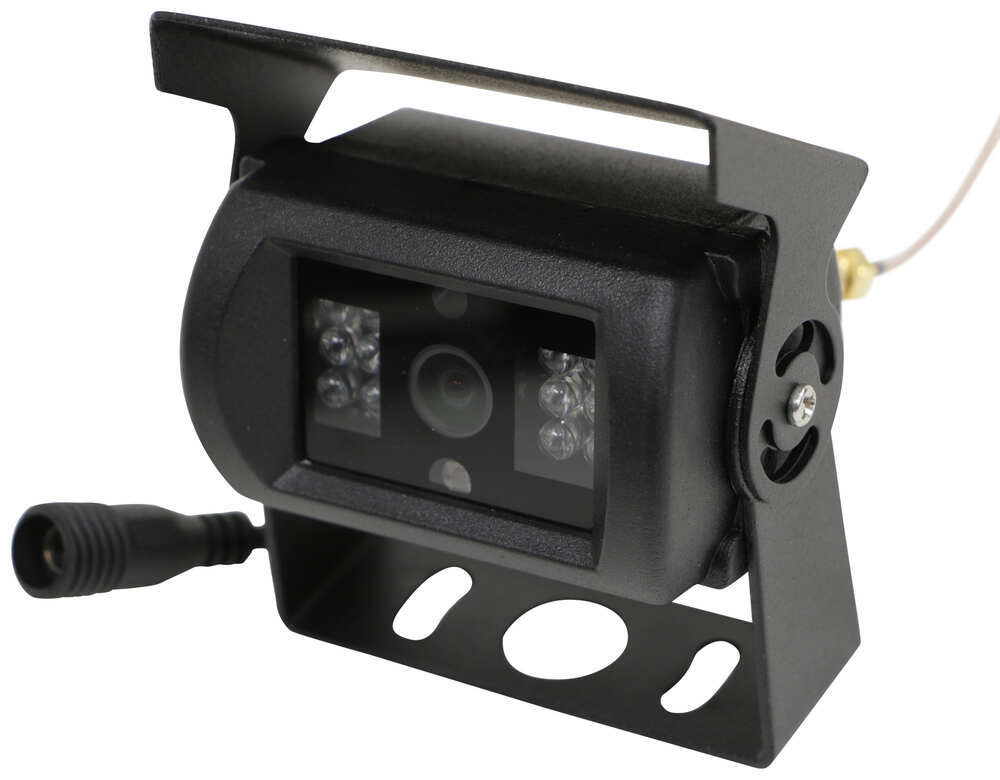
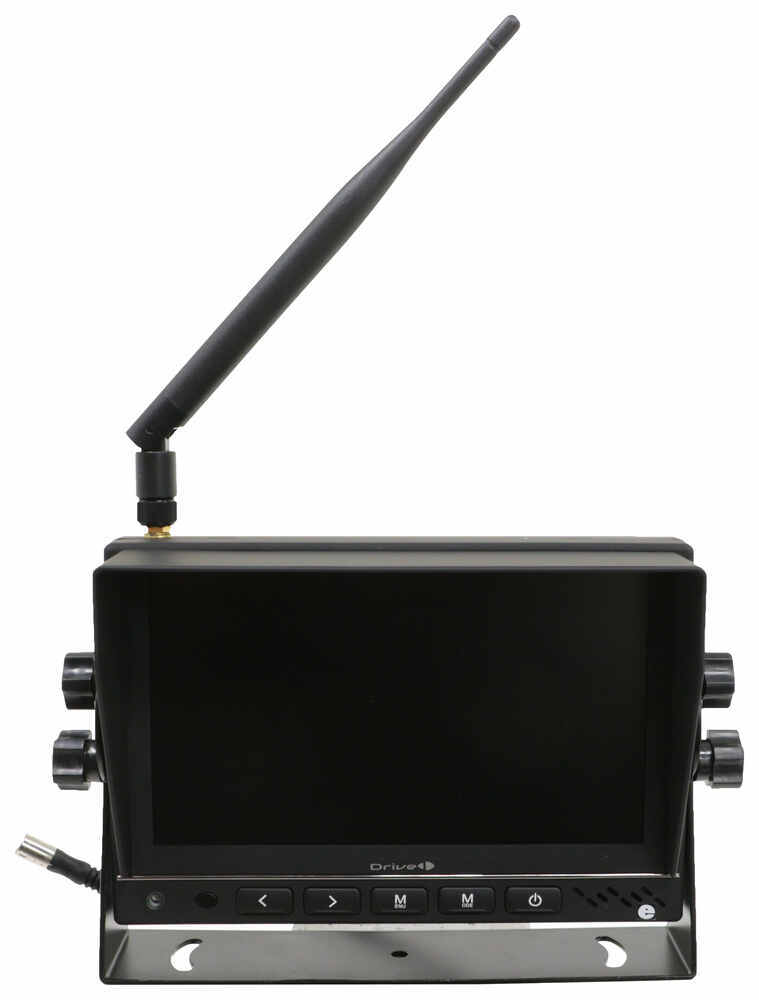

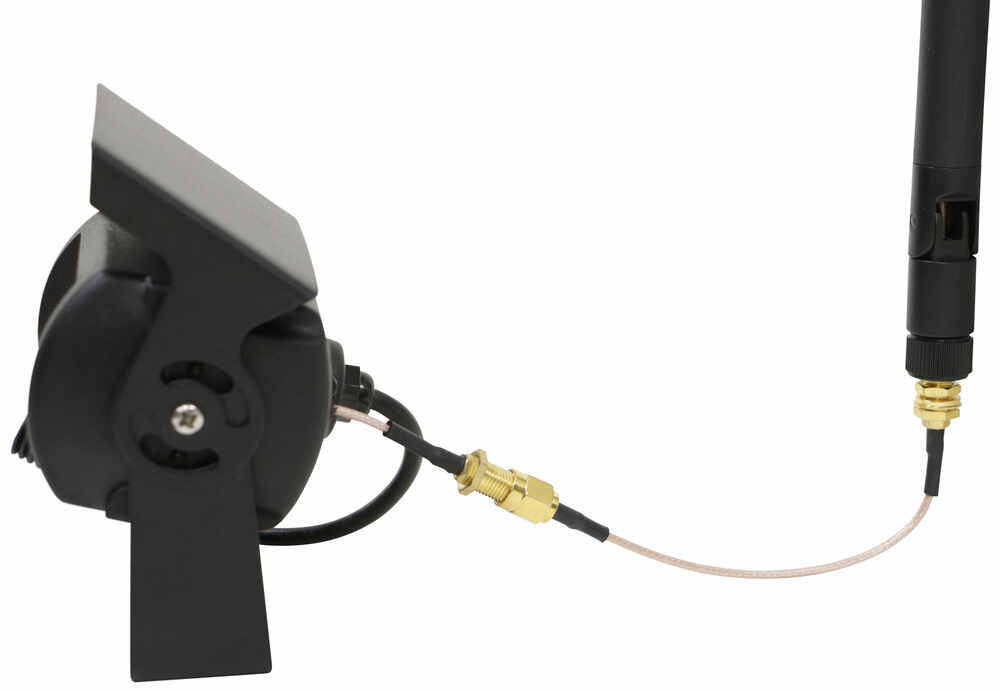
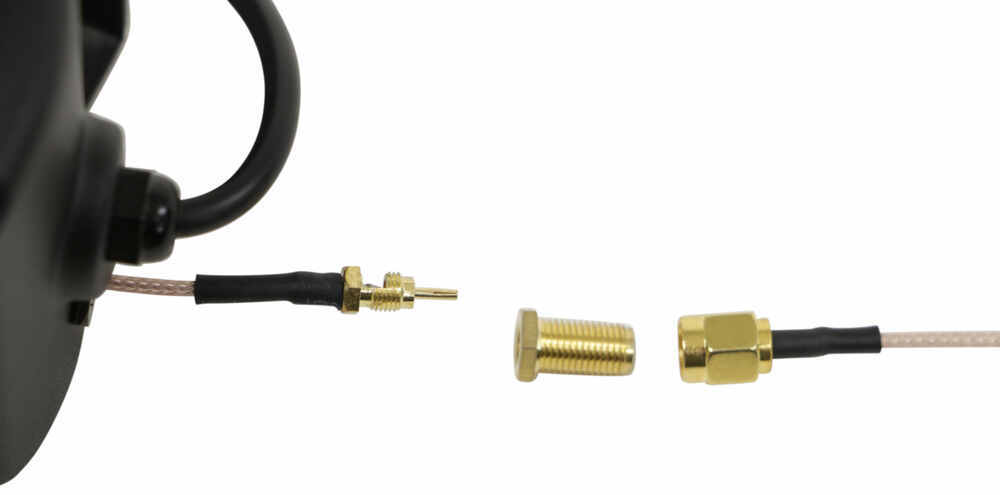

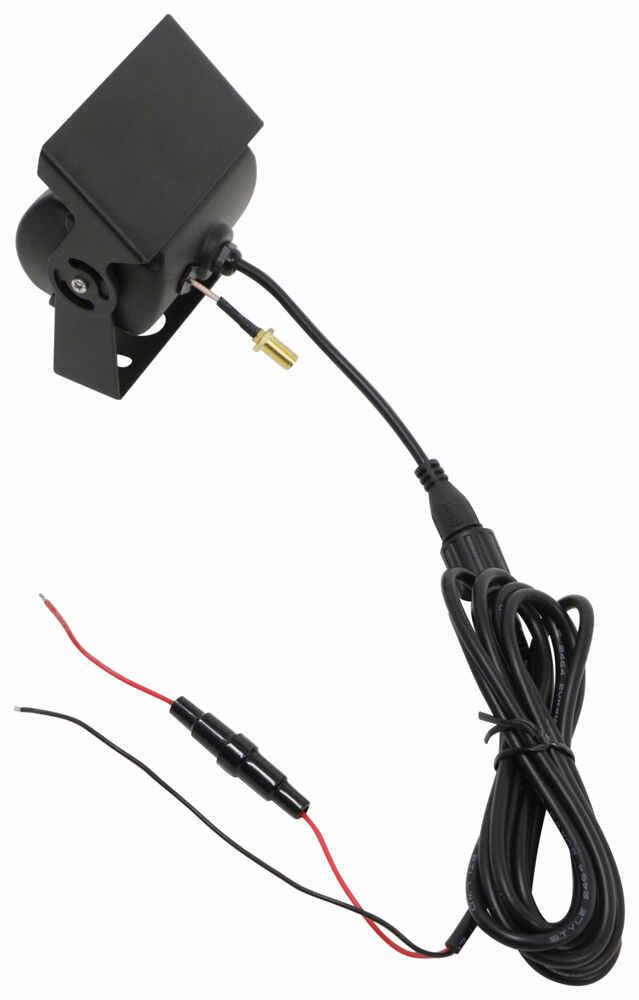
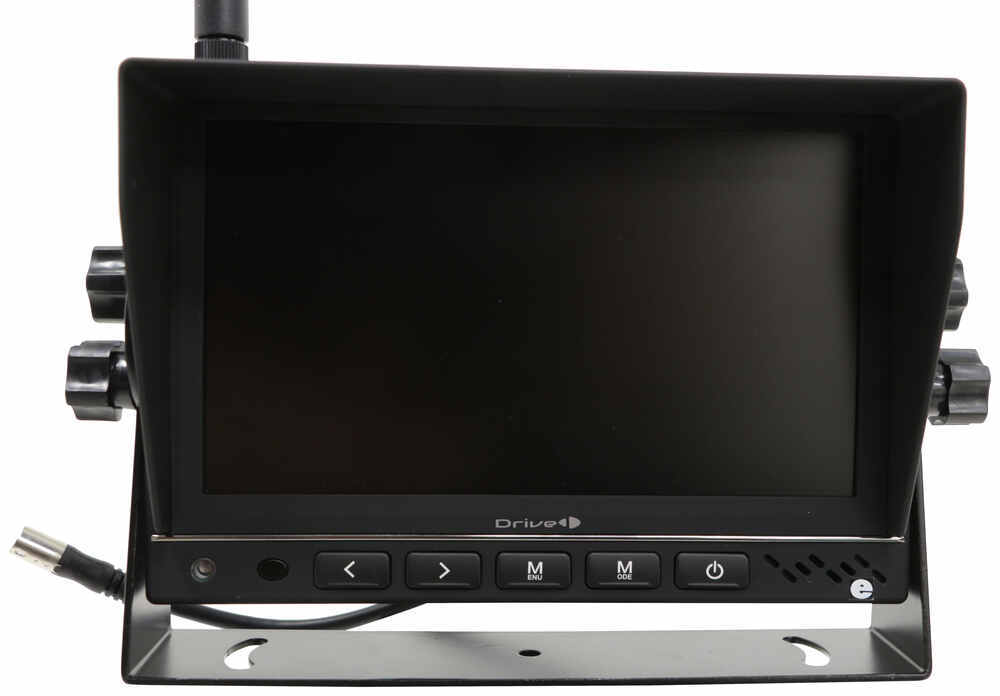
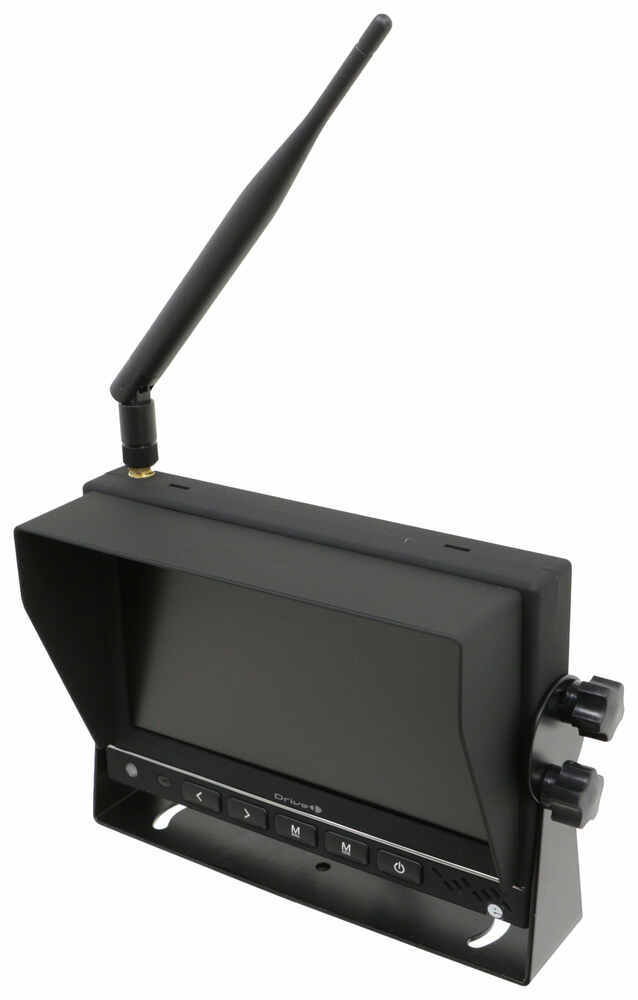
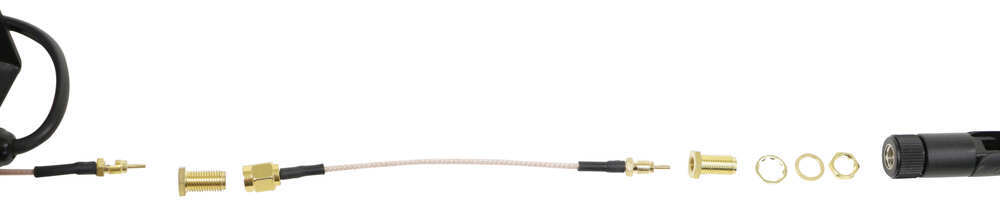
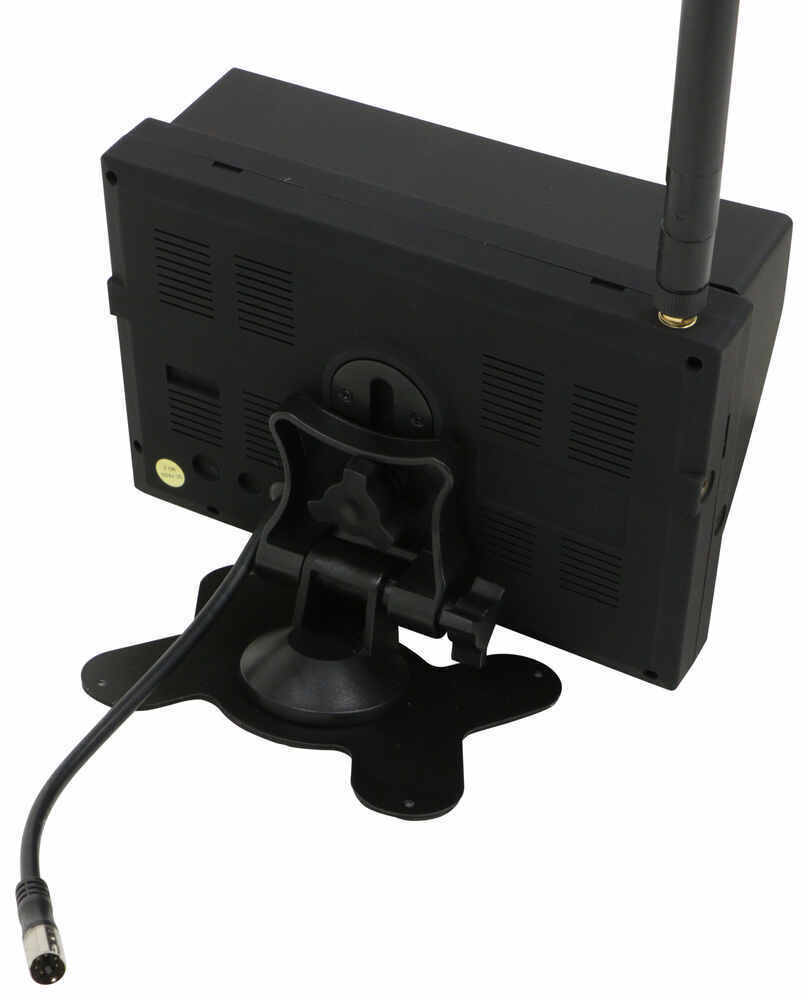
The monitor included with this camera system displays 4 angles so that you can safely and confidently back into a tight space at the campground. If someone does bump into you, you can record up to 10 minutes of video to make sure you're covered.
Features:
Specs:
After a long drive to the campground, the last thing you feel like doing is maneuvering your RV into a tight campsite space - especially in the dark! This wireless backup camera system gives you peace of mind that you'll be able to back up more safely, even at nighttime or in other low-light conditions.
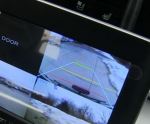
No more wondering if you're getting too close to another vehicle, tree, curb, or your kid's bike while backing up! The rear assist marker lines take out the guesswork to avoid collisions and safely maneuver your RV. The lines are displayed in 3 different colors (green, yellow, and red) to help gauge the proximity of objects within your view.
And depending on your camera setup, this system allows you to add up to 4 cameras (additional wireless cameras sold separately) and view all angles simultaneously. This is great for when you're backing up at the campground or changing lanes on the highway, as it'll let you keep an eye on everything going on around your RV without needing assistance from others.
And because this camera has 12 infrared LEDs, you'll have a clear picture even in low-light conditions at dusk or in complete darkness at night. These LEDs provide ample illumination up to 35' should you arrive at the campsite after dark and need to back up into your parking spot.
Worried about making sure you're covered in the event of an accident? The recording setting on this camera lets you record video footage onto an SD card or a TF card (not included) in 10-second, 30-second, 1-minute, 5-minutes, or 10-minute intervals. You can either manually record footage, or you can record it in a loop. So if you choose manual recording in a 10-minute interval, it'll only record once for those 10 minutes. If you choose loop recording in a 10-minute interval, it'll keep recording 10 minutes at a time until your SD card or TF card is full.
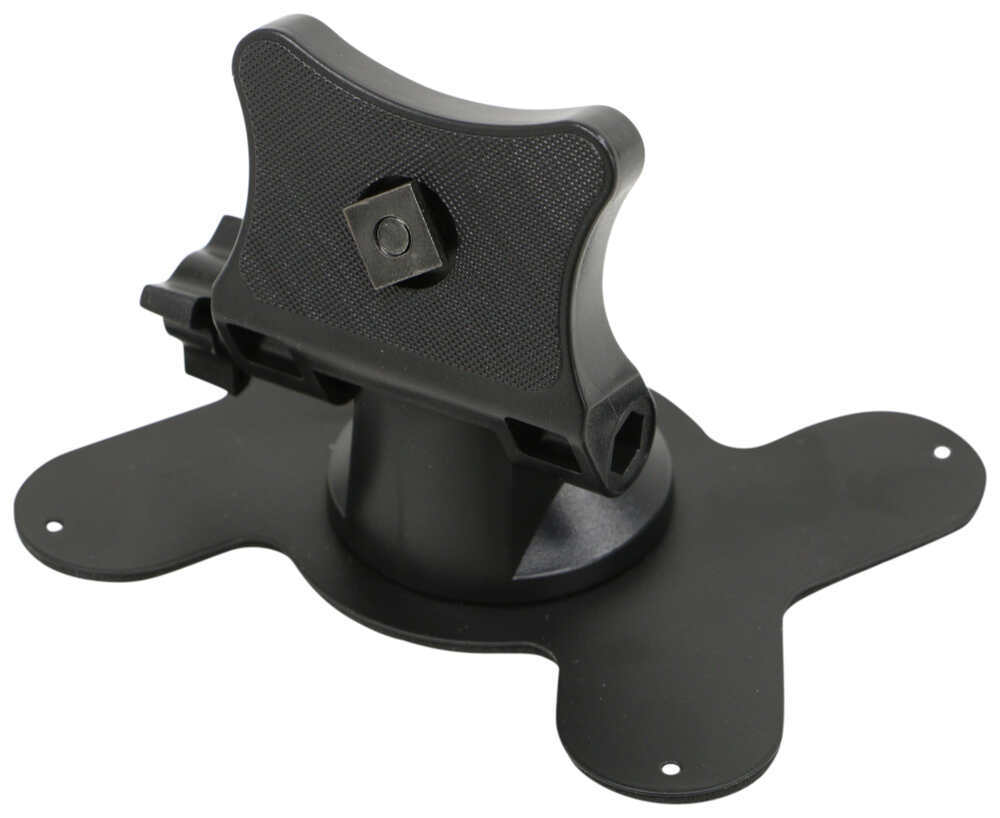
This camera system includes 2 different mounting options for the monitor, depending on how you want to display it on your RV's dashboard. If you want a permanent mounting solution, drill the butterfly mount or the U-bracket into the dashboard. Or, if you want to be able to re-position the monitor later on, you can stick the butterfly mount onto the dashboard with the included adhesive backing. To power the monitor, simply plug it into a 12-volt light or cigarette lighter outlet.
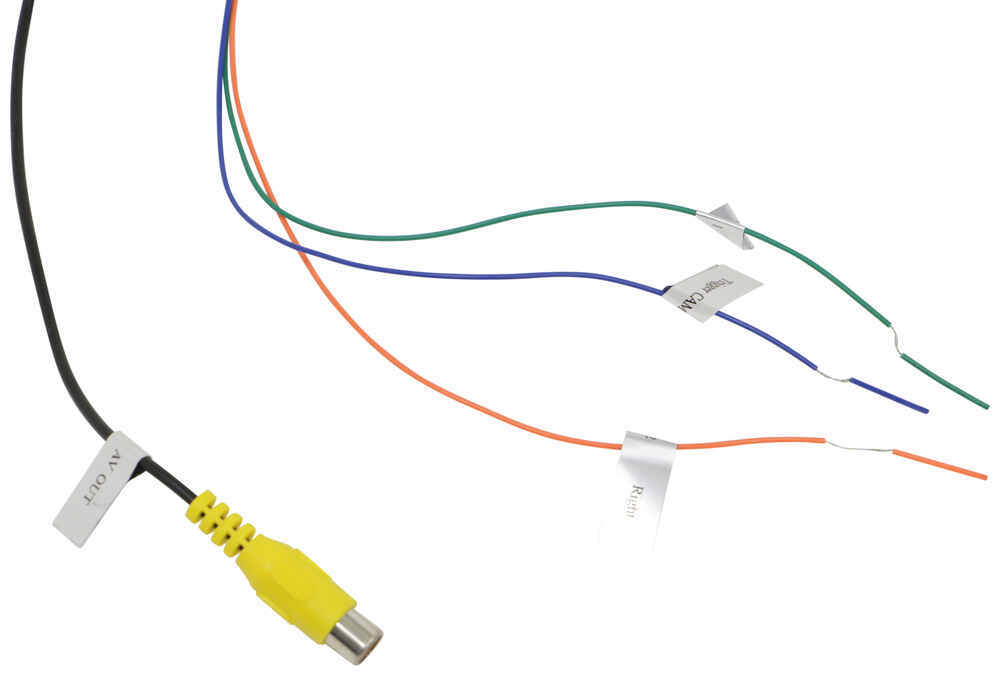
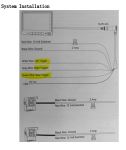
Because this system is wireless, installation is much easier than it would be with a wired system, as you'll only need to do minimal drilling and wiring. Just bolt the camera down with the included hardware and connect to your RV's wiring system. If you intend to use this system only for backing up, wire the camera to the reverse lights. If you prefer to use it to keep an eye on your rig on the highway, wire the camera to the running lights.
Customer Satisfaction Score:
90% were satisfied with this product
10% of customers were not satisfied
Ratings & Reviews


David
5/7/2024
Not well, I can tell you that the camera is definitely NOT waterproof. I had an issue last year and dried out the camera. This year it was wet again and quit working completely. I will need a new camara.
Do you have a question about this RV Camera System?
Info for this part was:
At etrailer we provide the best information available about the products we sell. We take the quality of our information seriously so that you can get the right part the first time. Let us know if anything is missing or if you have any questions.


















Tyler M.
2/9/2021
Hi john, Thanks for your feedback! The night mode function should be an automatic function for the monitor and camera. The best option would be to go into the camera picture settings, and see if you can adjust all the picture options, as they may have been set all in one direction.