TST Accessories and Parts
- TST-507-D-C
- TPMS Sensor
- Tire Pressure Monitor Parts
- Monitors
- TST
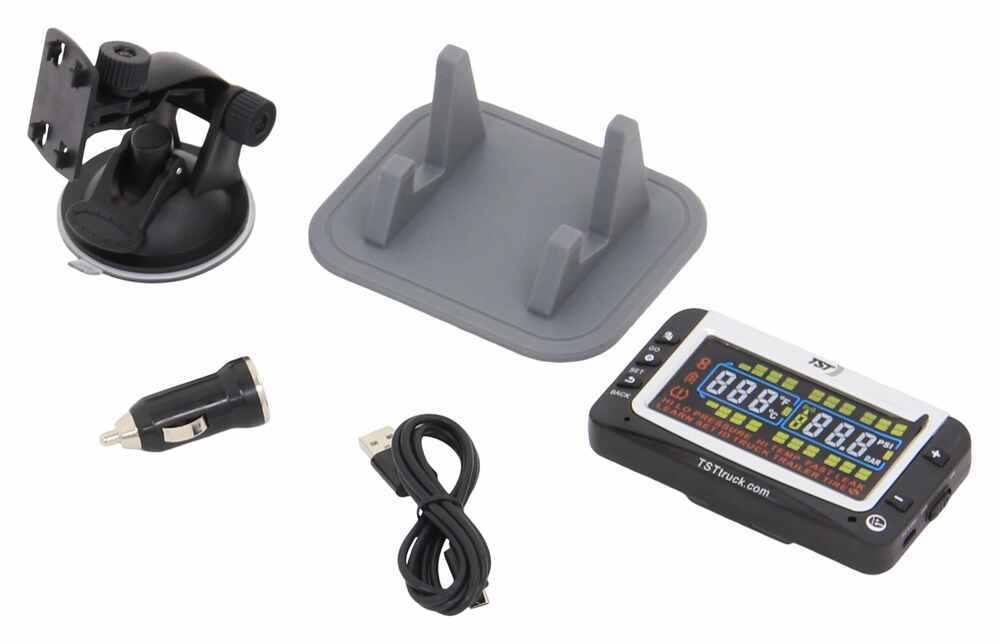
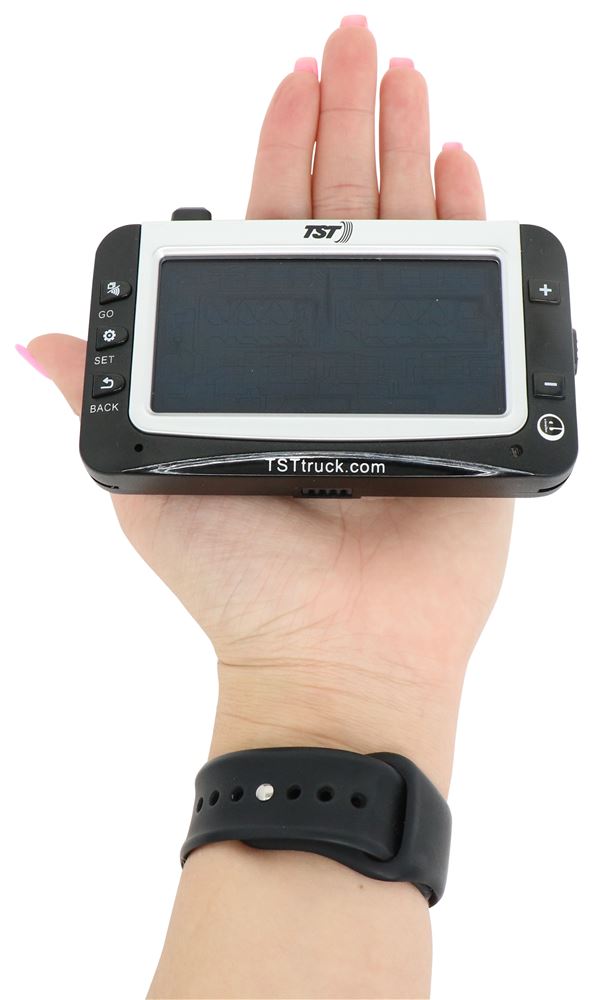
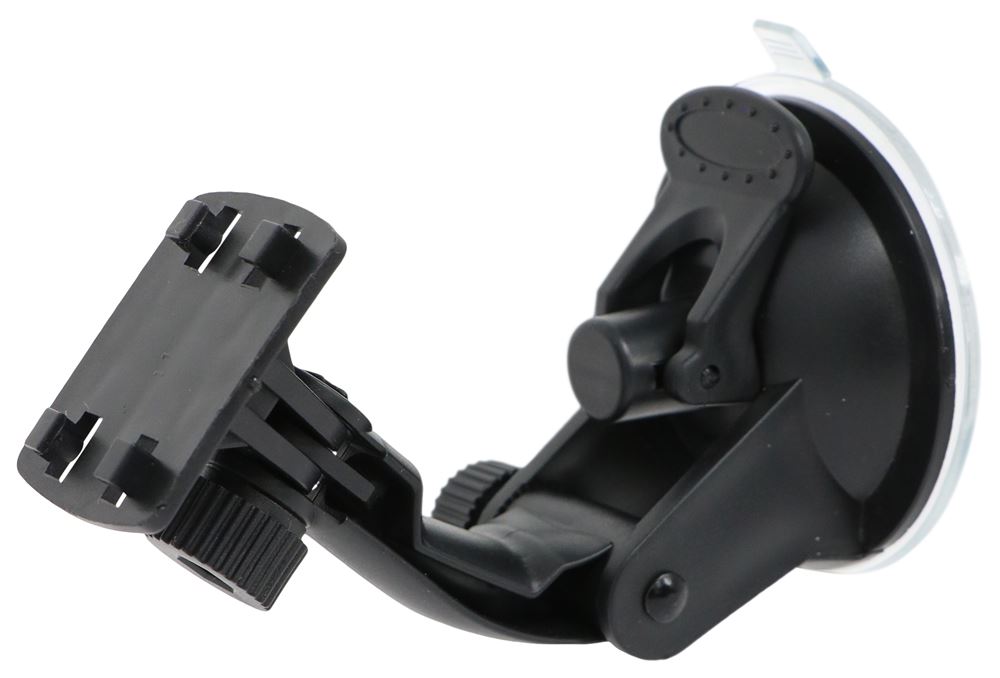
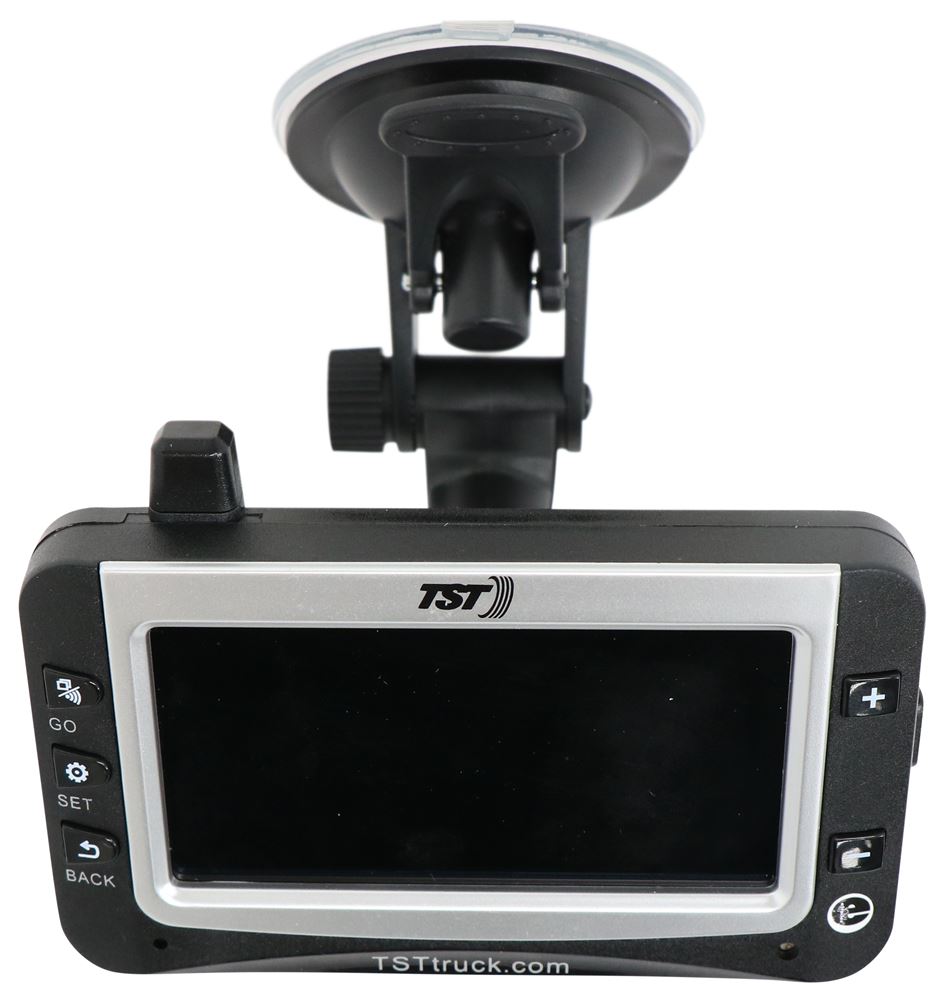
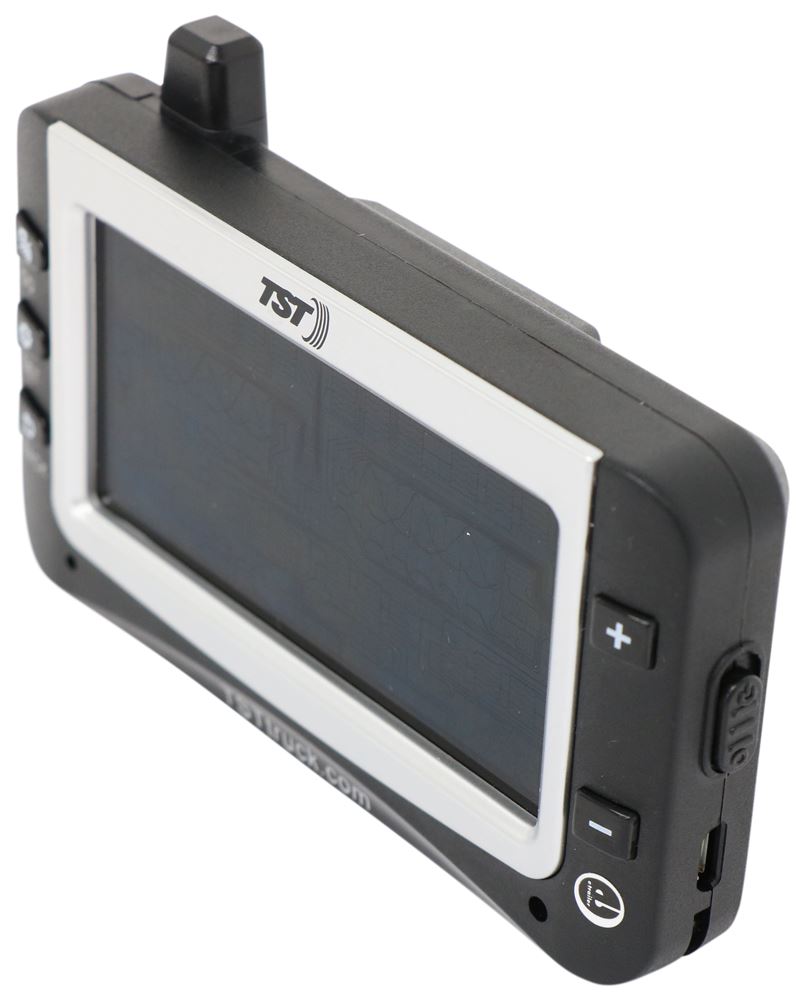
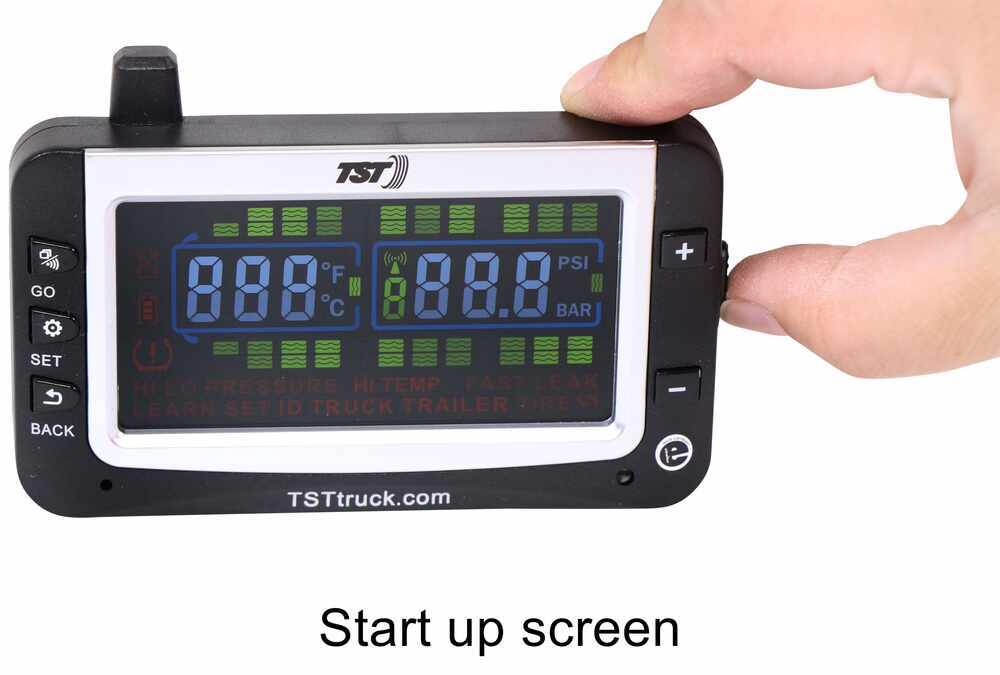
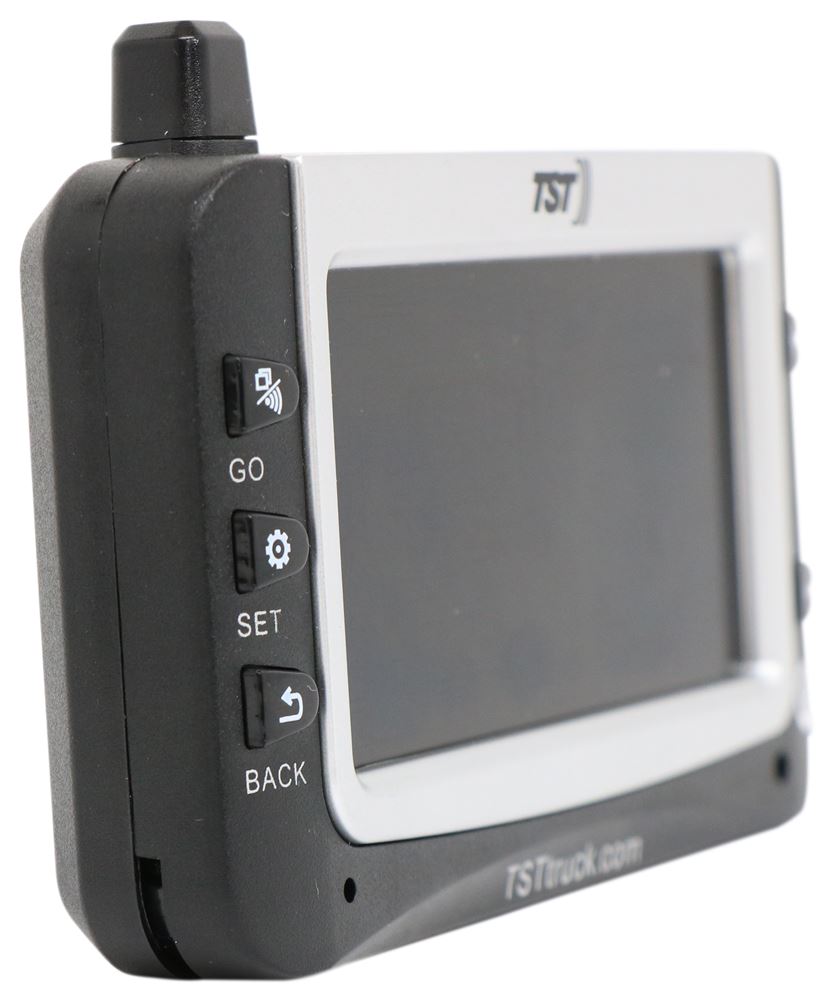
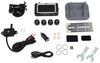
Full-color, wide-screen monitor for your TST TPMS displays tire pressure and temperature, and provides visual and audible alerts. It displays up to 4 separate vehicle or orientation presets. Includes suction cup mount, cradle mount, and power cable.
Features:
- Full-color, wide-screen monitor lets you upgrade the black and white monitor on your TST tire pressure monitoring system
- Also replaces lost or damaged monitor
- Works with TST-507-RV-4-C, TST-507-RV-6-C, TST-507-FT-4-C, and TST-507-FT-6-C
- Monitor provides early warning detection with visual and audible alerts
- Detects blowouts, significant pressure changes, and tire temperatures exceeding 158 degrees
- Refreshes automatically with new tire information every 5 minutes
- Presets let you monitor up to 4 separate vehicles or orientations
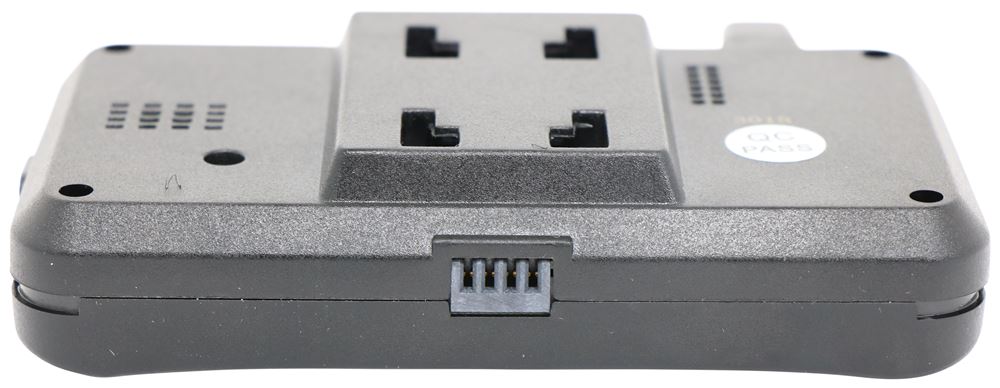
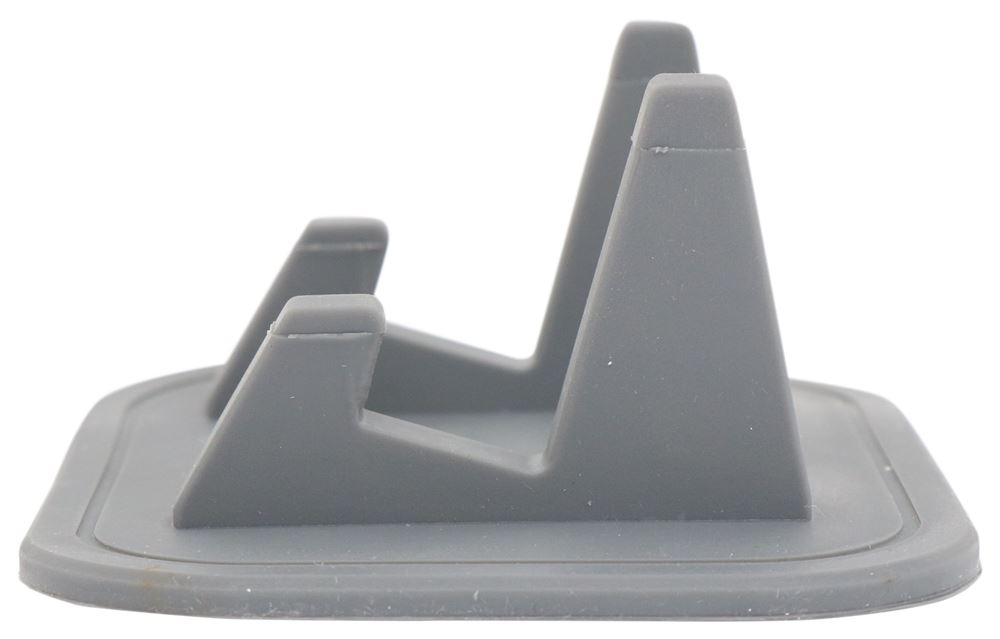
- Included suction cup mount or cradle mount let you place monitor in optimal position
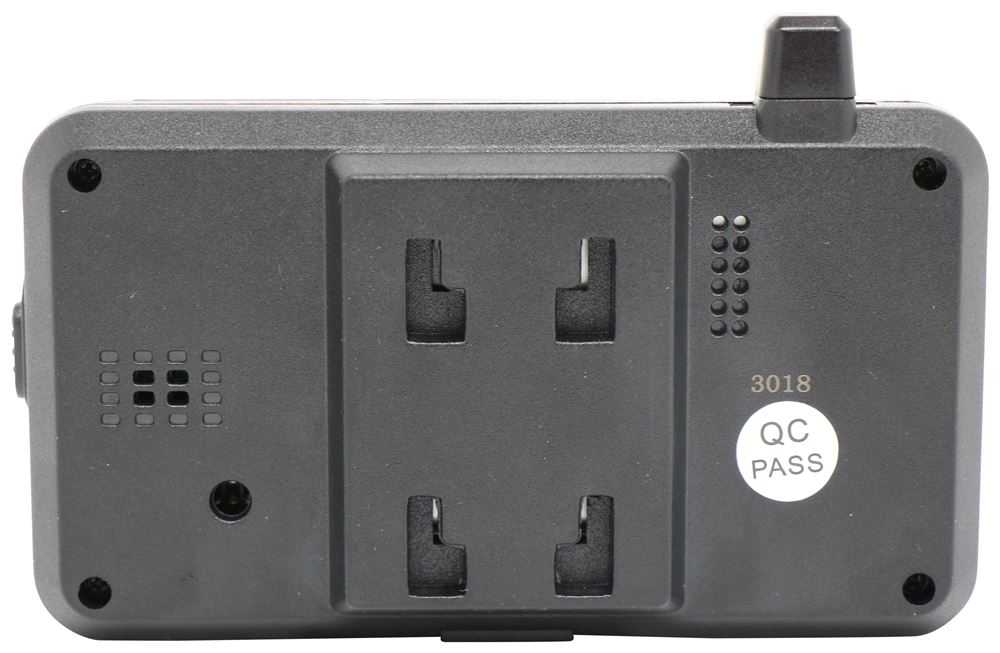
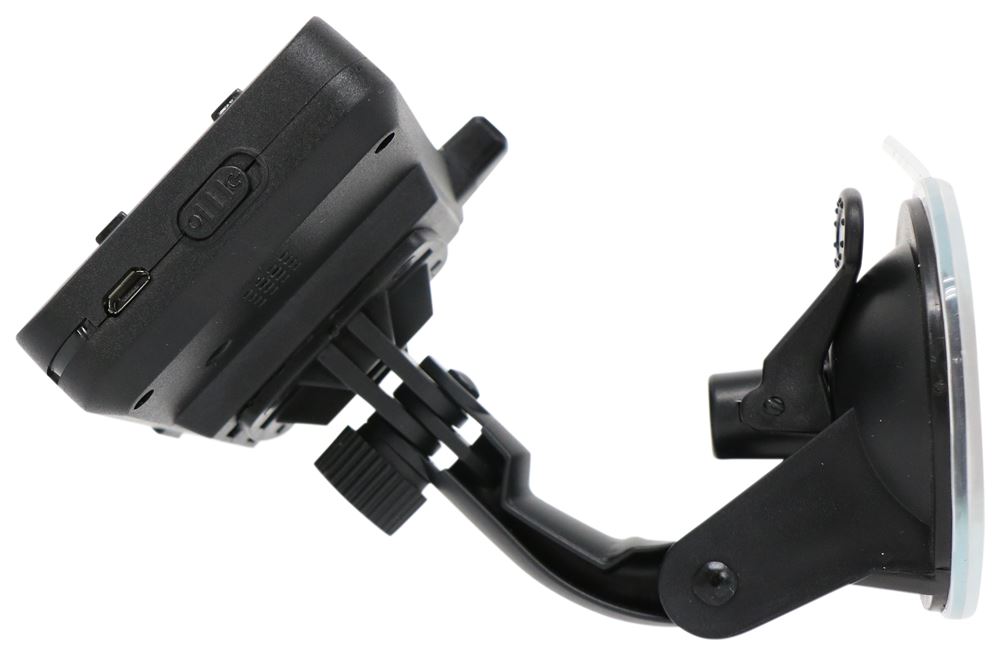
- Easy-to-use suction cup mount sticks monitor to windshield or dashboard
- Non-slip, rubber cradle mount holds monitor on dashboard
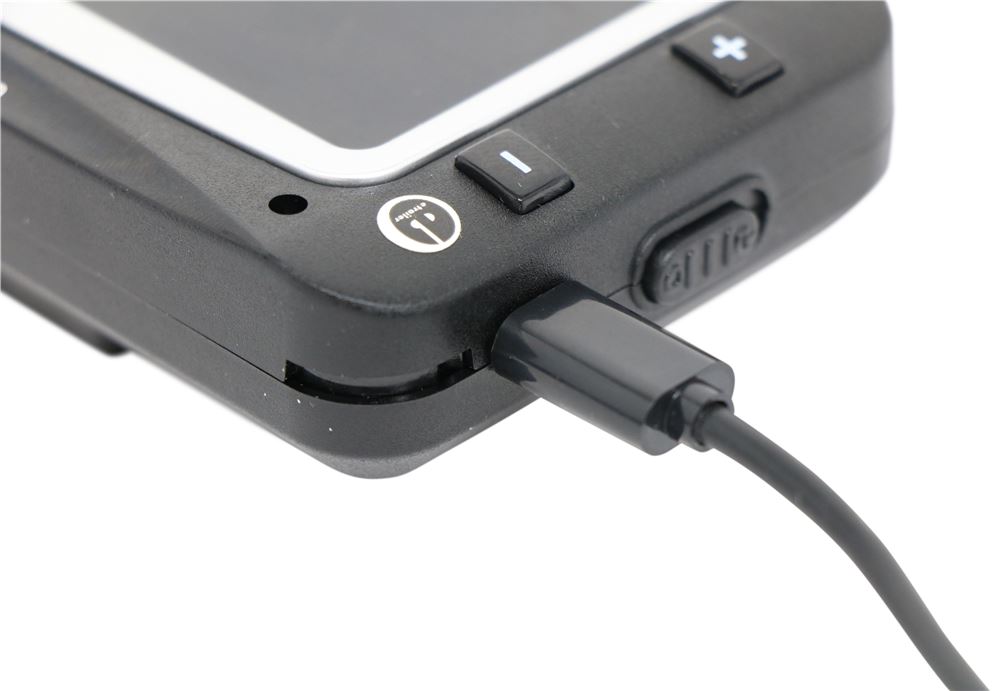
- Micro USB cable and adapter allow you to charge monitor with your vehicle's 12-volt accessory outlet
Specs:
- Overall dimensions: 4-5/8" long x 3" wide x 1-1/16" thick
- Screen dimensions: 1-5/8" tall x 3-1/4" wide
- Pressure range: 1 psi - 218 psi
- Operating frequency: 433.92 MHz
- Operating temperature range: -4 F - 176 F (-40 C - 80 C)
- Storage temperature range: -22 F - 185 F (-30 C - 85 C)
- Battery life: 5 days - 7 days on a full charge
- Battery recharge time: 4 hours
TST Color Monitor Display
![App Diagram]()
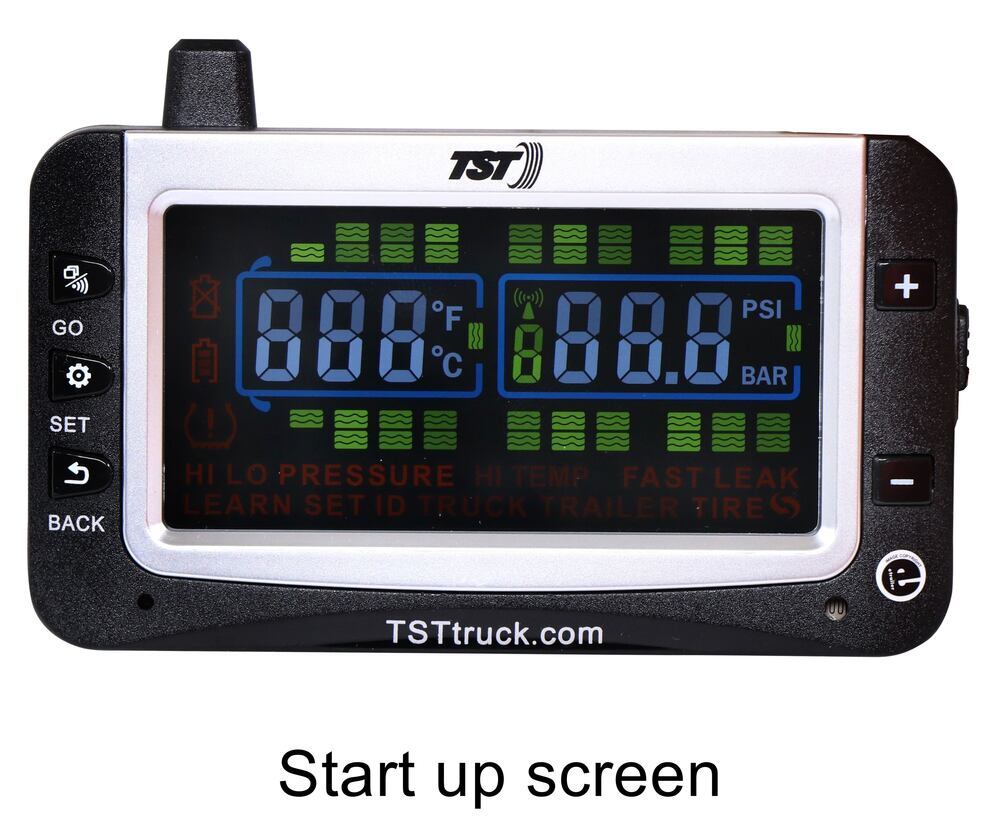
- Current Tire Selection - The tire icons indicate the position of your tires. A solid tire icon indicates that tire is programmed into your current setup. A blinking tire icon indicates that tire is experiencing an anomaly.
- Sensor Low Battery Alert - This displays when one of the sensor's batteries is low. The corresponding tire light will also flash to indicate which sensor's battery is affected.
- Display Battery Level Indicator - Shows the charged level of the internal battery. When this icon shows one bar it is recommended to charge the display as soon as possible. It takes approximately 4 hours for the battery to fully charge.
- Out Of Parameter Alert - This icon will flash during a high or low pressure alert, a high temperature alert, or a fast leak alert. In conjunction with this flashing light, the affected tire light will flash, the HI or LO PRESSURE, HI TEMP, or FAST LEAK indicators will light up, and an audible alert will sound.
- Display Alerts - These icons, along with the specific tire icon, will light up to indicate HI or LO PRESSURE, HI TEMP, or FAST LEAK. The bottom row indicates which programming mode you are in.
- Red LED Indicator - Lights up during an alert.
- Antenna - The multidirectional antenna helps eliminate electronic interference when paired with the signal booster.
- Temperature Indicator - Displays the current temperature of the selected tire in Fahrenheit or Celsius. This will also display your selected high temperature parameter during programming.
- Tire Pressure Indicator - Displays the current tire pressure of the selected tire. This will also display your selected high and low pressure parameters during programming.
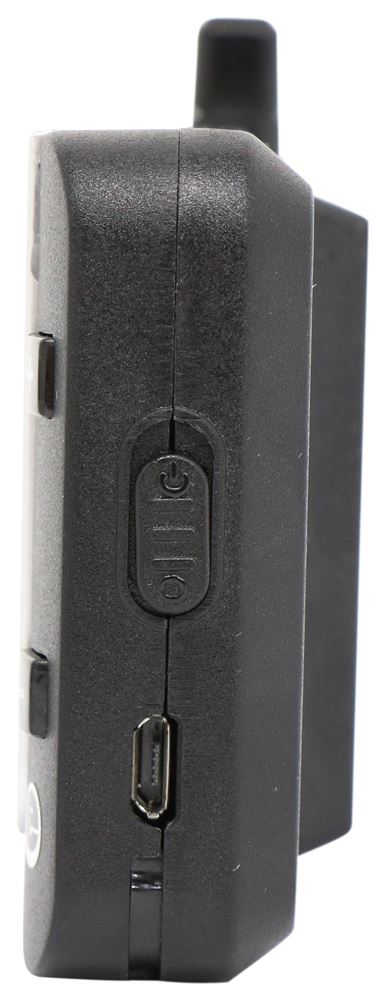
- Power Switch - Lets you turn the monitor on and off.
- Charging Port - Plug the included USB cable into this port to charge the monitor. The side power switch will not turn off the display when constant power is applied to the unit.
- Backlight and Motion Detector - The backlight turns on when the vehicle is in motion, and there is little ambient light. It will sense periods of inaction and the display will "go to sleep" until the vehicle resumes motion.
TST Color Monitor Function Buttons
![App Diagram]()
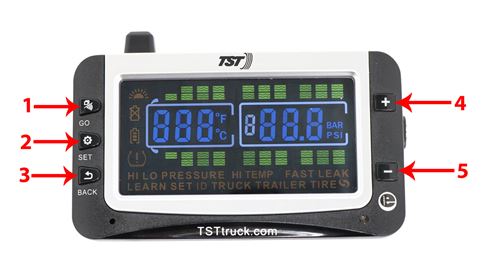
- GO Button - Press the GO button to tell the system where to "go". When pairing the sensors, once you have the tire icon flashing that you want to code, hit the GO button to tell it to get its unique code. If you only want to code a trailer, press the GO button to tell it to go to the trailer. When moving from axle to axle to set your warning pressures, hit the GO button to go to the next axle or next trailer.
- SET Button - Press the SET button to program your warning parameters, or to go into coding and set your configurations. This button locks in all specific settings.
- BACK Button - Press the BACK button to leave programming, or take the system back to the previous screen. If you need to remove a sensor code, use this button in the coding section to take the sensor position back to the factory settings.
- + Button - Press the + button to increase the temperature and pressure settings from the factory defaults. You can also scroll forward through your tires. Press the + button in conjunction with the GO button to drop your towing vehicle from a setting and add it back in.
- - Button - Press the - button to decrease the temperature and pressure settings from the factory defaults. You can also scroll backward through your tires. Press the - button in conjunction with the GO button to drop your towed vehicle from a setting and add it back in.
Multiple Wheel Layouts
![TST TPMS]()
You can program multiple layouts into the monitor, and you can scroll through each setup on the screen. This system can support up to 4 trailers and up to 115 tires total- including spares. Make sure to set your high and low pressure alarms for each layout that you are using. Some examples of popular layouts are shown above.
TST-507-D-C 507 Series Color Monitor for Truck Systems Technology Tire Pressure Monitoring Systems

 Product Experts Available Now!
Call 1-800-940-8924
Product Experts Available Now!
Call 1-800-940-8924

























Mike L.
7/22/2026
Thanks Mike, I'm happy we could help!