
 Product Experts Available Now!
Call 1-800-940-8924


Thank you! Your comment has been submitted successfully. You should be able to view your question/comment here within a few days.
Error submitting comment. Please try again momentarily.
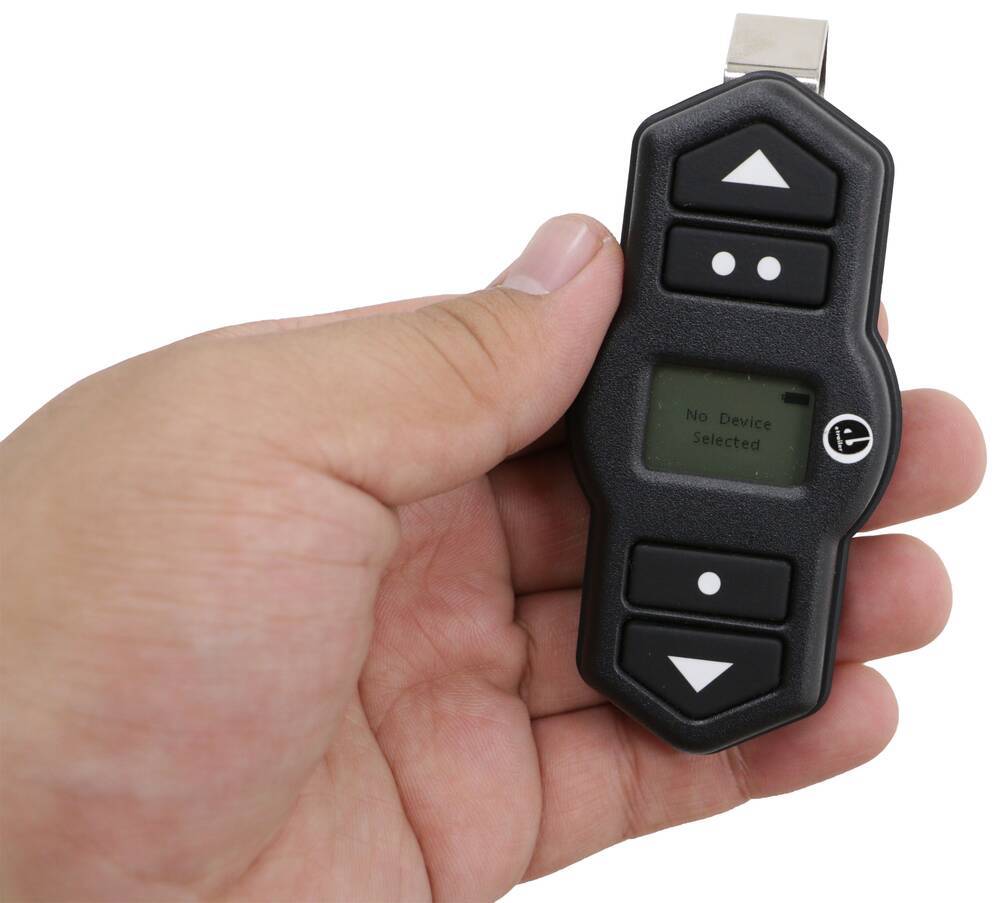
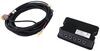
Replaces the wireless remote fob for your Air Lift WirelessONE air compressor system (AL25980 or AL25980EZ).
Features:
Videos are provided as a guide only. Refer to manufacturer installation instructions and specs for complete information.
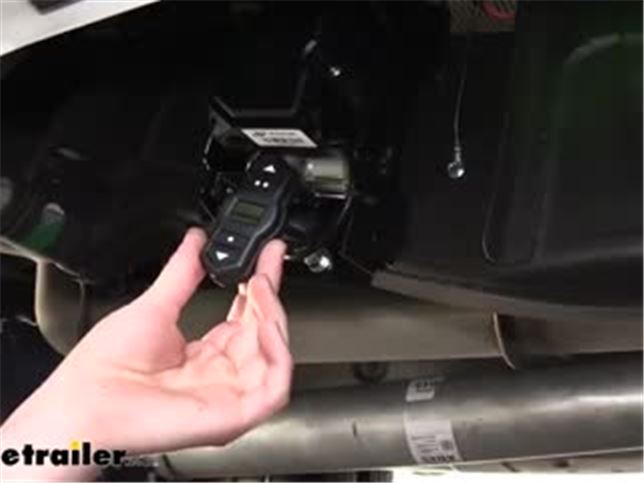
Hi there, compressor owners. Today, we're gonna be taking a look at Air Lift's replacement remote for their WirelessONE compressor system. And this'll be compatible with your WirelessONE compressor or the WirelessONE EZ, which is the one we're gonna be pairing it with today. Now, if you've lost your remote, you still will be able to function the compressor using the app with your phone. But I know a lot of people like to keep this in their car just in case, you never know when you might just need to run out there and adjust it and run off and you don't have your phone charged or whatever. So to get this guy paired up to your existing system, the first thing we need to do is put it into pair mode.
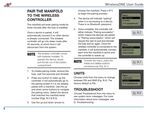
To put your system into pair mode, we're going to remove the fuse for our system. Leave it out for just a couple of seconds and then we'll re-insert the fuse. Once the system is powered back up, it'll be in pair mode for about five minutes, it's just a few minutes it'll let us be in pair mode. So now we've got that in. We'll press a button on our remote and it should now try to detect any nearby systems.
And there we go, it shows devices. It can pull up a number there. The number is gonna be unique to your particular system. But I know based on the app that I've got paired to it, this is the right one. So we're gonna go ahead and select it.
This is also the only one in nearby range of our remote, so it's the only one that it could detect. And our pairing was successful. So we'll just see here. We're gonna go ahead and hit preset one, and that sets it to 20 pounds. Our compressor kicks on, so it looks like we are all ready to go.
Now we don't have any load in here, so I'm just gonna hit the button to put it back to preset one, bringing it back down to five pounds for unloaded. There's a couple of additional features we can show you here with the remote. It does have two presets with these two buttons and you can also get a third preset by pressing down both buttons. That's our preset three. There's a menu that you can access as well by pressing the up and down arrow. This is where you can select your device. 'Cause let's say maybe you got a new truck and you installed the WirelessONE and you still got your remote here, you wanna pair it to that other system. Maybe you sold the truck and the compressor was still on there, but you got the remote. You can unpair this in the devices menu here. Being able to access the devices and unpair, it's also really nice in a fleet scenario 'cause oftentimes you've got a bunch of guys running around and these remotes can get mixed up and then it's not working 'cause it's paired to the wrong truck. So you can quickly unpair it and then just re-pair it with the same procedure we showed you here to get this working with that particular truck. Now, if you're here because you think your remote's broken, it could just be that the batteries are dead inside. To open the remote up to replace the batteries, we'll take our small, flat-bladed screwdriver and we're gonna put it in the bottom here and we're just gonna kind of give it a little bit of a twist and there, it's gonna pop up. We can then just pull it apart and we'll see our two batteries inside there. A CR 2032 battery, the positive will face up and you'll just stack them on top of one another. Once you've got your new batteries installed, it just clips right back together. Hold, press the button and it powers up. So there you go. You can check that yourself and replace the batteries, but if you're still having an issue, we've got these available here. And that completes our look at Air Lift's replacement remote for the WirelessONE compressor system..
Customer Satisfaction Score:
92% were satisfied with this product
8% of customers were not satisfied
Ratings & Reviews




Jenny N.
5/24/2024
I know that this remote is meant to be used for the WirelessONE compressor models # AL25980 or # AL25980EZ. I see that you had previously bought the Bluetooth WirelessAIR system part # AL58WQ in the past. If you wanted to use the remote with this system then I hate to say that it will not work with it. The Bluetooth system does not have a remote that works with it, only with the mobile phone app. I hope that this helps.

Nick S.
9/8/2025
Hey Rory, could you tell me a little bit more about what doesn't work? Does it pair and not air up the system or is it not pairing at all?

Do you have a question about this Accessories and Part?
Info for this part was:
At etrailer we provide the best information available about the products we sell. We take the quality of our information seriously so that you can get the right part the first time. Let us know if anything is missing or if you have any questions.



























Claire H.
7/14/2026
That's an awesome Chevy SS! I'm glad this remote worked out well for its air suppression system