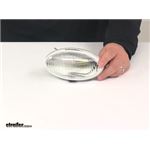
How to Remove Lens from Optronics Porch Light on 2019 Rockwood Mini Lite 2109S
Updated 06/11/2020 | Published 06/10/2020
Products Featured in This Question
Question:
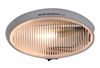
How does this lens pop off?
asked by: Steven I
0
Expert Reply:
You will need to either put some upwards or downwards pressure on the lens and then rotate it outwards to gain access to the inside of the RV Porch Utility Light w/ Switch # RVPL7C for changing the light bulb, mounting it, or replacing the Clear Lens # APL5CB.
We haven't had the chance to install this light yet but if you check out the linked install video for the RV Porch and Utility Light # RVPL1A you'll get an idea of what I'm talking about.
expert reply by:
Jon G

0